Fliin

Theme

One preset code shapes every widget, and the CLI applies it to your app. Every color passes the contrast check in light and dark.

Presets

Style

Colors

Primary color

Base color

Typography

Heading fontSame as text
Heading font
FontSystem
Font
Text sizeDefault
Text size

Shape

Radius

Button

More settings

Menus and sheetsDefault
Menus and sheets
BordersDefault
Borders
CardsRaised
Cards
ShadowsDefault
Shadows
SpacingDefault
Spacing
Icon libraryGravity UI
Icon library
AnimationsDefault
Animations

Preview brightness
Preview direction
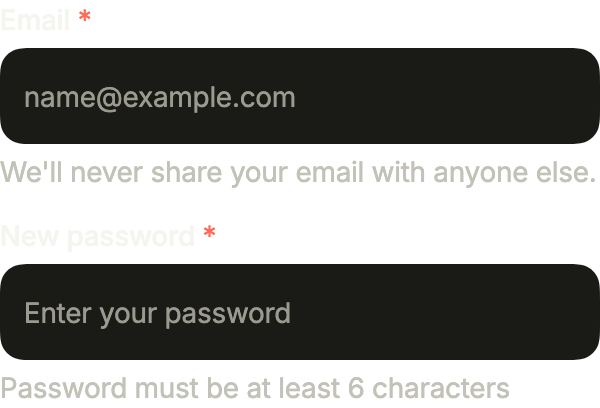
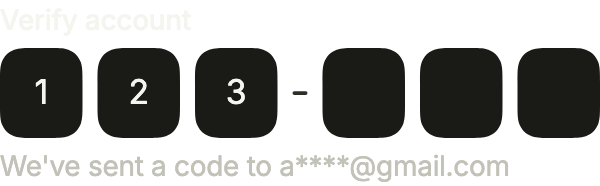
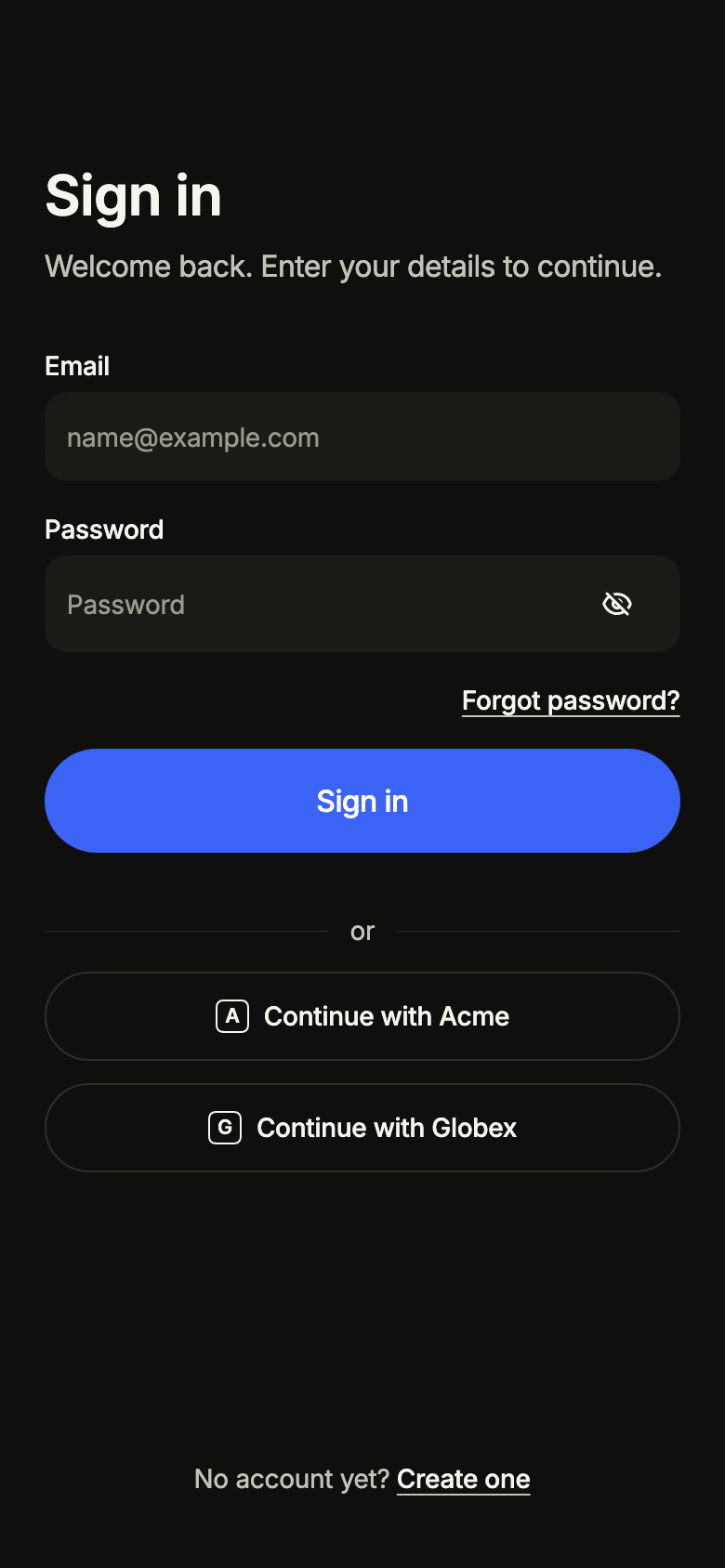
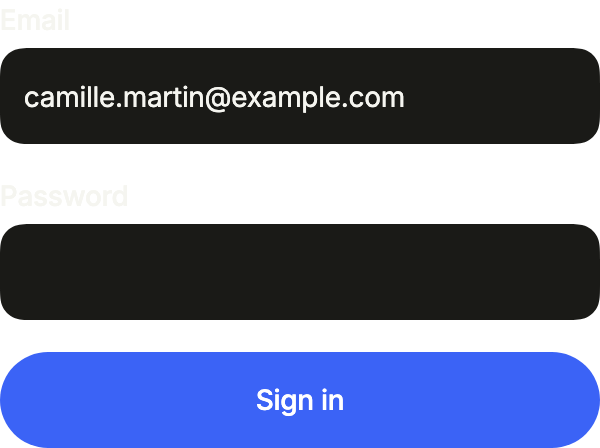
  • Access form, ready state
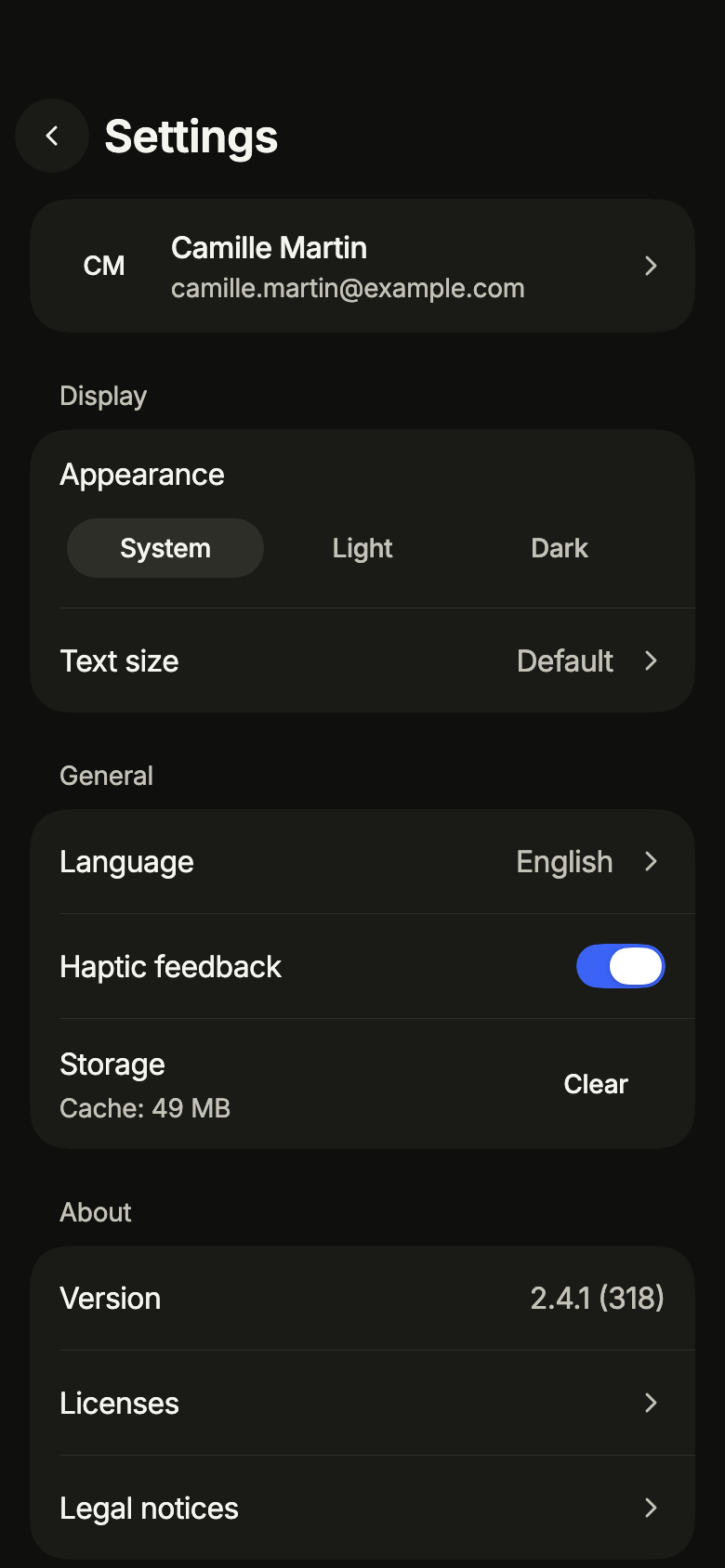
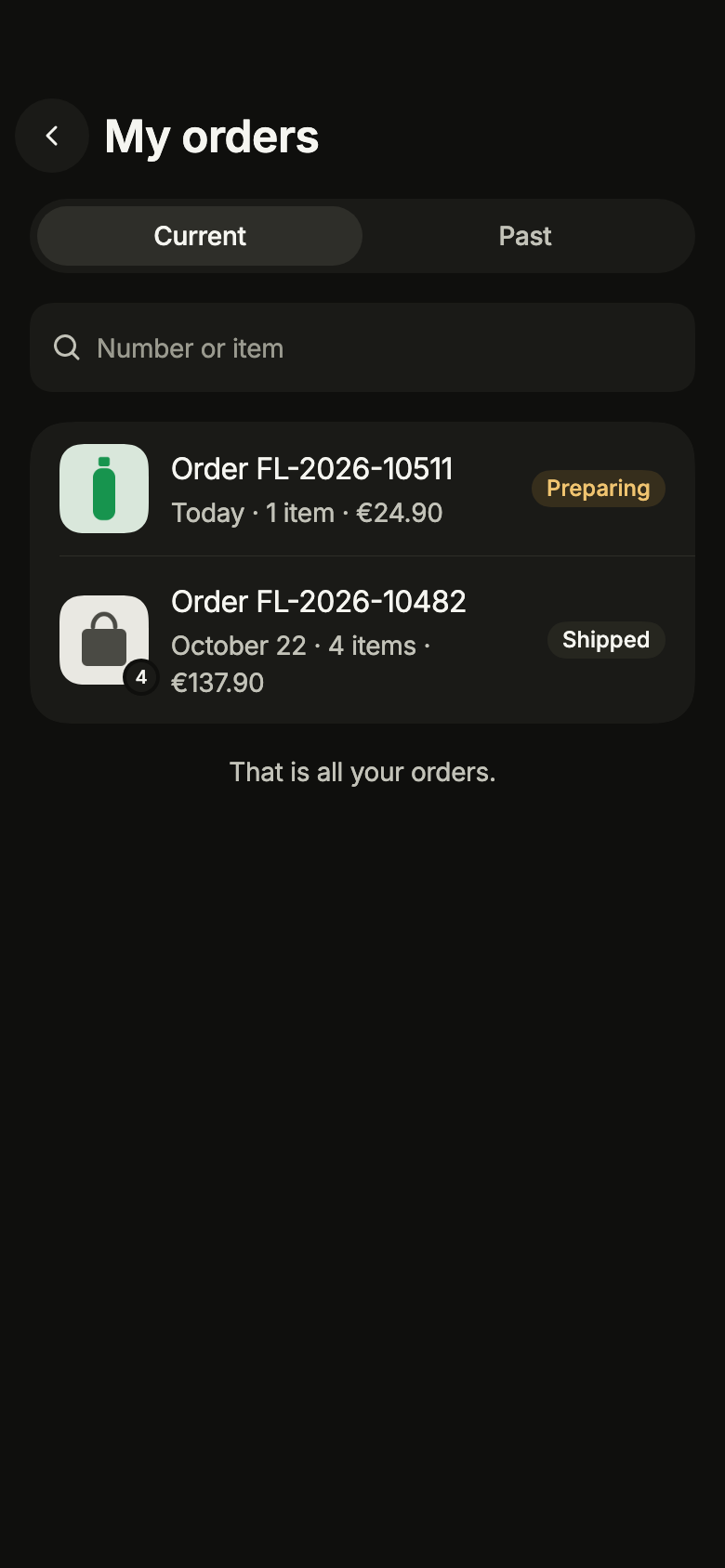
  • List section, titled state
  • Icons, directional state
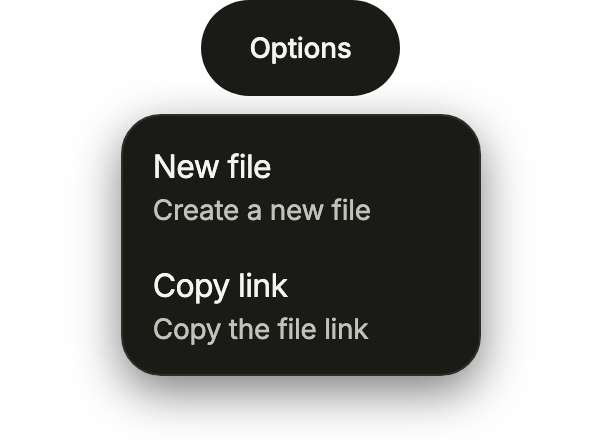
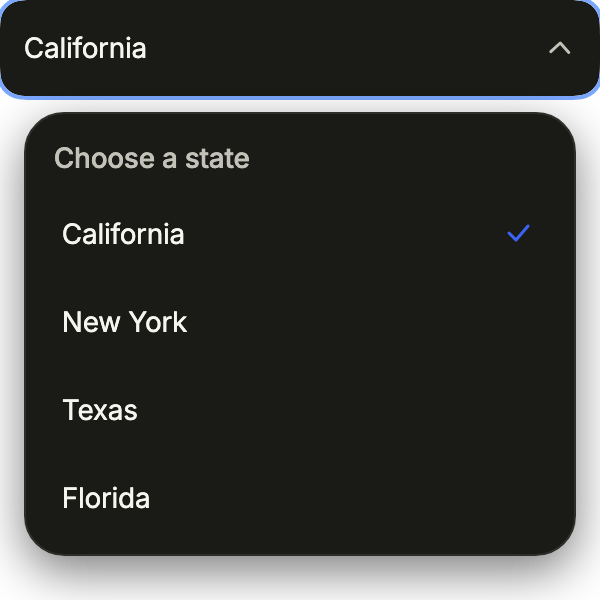
  • Action menu, open state
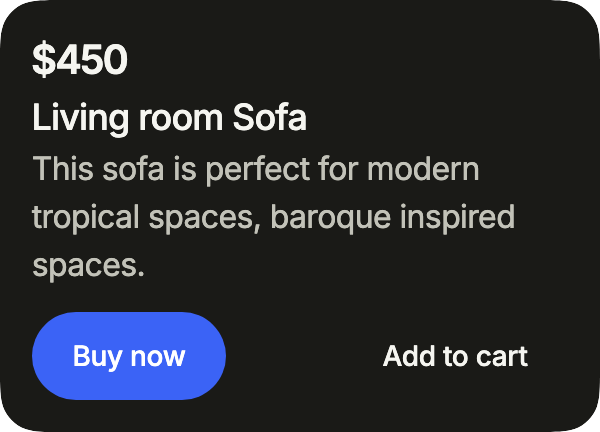
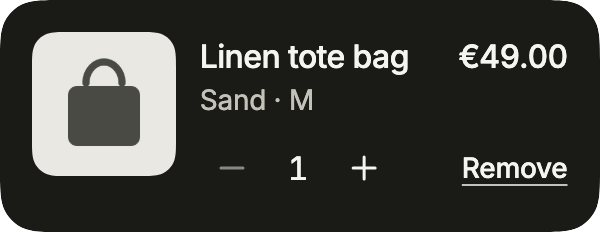
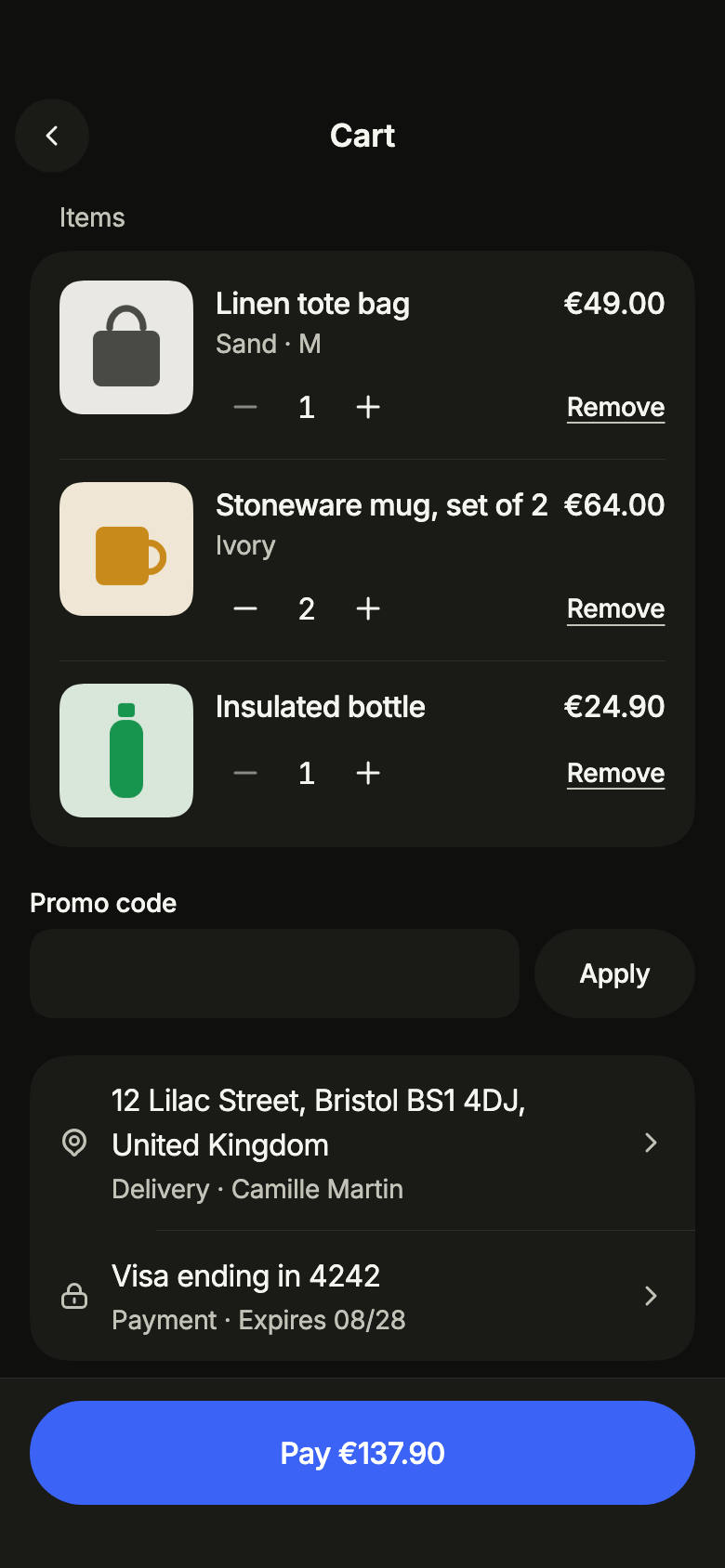
  • Card, product state
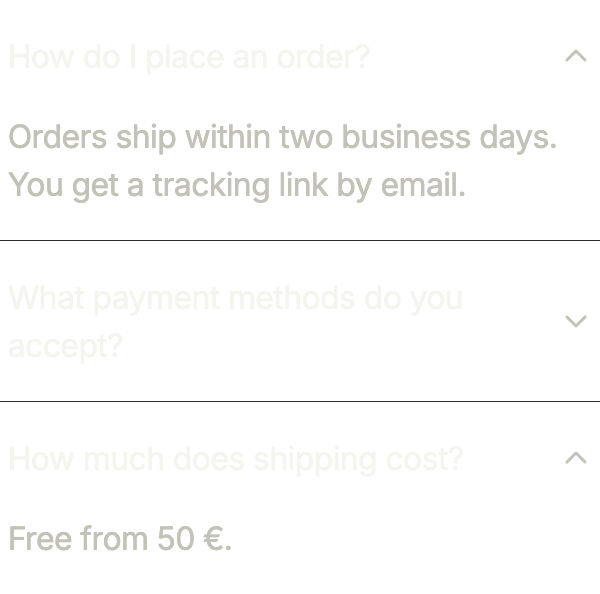
  • Accordion, multiple state
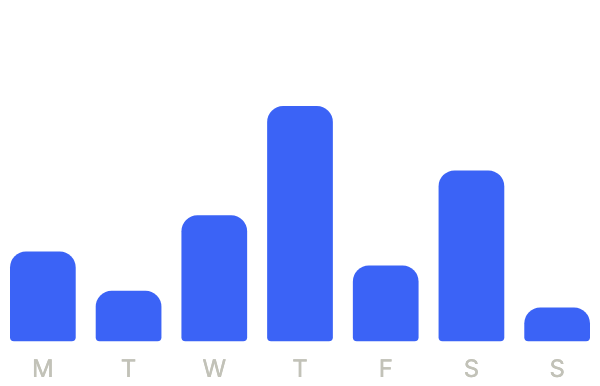
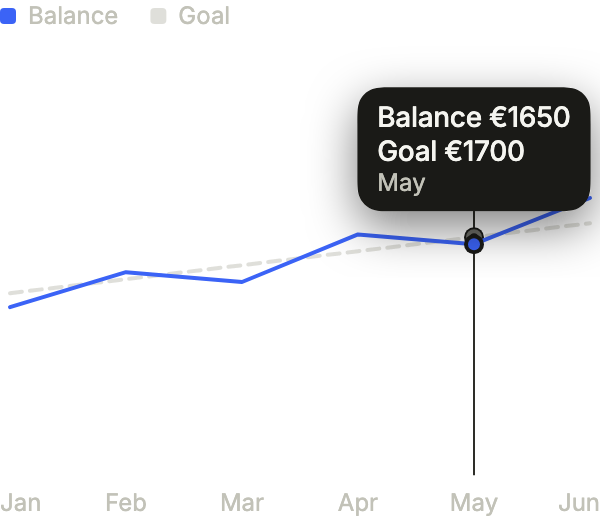
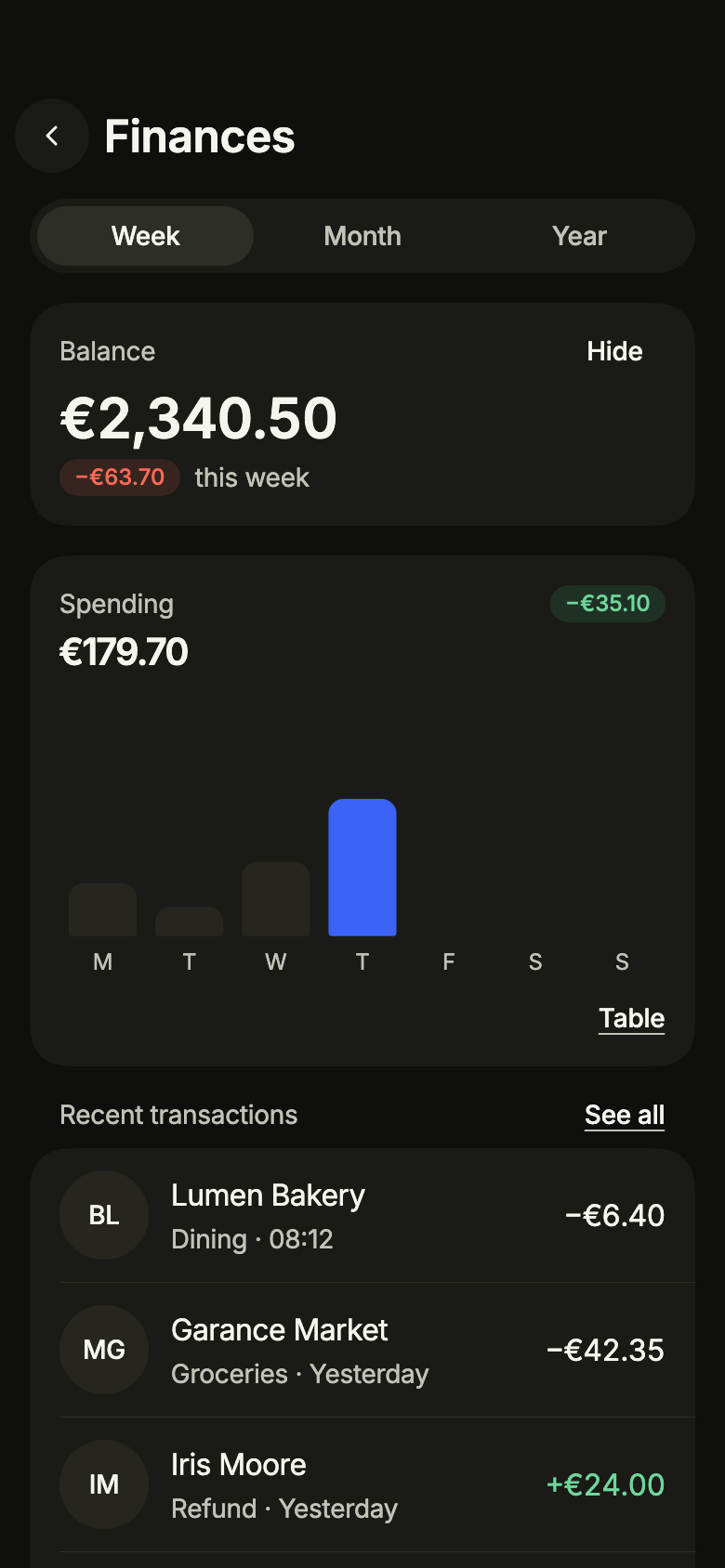
  • Chart, bar state
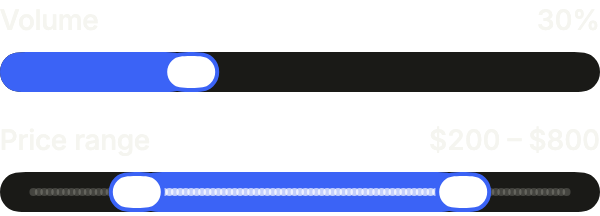
  • Slider, example state
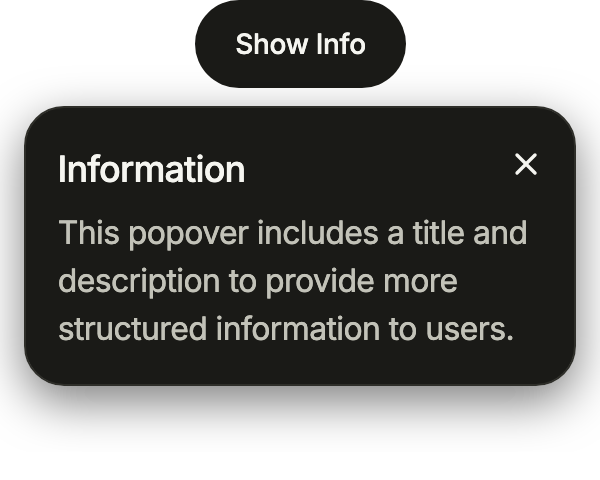
  • Anchored popover, open state
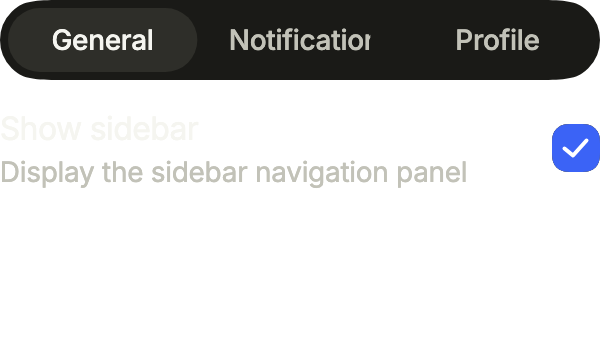
  • Tabs, example state
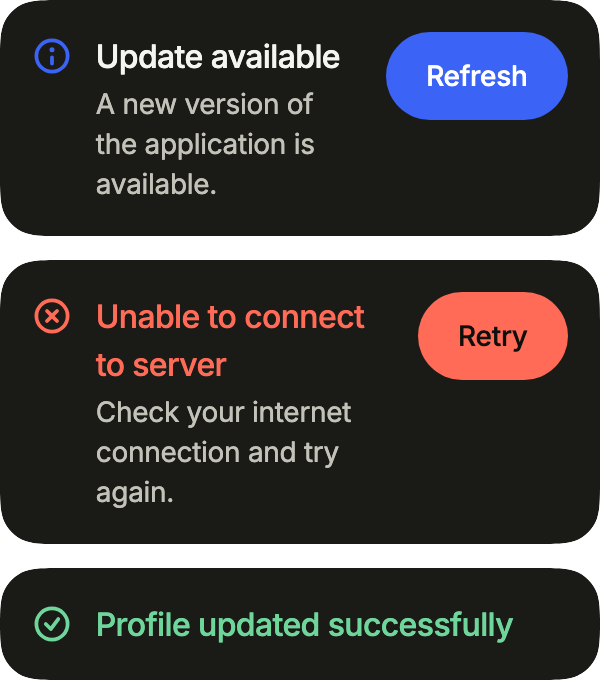
  • Inline alert, example state
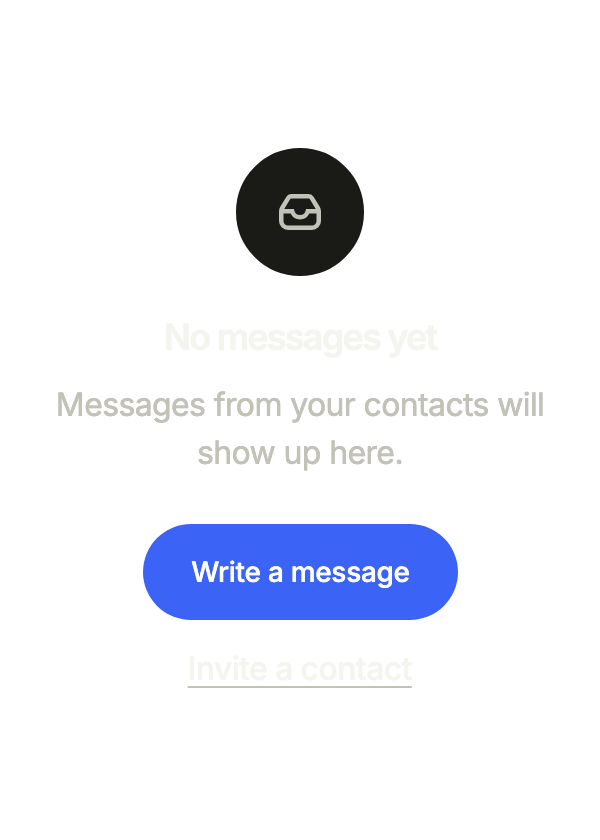
  • Empty state, empty state
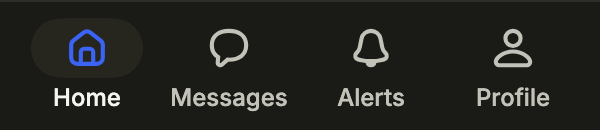
  • Tab bar, selected state
  • Skeleton, loading state

Load a preset

Get code

In a new app

fliin init --preset c0000000000000

In an app already set up

fliin theme --preset c0000000000000

The tokens it writes

core/tokens/fliin.tokens.json after the command, in a fresh app on core 0.2.5, the version fliin init installs today. The command regenerates tokens.g.dart from it. An app on another version of core gets the tokens of that version.
Arrows to move, Enter to open, Escape to close.