Blocks / lists
Post card
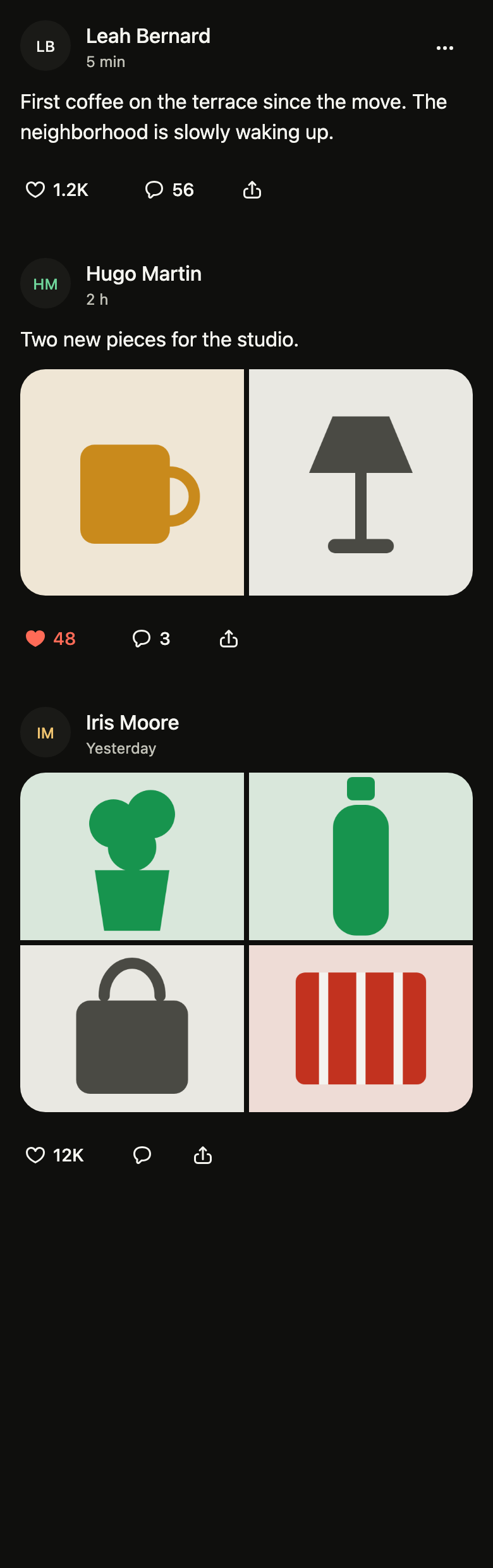
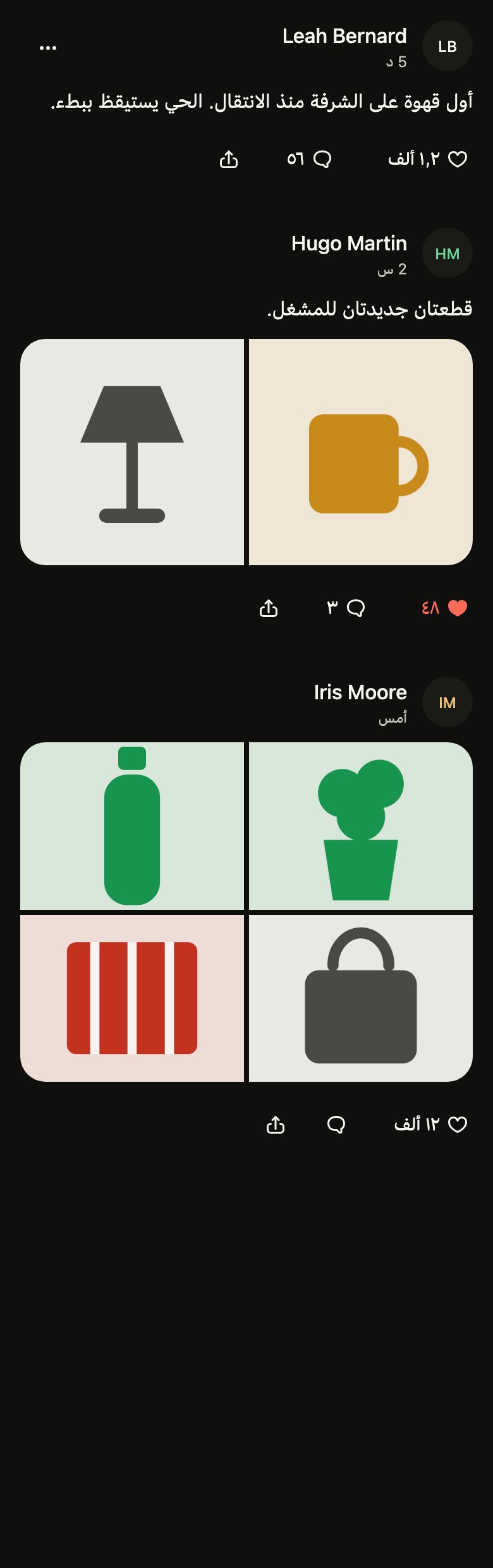
Shows one post of a social feed: author, age, text, a gallery of one to four photos, a like toggle, comments and share with short counts, and the post menu. It reads as a single node.
Import
Post card is part of Fliin Pro. With a license key, sign in once with fliin login, then add it in a Flutter app where fliin init has run:
fliin login
fliin add post-card
Also installs: avatar, button, core, icons, menu, result-card, surface
Examples
Text
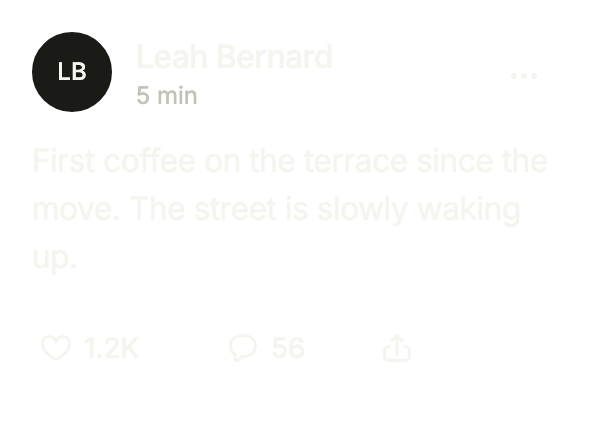
A text post with its author, time and counts. onLike toggles liked, and the counts are written by FlCountFormat: short on screen, exact for the screen reader. menu adds the post's own actions.
import 'package:your_app/ui/fliin/components/menu/fl_menu.dart';
import 'package:your_app/ui/fliin/components/post_card/fl_post_card.dart';
import 'package:flutter/widgets.dart';

class PostCardTextExample extends StatefulWidget {
  const PostCardTextExample({super.key});

  @override
  State<PostCardTextExample> createState() => _PostCardTextExampleState();
}

class _PostCardTextExampleState extends State<PostCardTextExample> {
  var _liked = false;

  @override
  Widget build(BuildContext context) {
    const format = FlCountFormat();
    final likes = 1234 + (_liked == false ? 0 : (_liked ? 1 : -1));
    FlPostCount count(int value, String one, String many) => FlPostCount(
      text: value == 0 ? '' : format.short(value),
      label: '${format.exact(value)} ${value == 1 ? one : many}',
    );
    return FlPostCard(
      author: 'Leah Bernard',
      initials: 'LB',
      time: '5 min',
      text: 'First coffee on the terrace since the move. The street is slowly waking up.',
      likes: count(likes, 'like', 'likes'),
      comments: count(56, 'comment', 'comments'),
      liked: _liked,
      likeLabel: 'Like',
      onLike: () => setState(() => _liked = !_liked),
      commentLabel: 'Comment',
      onComment: () {},
      shareLabel: 'Share',
      onShare: () {},
      menu: [
        FlMenuItem(label: 'Hide', onPressed: () {}),
        FlMenuItem(label: 'Report', destructive: true, onPressed: () {}),
      ],
      menuLabel: 'More actions',
      onOpen: () {},
    );
  }
}Gallery
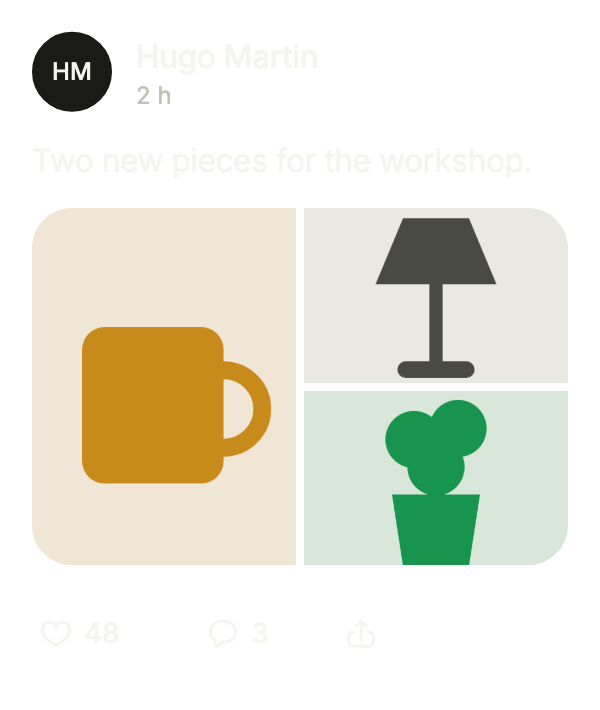
A post with a few photos: images lays them out in a grid, and imagesLabel names them for the screen reader.
import 'package:your_app/ui/fliin/components/post_card/fl_post_card.dart';
import 'package:your_app/ui/fliin/components/result_card/fl_result_card.dart';
import 'package:flutter/widgets.dart';

class PostCardGalleryExample extends StatefulWidget {
  const PostCardGalleryExample({super.key});

  @override
  State<PostCardGalleryExample> createState() => _PostCardGalleryExampleState();
}

class _PostCardGalleryExampleState extends State<PostCardGalleryExample> {
  var _liked = false;

  @override
  Widget build(BuildContext context) {
    const format = FlCountFormat();
    final likes = 48 + (_liked == false ? 0 : (_liked ? 1 : -1));
    FlPostCount count(int value, String one, String many) => FlPostCount(
      text: value == 0 ? '' : format.short(value),
      label: '${format.exact(value)} ${value == 1 ? one : many}',
    );
    return FlPostCard(
      author: 'Hugo Martin',
      initials: 'HM',
      time: '2 h',
      text: 'Two new pieces for the workshop.',
      images: [for (final art in const [FlSampleArt.mug, FlSampleArt.lamp, FlSampleArt.plant]) FlSampleImage(art)],
      imagesLabel: '3 photos',
      likes: count(likes, 'like', 'likes'),
      comments: count(3, 'comment', 'comments'),
      liked: _liked,
      likeLabel: 'Like',
      onLike: () => setState(() => _liked = !_liked),
      commentLabel: 'Comment',
      onComment: () {},
      shareLabel: 'Share',
      onShare: () {},
      onOpen: () {},
    );
  }
}Liked
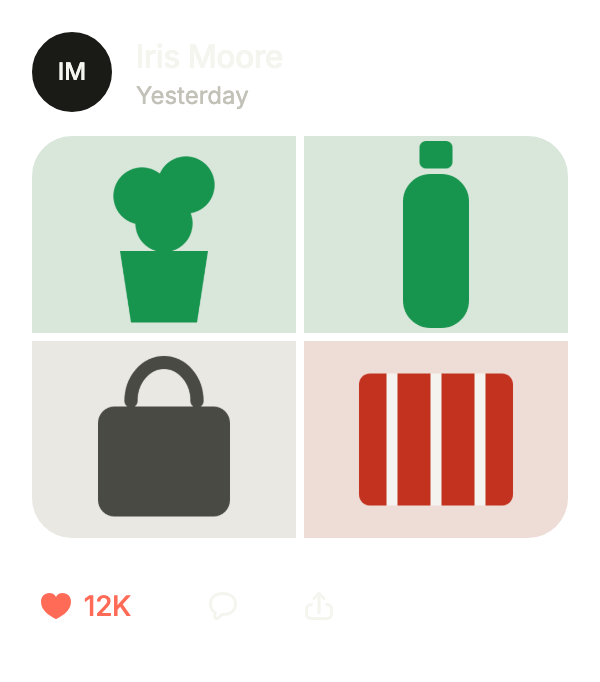
A post the user already likes: liked: true fills the heart. Photos alone, with no text, and a large count shortened to 12K.
import 'package:your_app/ui/fliin/components/post_card/fl_post_card.dart';
import 'package:your_app/ui/fliin/components/result_card/fl_result_card.dart';
import 'package:flutter/widgets.dart';

class PostCardLikedExample extends StatefulWidget {
  const PostCardLikedExample({super.key});

  @override
  State<PostCardLikedExample> createState() => _PostCardLikedExampleState();
}

class _PostCardLikedExampleState extends State<PostCardLikedExample> {
  var _liked = true;

  @override
  Widget build(BuildContext context) {
    const format = FlCountFormat();
    final likes = 12408 + (_liked == true ? 0 : (_liked ? 1 : -1));
    FlPostCount count(int value, String one, String many) => FlPostCount(
      text: value == 0 ? '' : format.short(value),
      label: '${format.exact(value)} ${value == 1 ? one : many}',
    );
    return FlPostCard(
      author: 'Iris Moore',
      initials: 'IM',
      time: 'Yesterday',
      images: [for (final art in const [FlSampleArt.plant, FlSampleArt.bottle, FlSampleArt.bag, FlSampleArt.throwBlanket]) FlSampleImage(art)],
      imagesLabel: '4 photos',
      likes: count(likes, 'like', 'likes'),
      comments: count(0, 'comment', 'comments'),
      liked: _liked,
      likeLabel: 'Like',
      onLike: () => setState(() => _liked = !_liked),
      commentLabel: 'Comment',
      onComment: () {},
      shareLabel: 'Share',
      onShare: () {},
      onOpen: () {},
    );
  }
}Card
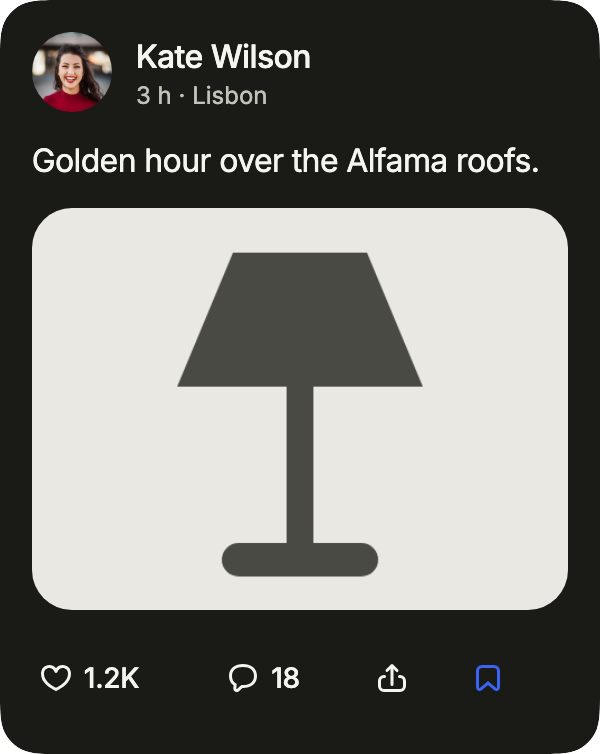
A post in its own card (variant: card), for a feed among other content: the author's photo, a subtitle after the time, and a bookmark that onSave adds after the actions, filled in the accent once saved.
import 'package:your_app/ui/fliin/components/post_card/fl_post_card.dart';
import 'package:your_app/ui/fliin/components/result_card/fl_result_card.dart';
import 'package:flutter/widgets.dart';

class PostCardCardExample extends StatefulWidget {
  const PostCardCardExample({super.key});

  @override
  State<PostCardCardExample> createState() => _PostCardCardExampleState();
}

class _PostCardCardExampleState extends State<PostCardCardExample> {
  var _liked = false;
  var _saved = true;

  @override
  Widget build(BuildContext context) {
    const format = FlCountFormat();
    final likes = 1204 + (_liked ? 1 : 0);
    return FlPostCard(
      variant: FlPostCardVariant.card,
      author: 'Kate Wilson',
      initials: 'KW',
      avatar: const AssetImage('images/people/1.jpg'),
      time: '3 h',
      subtitle: 'Lisbon',
      text: 'Golden hour over the Alfama roofs.',
      images: const [FlSampleImage(FlSampleArt.lamp)],
      imagesLabel: '1 photo',
      likes: FlPostCount(text: format.short(likes), label: '${format.exact(likes)} likes'),
      comments: const FlPostCount(text: '18', label: '18 comments'),
      liked: _liked,
      likeLabel: 'Like',
      onLike: () => setState(() => _liked = !_liked),
      commentLabel: 'Comment',
      onComment: () {},
      shareLabel: 'Share',
      onShare: () {},
      saved: _saved,
      saveLabel: 'Save',
      onSave: () => setState(() => _saved = !_saved),
      onOpen: () {},
    );
  }
}Usage
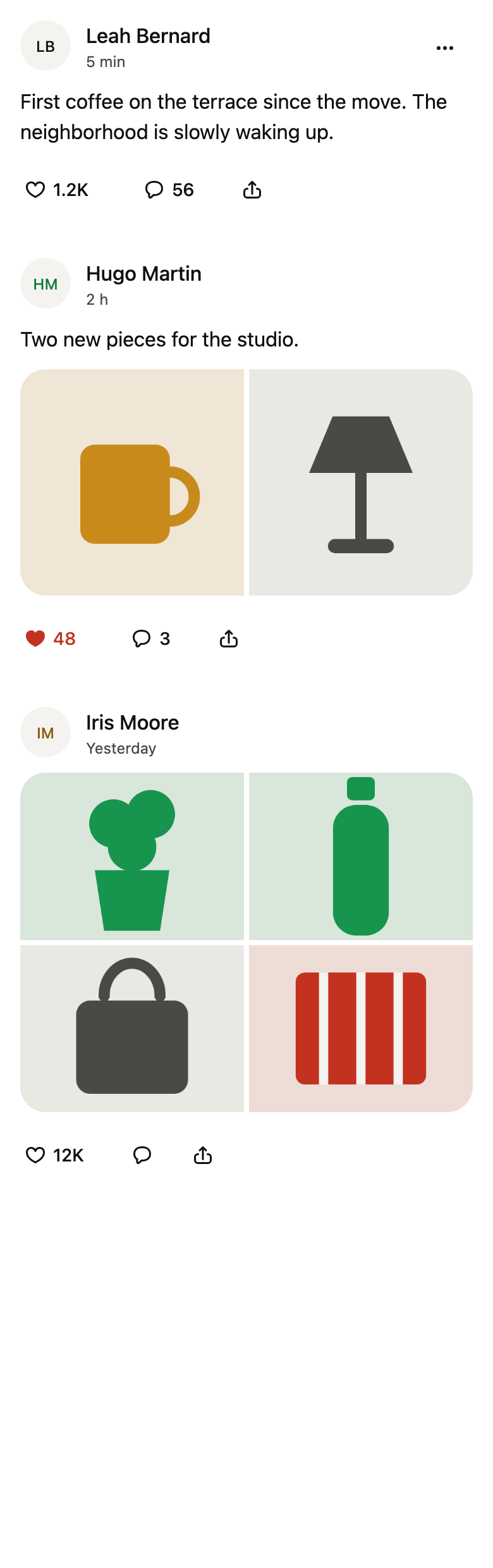
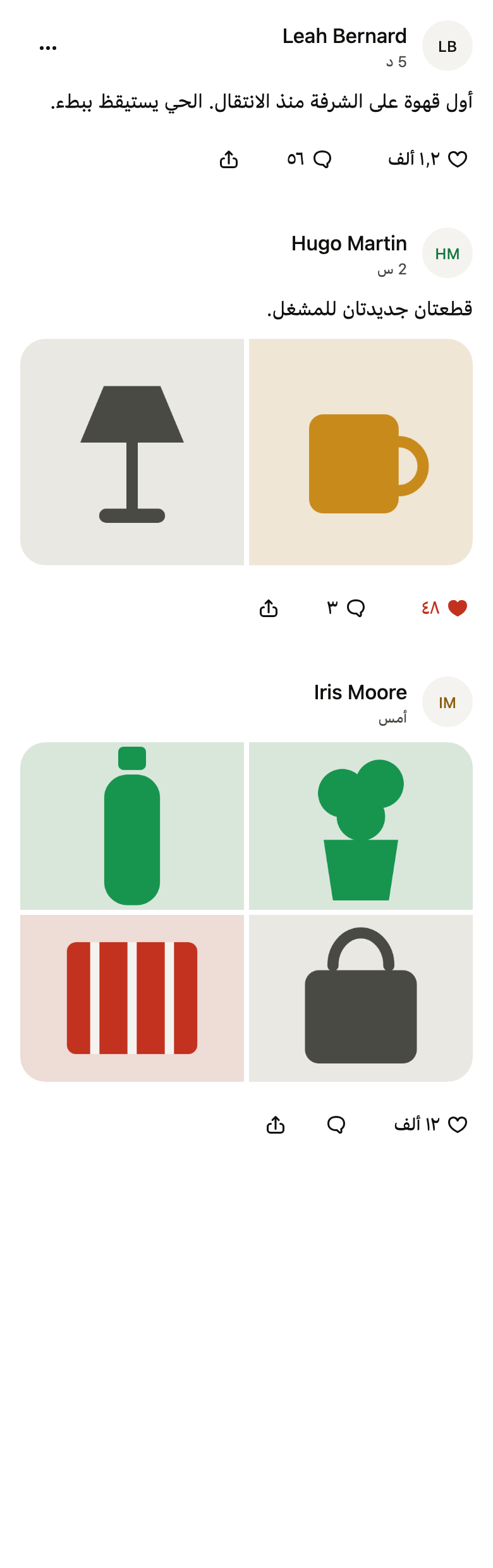
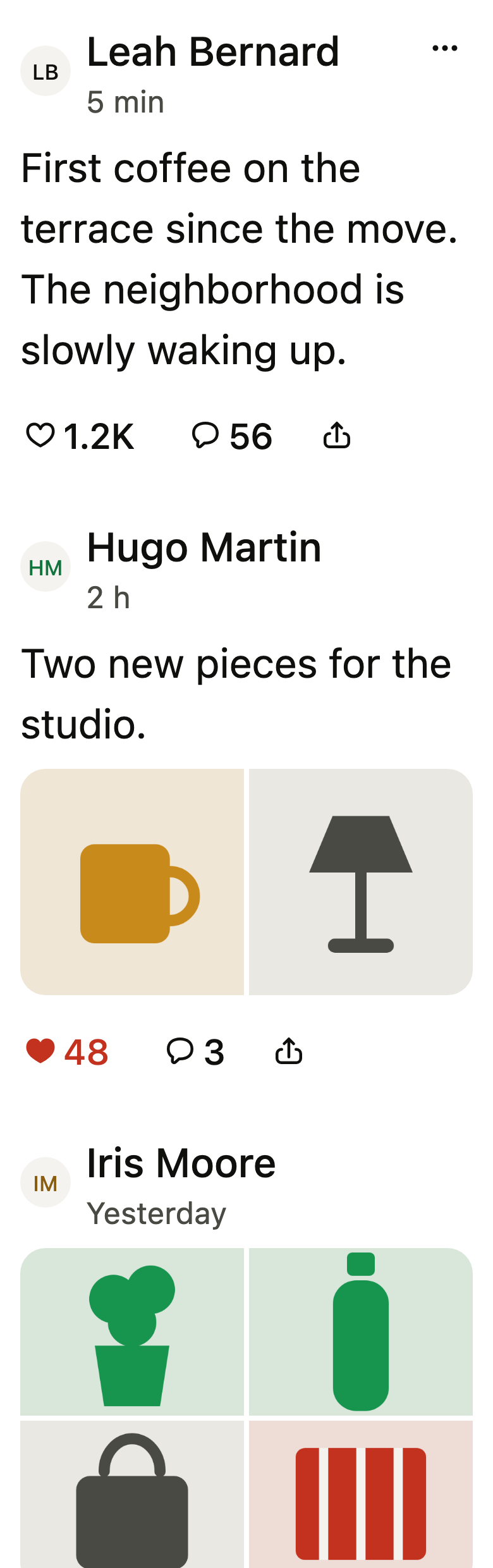
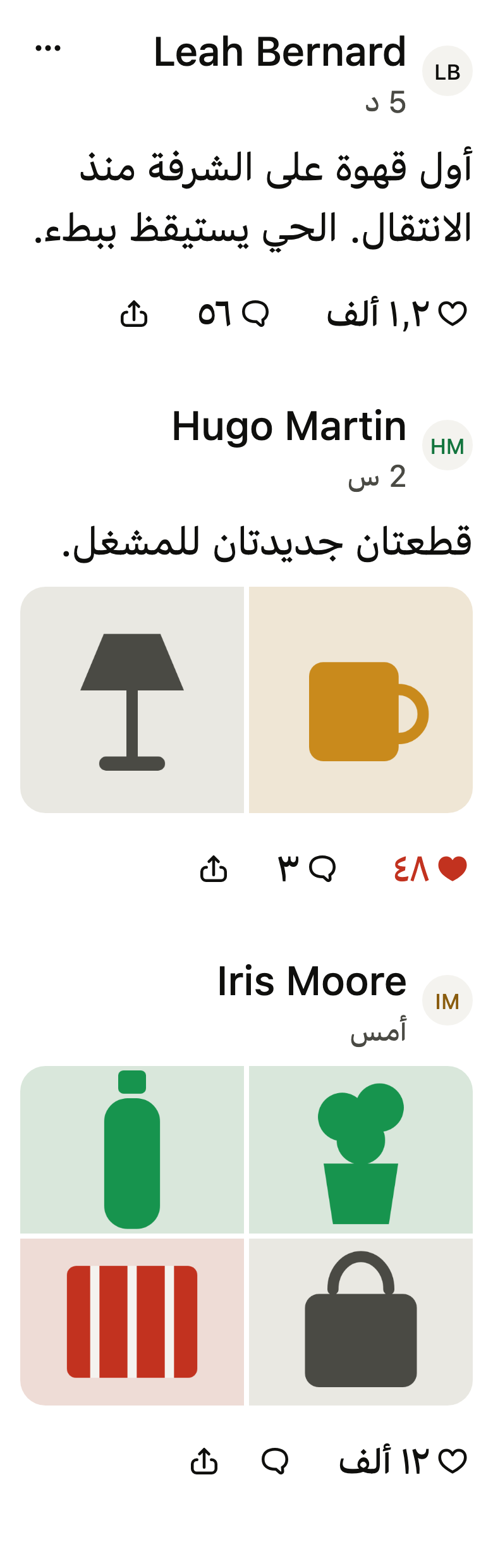
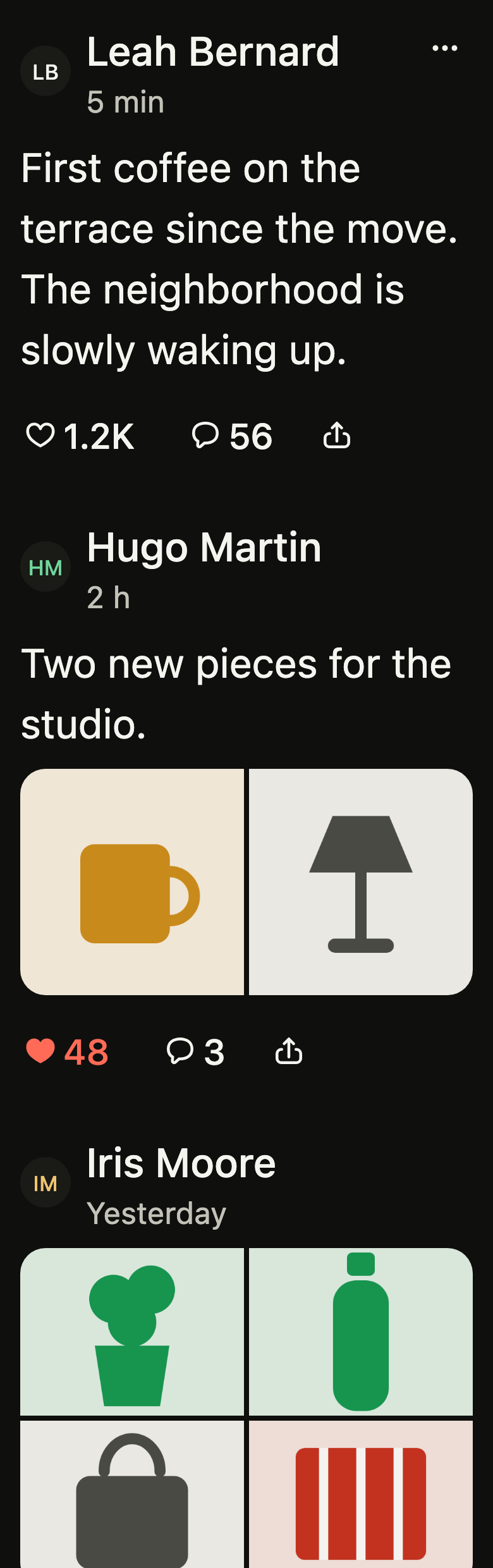
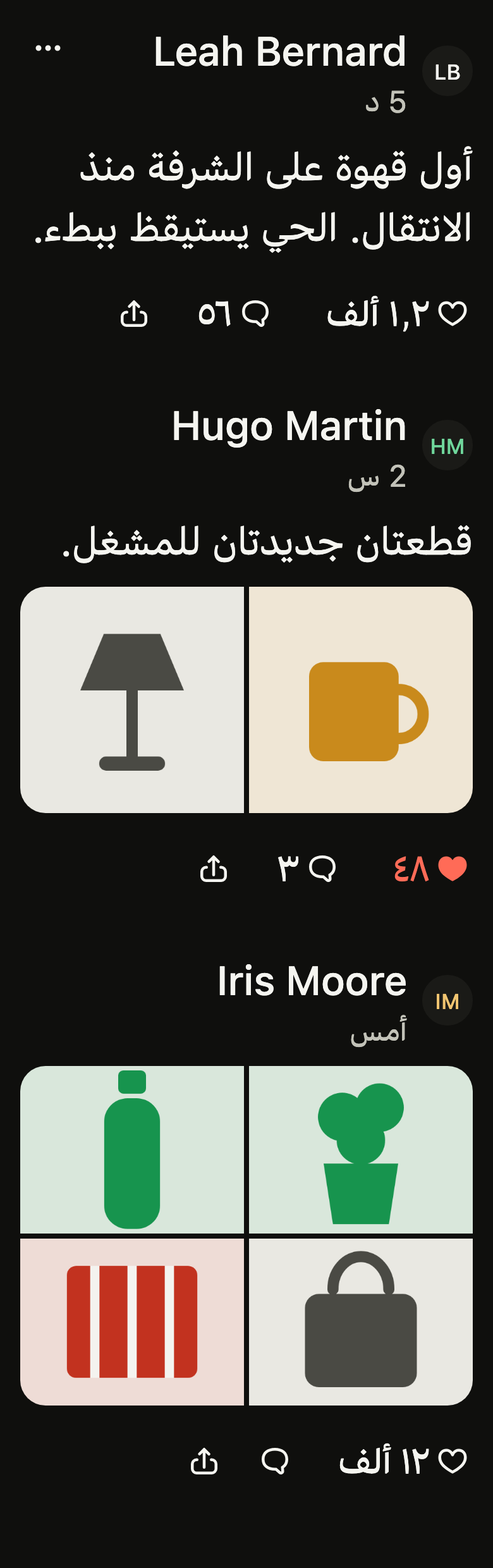
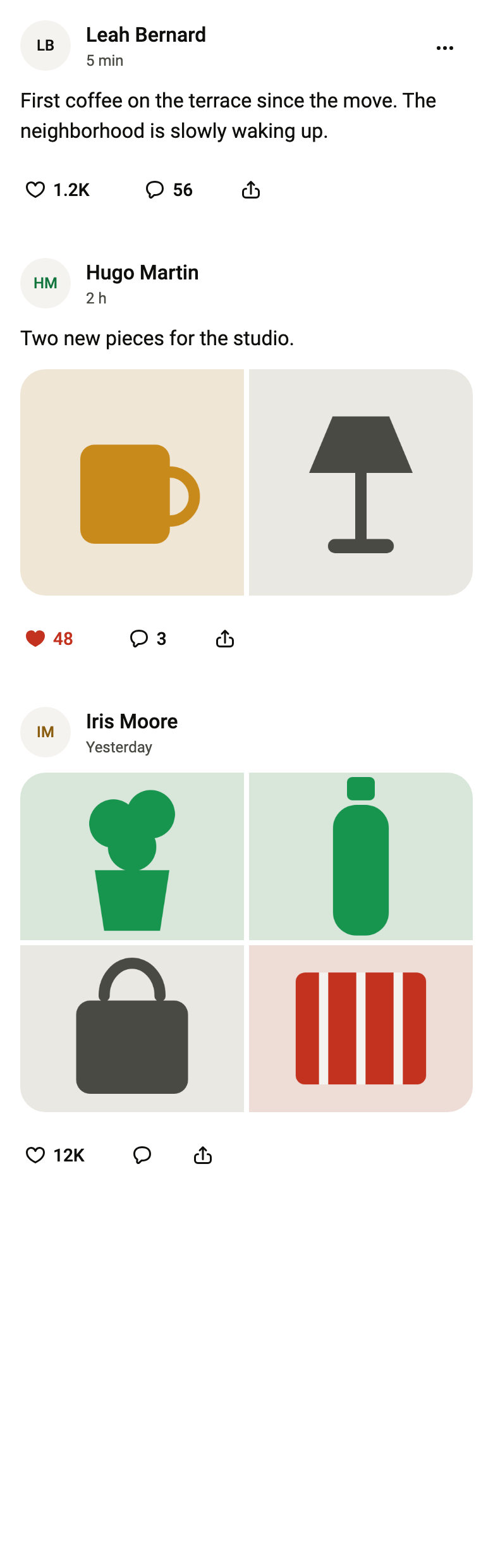
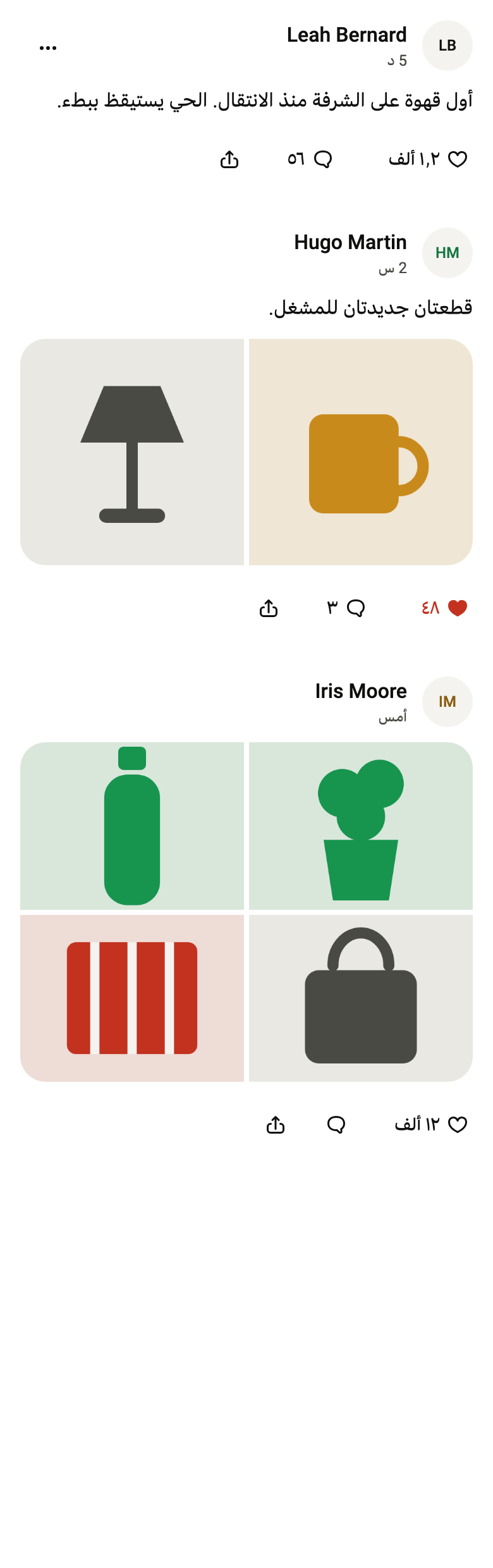
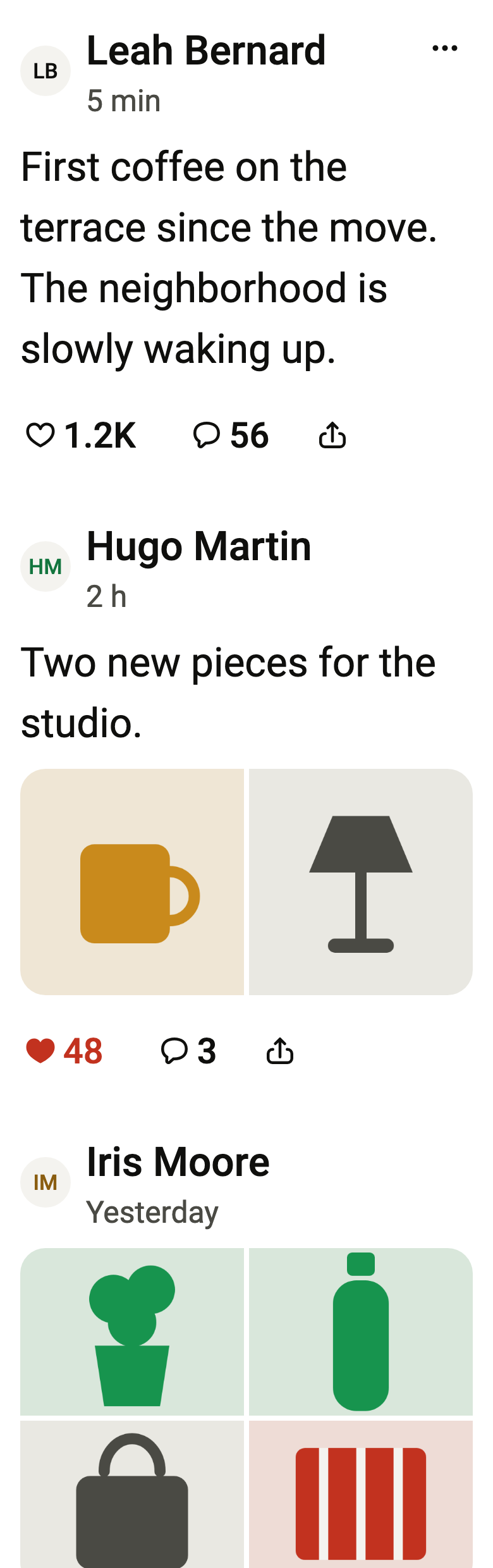
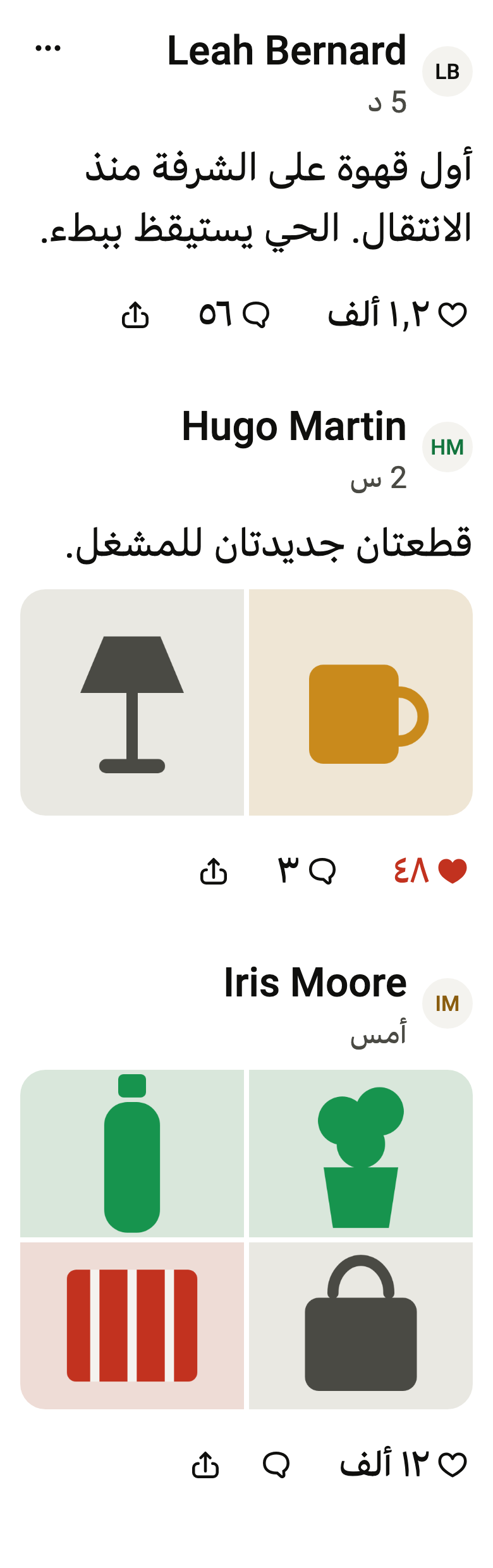
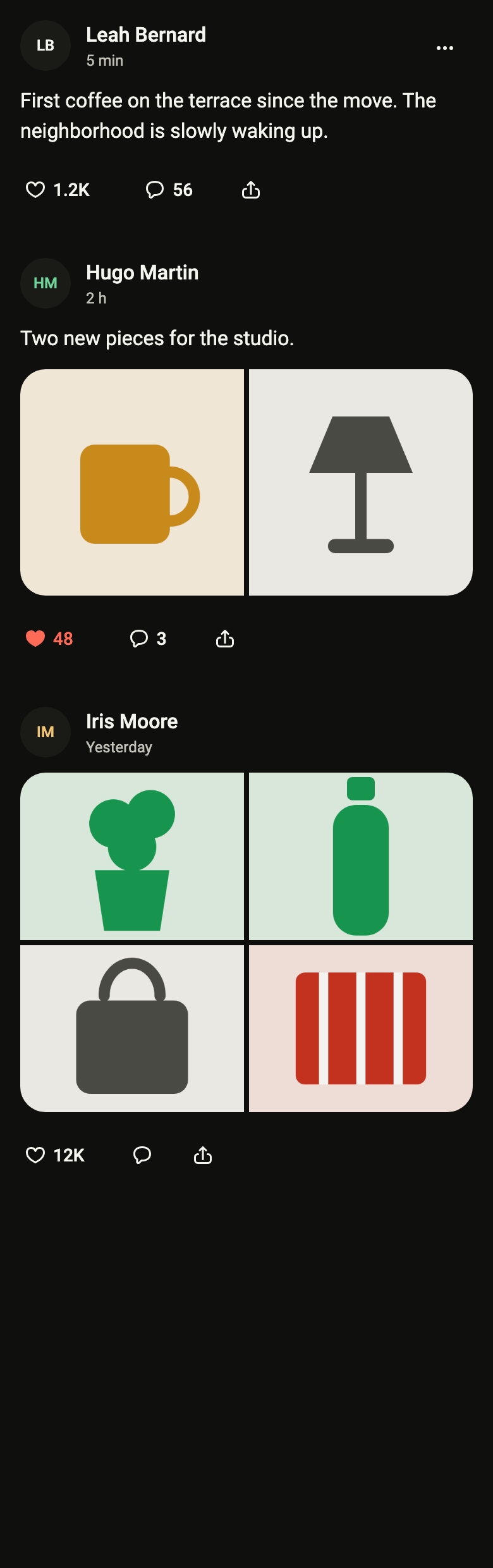
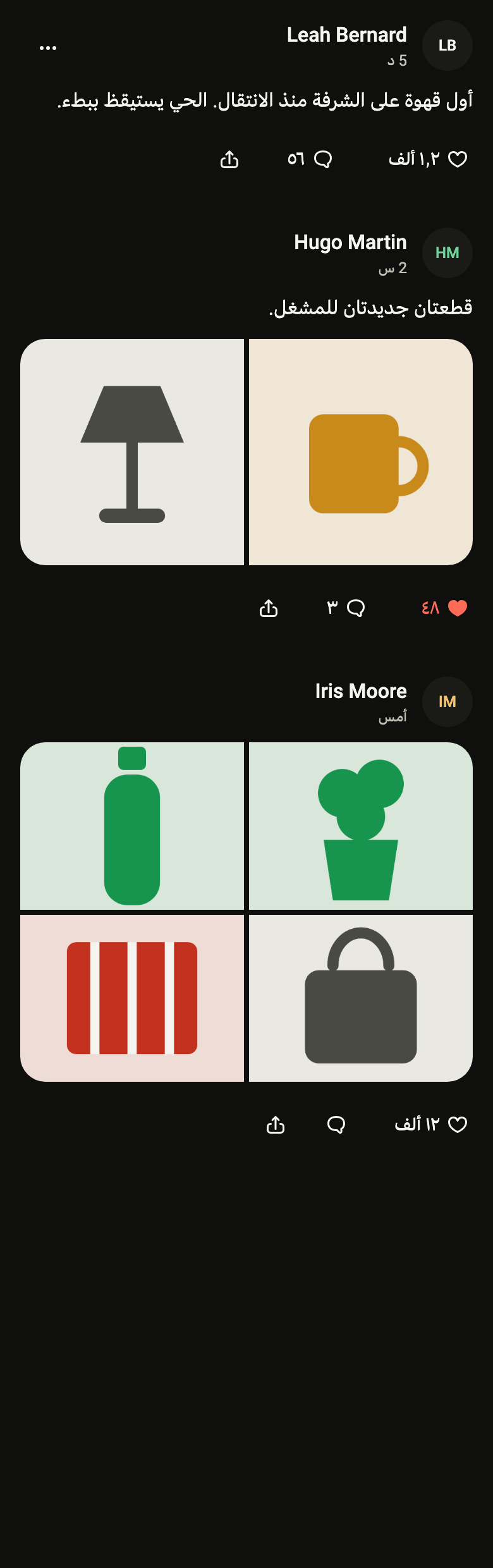
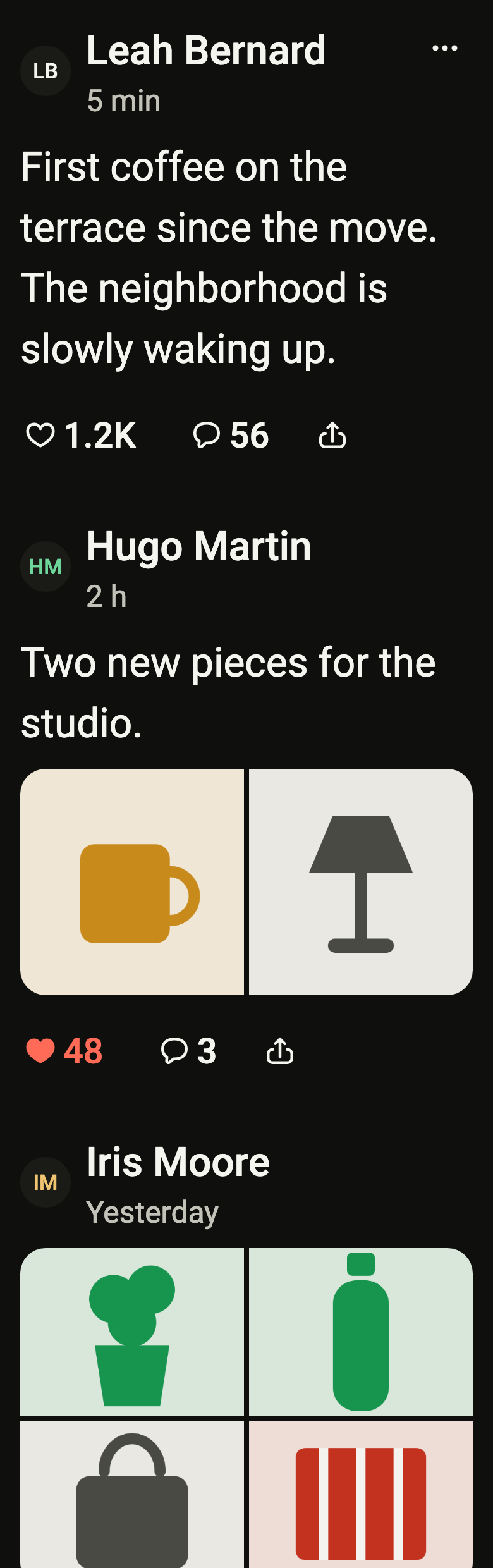
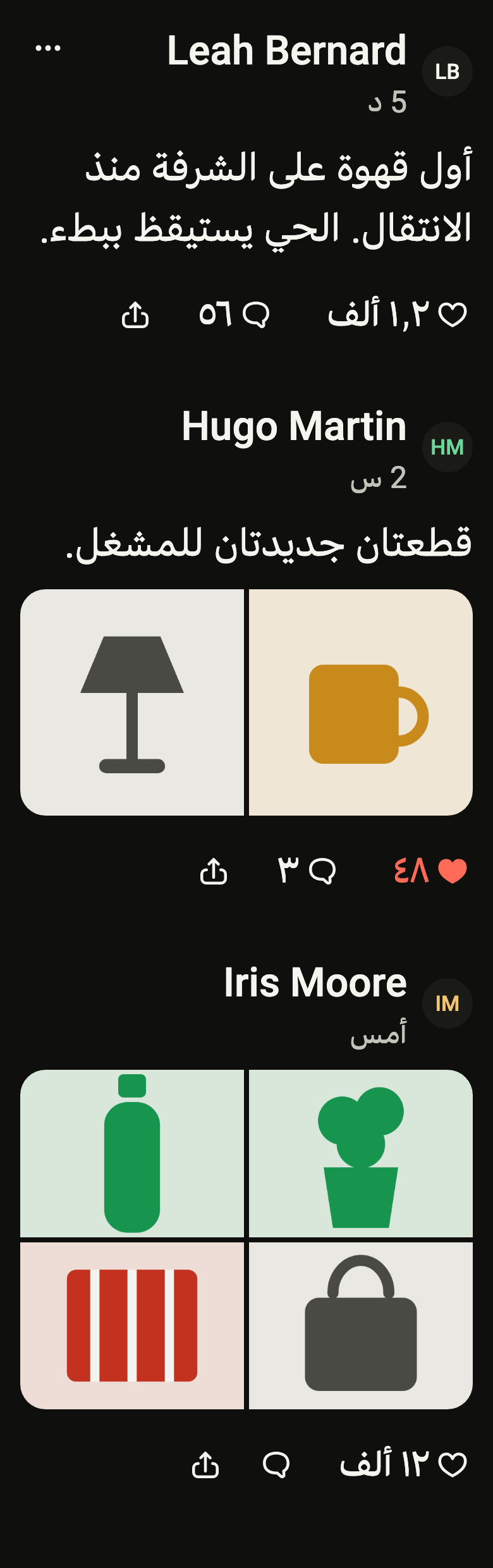
The code the reference images render:
final example = ColoredBox(
  color: FlScope.of(context).colors.surface,
  child: SingleChildScrollView(
    child: Column(
      crossAxisAlignment: CrossAxisAlignment.stretch,
      children: [
        FlPostCard(
          author: "Leah Bernard",
          initials: "LB",
          time: (variant.dir == TextDirection.rtl ? "5 د" : "5 min"),
          text: (variant.dir == TextDirection.rtl
              ? "أول قهوة على الشرفة منذ الانتقال. الحي يستيقظ ببطء."
              : "First coffee on the terrace since the move. The neighborhood is slowly waking up."),
          likes: FlPostCount(
            text: (variant.dir == TextDirection.rtl ? "١٫٢ ألف" : "1.2K"),
            label: (variant.dir == TextDirection.rtl
                ? "الإعجابات: ١٬٢٣٤"
                : "1,234 likes"),
          ),
          comments: FlPostCount(
            text: (variant.dir == TextDirection.rtl ? "٥٦" : "56"),
            label: (variant.dir == TextDirection.rtl
                ? "التعليقات: ٥٦"
                : "56 comments"),
          ),
          liked: false,
          likeLabel: (variant.dir == TextDirection.rtl ? "إعجاب" : "Like"),
          onLike: () {},
          commentLabel: (variant.dir == TextDirection.rtl
              ? "تعليق"
              : "Comment"),
          onComment: () {},
          shareLabel: (variant.dir == TextDirection.rtl ? "مشاركة" : "Share"),
          onShare: () {},
          menu: [
            FlMenuItem(
              label: (variant.dir == TextDirection.rtl ? "إخفاء" : "Hide"),
              onPressed: () {},
            ),
            FlMenuItem(
              label: (variant.dir == TextDirection.rtl ? "إبلاغ" : "Report"),
              destructive: true,
              onPressed: () {},
            ),
          ],
          menuLabel: (variant.dir == TextDirection.rtl
              ? "مزيد من الإجراءات"
              : "More actions"),
          onOpen: () {},
        ),
        FlPostCard(
          author: "Hugo Martin",
          initials: "HM",
          avatarColor: FlAvatarColor.success,
          time: (variant.dir == TextDirection.rtl ? "2 س" : "2 h"),
          text: (variant.dir == TextDirection.rtl
              ? "قطعتان جديدتان للمشغل."
              : "Two new pieces for the studio."),
          images: const [
            FlSampleImage(FlSampleArt.mug),
            FlSampleImage(FlSampleArt.lamp),
          ],
          imagesLabel: (variant.dir == TextDirection.rtl
              ? "الصور: ٢"
              : "2 photos"),
          likes: FlPostCount(
            text: (variant.dir == TextDirection.rtl ? "٤٨" : "48"),
            label: (variant.dir == TextDirection.rtl
                ? "الإعجابات: ٤٨"
                : "48 likes"),
          ),
          comments: FlPostCount(
            text: (variant.dir == TextDirection.rtl ? "٣" : "3"),
            label: (variant.dir == TextDirection.rtl
                ? "التعليقات: ٣"
                : "3 comments"),
          ),
          liked: true,
          likeLabel: (variant.dir == TextDirection.rtl ? "إعجاب" : "Like"),
          onLike: () {},
          commentLabel: (variant.dir == TextDirection.rtl
              ? "تعليق"
              : "Comment"),
          onComment: () {},
          shareLabel: (variant.dir == TextDirection.rtl ? "مشاركة" : "Share"),
          onShare: () {},
          onOpen: () {},
        ),
        FlPostCard(
          author: "Iris Moore",
          initials: "IM",
          avatarColor: FlAvatarColor.warning,
          time: (variant.dir == TextDirection.rtl ? "أمس" : "Yesterday"),
          images: const [
            FlSampleImage(FlSampleArt.plant),
            FlSampleImage(FlSampleArt.bottle),
            FlSampleImage(FlSampleArt.bag),
            FlSampleImage(FlSampleArt.throwBlanket),
          ],
          imagesLabel: (variant.dir == TextDirection.rtl
              ? "الصور: ٤"
              : "4 photos"),
          likes: FlPostCount(
            text: (variant.dir == TextDirection.rtl ? "١٢ ألف" : "12K"),
            label: (variant.dir == TextDirection.rtl
                ? "الإعجابات: ١٢٬٤٠٨"
                : "12,408 likes"),
          ),
          comments: FlPostCount(
            text: '',
            label: (variant.dir == TextDirection.rtl
                ? "التعليقات: ٠"
                : "0 comments"),
          ),
          liked: false,
          likeLabel: (variant.dir == TextDirection.rtl ? "إعجاب" : "Like"),
          onLike: () {},
          commentLabel: (variant.dir == TextDirection.rtl
              ? "تعليق"
              : "Comment"),
          onComment: () {},
          shareLabel: (variant.dir == TextDirection.rtl ? "مشاركة" : "Share"),
          onShare: () {},
          onOpen: () {},
        ),
      ],
    ),
  ),
);API
FlPostCardVariant: enum {flat, card}
FlPostCardVariant.flat: static final FlPostCardVariant
FlPostCardVariant.card: static final FlPostCardVariant
FlCountFormat: final class
FlCountFormat.new: const new({String decimal, String group, String thousands, String millions, String billions, String digits})
FlCountFormat.decimal: get String
FlCountFormat.group: get String
FlCountFormat.thousands: get String
FlCountFormat.millions: get String
FlCountFormat.billions: get String
FlCountFormat.digits: get String
FlCountFormat.exact: String(int count)
FlCountFormat.short: String(int count)
FlPostAge: sealed class permits {FlAgeDate, FlAgeDays, FlAgeHours, FlAgeMinutes, FlAgeNow}
FlPostAge.new: const new()
FlPostAge.between: factory new(DateTime at, DateTime now)
FlAgeNow: final class extends FlPostAge
FlAgeNow.new: const new()
FlAgeMinutes: final class extends FlPostAge
FlAgeMinutes.new: const new(int minutes)
FlAgeMinutes.minutes: get int
FlAgeHours: final class extends FlPostAge
FlAgeHours.new: const new(int hours)
FlAgeHours.hours: get int
FlAgeDays: final class extends FlPostAge
FlAgeDays.new: const new(int days)
FlAgeDays.days: get int
FlAgeDate: final class extends FlPostAge
FlAgeDate.new: const new(DateTime at)
FlAgeDate.at: get DateTime
FlPostCount: final class
FlPostCount.new: const new({required String text, required String label})
FlPostCount.text: get String
FlPostCount.label: get String
FlPostGlyph: enum {like, liked, comment, share, more, check}
FlPostGlyph.like: static final FlPostGlyph
FlPostGlyph.liked: static final FlPostGlyph
FlPostGlyph.comment: static final FlPostGlyph
FlPostGlyph.share: static final FlPostGlyph
FlPostGlyph.more: static final FlPostGlyph
FlPostGlyph.check: static final FlPostGlyph
FlPostIcon: class extends StatelessWidget
FlPostIcon.new: const new(FlPostGlyph glyph, {super.key, Color? color})
FlPostIcon.glyph: get FlPostGlyph
FlPostIcon.color: get Color?
FlPostIcon.build: Widget(BuildContext context)
FlPostCard: class extends StatelessWidget
FlPostCard.new: const new({super.key, required String author, required String initials, ImageProvider? avatar, FlAvatarColor avatarColor, FlAvatarVariant avatarVariant, required String time, String text, List<ImageProvider> images, String? imagesLabel, required FlPostCount likes, required FlPostCount comments, required bool liked, required String likeLabel, required VoidCallback? onLike, required String commentLabel, required VoidCallback? onComment, String? shareLabel, VoidCallback? onShare, List<FlMenuEntry> menu, String? menuLabel, VoidCallback? onOpen, VoidCallback? onAuthor, String? authorActionLabel, int? maxLines, String? subtitle, bool saved, String? saveLabel, VoidCallback? onSave, FlPostCardVariant variant})
FlPostCard.author: get String
FlPostCard.initials: get String
FlPostCard.avatar: get ImageProvider?
FlPostCard.avatarColor: get FlAvatarColor
FlPostCard.avatarVariant: get FlAvatarVariant
FlPostCard.time: get String
FlPostCard.text: get String
FlPostCard.images: get List<ImageProvider>
FlPostCard.imagesLabel: get String?
FlPostCard.likes: get FlPostCount
FlPostCard.comments: get FlPostCount
FlPostCard.liked: get bool
FlPostCard.likeLabel: get String
FlPostCard.onLike: get VoidCallback?
FlPostCard.commentLabel: get String
FlPostCard.onComment: get VoidCallback?
FlPostCard.shareLabel: get String?
FlPostCard.onShare: get VoidCallback?
FlPostCard.menu: get List<FlMenuEntry>
FlPostCard.menuLabel: get String?
FlPostCard.onOpen: get VoidCallback?
FlPostCard.onAuthor: get VoidCallback?
FlPostCard.authorActionLabel: get String?
FlPostCard.maxLines: get int?
FlPostCard.subtitle: get String?
FlPostCard.saved: get bool
FlPostCard.saveLabel: get String?
FlPostCard.onSave: get VoidCallback?
FlPostCard.variant: get FlPostCardVariant
FlPostCard.build: Widget(BuildContext context)Reference renders
The 16 images published with version 0.2.5, rendered by the shared harness on macOS with Flutter 3.47.7. fliin verify post-card compares your copy to them.
Use it to
- show a social post with its author, text and images
- toggle the like of a post with a tap on the heart
- show short like and comment counters such as 1.2K
- present one to four images of a post as a gallery
- hide or report a post from its menu
- Not for
- a product with its price: use a result card (result-card)
- a message in a discussion: use a message bubble (message-bubble)
- States