Blocks / dashboard
Transaction row
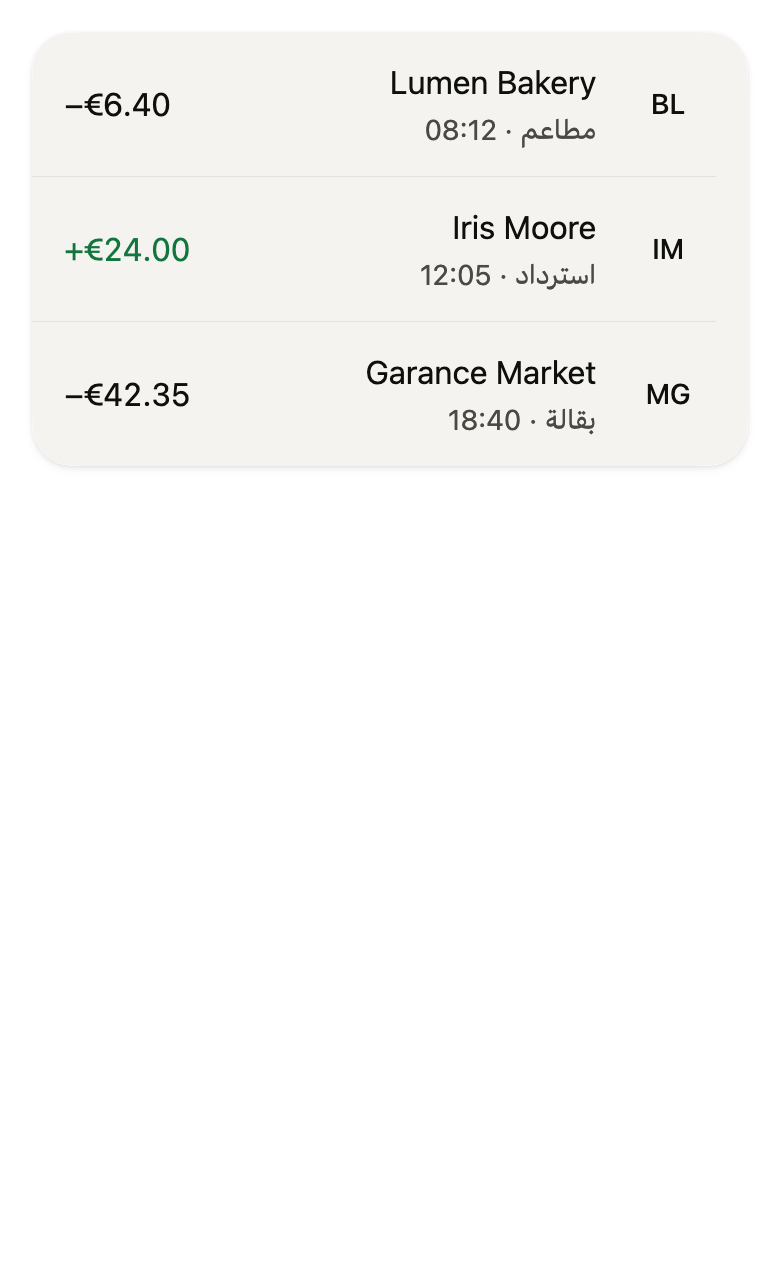
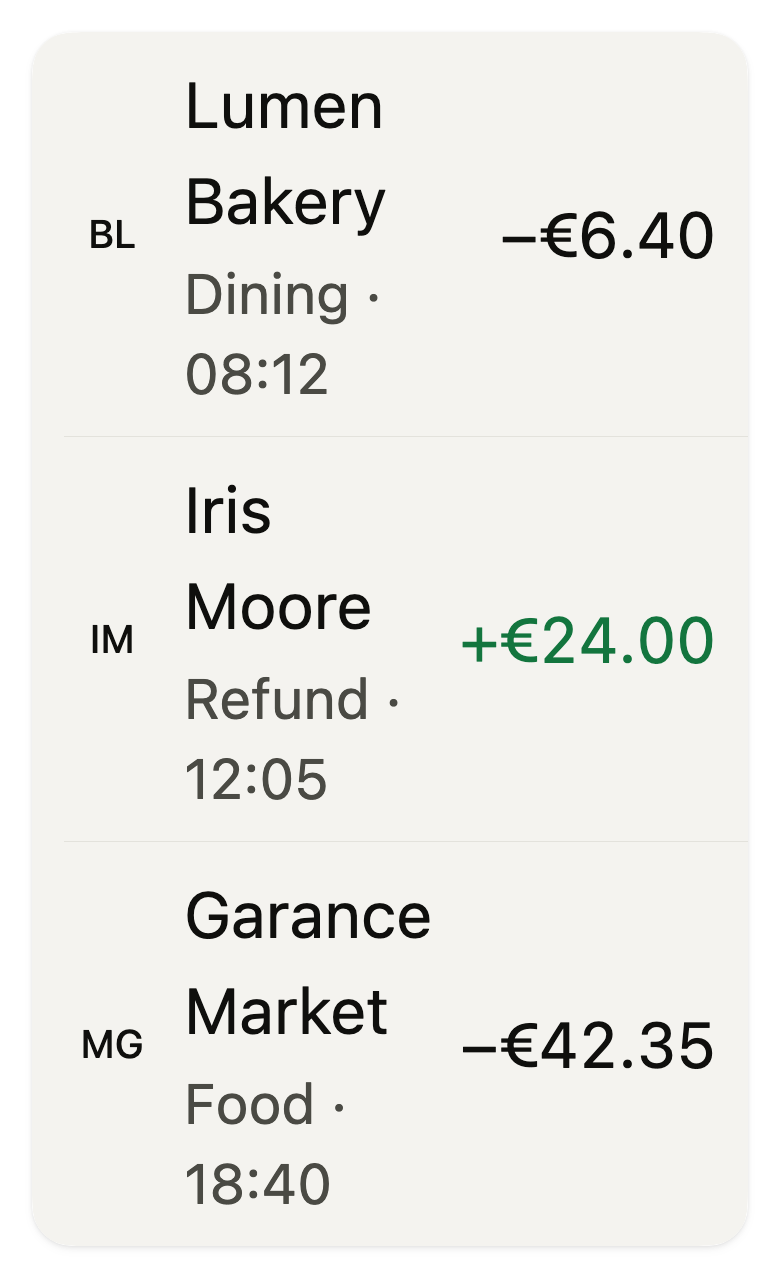
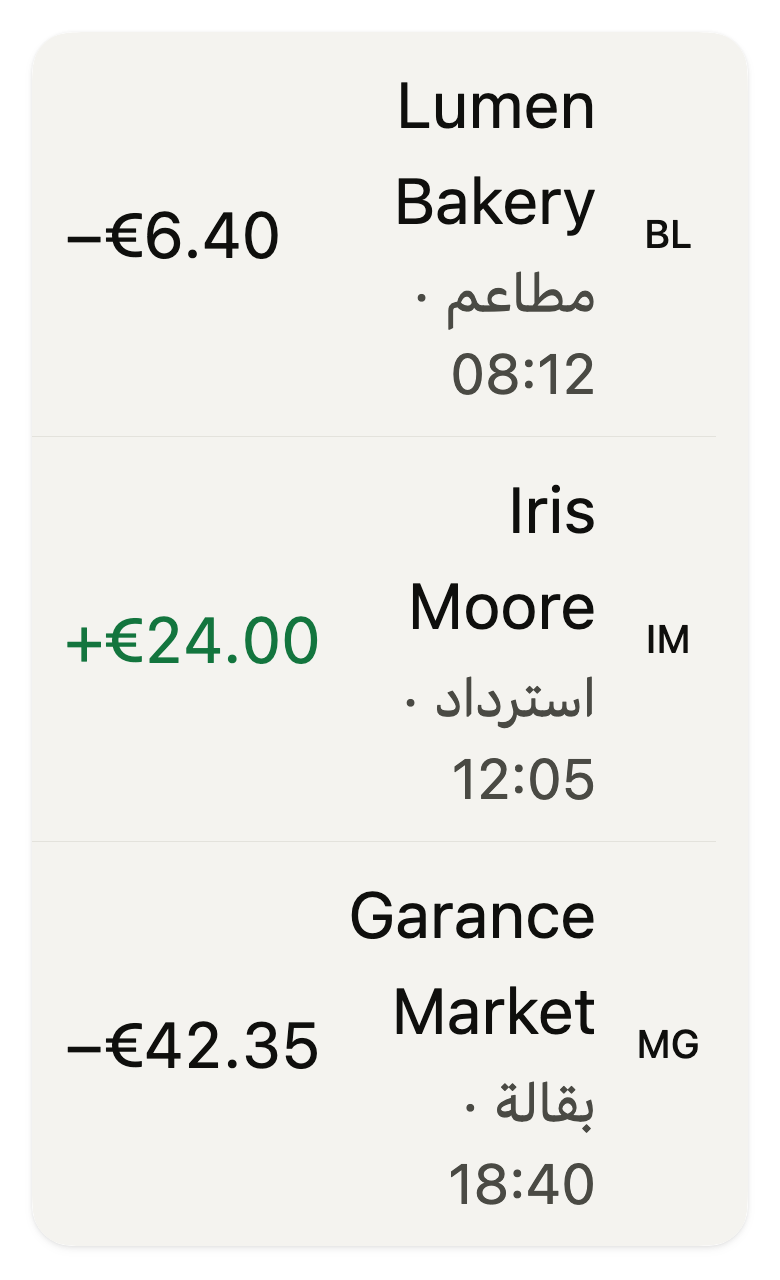
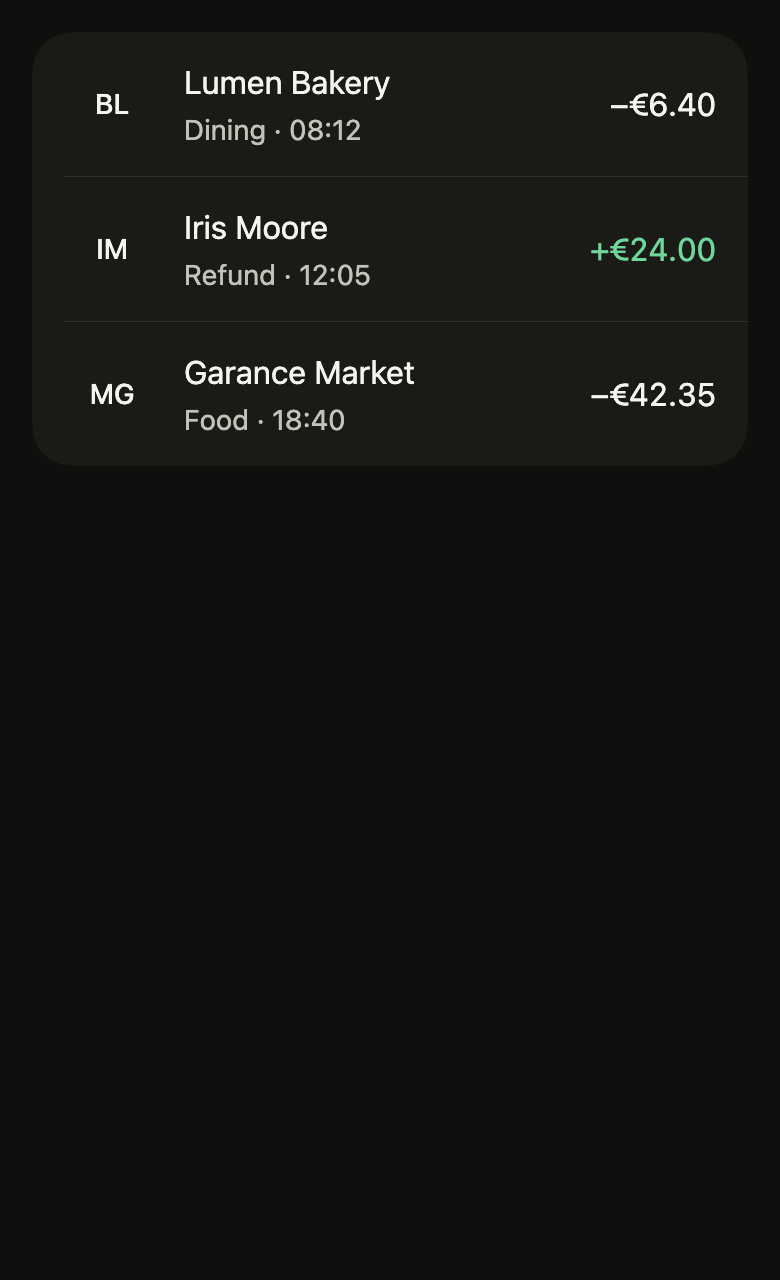
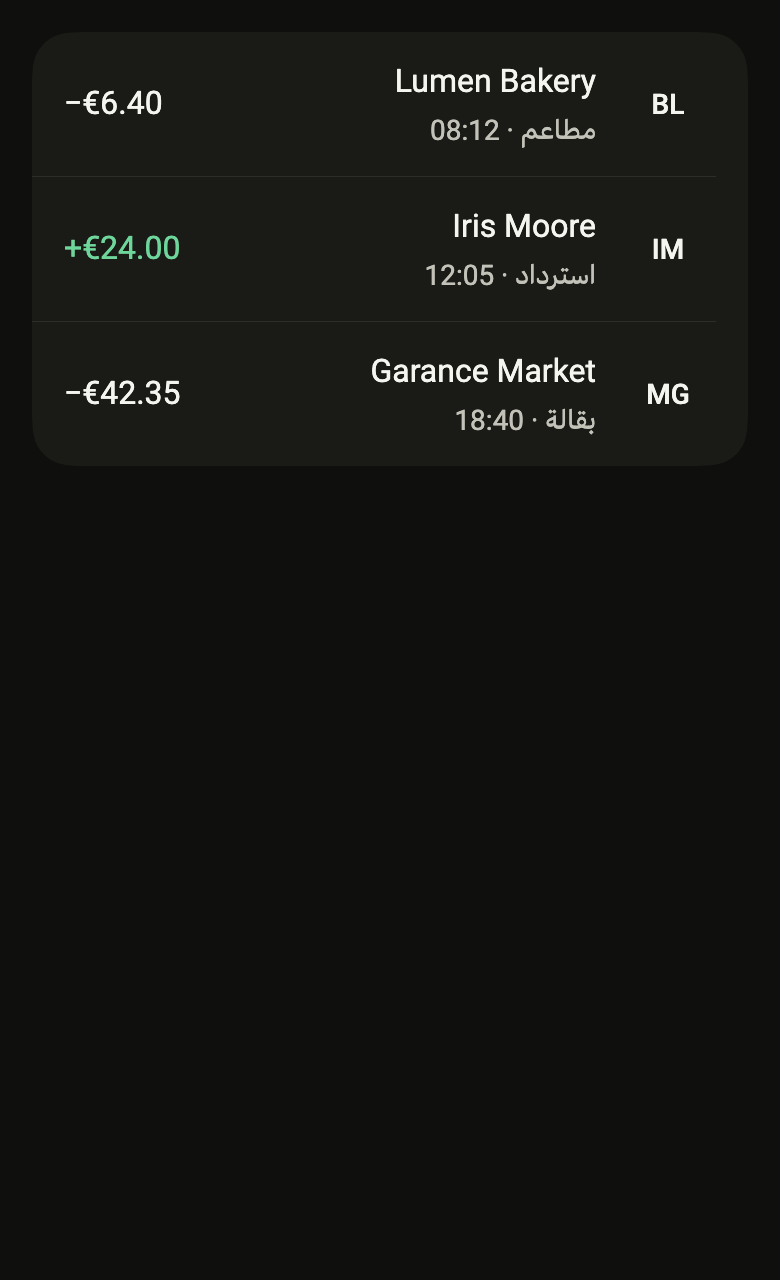
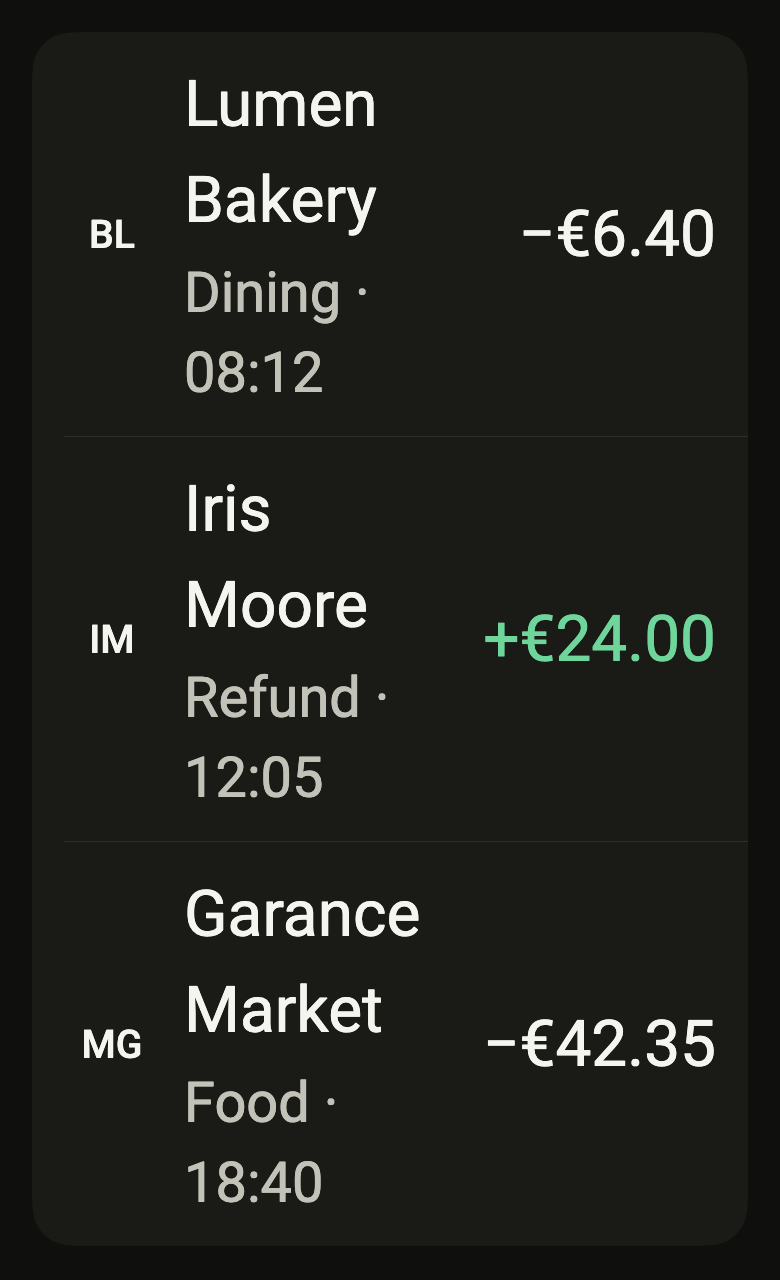
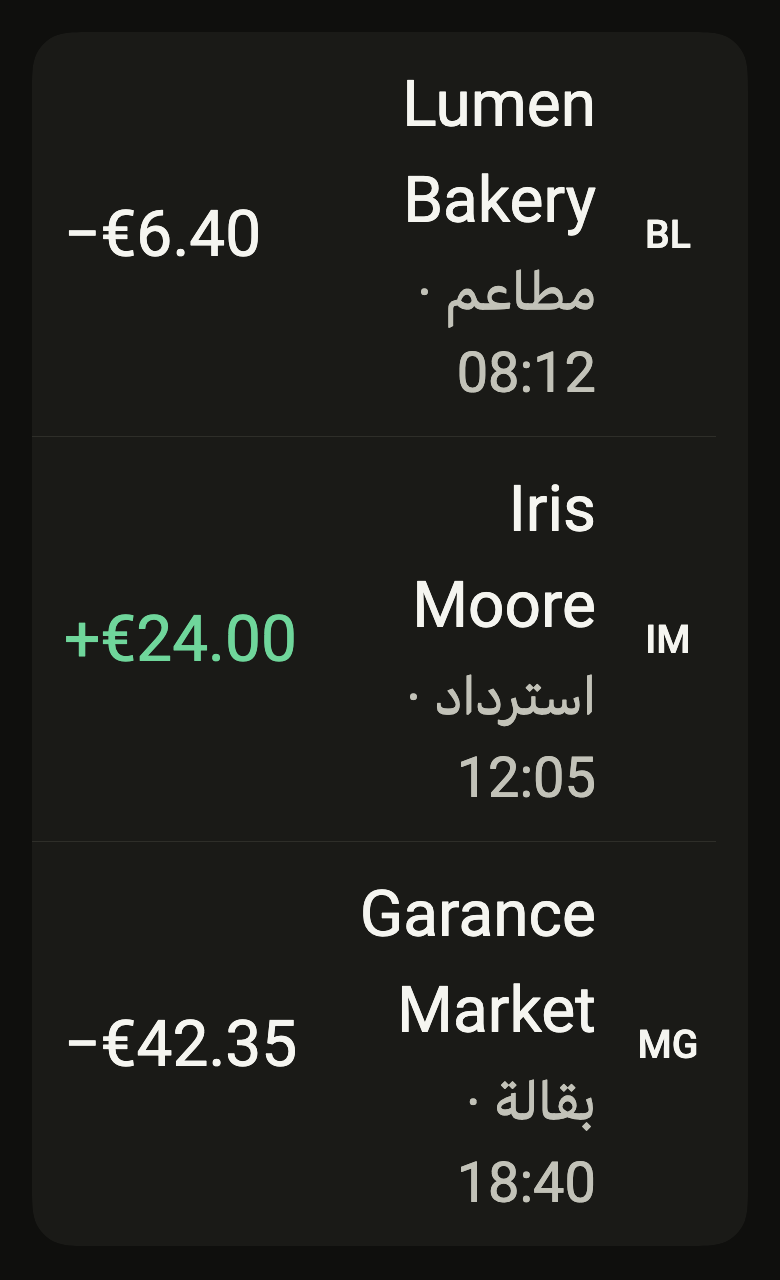
Shows one transaction in a list: avatar, merchant, category and time, and the signed amount, readable without color, with its direction spoken to screen readers.
Import
Transaction row is part of Fliin Pro. With a license key, sign in once with fliin login, then add it in a Flutter app where fliin init has run:
fliin login
fliin add transaction-rowExamples
Debit
Money going out: FlTransactionKind.debit and an amount whose amountSemanticLabel reads it in full.
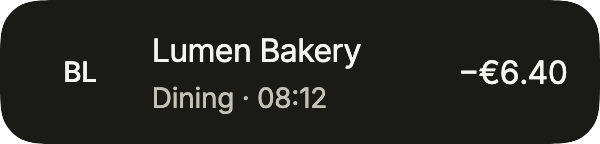
import 'package:your_app/ui/fliin/components/avatar/fl_avatar.dart';
import 'package:your_app/ui/fliin/components/list_row/fl_list_row.dart';
import 'package:your_app/ui/fliin/components/transaction_row/fl_transaction_row.dart';
import 'package:flutter/widgets.dart';

class TransactionRowDebitExample extends StatelessWidget {
  const TransactionRowDebitExample({super.key});

  @override
  Widget build(BuildContext context) {
    return FlListGroup(
      children: [
        FlTransactionRow(
          title: 'Lumen Bakery',
          subtitle: 'Dining · 08:12',
          amount: '−€6.40',
          kind: FlTransactionKind.debit,
          amountSemanticLabel: 'Debit of €6.40',
          leading: const FlAvatar(initials: 'BL'),
          onPressed: () {},
        ),
      ],
    );
  }
}Credit
Money coming in: FlTransactionKind.credit colors the amount as a gain.

import 'package:your_app/ui/fliin/components/avatar/fl_avatar.dart';
import 'package:your_app/ui/fliin/components/list_row/fl_list_row.dart';
import 'package:your_app/ui/fliin/components/transaction_row/fl_transaction_row.dart';
import 'package:flutter/widgets.dart';

class TransactionRowCreditExample extends StatelessWidget {
  const TransactionRowCreditExample({super.key});

  @override
  Widget build(BuildContext context) {
    return FlListGroup(
      children: [
        FlTransactionRow(
          title: 'Iris Moore',
          subtitle: 'Refund · 12:05',
          amount: '+€24.00',
          kind: FlTransactionKind.credit,
          amountSemanticLabel: 'Credit of €24.00',
          leading: const FlAvatar(initials: 'IM'),
          onPressed: () {},
        ),
      ],
    );
  }
}Static
Without onPressed, the row is not a button: no chevron, nothing to tap.
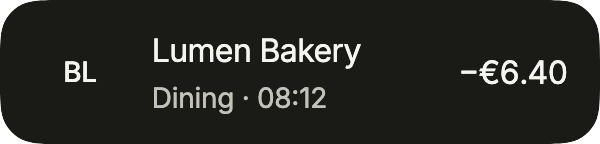
import 'package:your_app/ui/fliin/components/avatar/fl_avatar.dart';
import 'package:your_app/ui/fliin/components/list_row/fl_list_row.dart';
import 'package:your_app/ui/fliin/components/transaction_row/fl_transaction_row.dart';
import 'package:flutter/widgets.dart';

class TransactionRowStaticExample extends StatelessWidget {
  const TransactionRowStaticExample({super.key});

  @override
  Widget build(BuildContext context) {
    return const FlListGroup(
      children: [
        FlTransactionRow(
          title: 'Lumen Bakery',
          subtitle: 'Dining · 08:12',
          amount: '−€6.40',
          kind: FlTransactionKind.debit,
          amountSemanticLabel: 'Debit of €6.40',
          leading: FlAvatar(initials: 'BL'),
        ),
      ],
    );
  }
}Status
A statement as banking apps show it: a category icon in a soft avatar, detail under the amount (the balance after a salary, "Pending"), and status muting a pending amount or striking a declined one through.
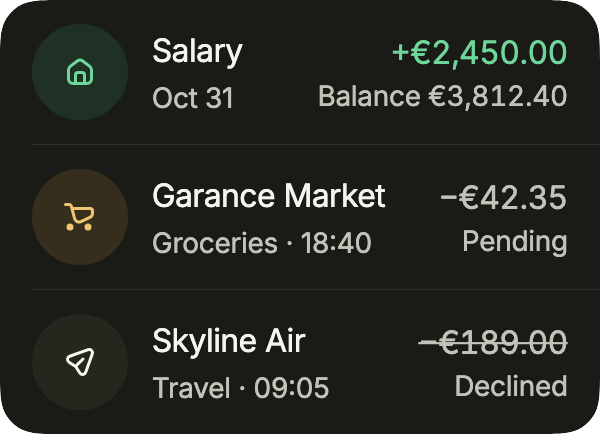
import 'package:your_app/ui/fliin/components/avatar/fl_avatar.dart';
import 'package:your_app/ui/fliin/components/list_row/fl_list_row.dart';
import 'package:your_app/ui/fliin/components/transaction_row/fl_transaction_row.dart';
import 'package:your_app/ui/fliin/core/fliin.dart';
import 'package:your_app/ui/fliin/icons/fl_icons.dart';
import 'package:flutter/widgets.dart';

class TransactionRowStatusExample extends StatelessWidget {
  const TransactionRowStatusExample({super.key});

  @override
  Widget build(BuildContext context) {
    FlAvatar icon(FlIconData data, FlAvatarColor color) =>
        FlAvatar(icon: FlIcon(data), color: color, variant: FlAvatarVariant.soft);
    return FlListGroup(
      children: [
        FlTransactionRow(
          title: 'Salary',
          subtitle: 'Oct 31',
          amount: '+€2,450.00',
          kind: FlTransactionKind.credit,
          amountSemanticLabel: 'Credit of €2,450.00',
          detail: 'Balance €3,812.40',
          leading: icon(FlIcons.house, FlAvatarColor.success),
          onPressed: () {},
        ),
        FlTransactionRow(
          title: 'Garance Market',
          subtitle: 'Groceries · 18:40',
          amount: '−€42.35',
          kind: FlTransactionKind.debit,
          amountSemanticLabel: 'Debit of €42.35',
          detail: 'Pending',
          status: FlTransactionStatus.pending,
          leading: icon(FlIcons.shoppingCart, FlAvatarColor.warning),
          onPressed: () {},
        ),
        FlTransactionRow(
          title: 'Skyline Air',
          subtitle: 'Travel · 09:05',
          amount: '−€189.00',
          kind: FlTransactionKind.debit,
          amountSemanticLabel: 'Debit of €189.00',
          detail: 'Declined',
          status: FlTransactionStatus.declined,
          leading: icon(FlIcons.paperPlane, FlAvatarColor.accent),
          onPressed: () {},
        ),
      ],
    );
  }
}Usage
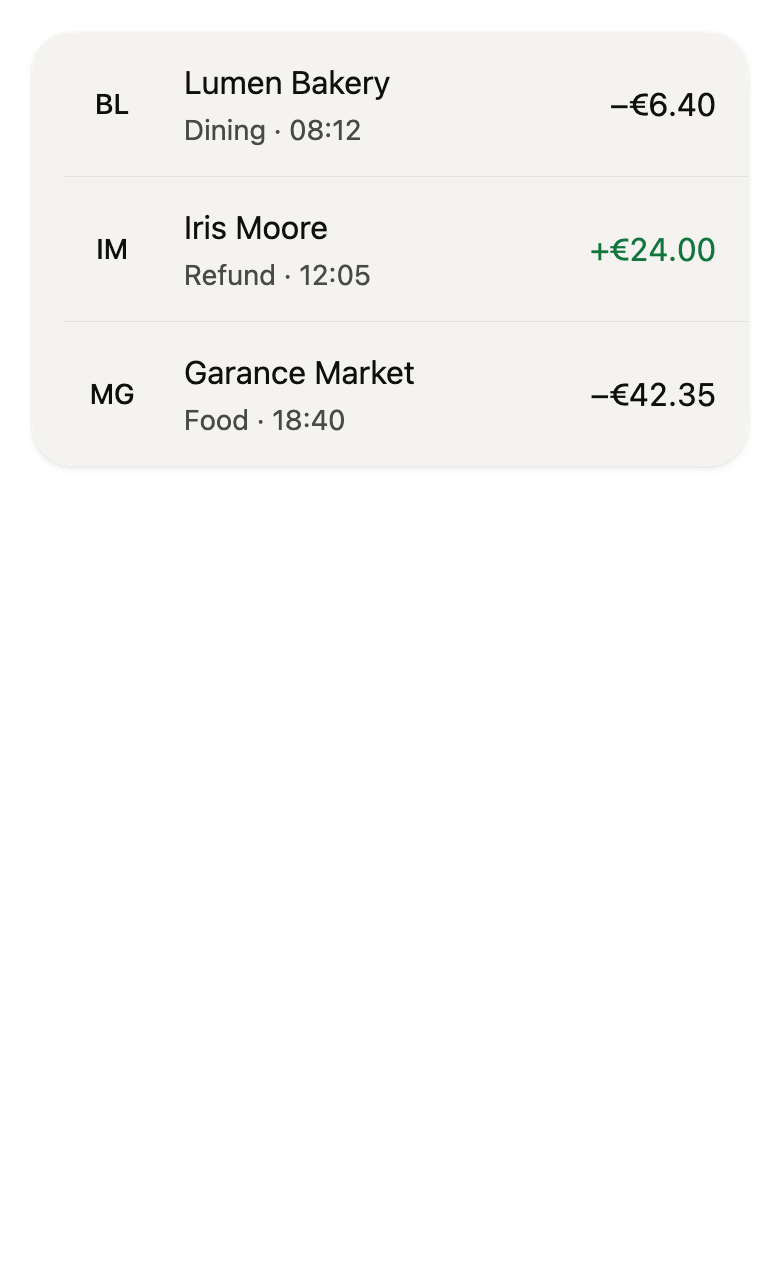
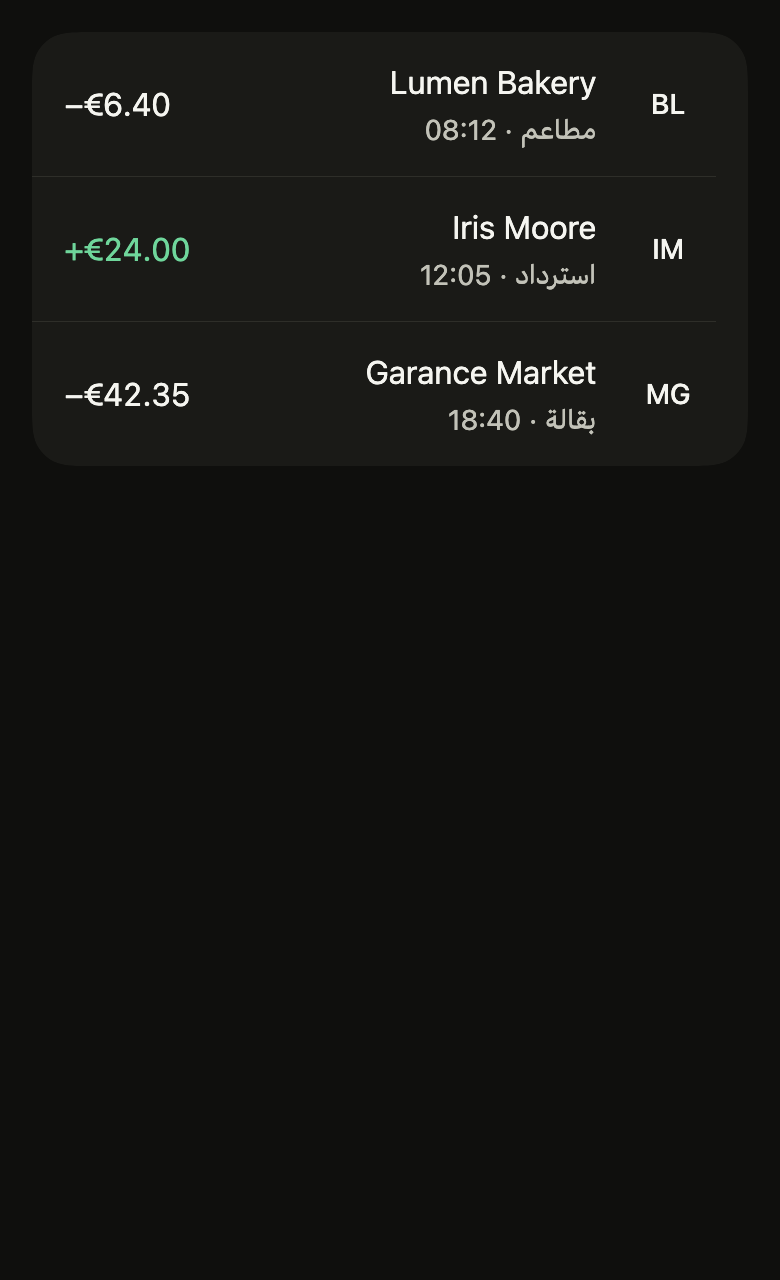
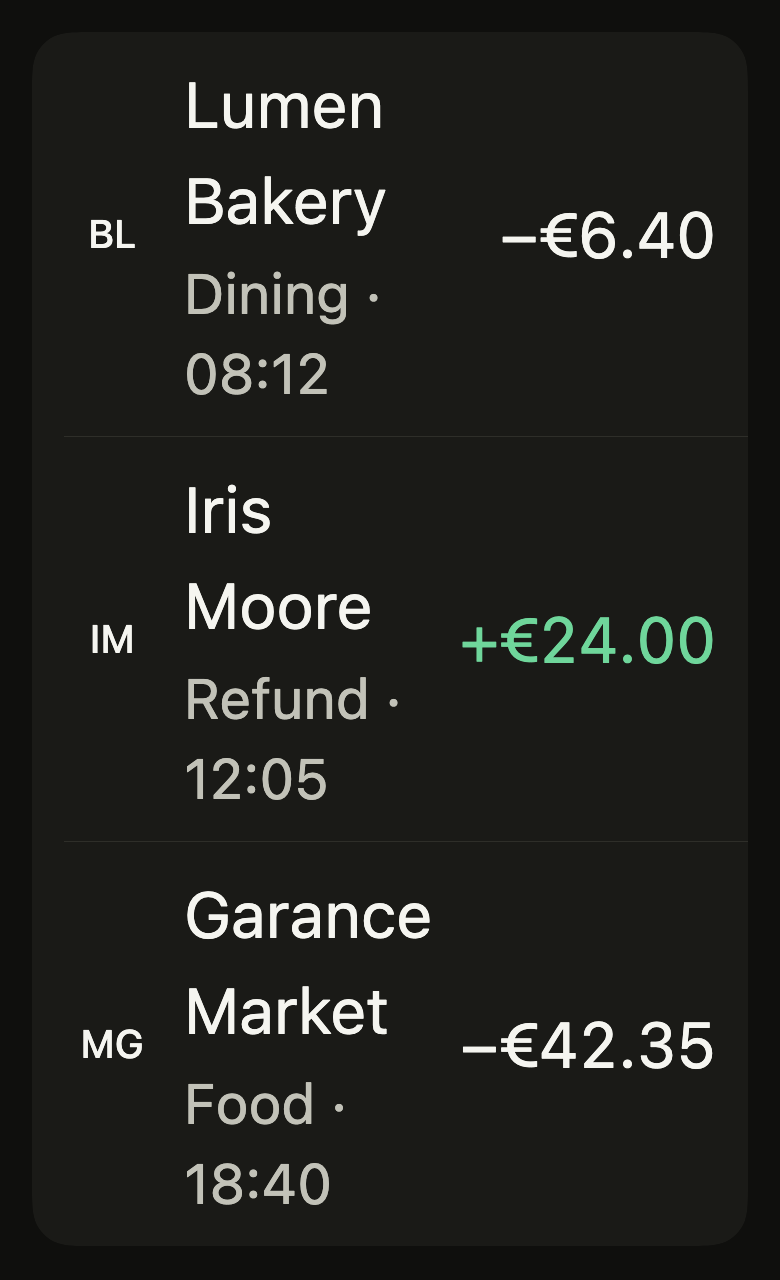
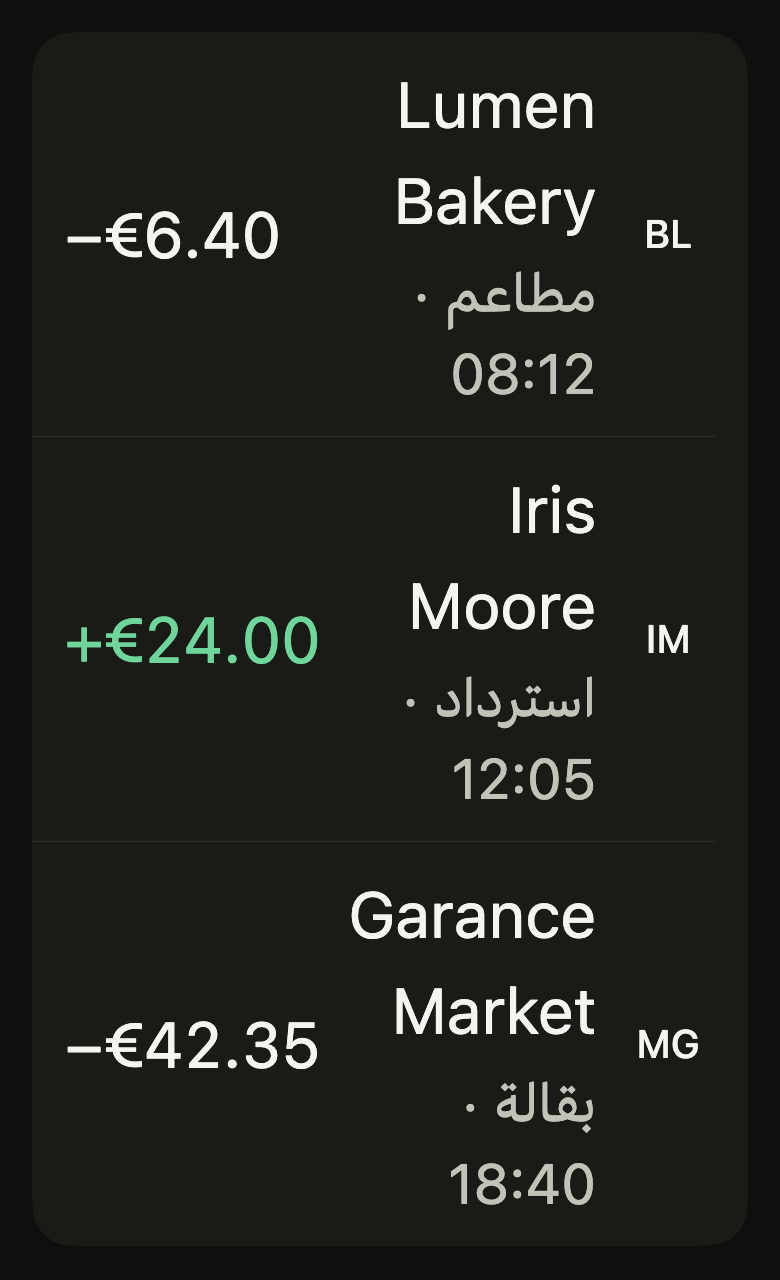
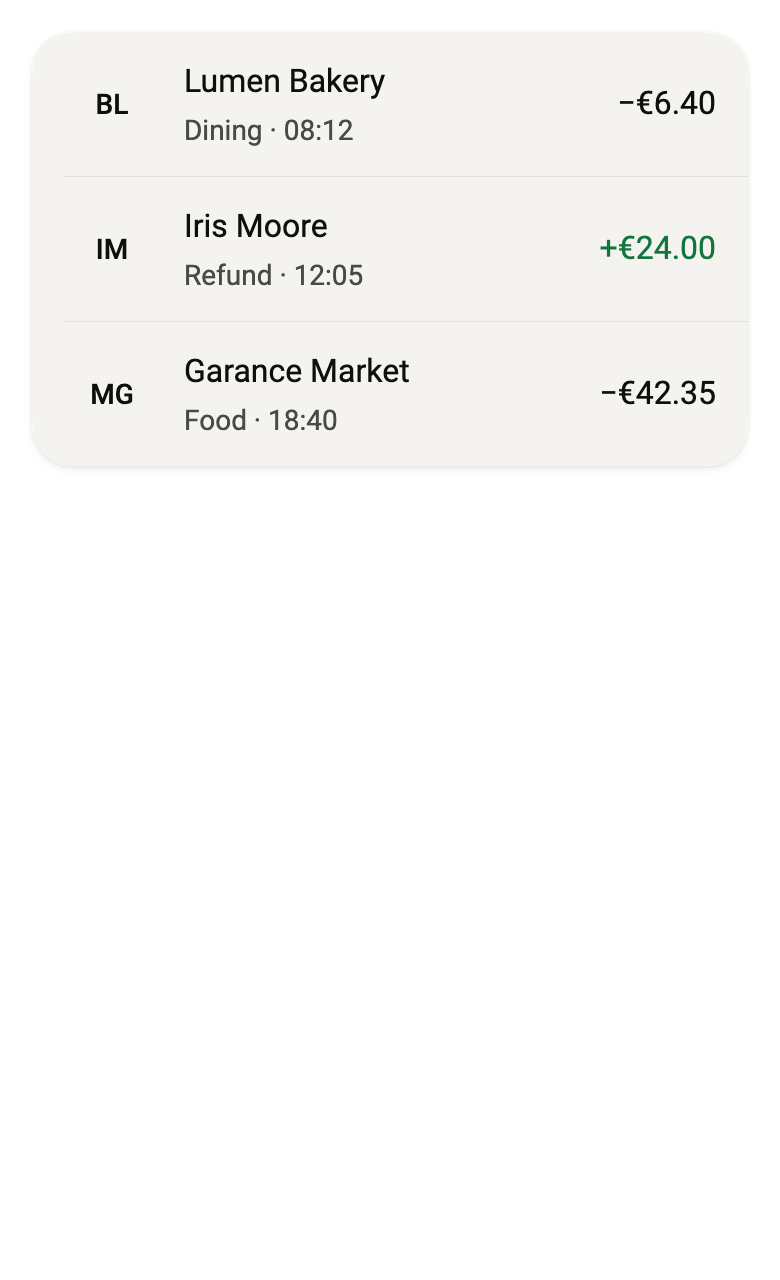
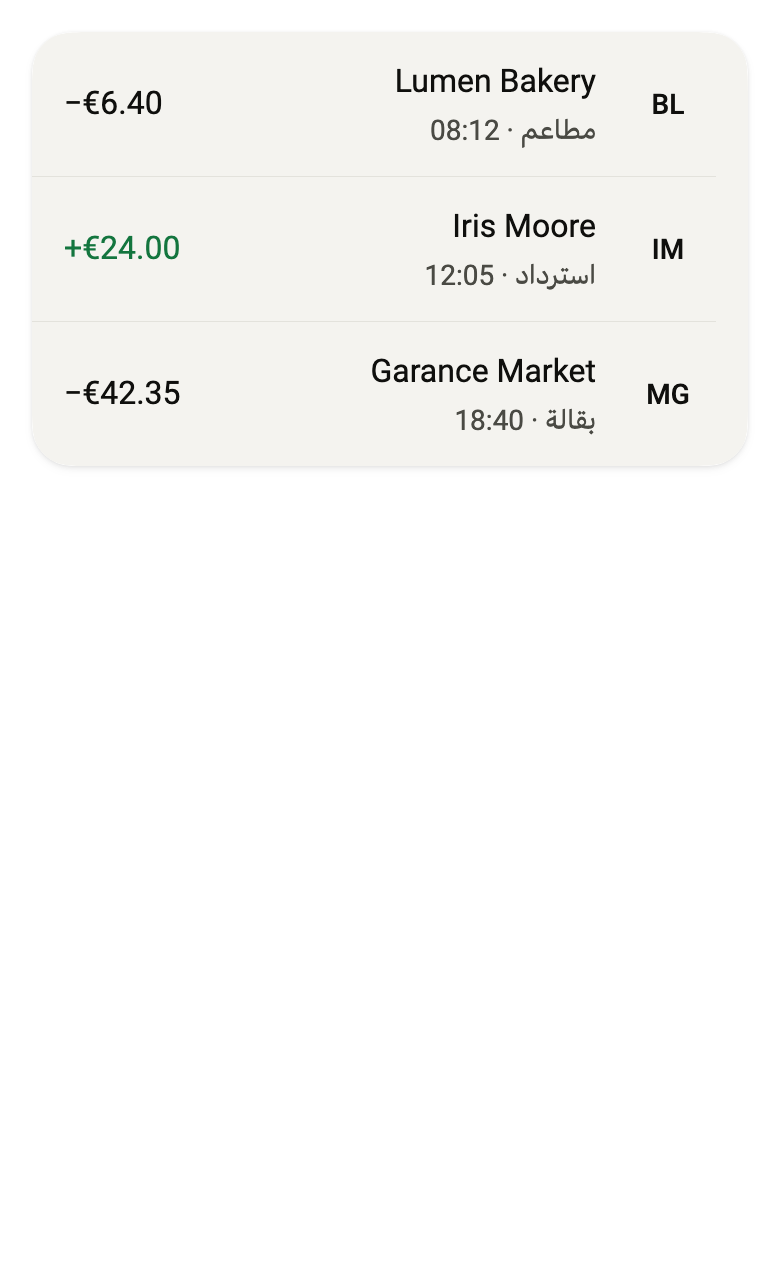
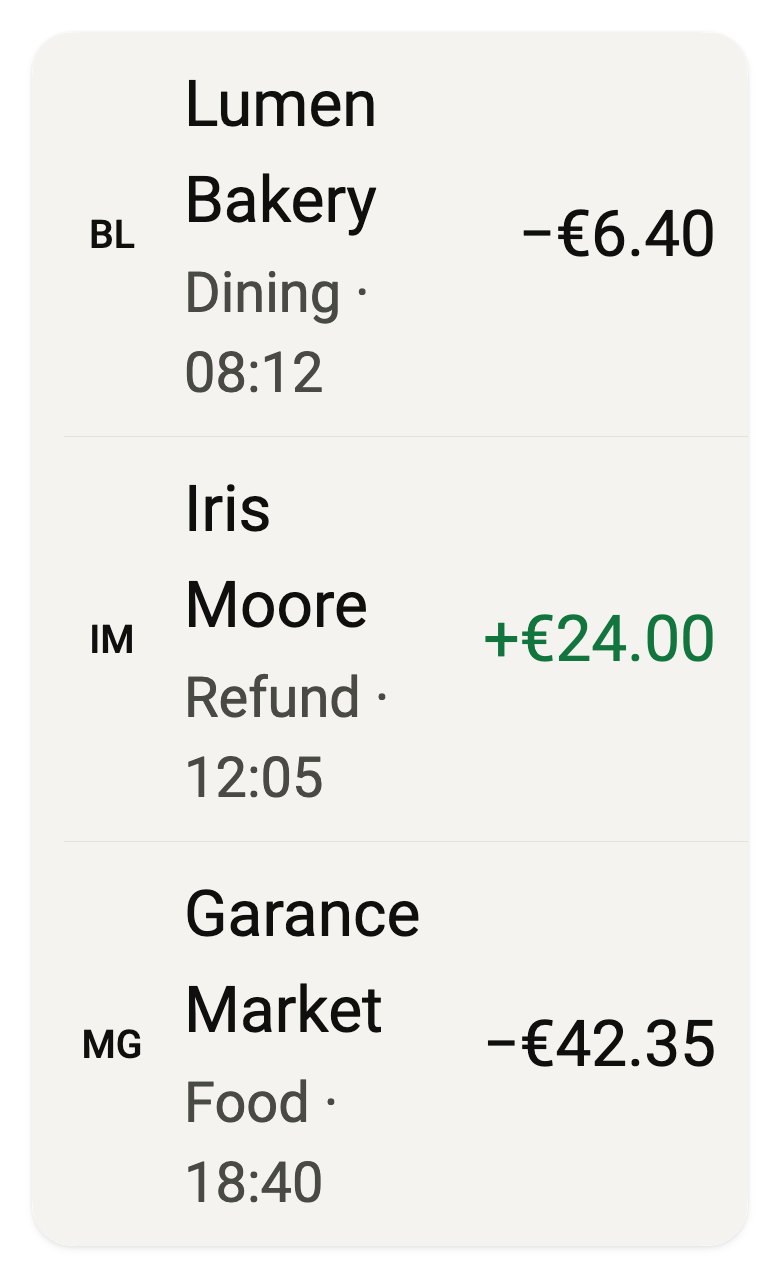
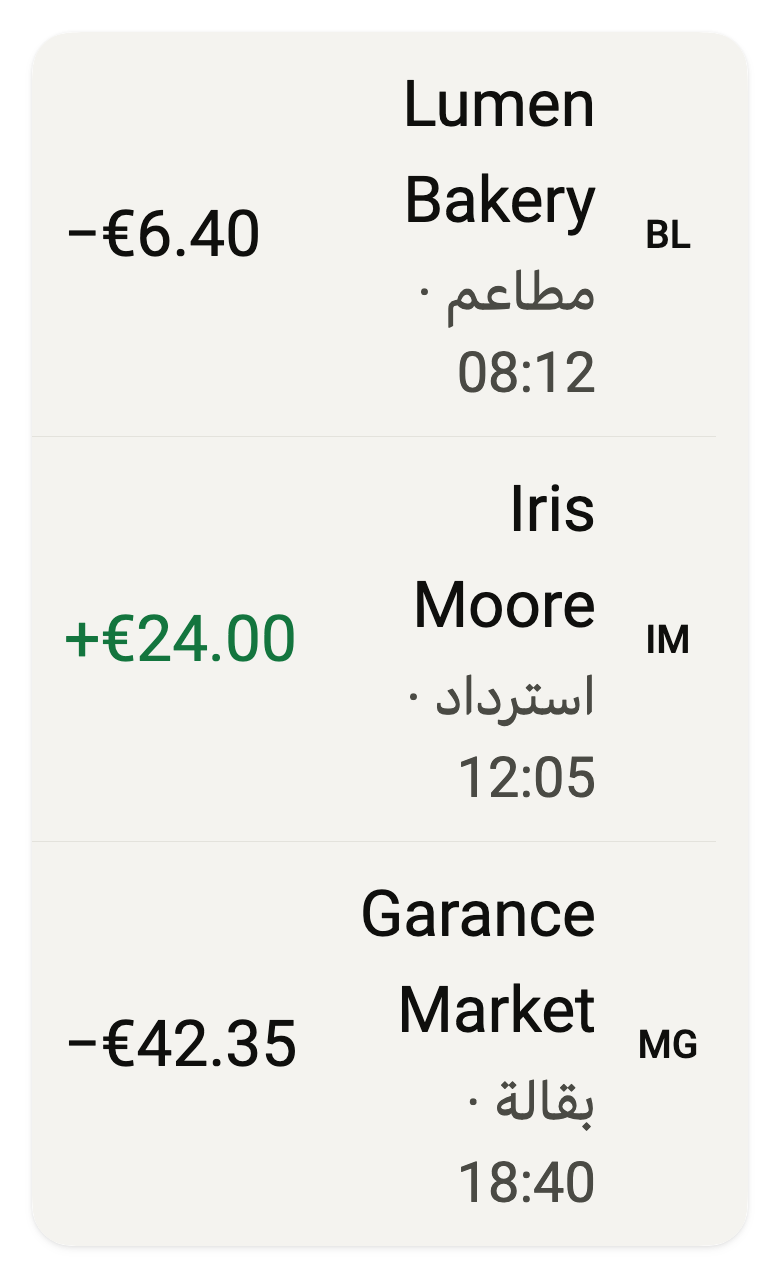
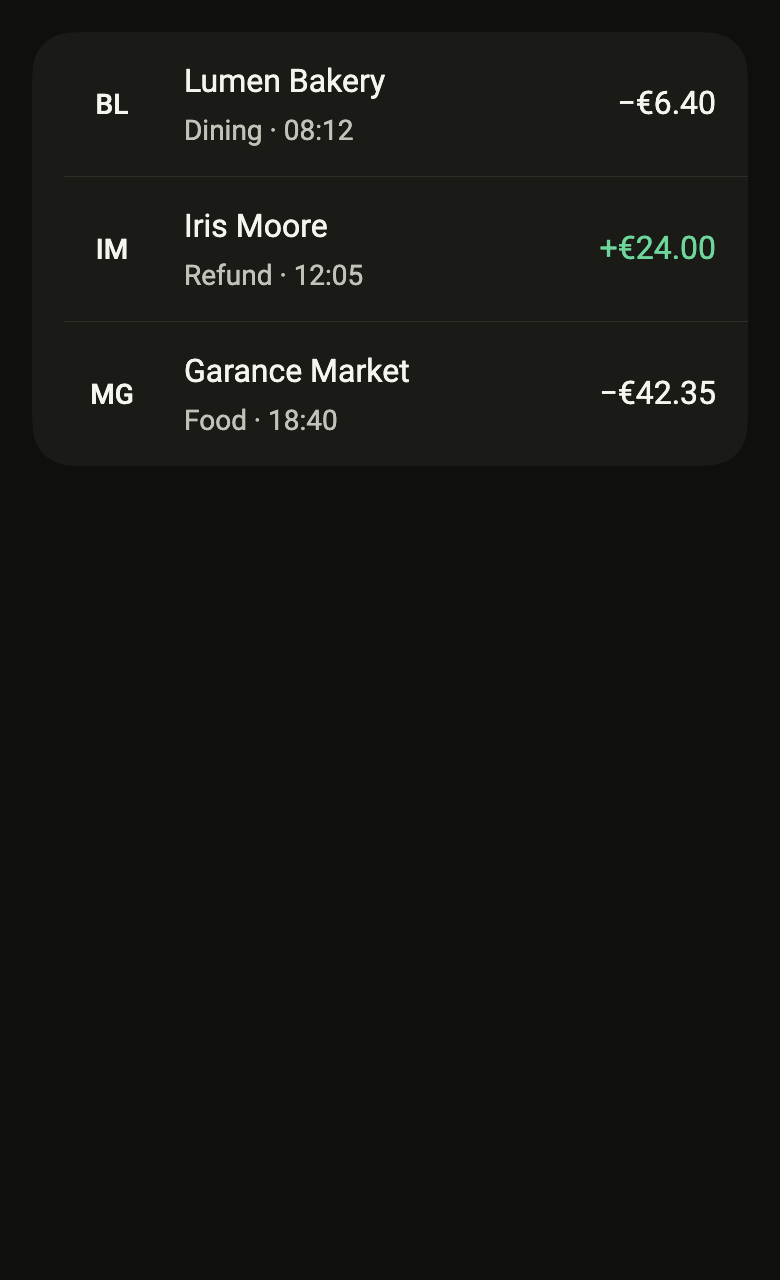
The code the reference images render:
final example = ColoredBox(
  color: FlScope.of(context).colors.surface,
  child: SingleChildScrollView(
    padding: EdgeInsetsDirectional.all(FlScope.of(context).space.lg),
    child: Column(
      crossAxisAlignment: CrossAxisAlignment.stretch,
      spacing: FlScope.of(context).space.sm,
      children: [
        FlListGroup(
          children: [
            FlTransactionRow(
              title: 'Lumen Bakery',
              subtitle: 'Dining · 08:12',
              amount: '−€6.40',
              kind: FlTransactionKind.debit,
              amountSemanticLabel: 'Debit of €6.40',
              leading: const FlAvatar(initials: 'BL'),
              onPressed: () {},
            ),
            FlTransactionRow(
              title: 'Iris Moore',
              subtitle: 'Refund · 12:05',
              amount: '+€24.00',
              kind: FlTransactionKind.credit,
              amountSemanticLabel: 'Credit of €24.00',
              leading: const FlAvatar(initials: 'IM'),
              onPressed: () {},
            ),
            FlTransactionRow(
              title: 'Garance Market',
              subtitle: 'Food · 18:40',
              amount: '−€42.35',
              kind: FlTransactionKind.debit,
              leading: const FlAvatar(initials: 'MG'),
            ),
          ],
        ),
      ],
    ),
  ),
);API
FlTransactionKind: enum {debit, credit}
FlTransactionKind.debit: static final FlTransactionKind
FlTransactionKind.credit: static final FlTransactionKind
FlTransactionStatus: enum {completed, pending, declined}
FlTransactionStatus.completed: static final FlTransactionStatus
FlTransactionStatus.pending: static final FlTransactionStatus
FlTransactionStatus.declined: static final FlTransactionStatus
FlTransactionRow: class extends StatelessWidget
FlTransactionRow.new: const new({super.key, required String title, String? subtitle, required String amount, required FlTransactionKind kind, String? amountSemanticLabel, Widget? leading, VoidCallback? onPressed, String? detail, FlTransactionStatus status})
FlTransactionRow.title: get String
FlTransactionRow.subtitle: get String?
FlTransactionRow.amount: get String
FlTransactionRow.kind: get FlTransactionKind
FlTransactionRow.amountSemanticLabel: get String?
FlTransactionRow.leading: get Widget?
FlTransactionRow.onPressed: get VoidCallback?
FlTransactionRow.detail: get String?
FlTransactionRow.status: get FlTransactionStatus
FlTransactionRow.build: Widget(BuildContext context)Reference renders
The 16 images published with version 0.2.2, rendered by the shared harness on macOS with Flutter 3.47.7. fliin verify transaction-row compares your copy to them.
Use it to
- show the payments and transfers of a bank account
- show the amount of a debit or a credit with its sign
- present the merchant, kind of spending and time of a payment
- open the details of a tapped payment
- make the direction of an amount readable without red or green
- Not for
- a simple settings or list row: use a list row (list-row)
- an item in a cart: use a result card (result-card)
- States