Blocks / messaging
Message composer
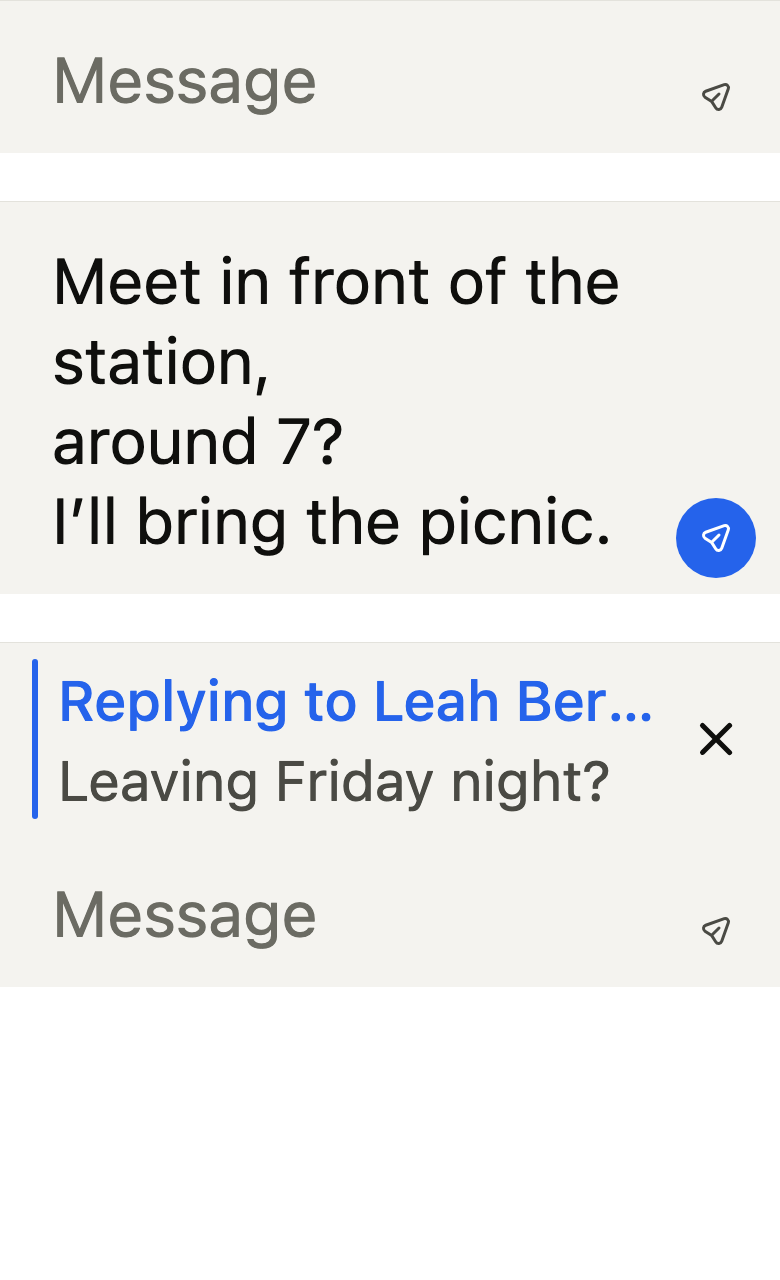
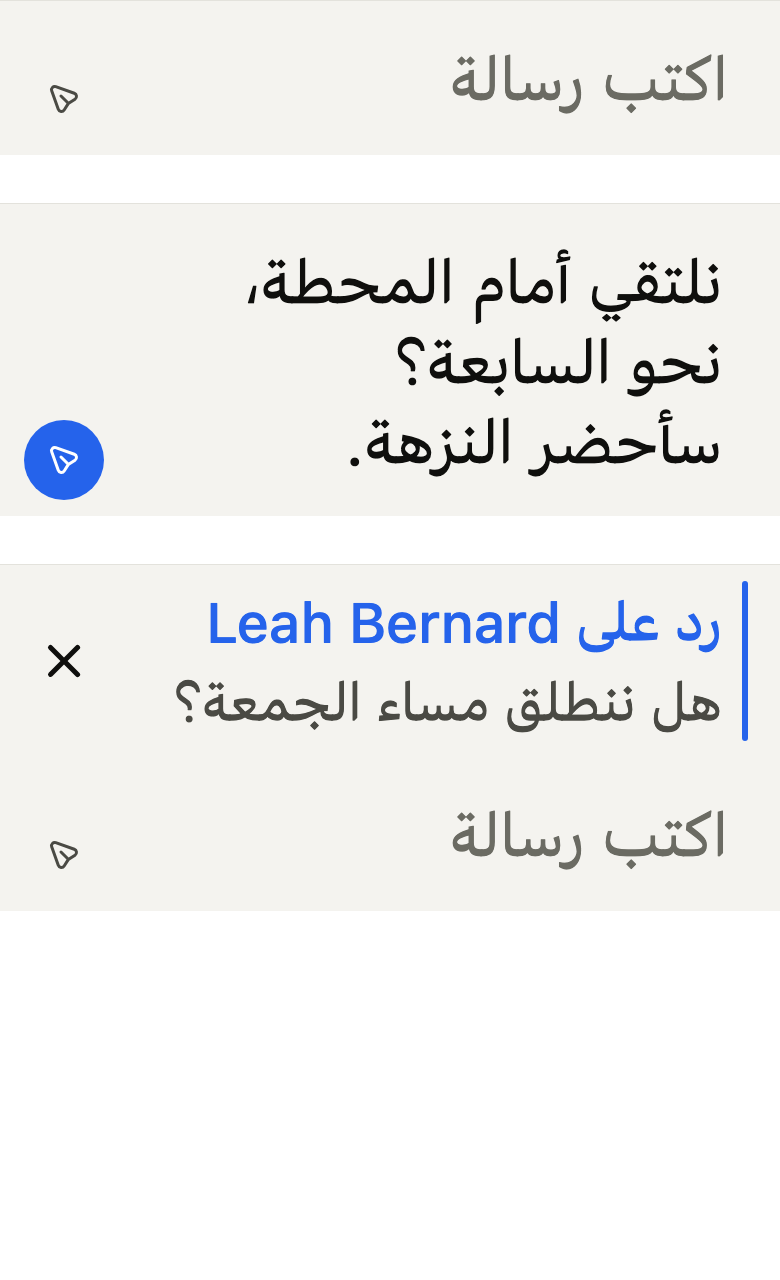
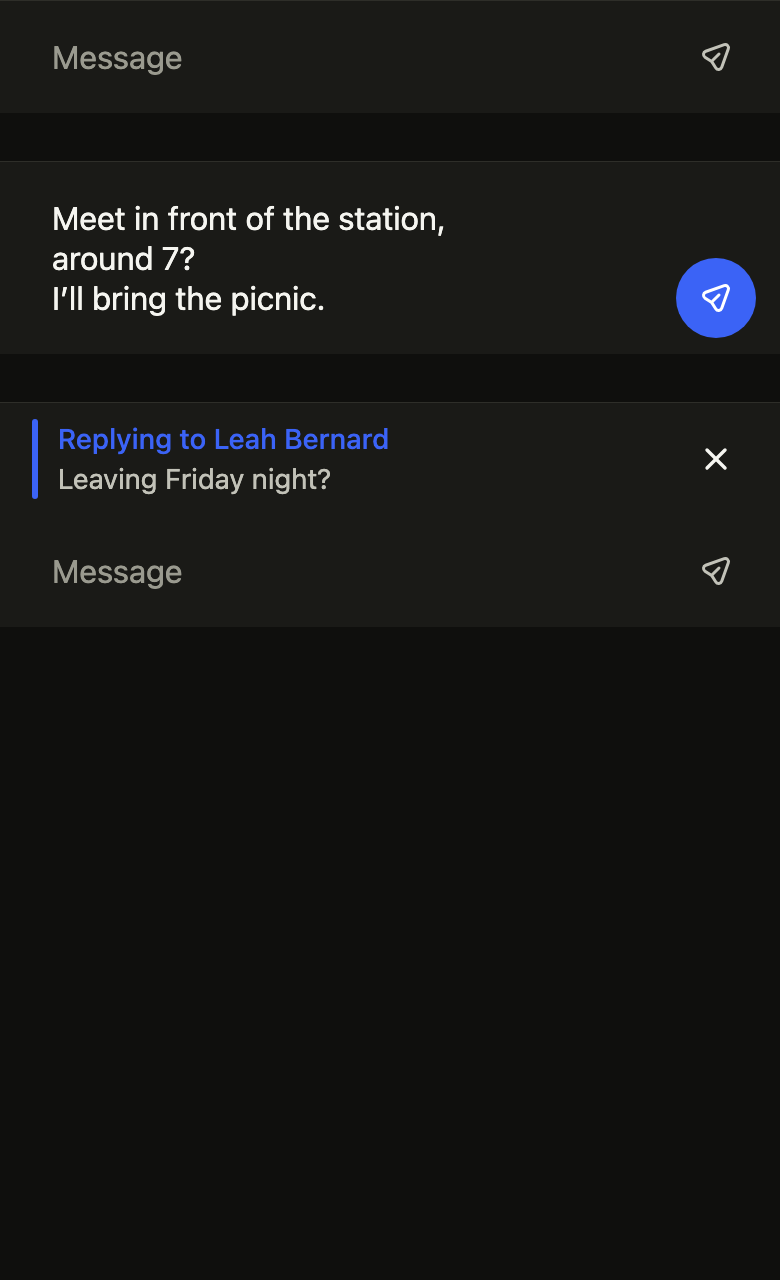
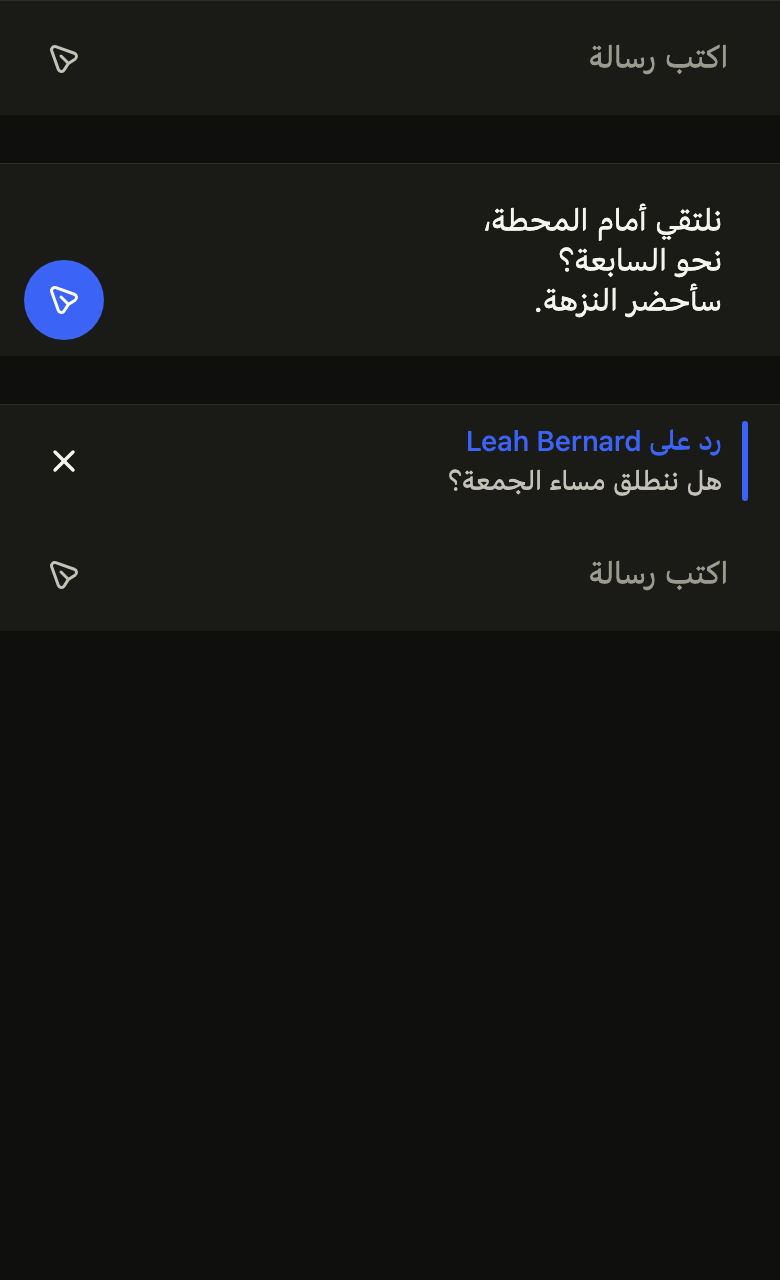
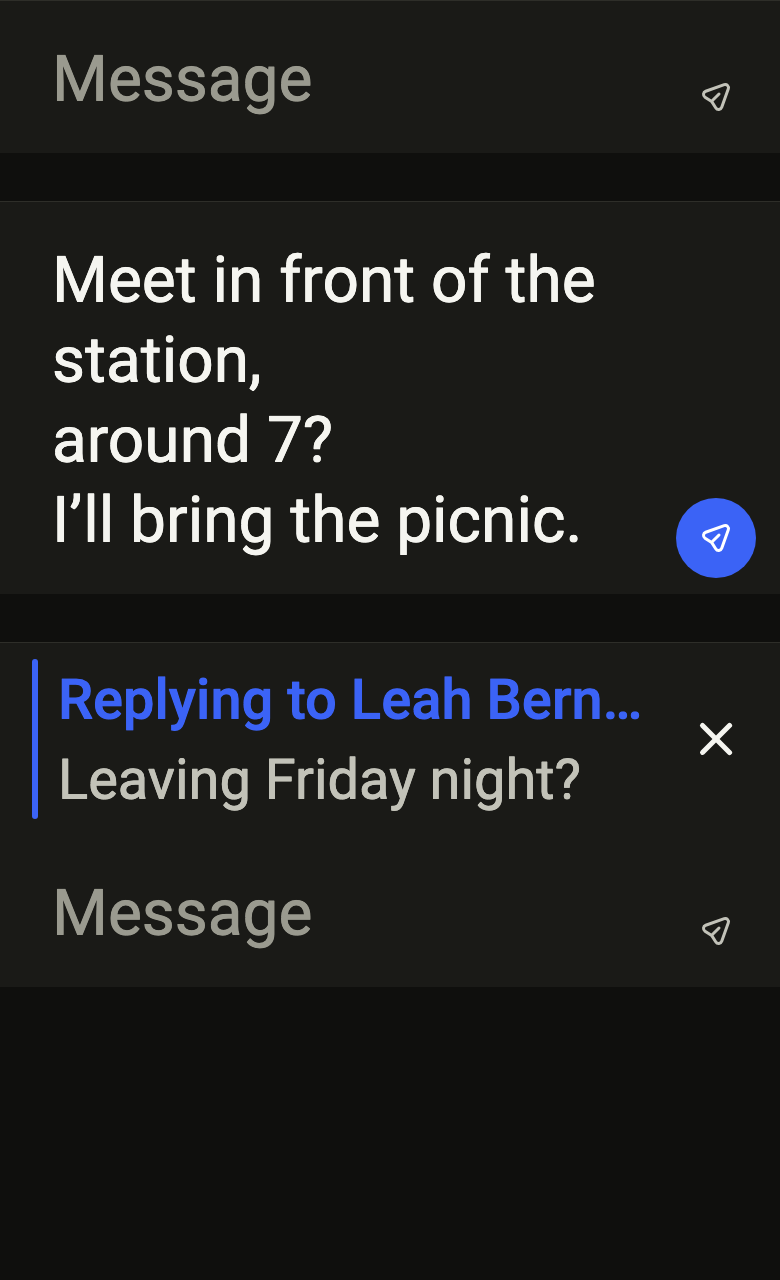
Lets people write a chat message: an input that grows up to a few lines, a send button enabled only with text, and the reply being written above it.
Import
Message composer is part of Fliin Pro. With a license key, sign in once with fliin login, then add it in a Flutter app where fliin init has run:
fliin login
fliin add composer
Also installs: core, close-button, icons, separator, text-field
Examples
Empty
The message input at the bottom of a chat. Pass your own TextEditingController, created once and disposed with the screen; onSend receives the text.

import 'package:your_app/ui/fliin/components/composer/fl_composer.dart';
import 'package:flutter/widgets.dart';

class ComposerEmptyExample extends StatefulWidget {
  const ComposerEmptyExample({super.key});

  @override
  State<ComposerEmptyExample> createState() => _ComposerEmptyExampleState();
}

class _ComposerEmptyExampleState extends State<ComposerEmptyExample> {
  late final _controller = TextEditingController(text: '');
  var _replying = false;

  @override
  void dispose() {
    _controller.dispose();
    super.dispose();
  }
  @override
  Widget build(BuildContext context) {
    return FlComposer(
      label: 'Message',
      placeholder: 'Message',
      sendLabel: 'Send',
      controller: _controller,
      onSend: (_) => setState(() => _replying = false),
      reply: _replying
          ? FlComposerReply(
              title: 'Replying to Leah Bernard',
              text: 'Leaving Friday night?',
              cancelLabel: 'Cancel reply',
              onCancel: () => setState(() => _replying = false),
            )
          : null,
    );
  }
}Multiline
A longer draft: the input grows line by line, up to a limit, then scrolls.
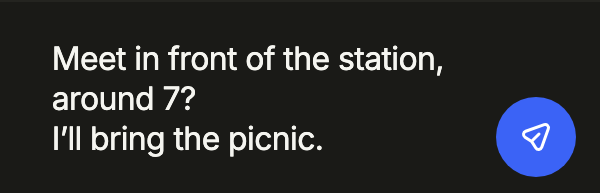
import 'package:your_app/ui/fliin/components/composer/fl_composer.dart';
import 'package:flutter/widgets.dart';

class ComposerMultilineExample extends StatefulWidget {
  const ComposerMultilineExample({super.key});

  @override
  State<ComposerMultilineExample> createState() => _ComposerMultilineExampleState();
}

class _ComposerMultilineExampleState extends State<ComposerMultilineExample> {
  late final _controller = TextEditingController(text: 'Meet in front of the station,\naround 7?\nI’ll bring the picnic.');
  var _replying = false;

  @override
  void dispose() {
    _controller.dispose();
    super.dispose();
  }
  @override
  Widget build(BuildContext context) {
    return FlComposer(
      label: 'Message',
      placeholder: 'Message',
      sendLabel: 'Send',
      controller: _controller,
      onSend: (_) => setState(() => _replying = false),
      reply: _replying
          ? FlComposerReply(
              title: 'Replying to Leah Bernard',
              text: 'Leaving Friday night?',
              cancelLabel: 'Cancel reply',
              onCancel: () => setState(() => _replying = false),
            )
          : null,
    );
  }
}Reply
Answering a given message: reply shows it above the input, and its cancel button drops it.
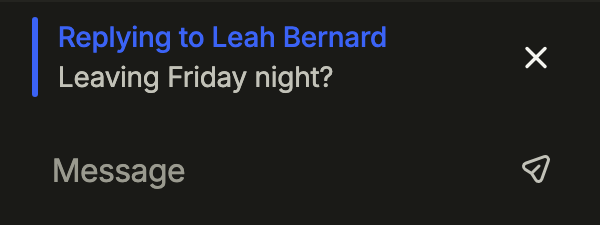
import 'package:your_app/ui/fliin/components/composer/fl_composer.dart';
import 'package:flutter/widgets.dart';

class ComposerReplyExample extends StatefulWidget {
  const ComposerReplyExample({super.key});

  @override
  State<ComposerReplyExample> createState() => _ComposerReplyExampleState();
}

class _ComposerReplyExampleState extends State<ComposerReplyExample> {
  late final _controller = TextEditingController(text: '');
  var _replying = true;

  @override
  void dispose() {
    _controller.dispose();
    super.dispose();
  }
  @override
  Widget build(BuildContext context) {
    return FlComposer(
      label: 'Message',
      placeholder: 'Message',
      sendLabel: 'Send',
      controller: _controller,
      onSend: (_) => setState(() => _replying = false),
      reply: _replying
          ? FlComposerReply(
              title: 'Replying to Leah Bernard',
              text: 'Leaving Friday night?',
              cancelLabel: 'Cancel reply',
              onCancel: () => setState(() => _replying = false),
            )
          : null,
    );
  }
}Actions
A bar with its controls: leading attaches a file, trailing schedules the message, and emptyTrailing sends a heart in one tap while nothing is written, as Messenger does; the send button comes back with the text.

import 'package:your_app/ui/fliin/components/button/fl_button.dart';
import 'package:your_app/ui/fliin/components/composer/fl_composer.dart';
import 'package:your_app/ui/fliin/core/fliin.dart';
import 'package:your_app/ui/fliin/icons/fl_icons.dart';
import 'package:flutter/widgets.dart';

class ComposerActionsExample extends StatefulWidget {
  const ComposerActionsExample({super.key});

  @override
  State<ComposerActionsExample> createState() => _ComposerActionsExampleState();
}

class _ComposerActionsExampleState extends State<ComposerActionsExample> {
  late final _controller = TextEditingController();

  @override
  void dispose() {
    _controller.dispose();
    super.dispose();
  }

  @override
  Widget build(BuildContext context) {
    FlButton icon(String label, FlIconData data) => FlButton.icon(
      label: label,
      icon: FlIcon(data),
      variant: FlButtonVariant.ghost,
      size: FlButtonSize.sm,
      onPressed: () {},
    );
    return FlComposer(
      label: 'Message',
      placeholder: 'Message',
      sendLabel: 'Send',
      controller: _controller,
      onSend: (_) {},
      leading: icon('Attach', FlIcons.plus),
      trailing: icon('Schedule', FlIcons.calendar),
      emptyTrailing: FlButton.icon(
        label: 'Send a heart',
        icon: FlIcon(FlIcons.heartFill),
        variant: FlButtonVariant.ghost,
        onPressed: () {},
      ),
    );
  }
}Usage
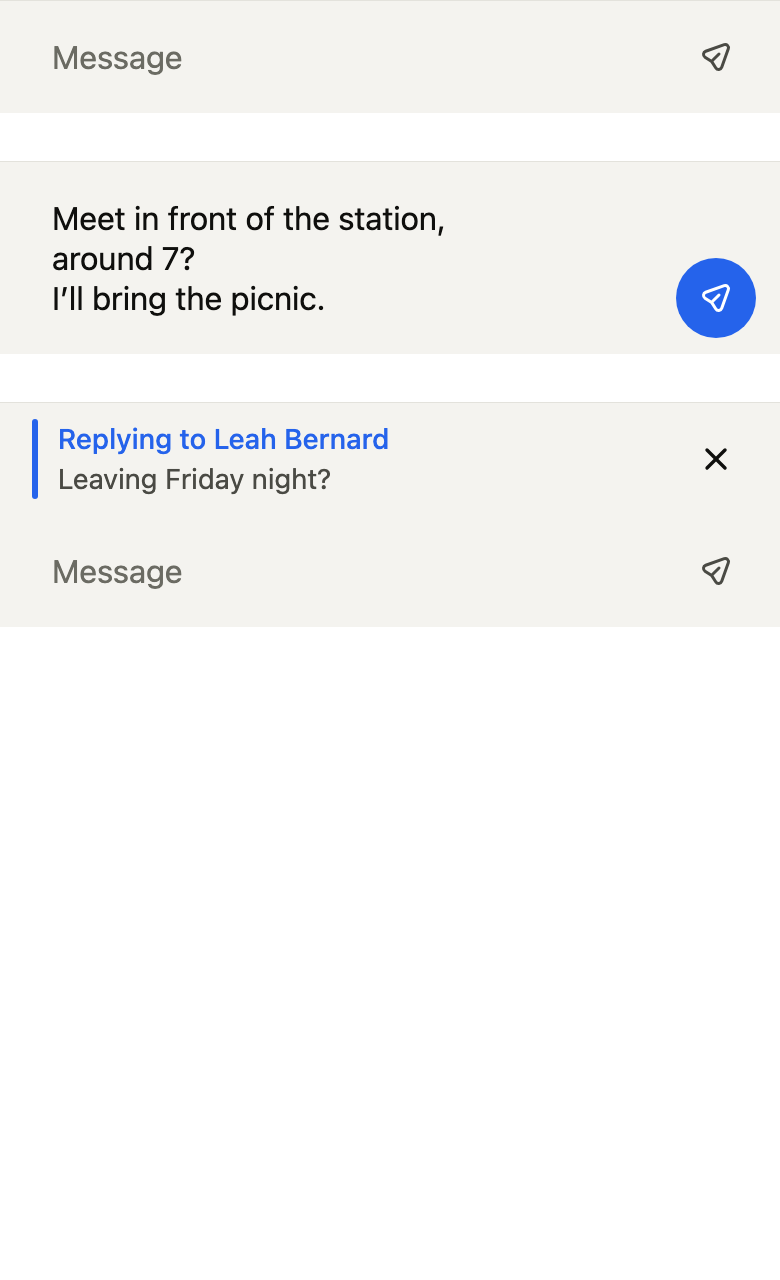
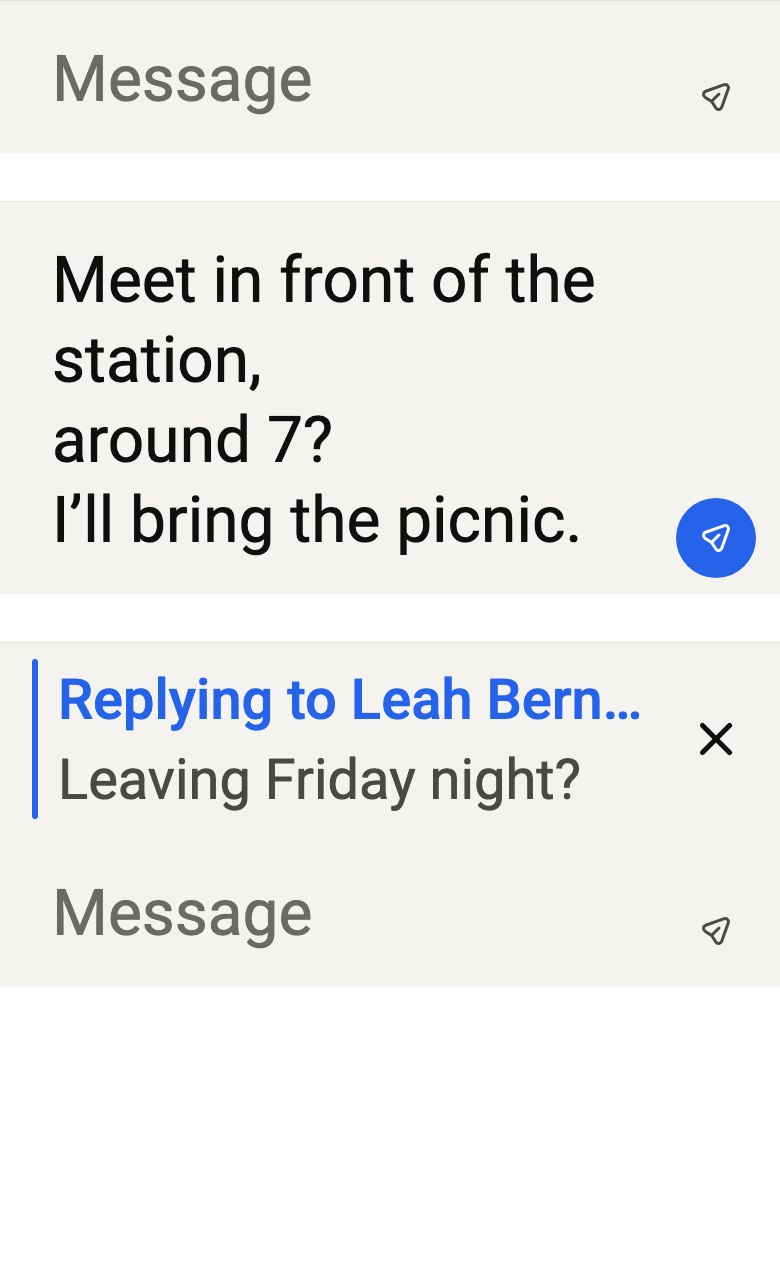
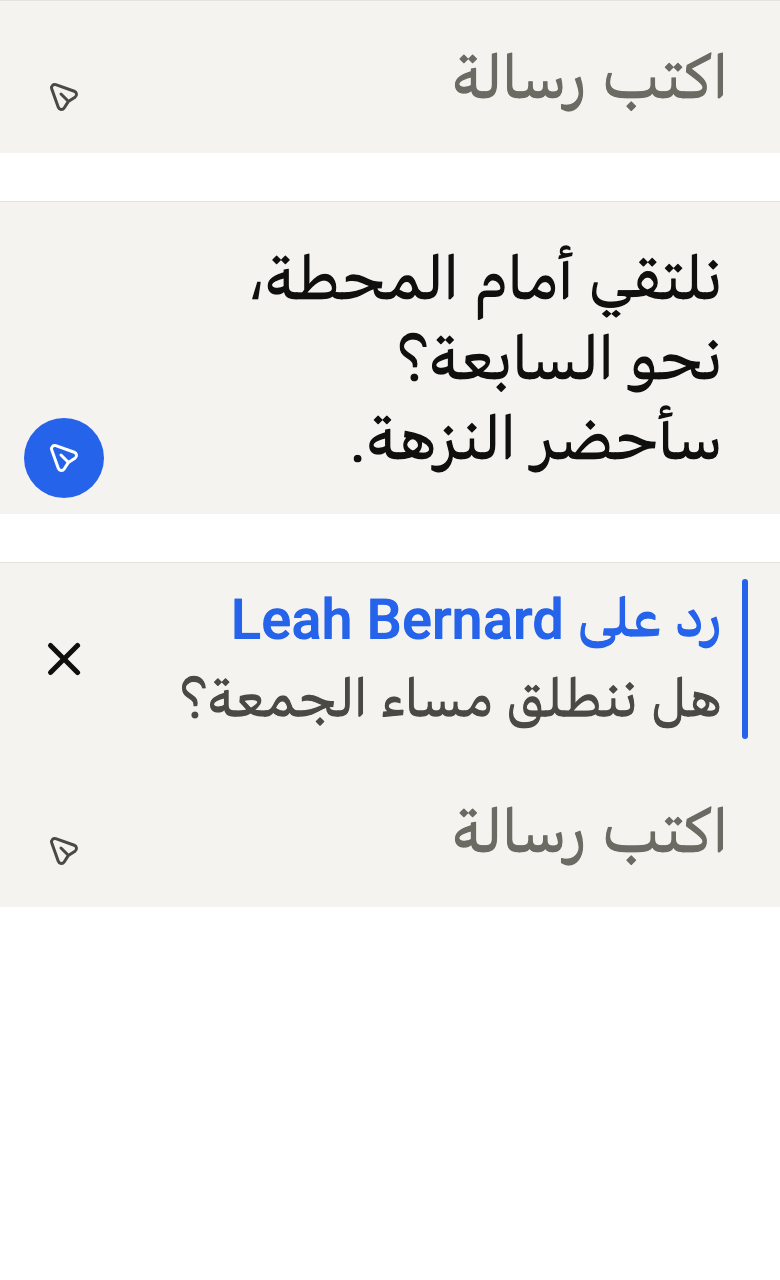
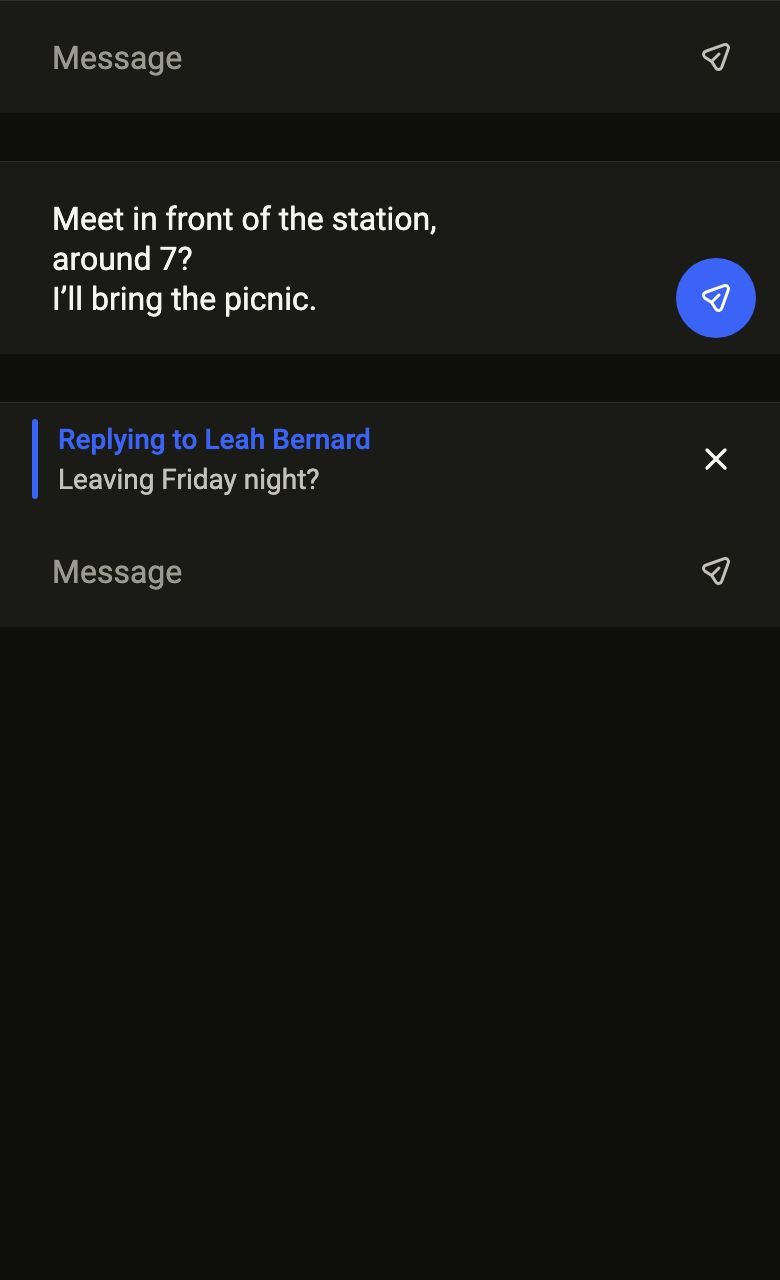
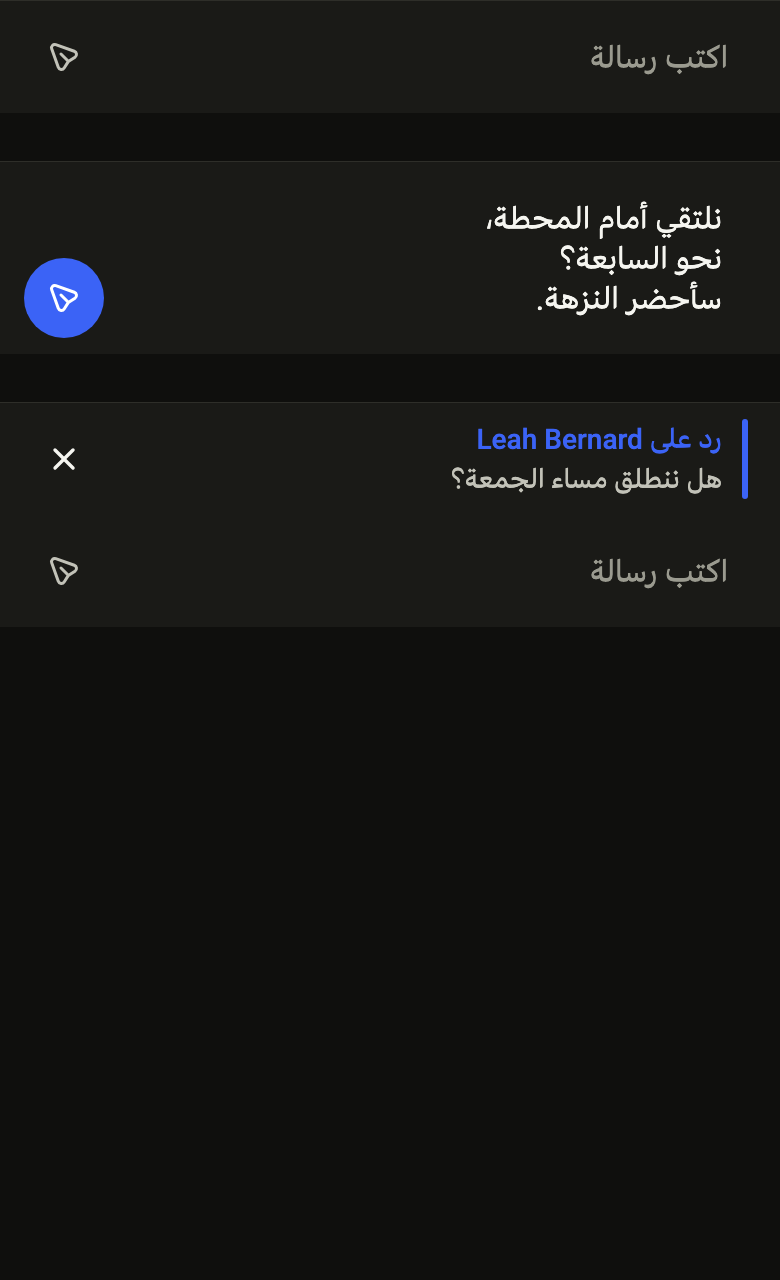
The code the reference images render:
final example = Builder(
  builder: (context) => ColoredBox(
    color: FlScope.of(context).colors.surface,
    child: SingleChildScrollView(
      child: Column(
        spacing: FlScope.of(context).space.xl,
        children: [
          FlComposer(
            label: 'Message',
            placeholder: 'Message',
            sendLabel: 'Send',
            onSend: (_) {},
          ),
          FlComposer(
            label: 'Message',
            sendLabel: 'Send',
            controller: TextEditingController(
              text: 'Meet in front of the station,\naround 7?\nI’ll bring the picnic.',
            ),
            onSend: (_) {},
          ),
          FlComposer(
            label: 'Message',
            placeholder: 'Message',
            sendLabel: 'Send',
            reply: FlComposerReply(
              title: 'Replying to Leah Bernard',
              text: 'Leaving Friday night?',
              cancelLabel: 'Cancel reply',
              onCancel: () {},
            ),
            onSend: (_) {},
          ),
        ],
      ),
    ),
  ),
);API
FlComposerReply: final class
FlComposerReply.new: const new({required String title, required String text, required String cancelLabel, required VoidCallback onCancel})
FlComposerReply.title: get String
FlComposerReply.text: get String
FlComposerReply.cancelLabel: get String
FlComposerReply.onCancel: get VoidCallback
FlComposer: class extends StatefulWidget
FlComposer.new: const new({super.key, required String label, required String sendLabel, required ValueChanged<String> onSend, TextEditingController? controller, FocusNode? focusNode, String? placeholder, int maxLines, FlComposerReply? reply, bool canSend, Widget? leading, Widget? trailing, Widget? emptyTrailing})
FlComposer.label: get String
FlComposer.sendLabel: get String
FlComposer.onSend: get ValueChanged<String>
FlComposer.controller: get TextEditingController?
FlComposer.focusNode: get FocusNode?
FlComposer.placeholder: get String?
FlComposer.maxLines: get int
FlComposer.reply: get FlComposerReply?
FlComposer.canSend: get bool
FlComposer.leading: get Widget?
FlComposer.trailing: get Widget?
FlComposer.emptyTrailing: get Widget?
FlComposer.createState: State<FlComposer>()Reference renders
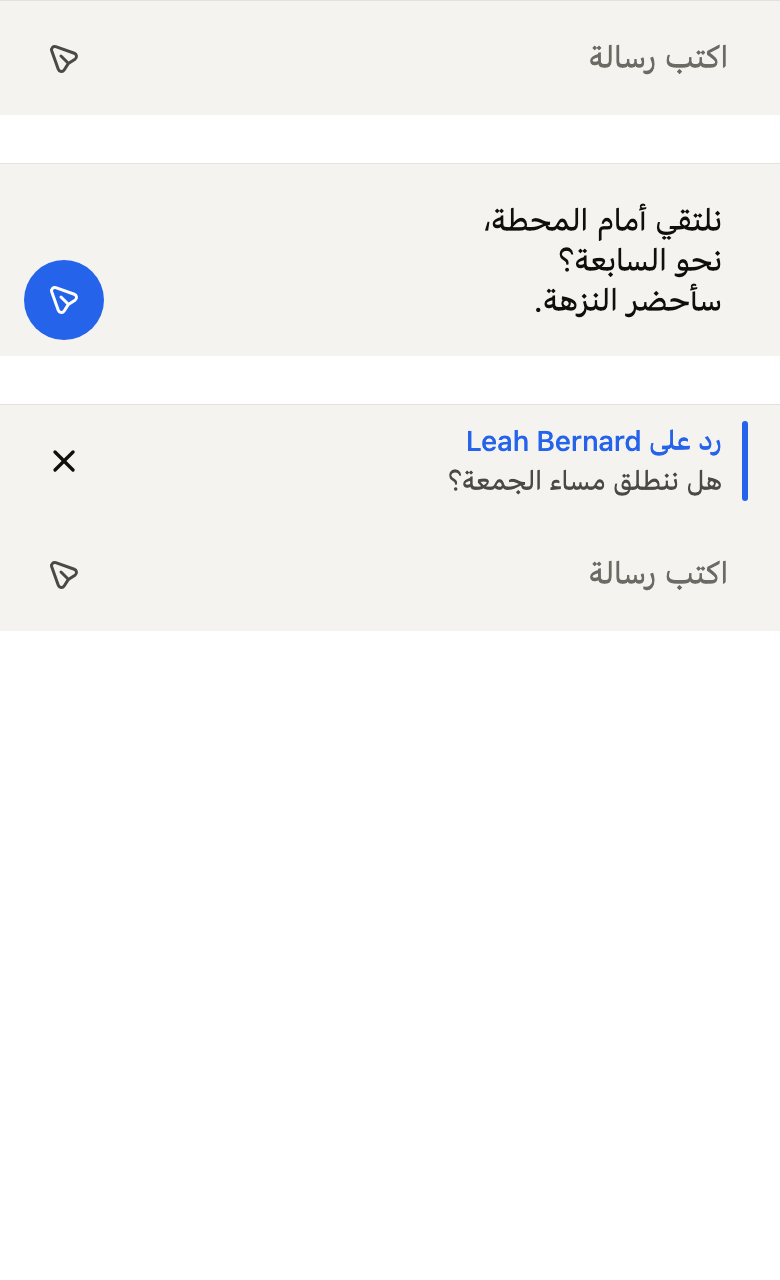
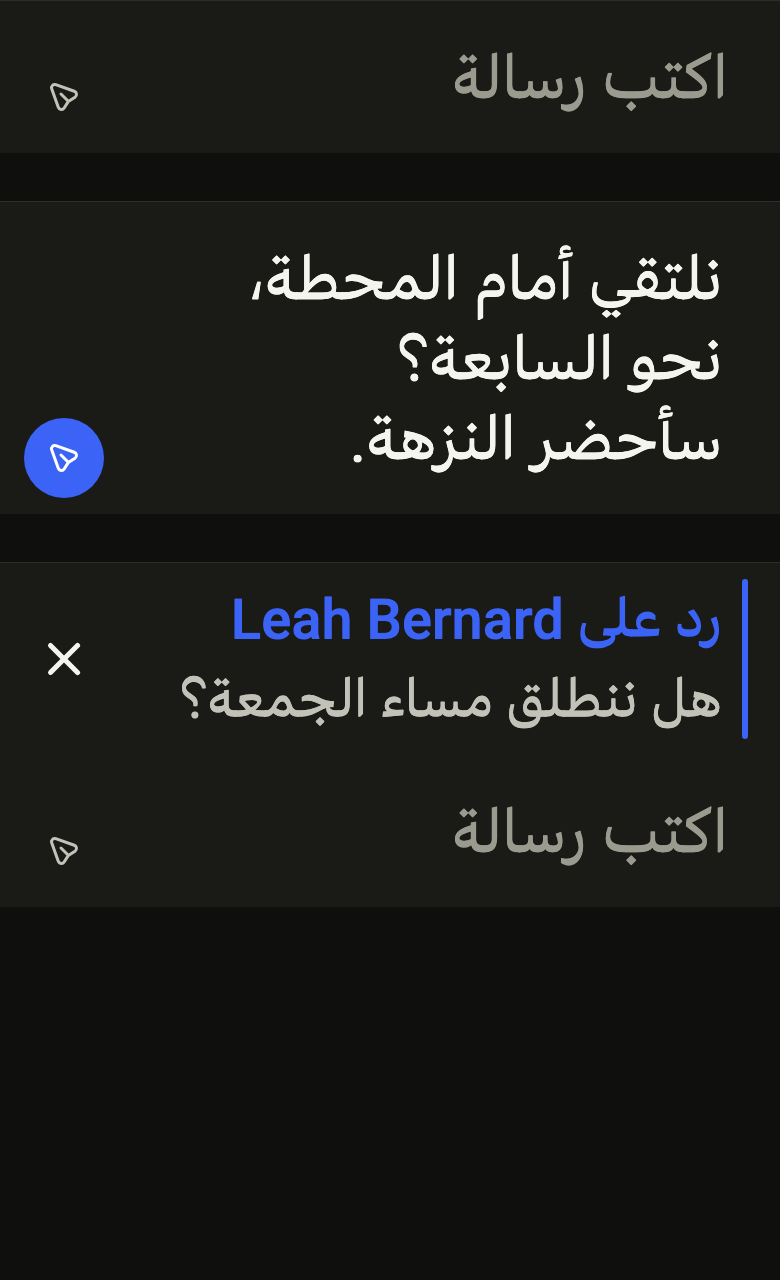
The 16 images published with version 0.2.5, rendered by the shared harness on macOS with Flutter 3.47.7. fliin verify composer compares your copy to them.
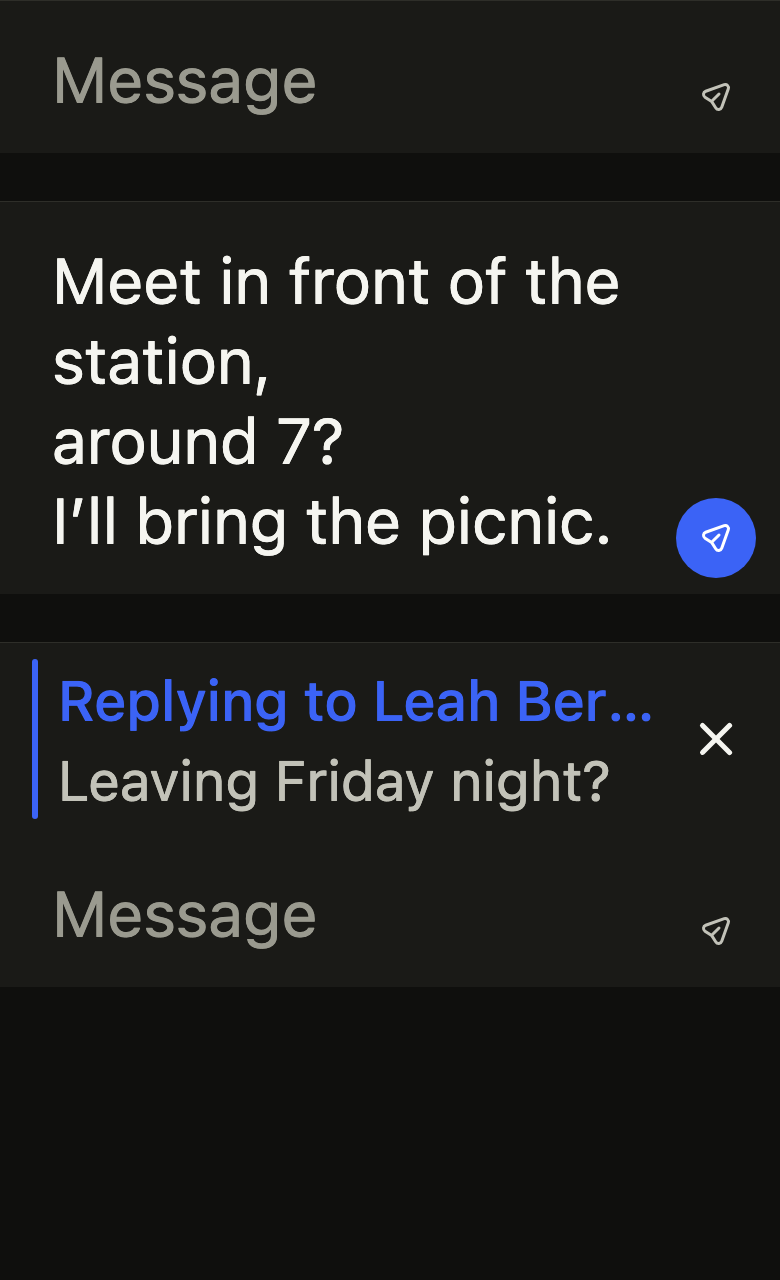
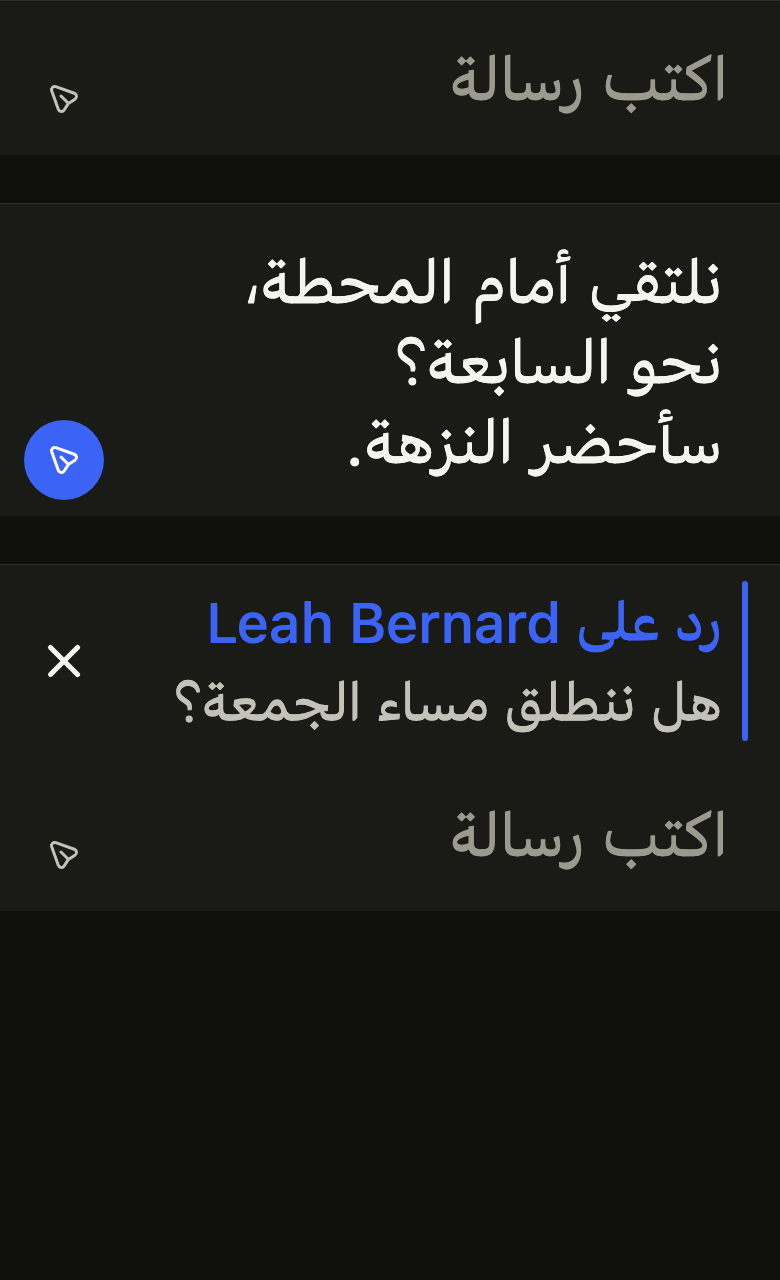
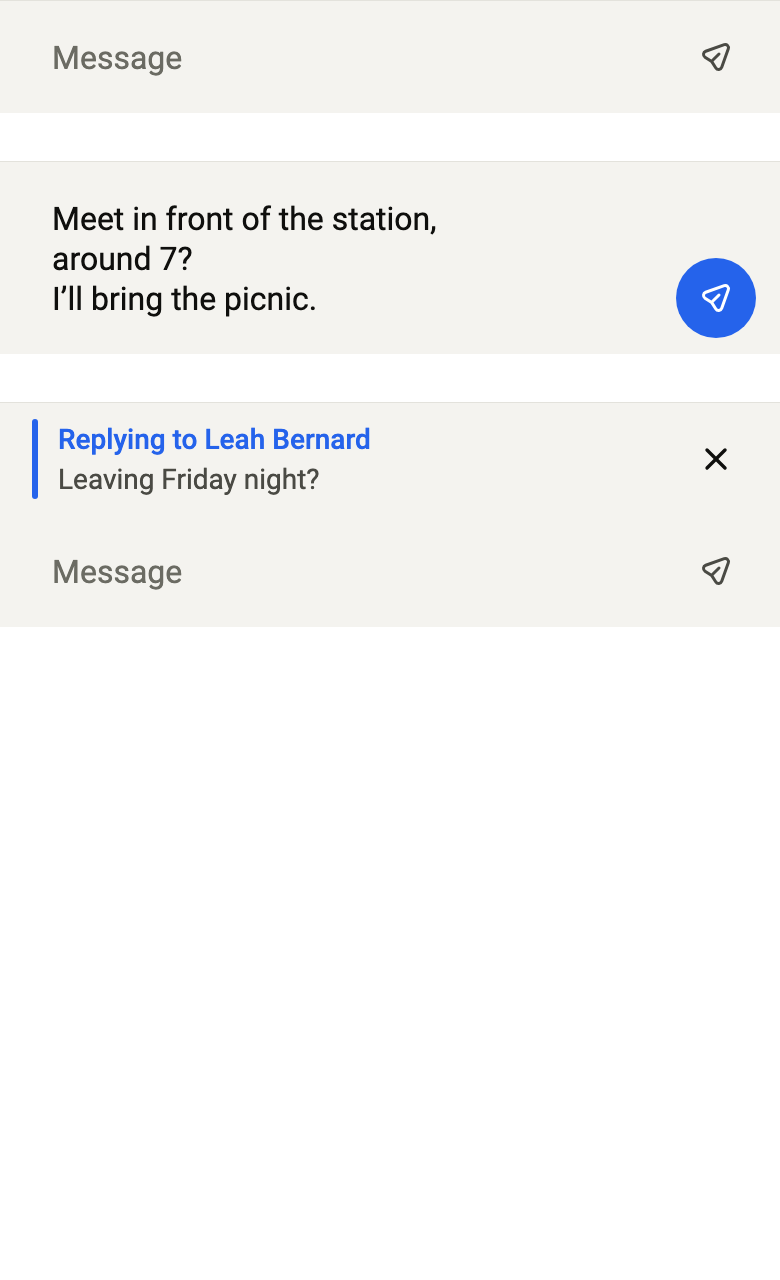
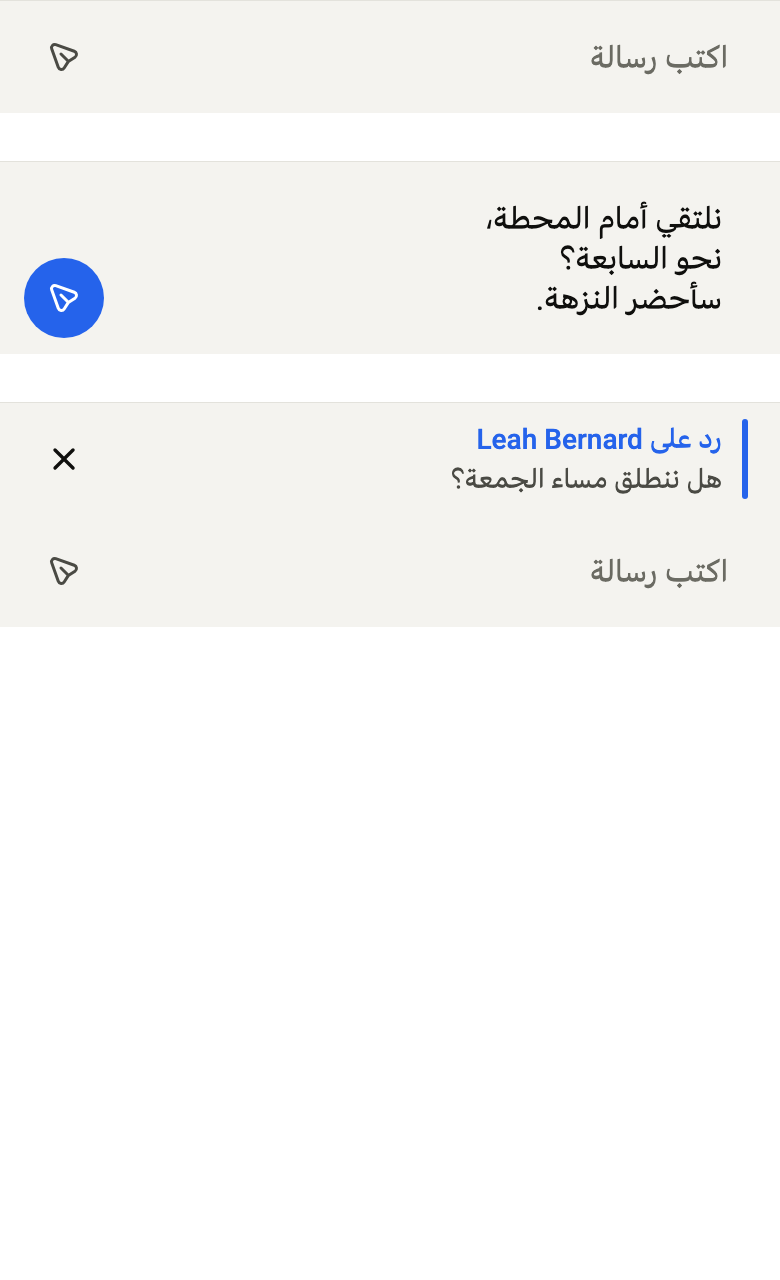
Use it to
- send a chat message written in the thread
- send on the Return key and break the line with Shift+Return
- show which message a reply answers above the draft
- keep the send button off while the message is empty
- let the chat input grow with the text up to a few lines
- Not for
- a form field with a label: use a text field (text-field)
- searching a list: use a search field (search-field)
- States