Blocks / commerce
Result card
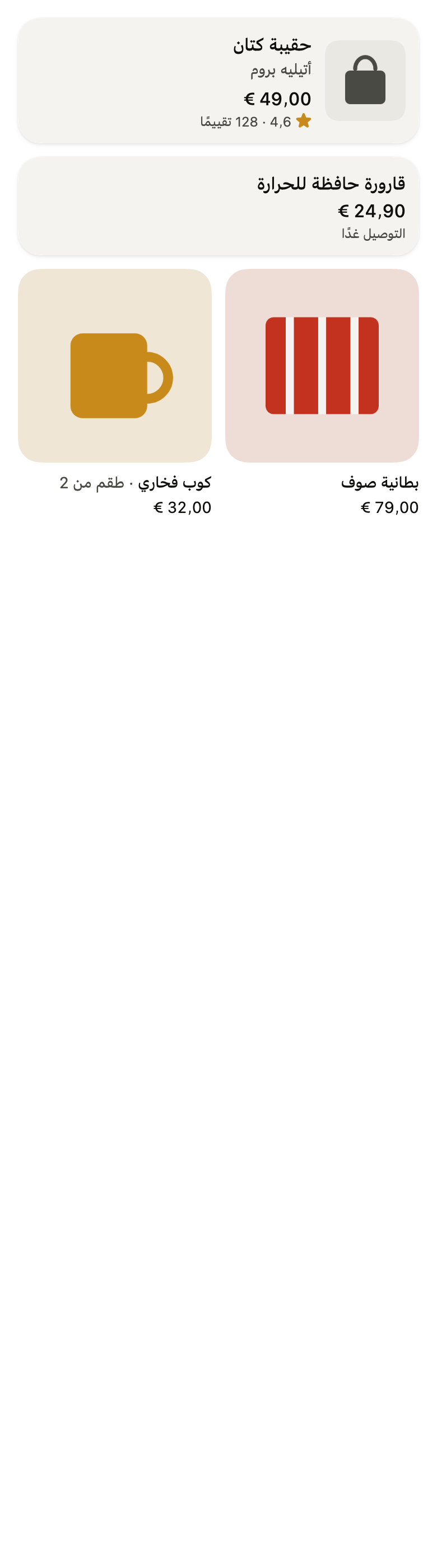
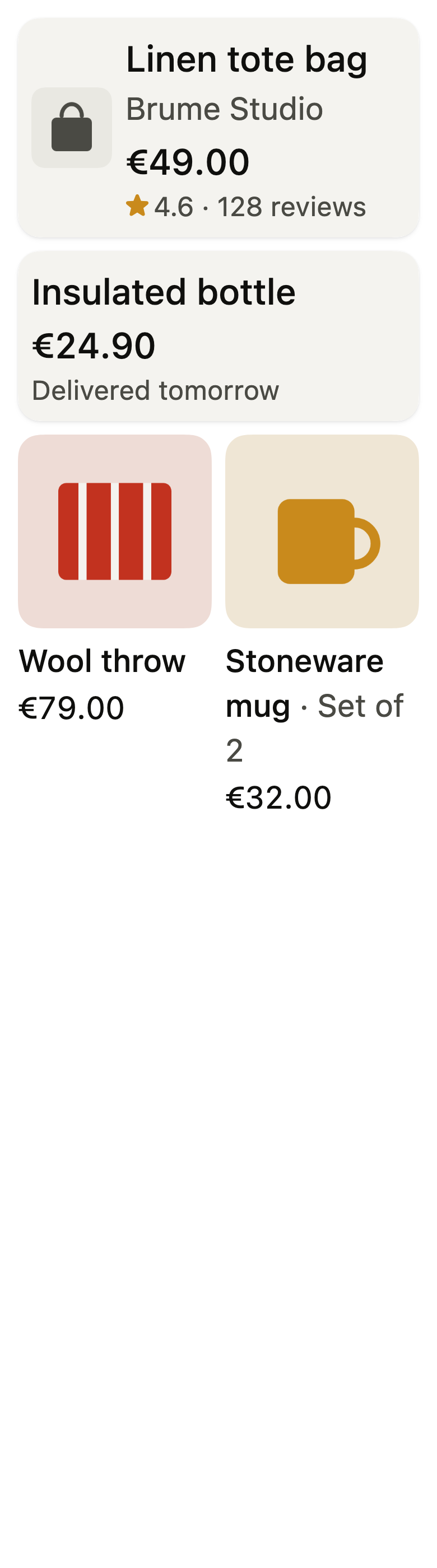
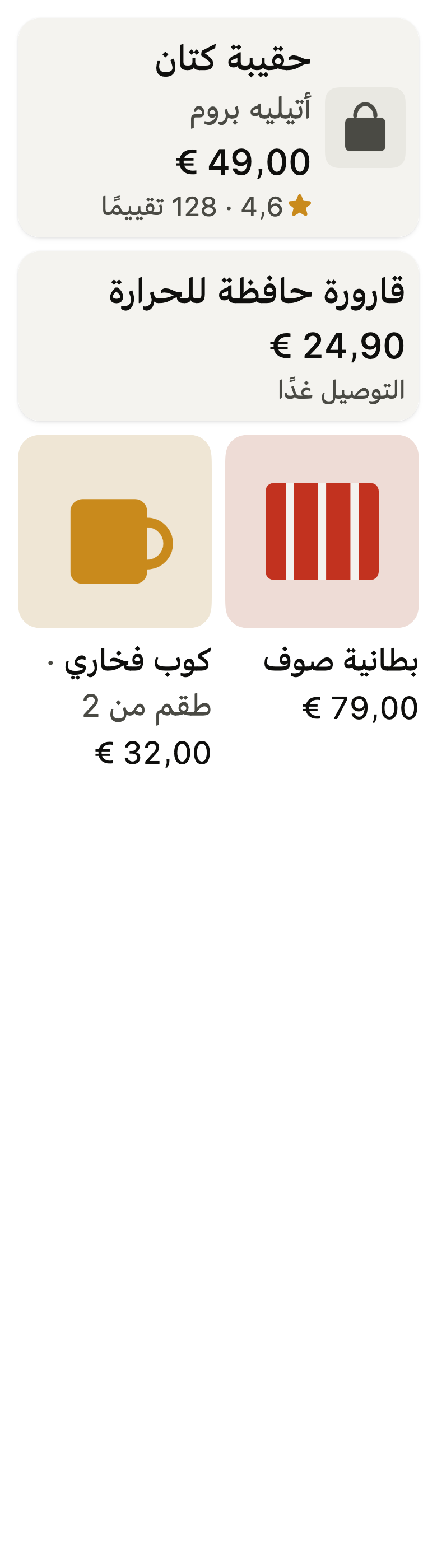
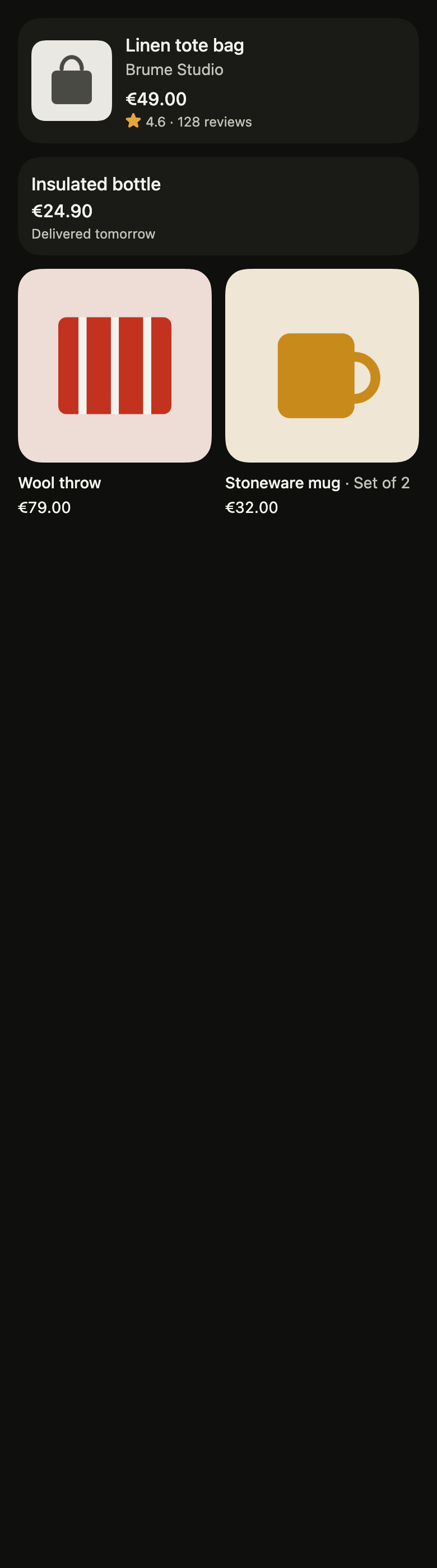
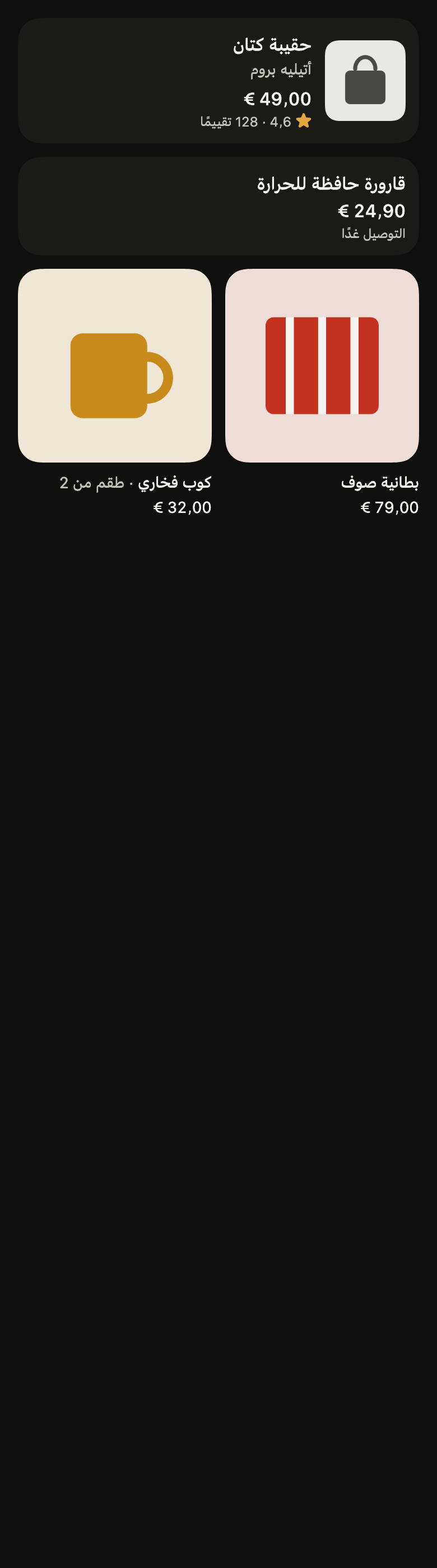
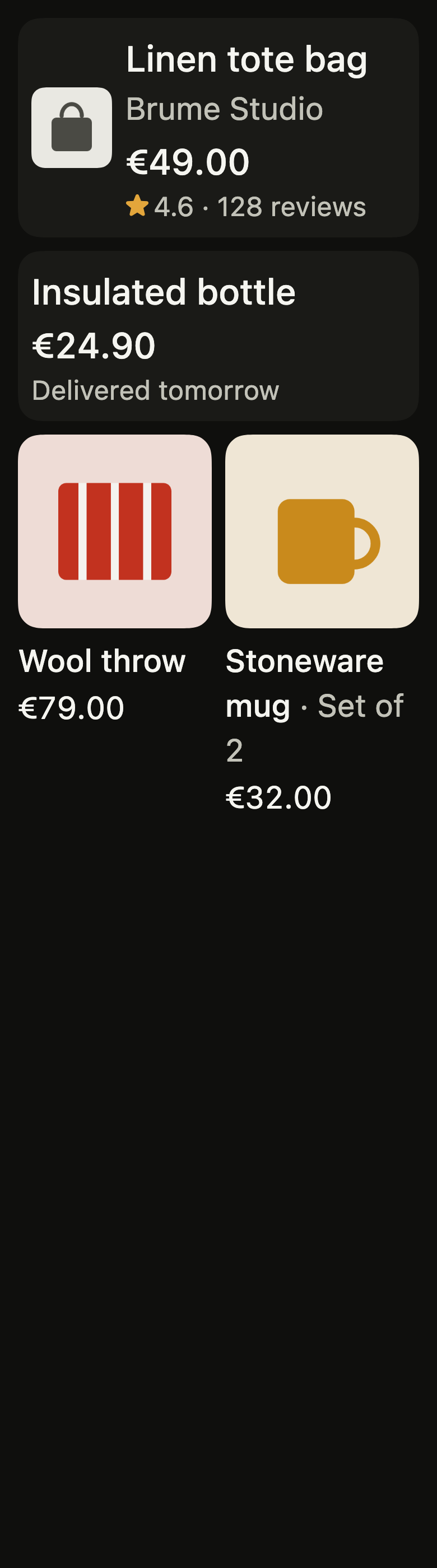
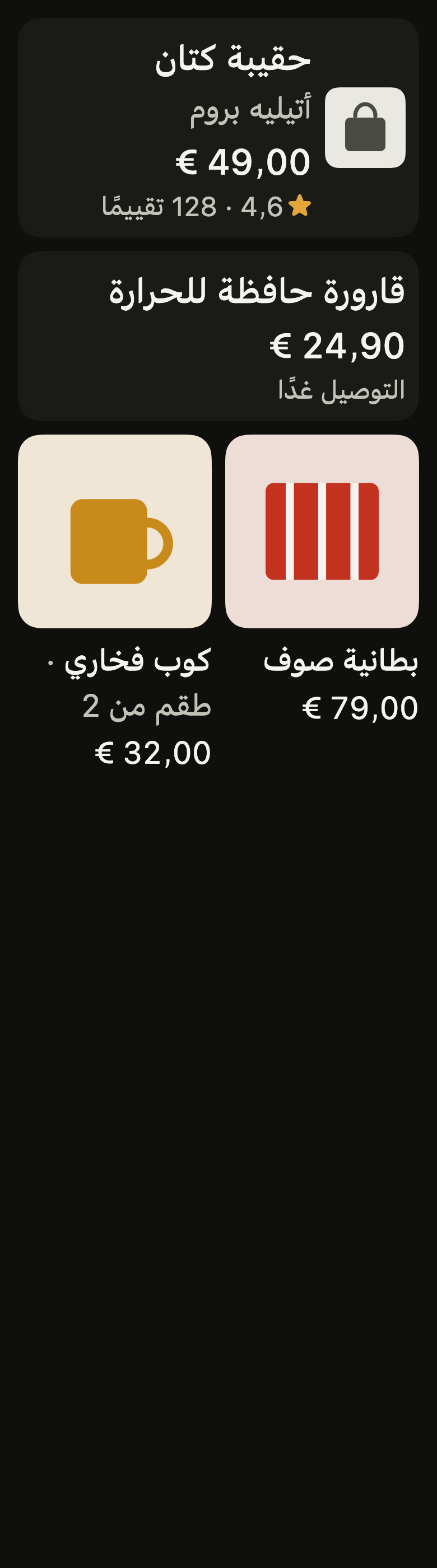
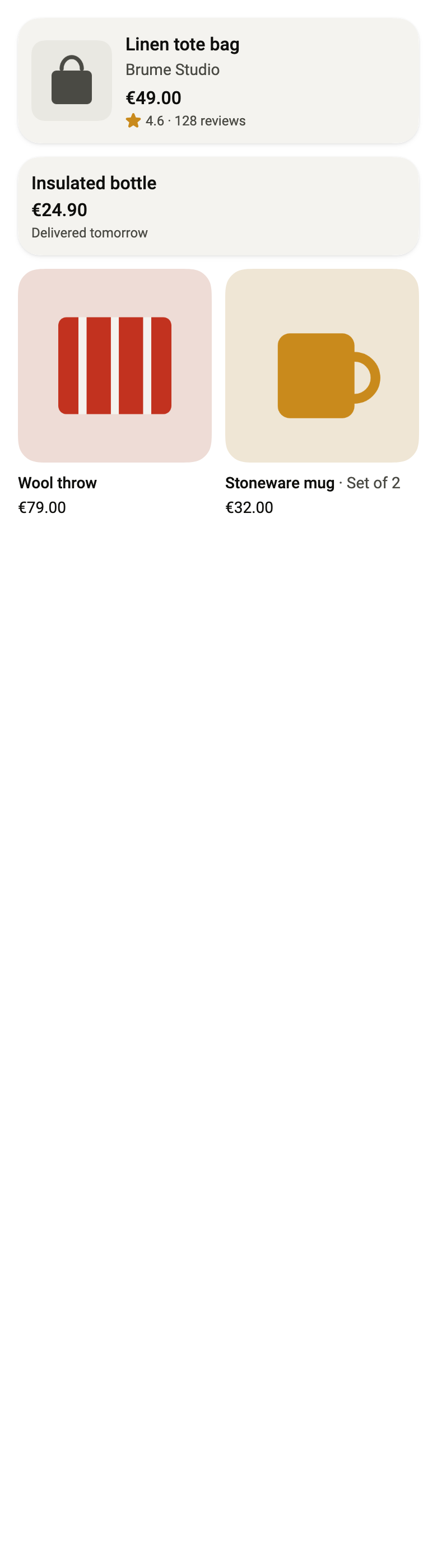
Presents a search result or a product with its thumbnail, name, price and a rating or delivery line, as a list row or a grid tile, and opens it on tap.
Import
Result card is part of Fliin Pro. With a license key, sign in once with fliin login, then add it in a Flutter app where fliin init has run:
fliin login
fliin add result-cardExamples
Row
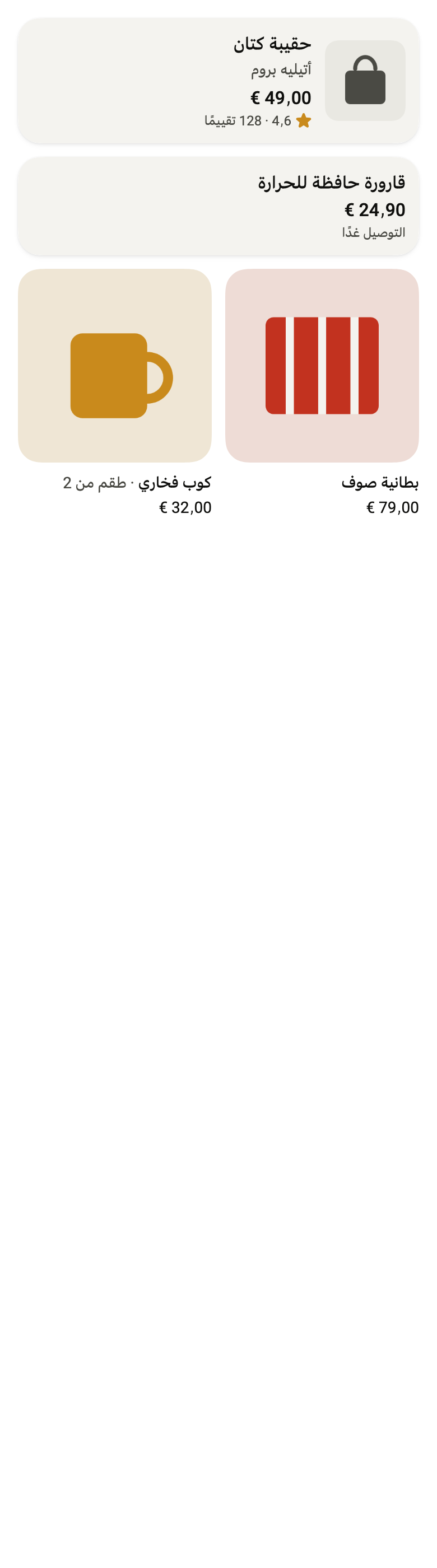
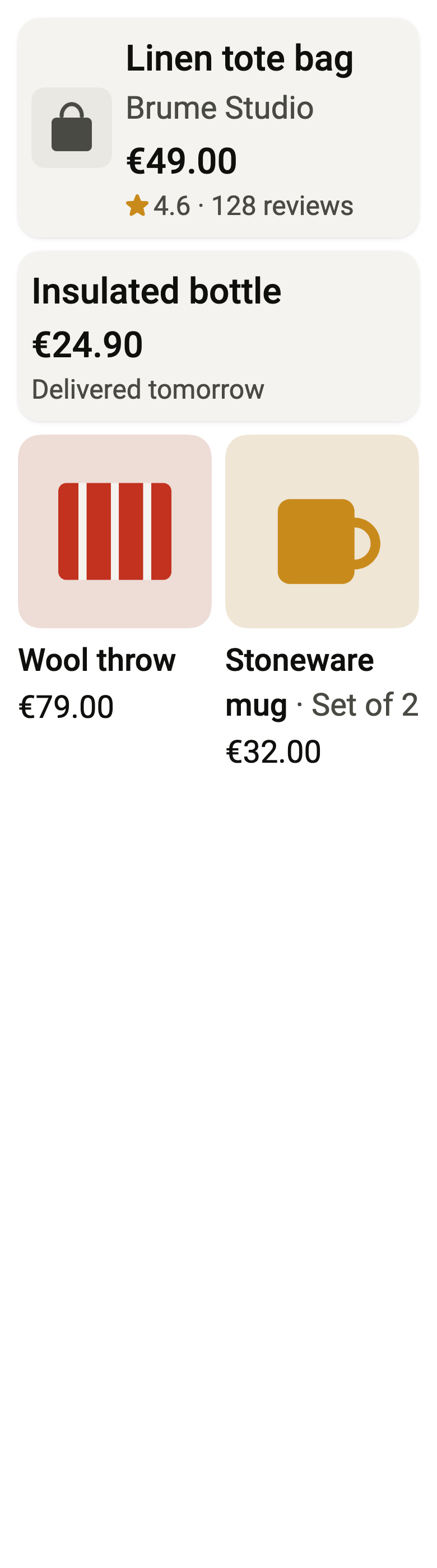
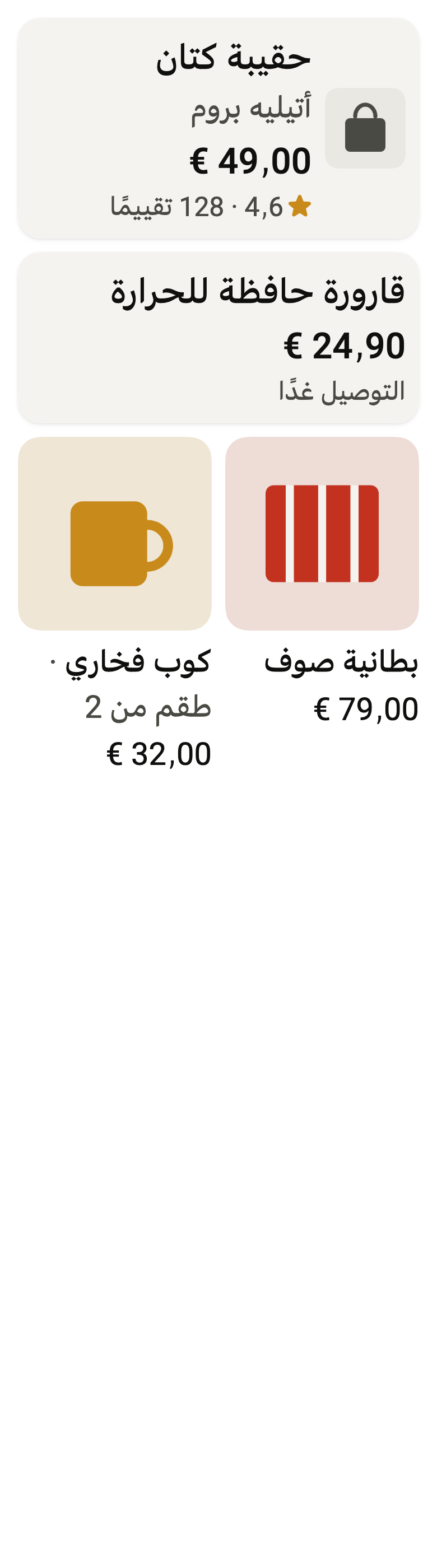
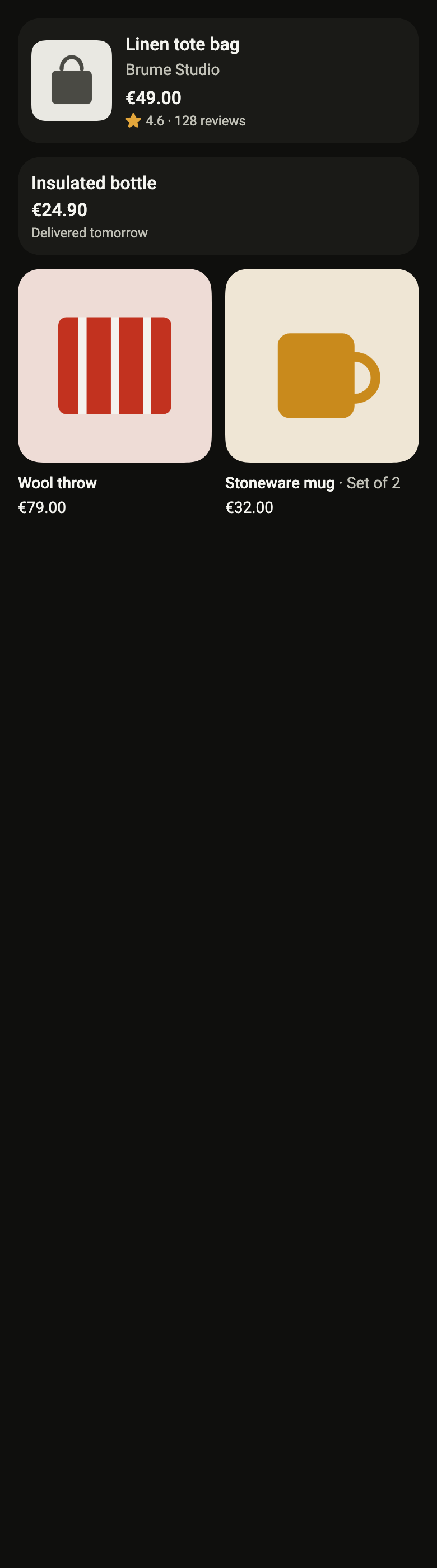
A search result as a row: the picture, the title and seller, the price and the rating. The whole card is one button.
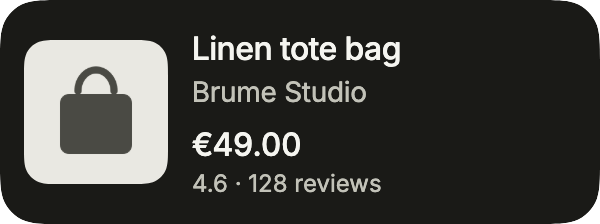
import 'package:your_app/ui/fliin/components/result_card/fl_result_card.dart';
import 'package:flutter/widgets.dart';

class ResultCardRowExample extends StatelessWidget {
  const ResultCardRowExample({super.key});

  @override
  Widget build(BuildContext context) {
    return FlResultCard(
      title: 'Linen tote bag',
      subtitle: 'Brume Studio',
      price: '€49.00',
      meta: '4.6 · 128 reviews',
      media: const FlResultImage(image: FlSampleImage(FlSampleArt.bag)),
      onPressed: () {},
    );
  }
}Tile
FlResultCardLayout.tile stacks the picture above the text, for results in a grid.
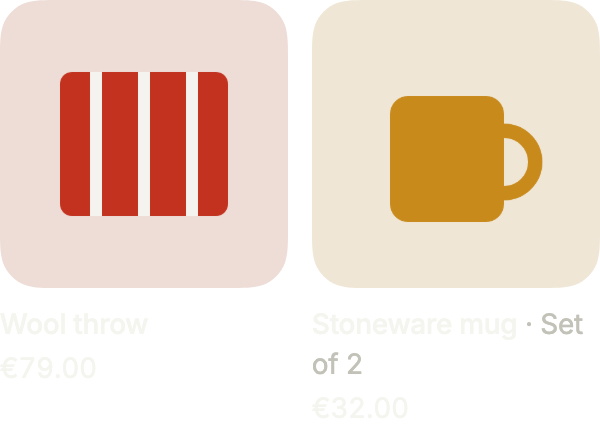
import 'package:your_app/ui/fliin/components/result_card/fl_result_card.dart';
import 'package:your_app/ui/fliin/core/fliin.dart';
import 'package:flutter/widgets.dart';

class ResultCardTileExample extends StatelessWidget {
  const ResultCardTileExample({super.key});

  @override
  Widget build(BuildContext context) {
    return Row(
      crossAxisAlignment: CrossAxisAlignment.start,
      spacing: FlScope.of(context).space.md,
      children: [
        Expanded(
          child: FlResultCard(
            layout: FlResultCardLayout.tile,
            title: 'Wool throw',
            price: '€79.00',
            media: const FlResultImage(image: FlSampleImage(FlSampleArt.throwBlanket)),
            onPressed: () {},
          ),
        ),
        Expanded(
          child: FlResultCard(
            layout: FlResultCardLayout.tile,
            title: 'Stoneware mug',
            subtitle: 'Set of 2',
            price: '€32.00',
            media: const FlResultImage(image: FlSampleImage(FlSampleArt.mug)),
            onPressed: () {},
          ),
        ),
      ],
    );
  }
}Sale
A product on sale: badge on the image, the price before the discount in originalPrice, and on a tile a favorite button in action, which keeps its own touch.
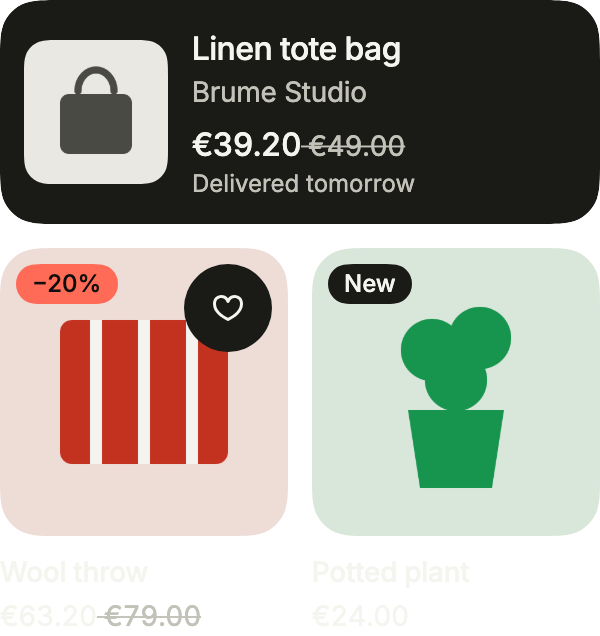
import 'package:your_app/ui/fliin/components/button/fl_button.dart';
import 'package:your_app/ui/fliin/components/chip/fl_chip.dart';
import 'package:your_app/ui/fliin/components/result_card/fl_result_card.dart';
import 'package:your_app/ui/fliin/core/fliin.dart';
import 'package:your_app/ui/fliin/icons/fl_icons.dart';
import 'package:flutter/widgets.dart';

class ResultCardSaleExample extends StatefulWidget {
  const ResultCardSaleExample({super.key});

  @override
  State<ResultCardSaleExample> createState() => _ResultCardSaleExampleState();
}

class _ResultCardSaleExampleState extends State<ResultCardSaleExample> {
  var _saved = false;

  @override
  Widget build(BuildContext context) {
    final space = FlScope.of(context).space;
    return Column(
      mainAxisSize: MainAxisSize.min,
      crossAxisAlignment: CrossAxisAlignment.stretch,
      spacing: space.md,
      children: [
        FlResultCard(
          title: 'Linen tote bag',
          subtitle: 'Brume Studio',
          price: '€39.20',
          originalPrice: '€49.00',
          originalPriceSemanticLabel: 'was €49.00',
          meta: 'Delivered tomorrow',
          media: const FlResultImage(image: FlSampleImage(FlSampleArt.bag)),
          onPressed: () {},
        ),
        Row(
          crossAxisAlignment: CrossAxisAlignment.start,
          spacing: space.md,
          children: [
            Expanded(
              child: FlResultCard(
                layout: FlResultCardLayout.tile,
                title: 'Wool throw',
                price: '€63.20',
                originalPrice: '€79.00',
                originalPriceSemanticLabel: 'was €79.00',
                badge: const FlChip(label: '−20%', color: FlChipColor.danger, size: FlChipSize.sm),
                action: FlButton.icon(
                  label: _saved ? 'Remove from favorites' : 'Add to favorites',
                  icon: FlIcon(_saved ? FlIcons.heartFill : FlIcons.heart),
                  variant: FlButtonVariant.secondary,
                  size: FlButtonSize.sm,
                  selected: _saved,
                  onPressed: () => setState(() => _saved = !_saved),
                ),
                media: const FlResultImage(image: FlSampleImage(FlSampleArt.throwBlanket)),
                onPressed: () {},
              ),
            ),
            Expanded(
              child: FlResultCard(
                layout: FlResultCardLayout.tile,
                title: 'Potted plant',
                price: '€24.00',
                badge: const FlChip(label: 'New', variant: FlChipVariant.secondary, size: FlChipSize.sm),
                media: const FlResultImage(image: FlSampleImage(FlSampleArt.plant)),
                onPressed: () {},
              ),
            ),
          ],
        ),
      ],
    );
  }
}Usage
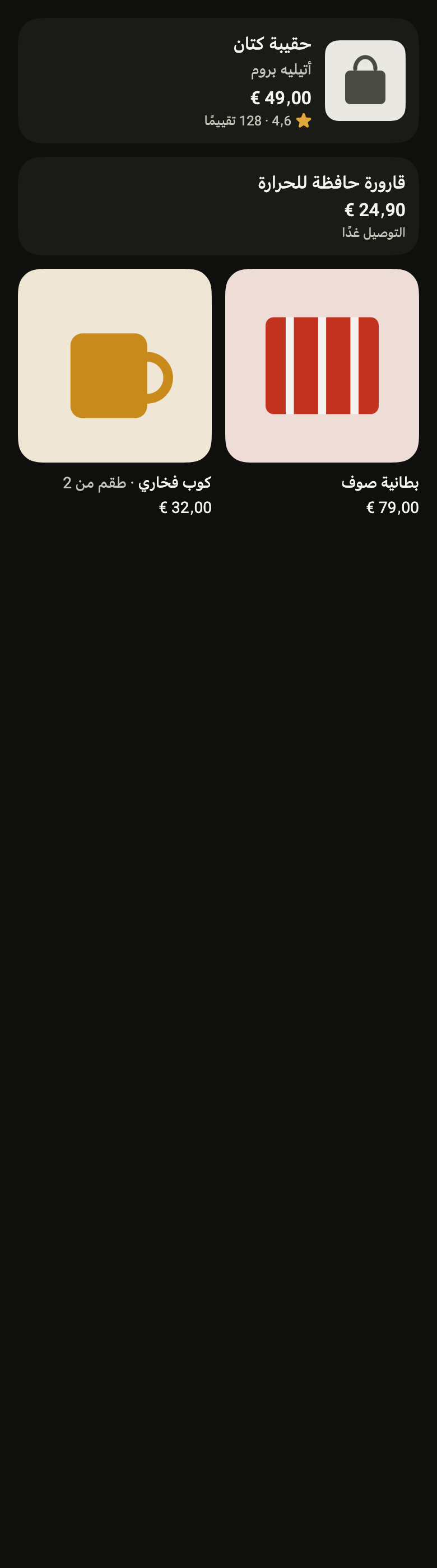
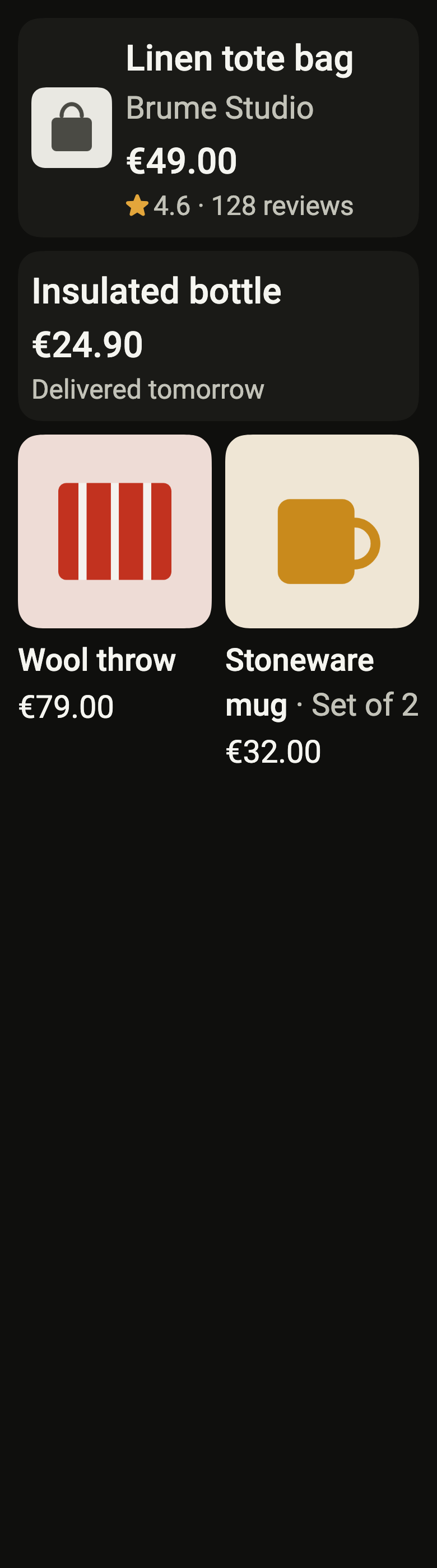
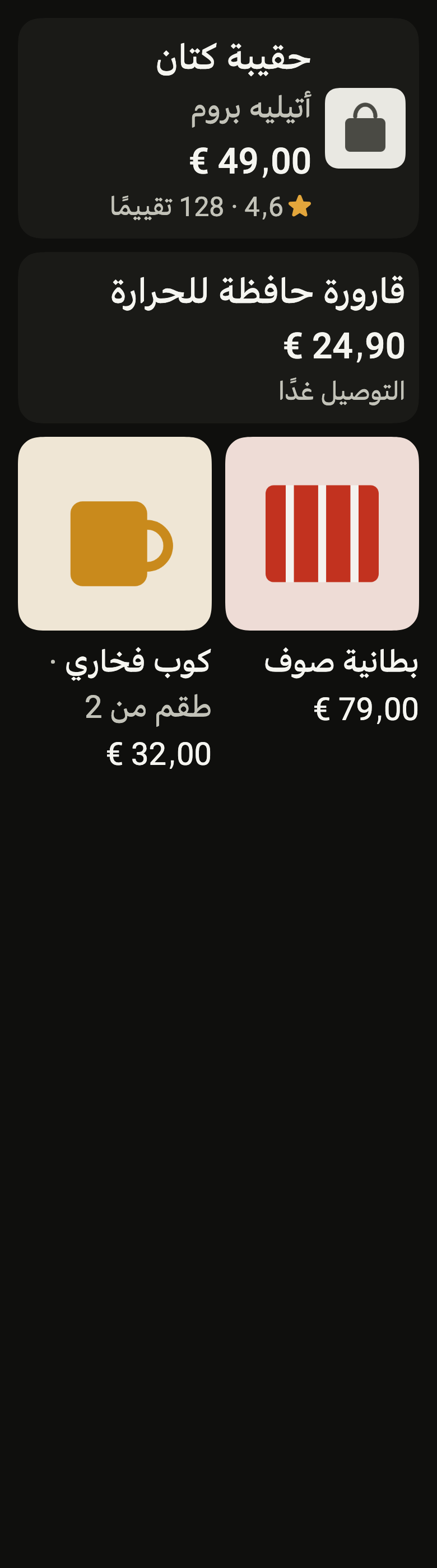
The code the reference images render:
final example = ColoredBox(
  color: FlScope.of(context).colors.surface,
  child: SingleChildScrollView(
    padding: EdgeInsetsDirectional.all(FlScope.of(context).space.lg),
    child: Column(
      crossAxisAlignment: CrossAxisAlignment.stretch,
      spacing: FlScope.of(context).space.md,
      children: [
        FlResultCard(
          title: (variant.dir == TextDirection.rtl
              ? "حقيبة كتان"
              : "Linen tote bag"),
          subtitle: (variant.dir == TextDirection.rtl
              ? "أتيليه بروم"
              : "Brume Studio"),
          price: (variant.dir == TextDirection.rtl ? "49٫00 €" : "€49.00"),
          rating: (variant.dir == TextDirection.rtl ? "4٫6" : "4.6"),
          ratingSemanticLabel: (variant.dir == TextDirection.rtl
              ? "التقييم ٤٫٦ من ٥"
              : "Rated 4.6 out of 5"),
          meta: (variant.dir == TextDirection.rtl
              ? "128 تقييمًا"
              : "128 reviews"),
          media: FlResultImage(image: const FlSampleImage(FlSampleArt.bag)),
          onPressed: () {},
        ),
        FlResultCard(
          title: (variant.dir == TextDirection.rtl
              ? "قارورة حافظة للحرارة"
              : "Insulated bottle"),
          price: (variant.dir == TextDirection.rtl ? "24٫90 €" : "€24.90"),
          meta: (variant.dir == TextDirection.rtl
              ? "التوصيل غدًا"
              : "Delivered tomorrow"),
        ),
        Row(
          crossAxisAlignment: CrossAxisAlignment.start,
          spacing: FlScope.of(context).space.md,
          children: [
            Expanded(
              child: FlResultCard(
                layout: FlResultCardLayout.tile,
                title: (variant.dir == TextDirection.rtl
                    ? "بطانية صوف"
                    : "Wool throw"),
                price: (variant.dir == TextDirection.rtl
                    ? "79٫00 €"
                    : "€79.00"),
                media: FlResultImage(
                  image: const FlSampleImage(FlSampleArt.throwBlanket),
                ),
                onPressed: () {},
              ),
            ),
            Expanded(
              child: FlResultCard(
                layout: FlResultCardLayout.tile,
                title: (variant.dir == TextDirection.rtl
                    ? "كوب فخاري"
                    : "Stoneware mug"),
                subtitle: (variant.dir == TextDirection.rtl
                    ? "طقم من 2"
                    : "Set of 2"),
                price: (variant.dir == TextDirection.rtl
                    ? "32٫00 €"
                    : "€32.00"),
                media: FlResultImage(
                  image: const FlSampleImage(FlSampleArt.mug),
                ),
                onPressed: () {},
              ),
            ),
          ],
        ),
      ],
    ),
  ),
);API
FlResultCardLayout: enum {row, tile}
FlResultCardLayout.row: static final FlResultCardLayout
FlResultCardLayout.tile: static final FlResultCardLayout
FlResultCard: class extends StatelessWidget
FlResultCard.new: const new({super.key, required String title, String? subtitle, String? price, String? meta, Widget? media, FlResultCardLayout layout, VoidCallback? onPressed, String? rating, String? ratingSemanticLabel, String? originalPrice, String? originalPriceSemanticLabel, Widget? badge, Widget? action})
FlResultCard.originalPrice: get String?
FlResultCard.originalPriceSemanticLabel: get String?
FlResultCard.badge: get Widget?
FlResultCard.action: get Widget?
FlResultCard.rating: get String?
FlResultCard.ratingSemanticLabel: get String?
FlResultCard.title: get String
FlResultCard.subtitle: get String?
FlResultCard.price: get String?
FlResultCard.meta: get String?
FlResultCard.media: get Widget?
FlResultCard.layout: get FlResultCardLayout
FlResultCard.onPressed: get VoidCallback?
FlResultCard.build: Widget(BuildContext context)
FlResultImage: class extends StatelessWidget
FlResultImage.new: const new({super.key, required ImageProvider image, BoxFit fit, Widget? error})
FlResultImage.image: get ImageProvider
FlResultImage.fit: get BoxFit
FlResultImage.error: get Widget?
FlResultImage.build: Widget(BuildContext context)
FlSampleArt: enum {bag, bottle, mug, throwBlanket, lamp, plant}
FlSampleArt.bag: static final FlSampleArt
FlSampleArt.bottle: static final FlSampleArt
FlSampleArt.mug: static final FlSampleArt
FlSampleArt.throwBlanket: static final FlSampleArt
FlSampleArt.lamp: static final FlSampleArt
FlSampleArt.plant: static final FlSampleArt
FlSampleImage: final class extends ImageProvider<FlSampleImage>
FlSampleImage.new: const new(FlSampleArt art)
FlSampleImage.art: get FlSampleArt
FlSampleImage.obtainKey: Future<FlSampleImage>(ImageConfiguration configuration)
FlSampleImage.loadImage: ImageStreamCompleter(FlSampleImage key, ImageDecoderCallback decode)
FlSampleImage.operator ==: bool(Object other)
FlSampleImage.hashCode: get intReference renders
The 16 images published with version 0.2.3, rendered by the shared harness on macOS with Flutter 3.47.7. fliin verify result-card compares your copy to them.
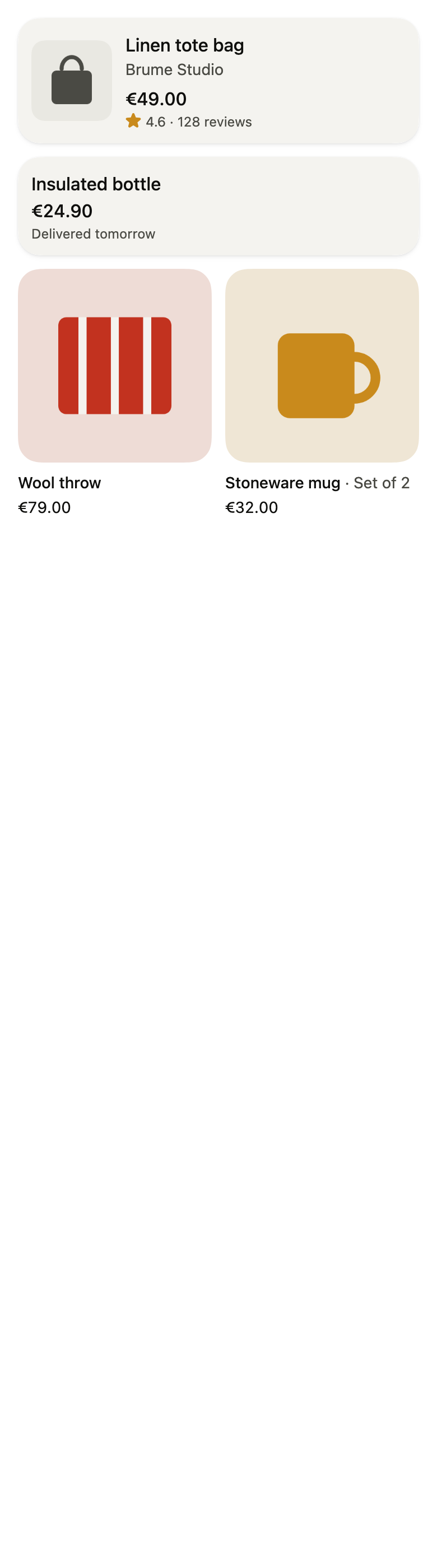
Use it to
- present a product with its thumbnail, name and price
- show a list of products as cards
- make a two-column grid of product tiles
- show the rating and review count under the price
- open a product page from its card
- Not for
- a settings or navigation row: use a list row (list-row)
- free content on a surface: use a card (card)
- States