Blocks / feedback
Empty state
Explains why a list or a search has nothing to show, after an error or without a network, with an icon, a title, a text and up to two actions.
Import
Empty state is part of Fliin Pro. With a license key, sign in once with fliin login, then add it in a Flutter app where fliin init has run:
fliin login
fliin add empty-state
Also installs: button, core, icons, link-button, skeleton, surface
Examples
Page offline
A whole page with nothing to show while offline: the empty state in an FlPage, under its top bar, through FlSliverEmptyState.
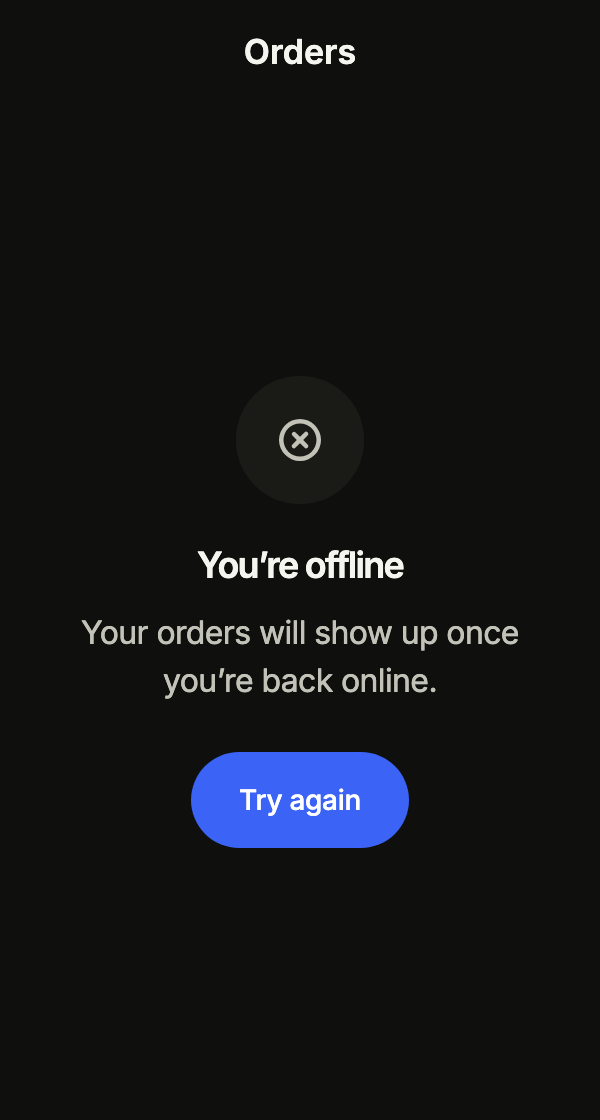
import 'package:your_app/ui/fliin/components/app_bar/fl_app_bar.dart';
import 'package:your_app/ui/fliin/components/empty_state/fl_empty_state.dart';
import 'package:your_app/ui/fliin/components/page/fl_page.dart';
import 'package:flutter/widgets.dart';

class EmptyStatePageOfflineExample extends StatelessWidget {
  const EmptyStatePageOfflineExample({super.key});

  @override
  Widget build(BuildContext context) {
    return FlPage(
      appBar: const FlAppBar(title: 'Orders'),
      slivers: [
        FlSliverEmptyState(
          child: FlEmptyState(
            icon: const FlEmptyStateIcon(FlEmptyStateGlyph.offline),
            title: 'You’re offline',
            description: 'Your orders will show up once you’re back online.',
            primaryAction: FlEmptyStateAction(label: 'Try again', onPressed: () {}),
          ),
        ),
      ],
    );
  }
}Maintenance
A service down for maintenance: the page says when it comes back and reassures, with a second action that leads to the service status.
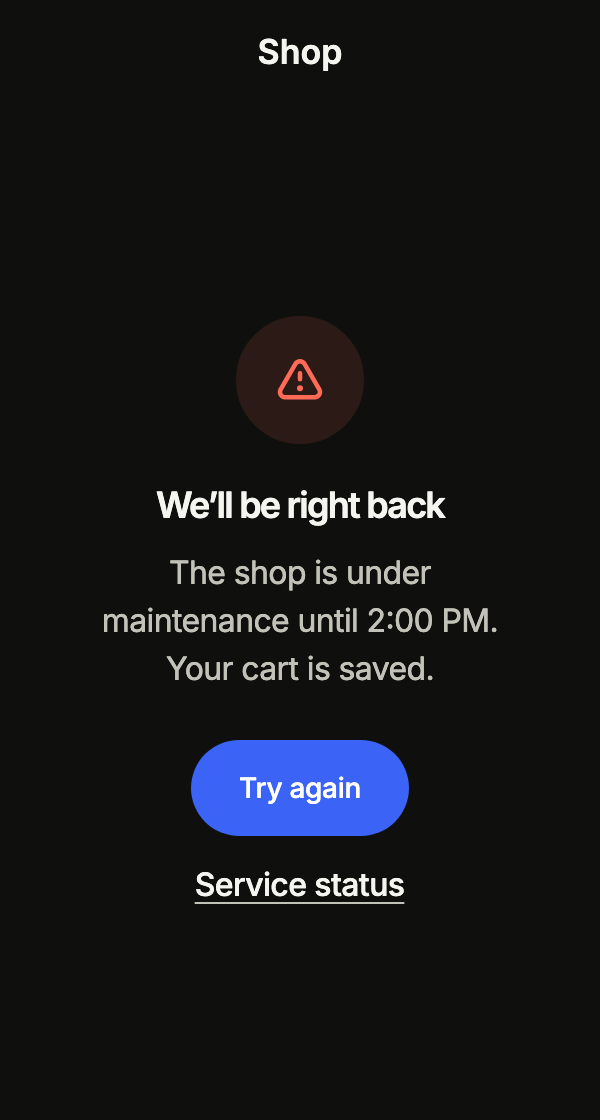
import 'package:your_app/ui/fliin/components/app_bar/fl_app_bar.dart';
import 'package:your_app/ui/fliin/components/empty_state/fl_empty_state.dart';
import 'package:your_app/ui/fliin/components/page/fl_page.dart';
import 'package:flutter/widgets.dart';

class EmptyStateMaintenanceExample extends StatelessWidget {
  const EmptyStateMaintenanceExample({super.key});

  @override
  Widget build(BuildContext context) {
    return FlPage(
      appBar: const FlAppBar(title: 'Shop'),
      slivers: [
        FlSliverEmptyState(
          child: FlEmptyState(
            icon: const FlEmptyStateIcon(FlEmptyStateGlyph.error),
            title: 'We’ll be right back',
            description: 'The shop is under maintenance until 2:00 PM. Your cart is saved.',
            primaryAction: FlEmptyStateAction(label: 'Try again', onPressed: () {}),
            secondaryAction: FlEmptyStateAction(label: 'Service status', onPressed: () {}),
          ),
        ),
      ],
    );
  }
}Update required
A version too old to go on: no top bar, since nothing leads elsewhere, and no icon; the main action updates the app.
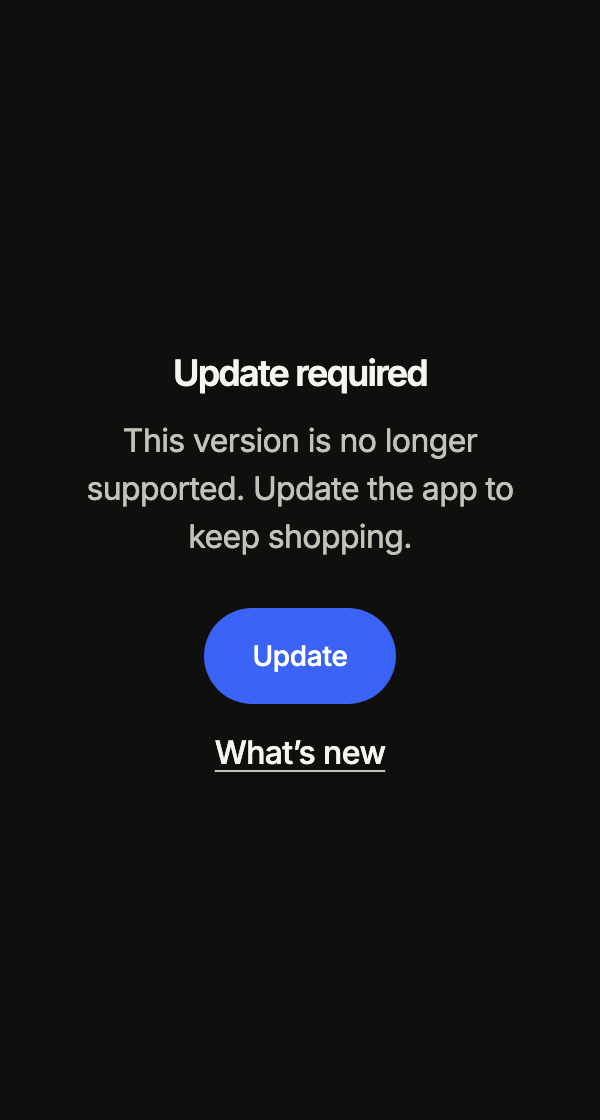
import 'package:your_app/ui/fliin/components/empty_state/fl_empty_state.dart';
import 'package:your_app/ui/fliin/components/page/fl_page.dart';
import 'package:flutter/widgets.dart';

class EmptyStateUpdateRequiredExample extends StatelessWidget {
  const EmptyStateUpdateRequiredExample({super.key});

  @override
  Widget build(BuildContext context) {
    return FlPage(
      slivers: [
        FlSliverEmptyState(
          child: FlEmptyState(
            title: 'Update required',
            description: 'This version is no longer supported. Update the app to keep shopping.',
            primaryAction: FlEmptyStateAction(label: 'Update', onPressed: () {}),
            secondaryAction: FlEmptyStateAction(label: 'What’s new', onPressed: () {}),
          ),
        ),
      ],
    );
  }
}Create
The first run of a feature: the app's own icon in the disc, and leading on an action to show what it creates.
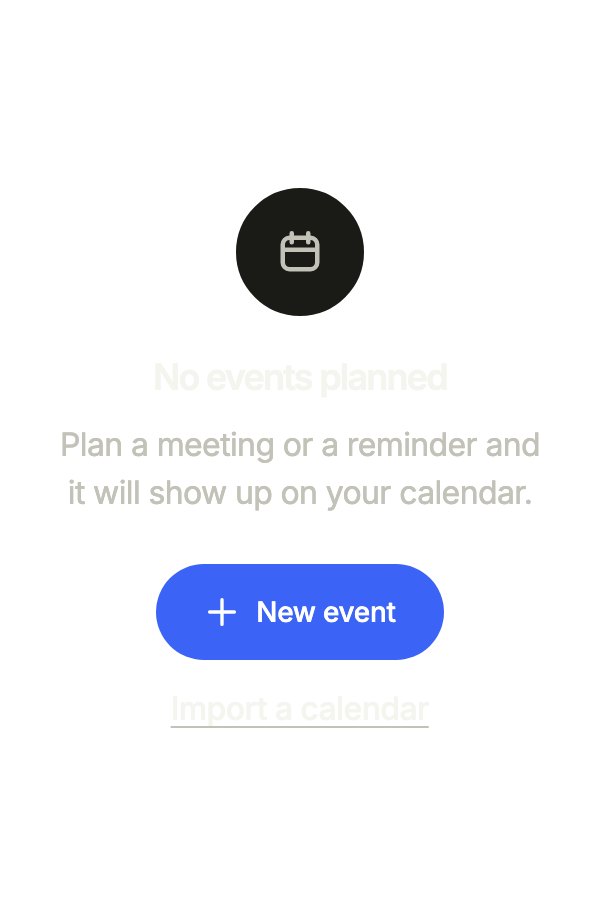
import 'package:your_app/ui/fliin/components/empty_state/fl_empty_state.dart';
import 'package:your_app/ui/fliin/core/fliin.dart';
import 'package:your_app/ui/fliin/icons/fl_icons.dart';
import 'package:flutter/widgets.dart';

class EmptyStateCreateExample extends StatelessWidget {
  const EmptyStateCreateExample({super.key});

  @override
  Widget build(BuildContext context) {
    return FlEmptyState(
      icon: FlIcon(FlIcons.calendar),
      title: 'No events planned',
      description: 'Plan a meeting or a reminder and it will show up on your calendar.',
      primaryAction: FlEmptyStateAction(label: 'New event', leading: FlIcon(FlIcons.plus), onPressed: () {}),
      secondaryAction: FlEmptyStateAction(label: 'Import a calendar', onPressed: () {}),
    );
  }
}Table
Inside a card or a table with no rows: compact size, and framed: false for the muted icon alone over its text, without its disc.
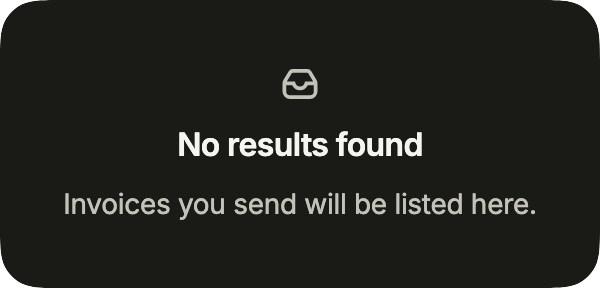
import 'package:your_app/ui/fliin/components/empty_state/fl_empty_state.dart';
import 'package:your_app/ui/fliin/components/surface/fl_surface.dart';
import 'package:flutter/widgets.dart';

class EmptyStateTableExample extends StatelessWidget {
  const EmptyStateTableExample({super.key});

  @override
  Widget build(BuildContext context) {
    return const FlSurface(
      child: FlEmptyState(
        icon: FlEmptyStateIcon(FlEmptyStateGlyph.inbox),
        framed: false,
        size: FlEmptyStateSize.compact,
        title: 'No results found',
        description: 'Invoices you send will be listed here.',
      ),
    );
  }
}Empty
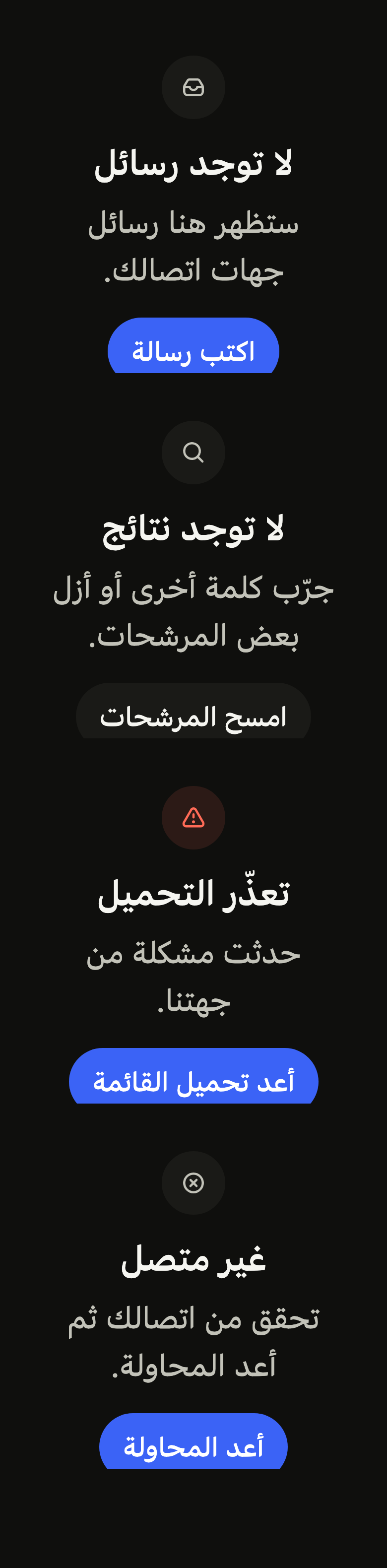
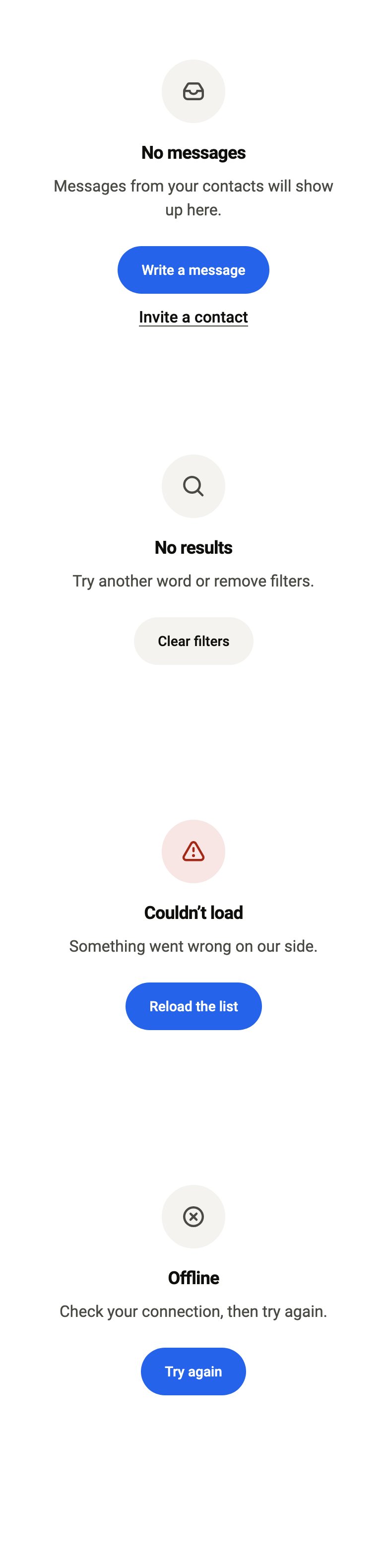
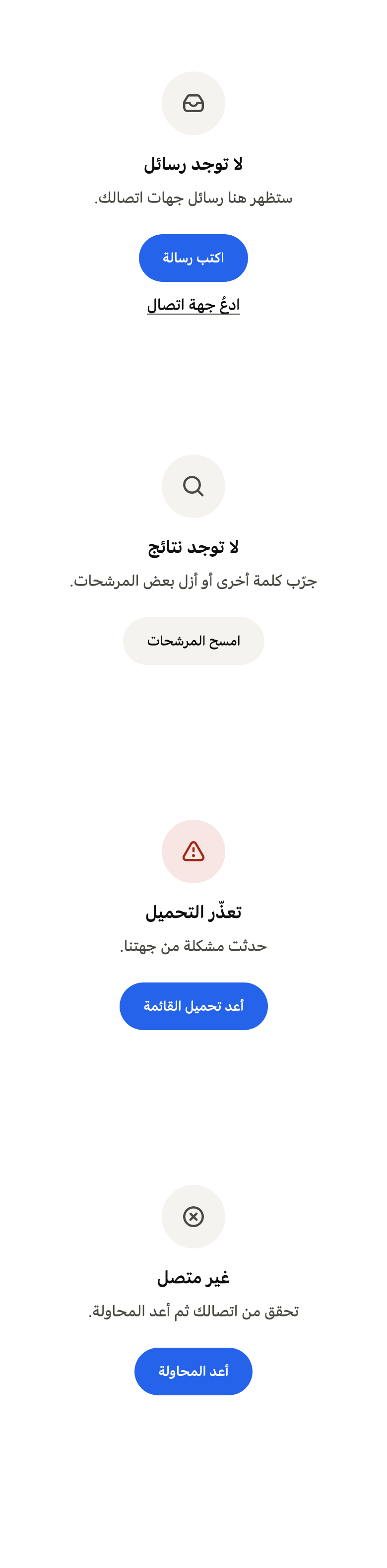
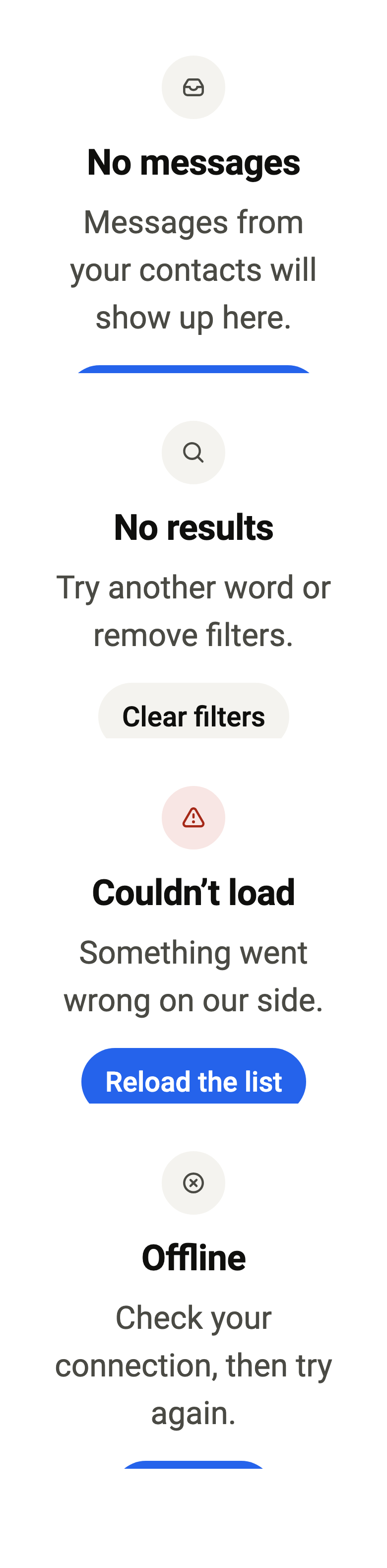
A list with nothing in it yet: what will show up here, and the action that starts it.
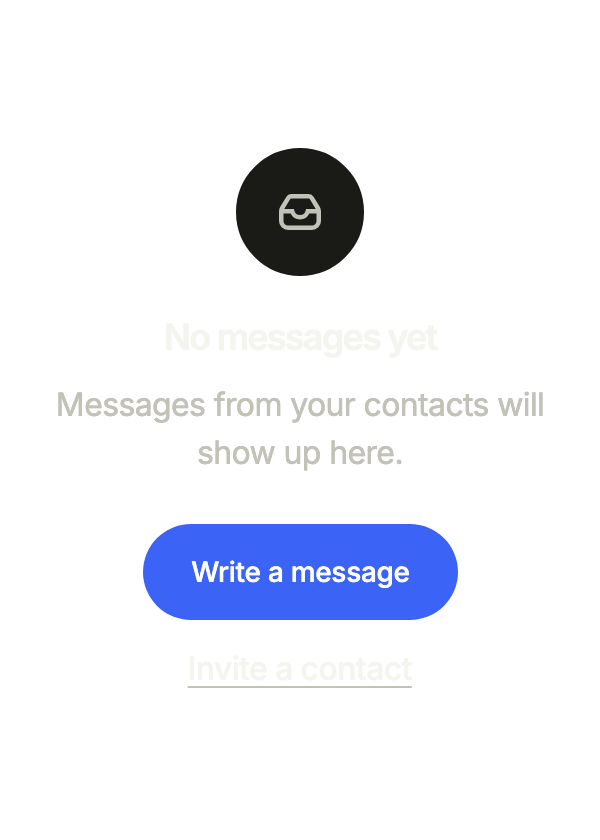
import 'package:your_app/ui/fliin/components/empty_state/fl_empty_state.dart';
import 'package:flutter/widgets.dart';

class EmptyStateEmptyExample extends StatelessWidget {
  const EmptyStateEmptyExample({super.key});

  @override
  Widget build(BuildContext context) {
    return FlEmptyState(
      icon: const FlEmptyStateIcon(FlEmptyStateGlyph.inbox),
      title: 'No messages yet',
      description: 'Messages from your contacts will show up here.',
      primaryAction: FlEmptyStateAction(label: 'Write a message', onPressed: () {}),
      secondaryAction: FlEmptyStateAction(label: 'Invite a contact', onPressed: () {}),
    );
  }
}No results
A search that finds nothing: a hint, and a quieter action that widens the search.
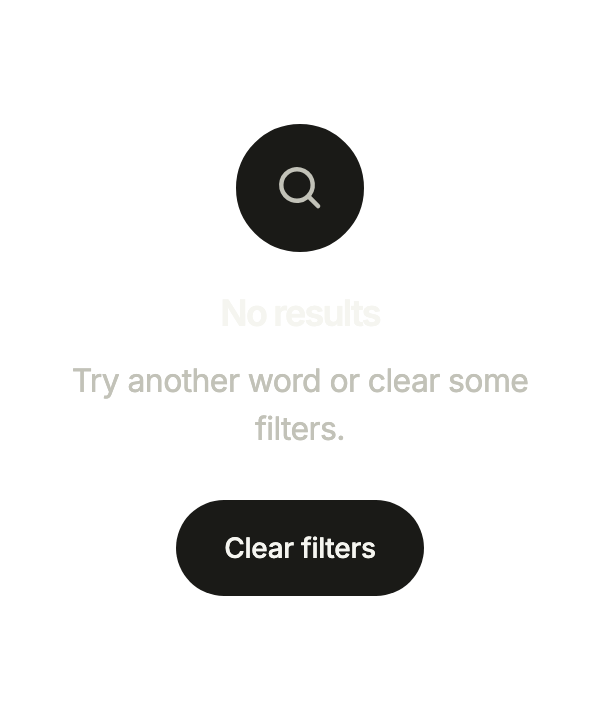
import 'package:your_app/ui/fliin/components/empty_state/fl_empty_state.dart';
import 'package:flutter/widgets.dart';

class EmptyStateNoResultsExample extends StatelessWidget {
  const EmptyStateNoResultsExample({super.key});

  @override
  Widget build(BuildContext context) {
    return FlEmptyState(
      icon: const FlEmptyStateIcon(FlEmptyStateGlyph.search),
      title: 'No results',
      description: 'Try another word or clear some filters.',
      secondaryAction: FlEmptyStateAction(label: 'Clear filters', onPressed: () {}),
    );
  }
}Error
A list that failed to load: what happened, in the user's words, and the action that tries again.
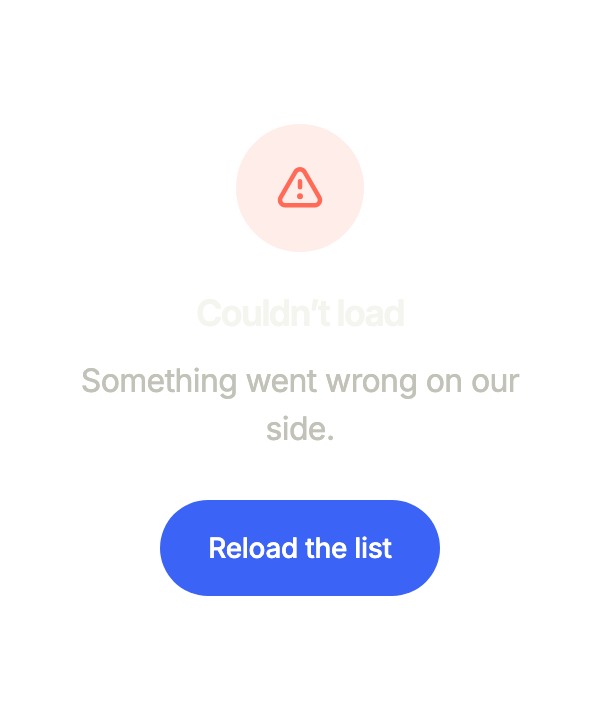
import 'package:your_app/ui/fliin/components/empty_state/fl_empty_state.dart';
import 'package:flutter/widgets.dart';

class EmptyStateErrorExample extends StatelessWidget {
  const EmptyStateErrorExample({super.key});

  @override
  Widget build(BuildContext context) {
    return FlEmptyState(
      icon: const FlEmptyStateIcon(FlEmptyStateGlyph.error),
      title: 'Couldn’t load',
      description: 'Something went wrong on our side.',
      primaryAction: FlEmptyStateAction(label: 'Reload the list', onPressed: () {}),
    );
  }
}Offline
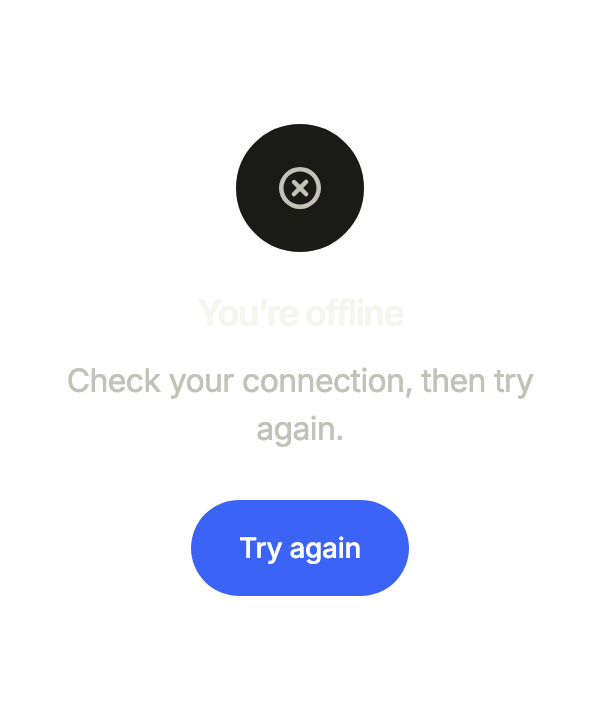
No connection: the empty state asks to check it, then to try again.
import 'package:your_app/ui/fliin/components/empty_state/fl_empty_state.dart';
import 'package:flutter/widgets.dart';

class EmptyStateOfflineExample extends StatelessWidget {
  const EmptyStateOfflineExample({super.key});

  @override
  Widget build(BuildContext context) {
    return FlEmptyState(
      icon: const FlEmptyStateIcon(FlEmptyStateGlyph.offline),
      title: 'You’re offline',
      description: 'Check your connection, then try again.',
      primaryAction: FlEmptyStateAction(label: 'Try again', onPressed: () {}),
    );
  }
}Usage
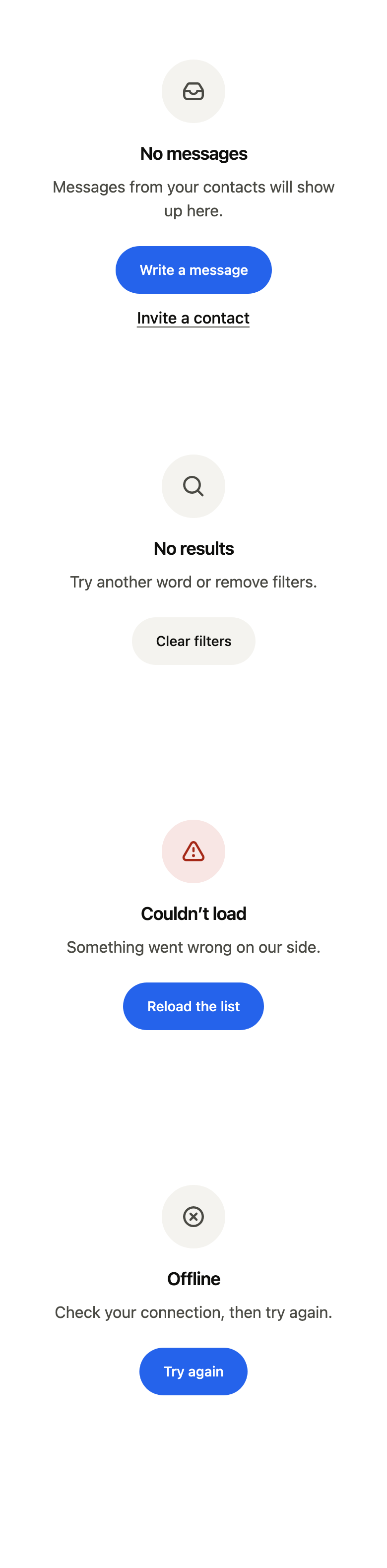
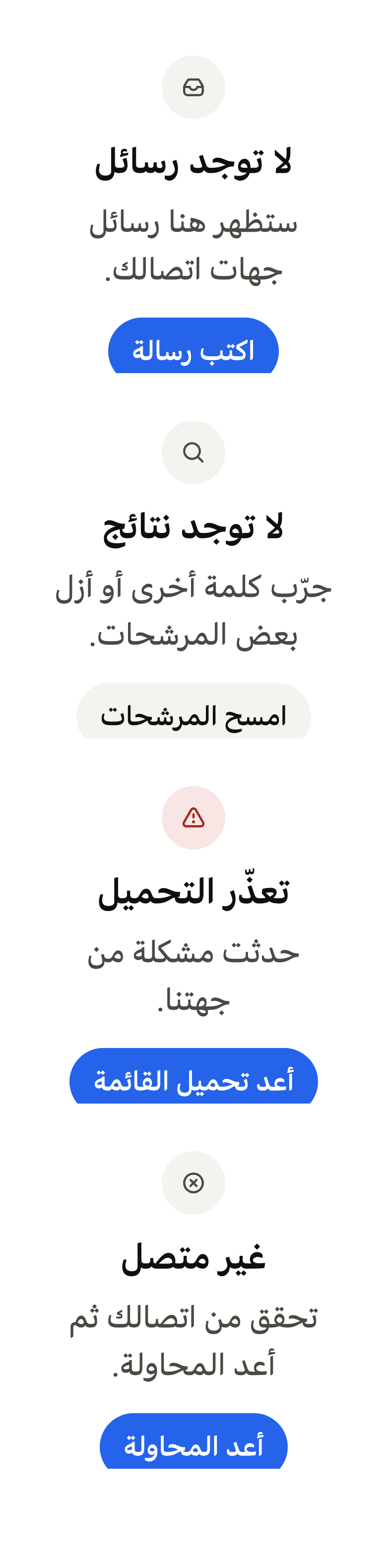
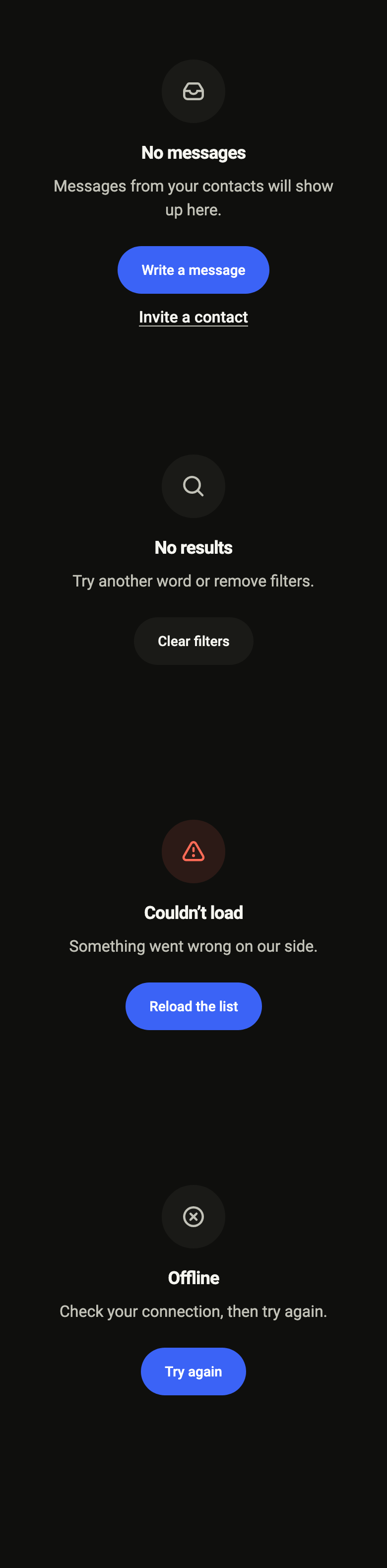
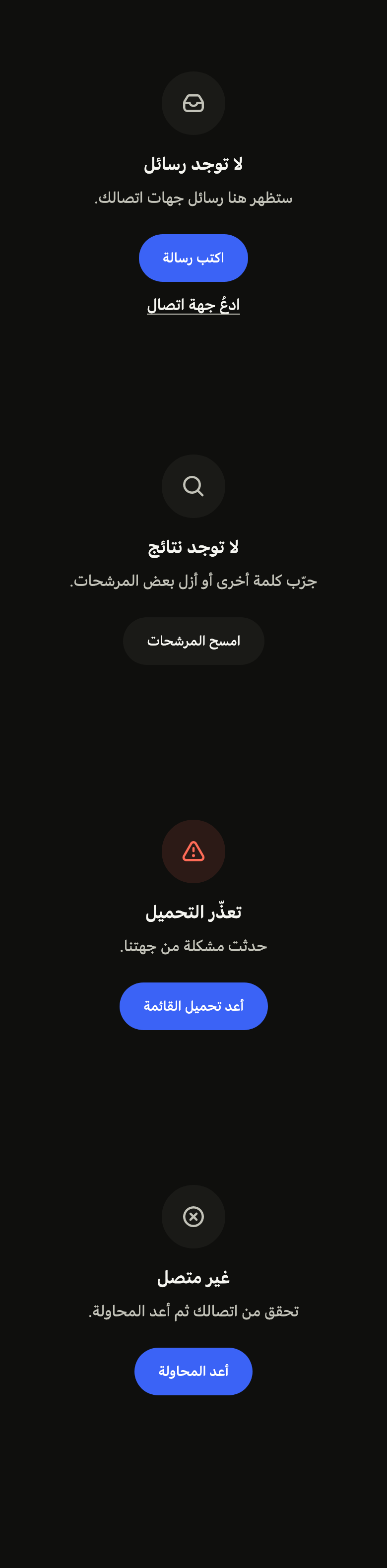
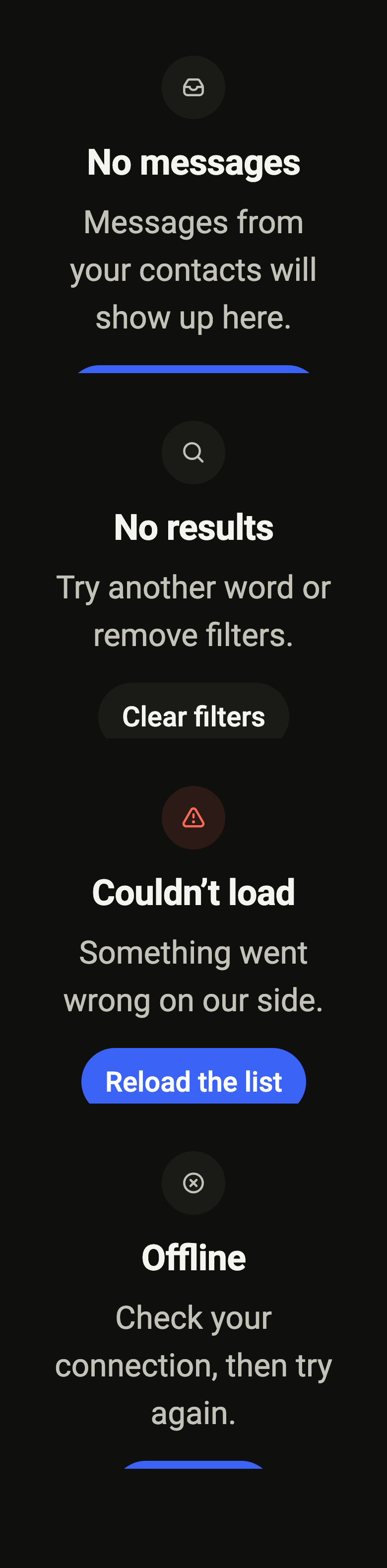
The code the reference images render:
final example = ColoredBox(
  color: FlScope.of(context).colors.surface,
  child: Padding(
    padding: EdgeInsetsDirectional.all(FlScope.of(context).space.lg),
    child: Column(
      crossAxisAlignment: CrossAxisAlignment.stretch,
      spacing: FlScope.of(context).space.sm,
      children: [
        SizedBox(
          height: 360,
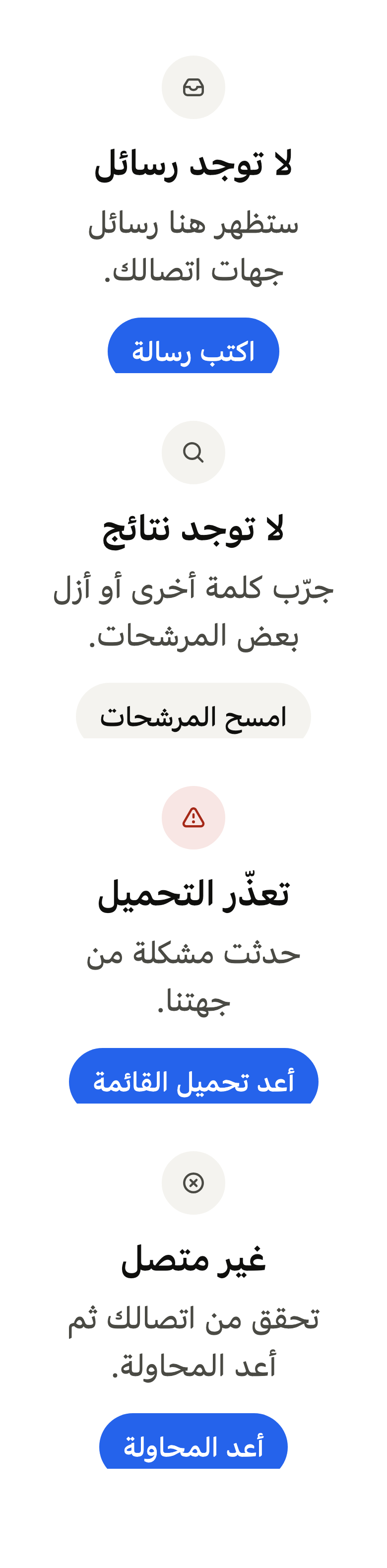
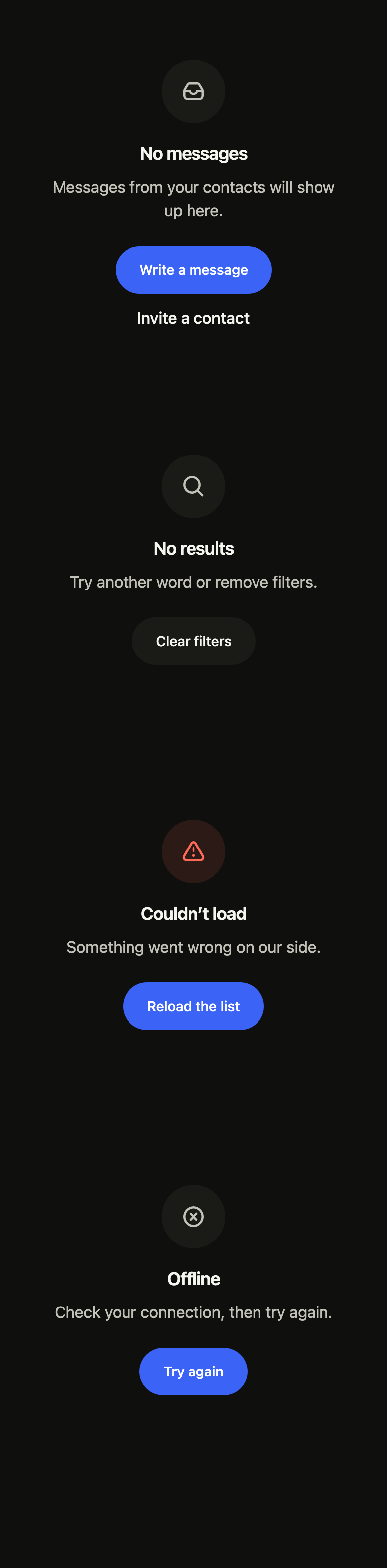
          child: FlEmptyState(
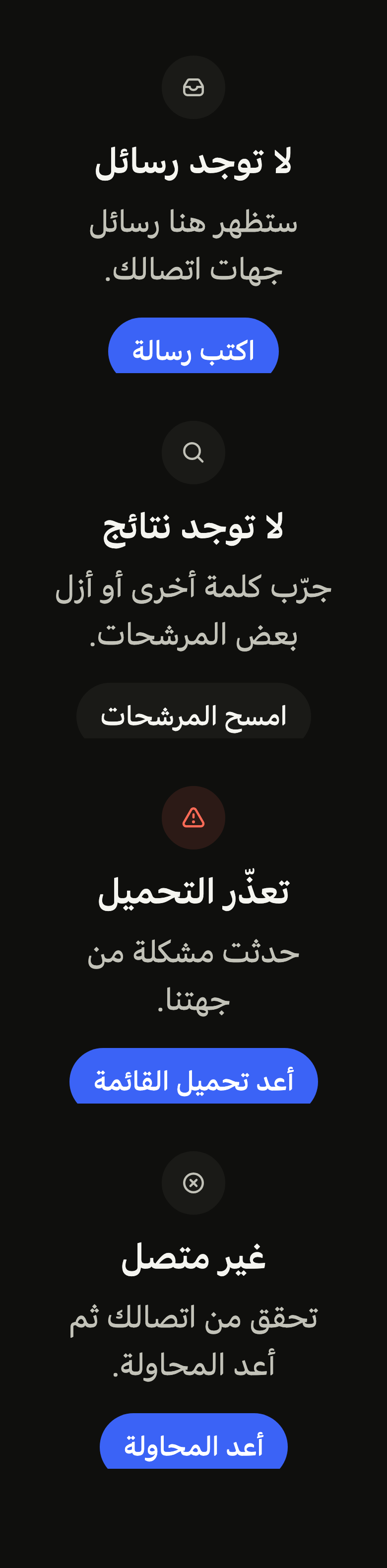
            icon: const FlEmptyStateIcon(FlEmptyStateGlyph.inbox),
            title: 'No messages',
            description: 'Messages from your contacts will show up here.',
            primaryAction: FlEmptyStateAction(
              label: 'Write a message',
              onPressed: () {},
            ),
            secondaryAction: FlEmptyStateAction(
              label: 'Invite a contact',
              onPressed: () {},
            ),
          ),
        ),
        SizedBox(
          height: 360,
          child: FlEmptyState(
            icon: const FlEmptyStateIcon(FlEmptyStateGlyph.search),
            title: 'No results',
            description: 'Try another word or remove filters.',
            secondaryAction: FlEmptyStateAction(
              label: 'Clear filters',
              onPressed: () {},
            ),
          ),
        ),
        SizedBox(
          height: 360,
          child: FlEmptyState(
            icon: const FlEmptyStateIcon(FlEmptyStateGlyph.error),
            tone: FlEmptyStateTone.danger,
            title: 'Couldn’t load',
            description: 'Something went wrong on our side.',
            primaryAction: FlEmptyStateAction(
              label: 'Reload the list',
              onPressed: () {},
            ),
          ),
        ),
        SizedBox(
          height: 360,
          child: FlEmptyState(
            icon: const FlEmptyStateIcon(FlEmptyStateGlyph.offline),
            title: 'Offline',
            description: 'Check your connection, then try again.',
            primaryAction: FlEmptyStateAction(
              label: 'Try again',
              onPressed: () {},
            ),
          ),
        ),
      ],
    ),
  ),
);API
FlEmptyStateTone: enum {neutral, danger}
FlEmptyStateTone.neutral: static final FlEmptyStateTone
FlEmptyStateTone.danger: static final FlEmptyStateTone
FlEmptyStateSize: enum {regular, compact}
FlEmptyStateSize.regular: static final FlEmptyStateSize
FlEmptyStateSize.compact: static final FlEmptyStateSize
FlEmptyStateAction: final class
FlEmptyStateAction.new: const new({required String label, required VoidCallback onPressed, Widget? leading})
FlEmptyStateAction.label: get String
FlEmptyStateAction.leading: get Widget?
FlEmptyStateAction.onPressed: get VoidCallback
FlEmptyState: class extends StatelessWidget
FlEmptyState.new: const new({super.key, Widget? icon, required String title, String? description, FlEmptyStateAction? primaryAction, FlEmptyStateAction? secondaryAction, FlEmptyStateTone? tone, FlEmptyStateSize size, bool framed})
FlEmptyState.framed: get bool
FlEmptyState.size: get FlEmptyStateSize
FlEmptyState.icon: get Widget?
FlEmptyState.tone: get FlEmptyStateTone?
FlEmptyState.title: get String
FlEmptyState.description: get String?
FlEmptyState.primaryAction: get FlEmptyStateAction?
FlEmptyState.secondaryAction: get FlEmptyStateAction?
FlEmptyState.build: Widget(BuildContext context)
FlEmptyStateGlyph: enum {inbox, search, error, offline}
FlEmptyStateGlyph.inbox: static final FlEmptyStateGlyph
FlEmptyStateGlyph.search: static final FlEmptyStateGlyph
FlEmptyStateGlyph.error: static final FlEmptyStateGlyph
FlEmptyStateGlyph.offline: static final FlEmptyStateGlyph
FlEmptyStateIcon: class extends StatelessWidget
FlEmptyStateIcon.new: const new(FlEmptyStateGlyph glyph, {super.key})
FlEmptyStateIcon.glyph: get FlEmptyStateGlyph
FlEmptyStateIcon.build: Widget(BuildContext context)
FlSliverEmptyState: class extends StatelessWidget
FlSliverEmptyState.new: const new({super.key, required FlEmptyState child})
FlSliverEmptyState.child: get FlEmptyState
FlSliverEmptyState.build: Widget(BuildContext context)
FlEmptyStateLoading: class extends StatelessWidget
FlEmptyStateLoading.new: const new({super.key, required String label, int rows})
FlEmptyStateLoading.label: get String
FlEmptyStateLoading.rows: get int
FlEmptyStateLoading.build: Widget(BuildContext context)Reference renders
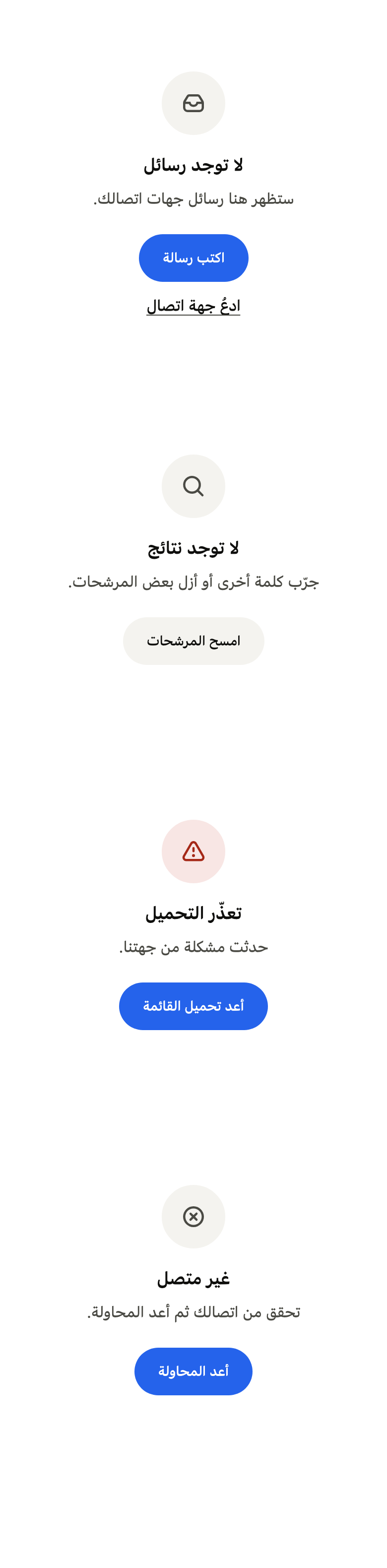
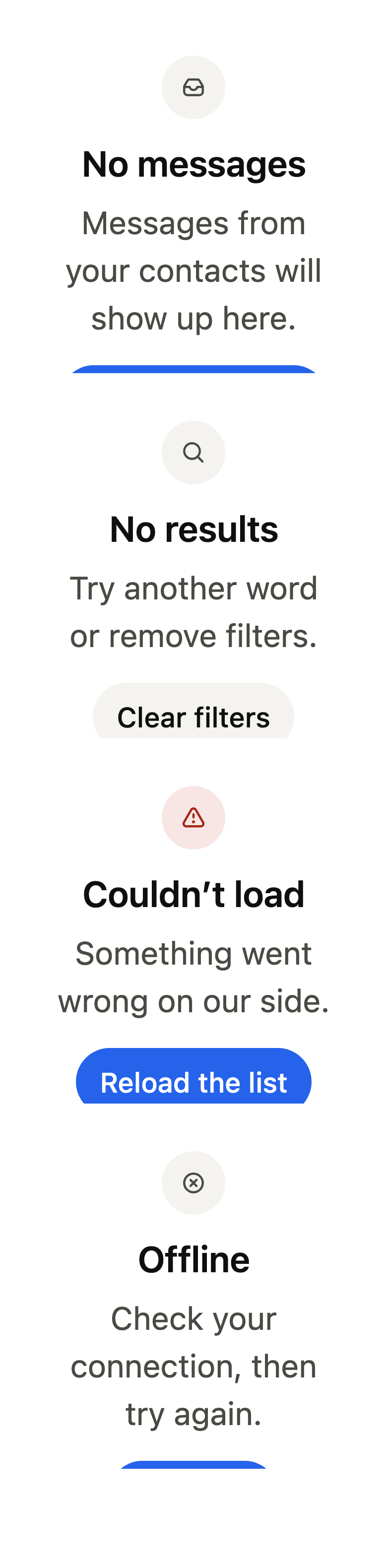
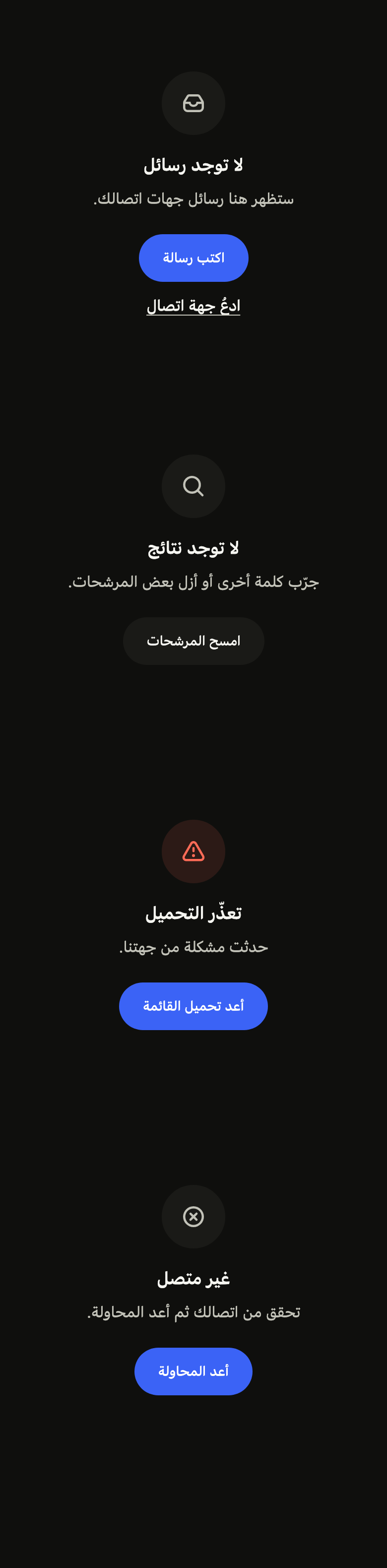
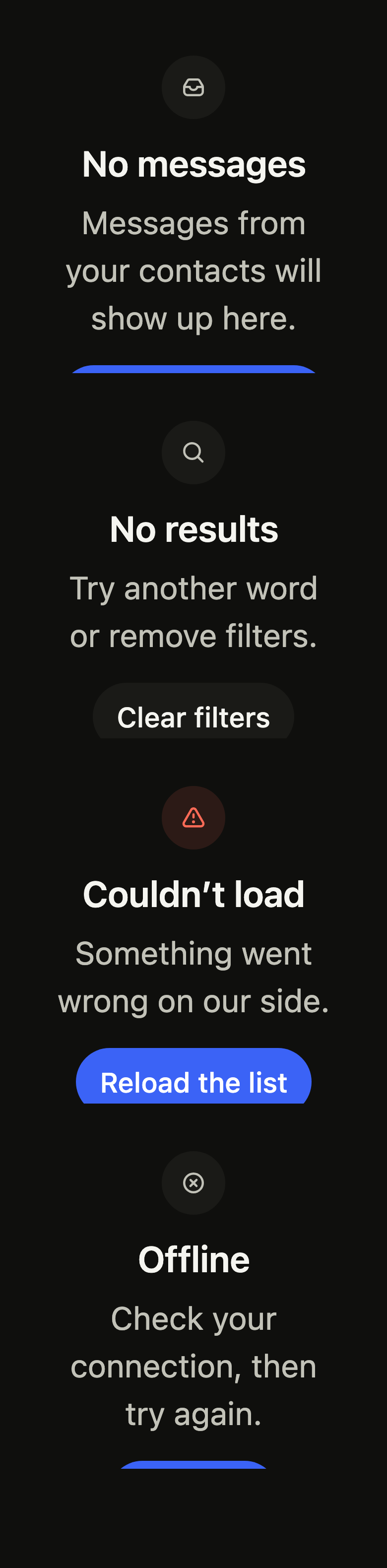
The 16 images published with version 0.2.4, rendered by the shared harness on macOS with Flutter 3.47.7. fliin verify empty-state compares your copy to them.
Use it to
- show a message when a list is empty
- show that a search returned no results
- offer a retry button after a loading error
- let users know the device is offline
- let users add the first item to an empty list
- Not for
- loading in progress: use a skeleton (skeleton)
- a brief message that disappears on its own: use a toast (toast)
- States