Flutter widgets you own.
Components copied into your app, checked on 16 variants before they reach it, updated without losing your edits.


Account settings Pro
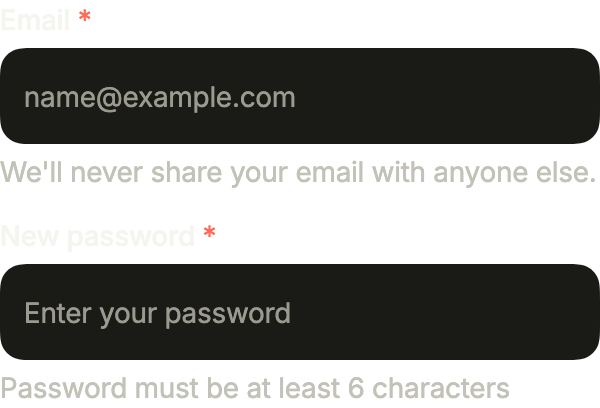
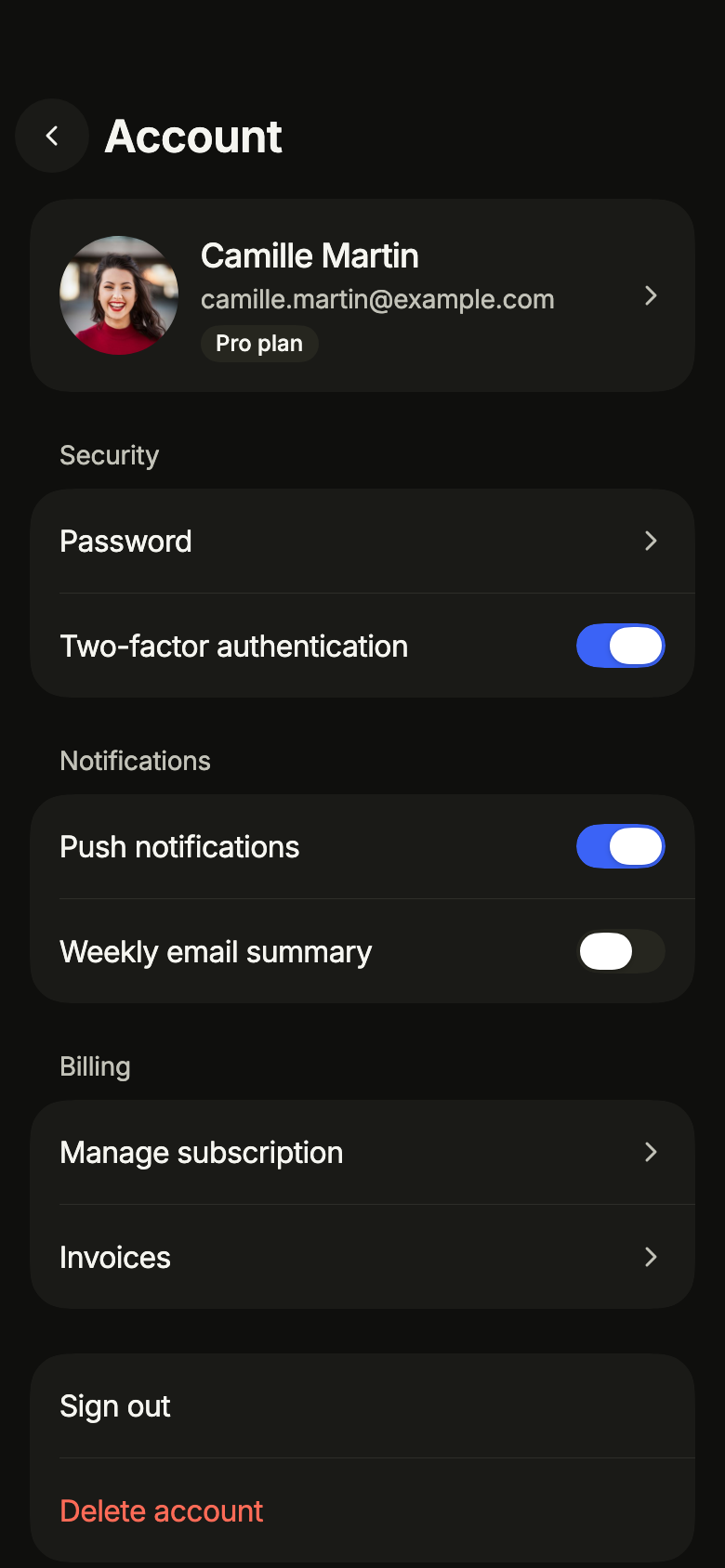
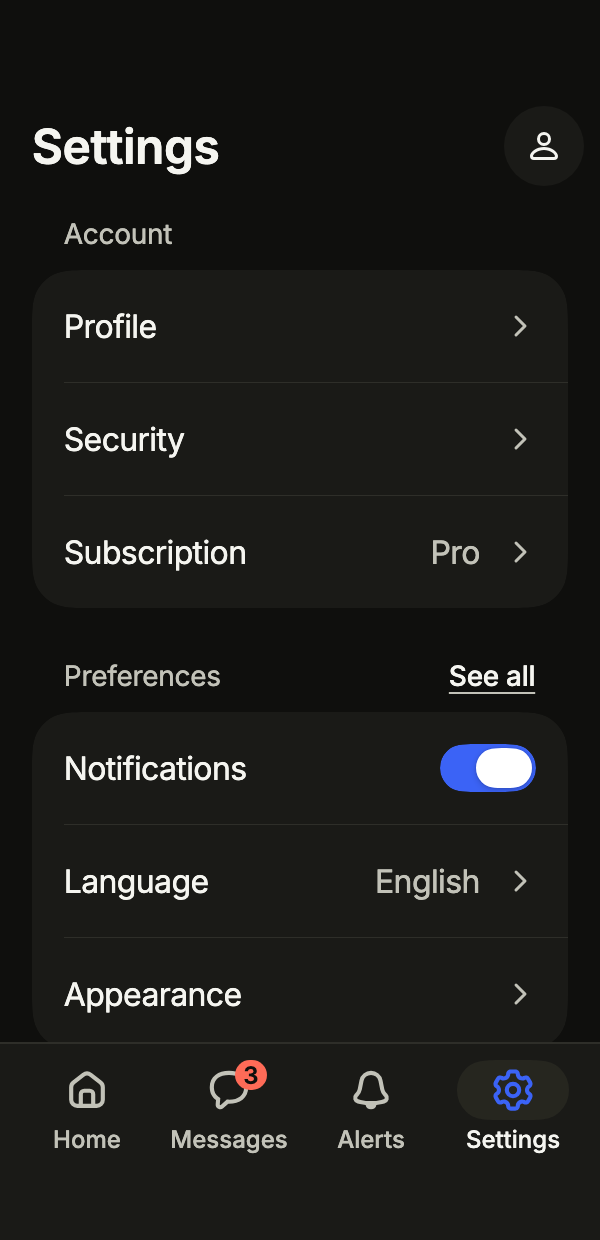
Groups the profile, security and notifications of an account, and lets the user delete it after a confirmation, with its loading, error and offline states.
Open Account settings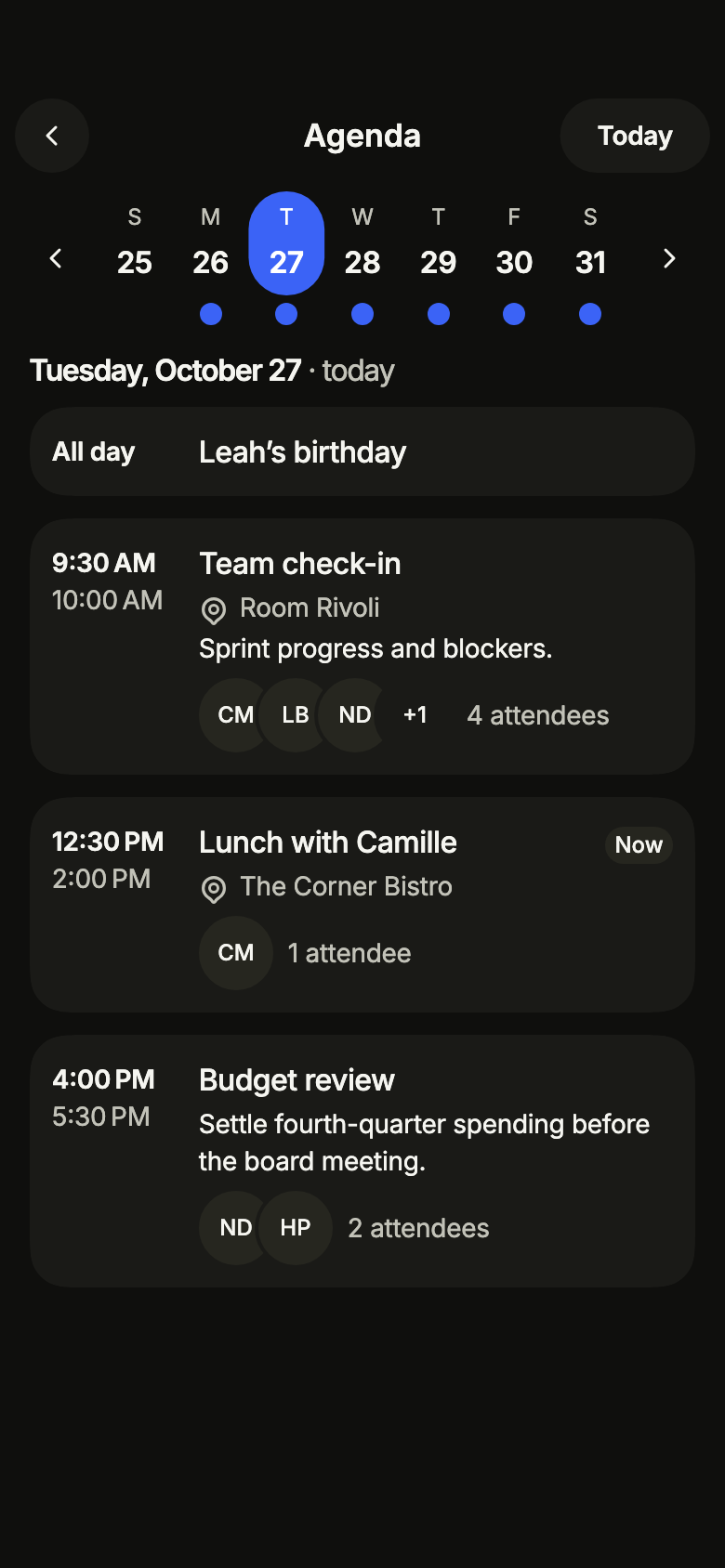
Agenda Pro
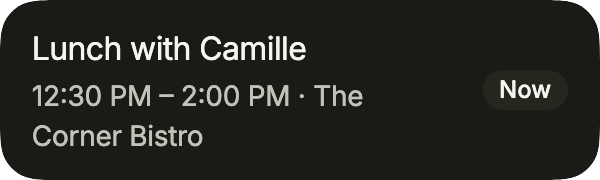
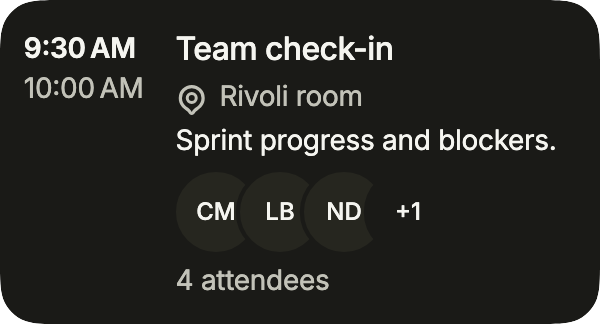
Shows a week one day at a time: seven days with the busy ones marked, then the chosen day’s events in cards, all-day ones first and the current one marked.
Open Agenda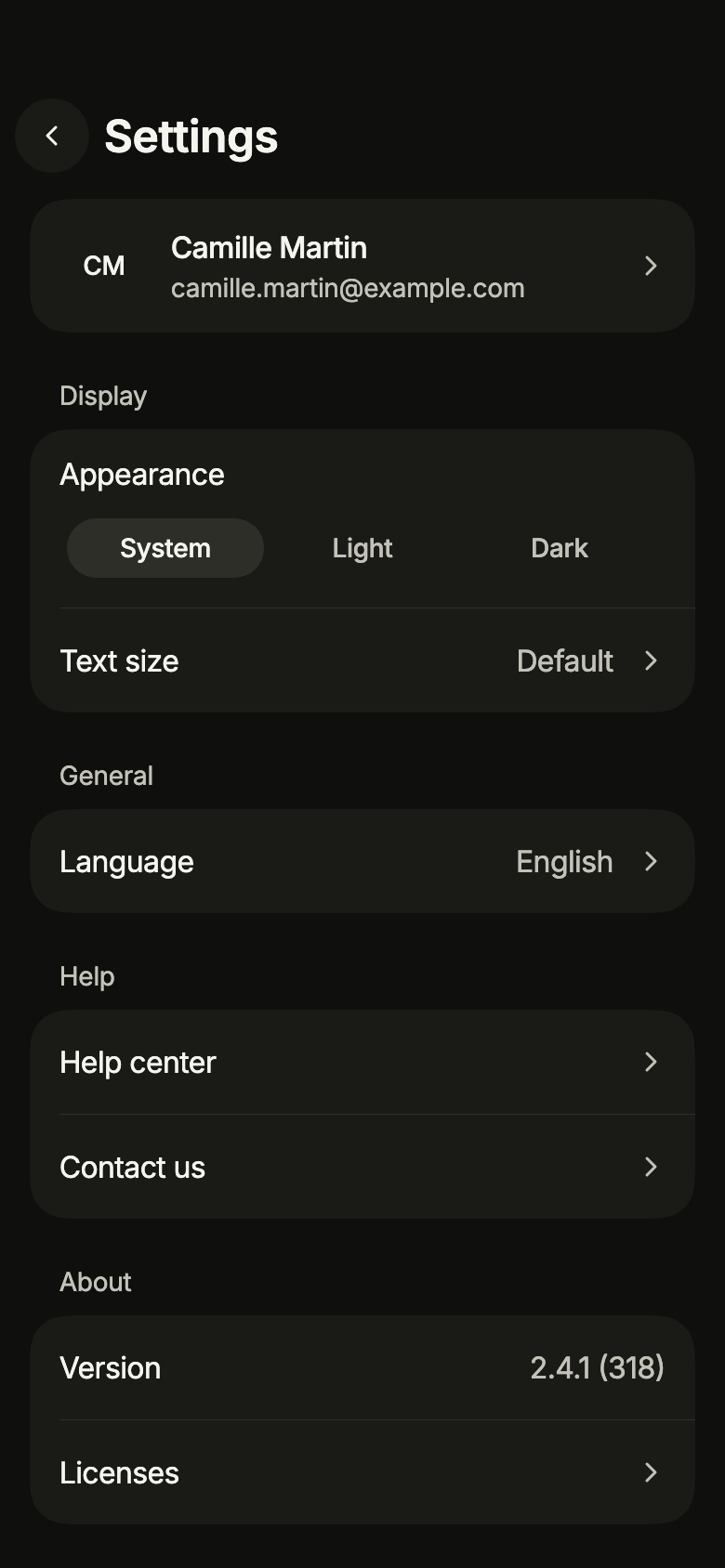
App settings Pro
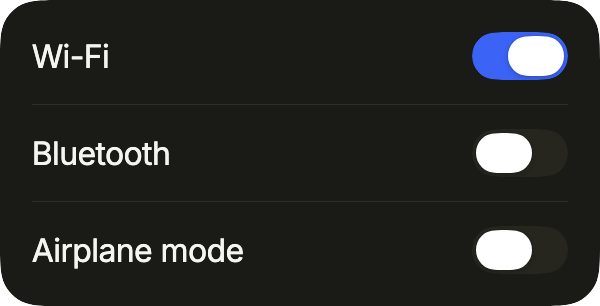
Groups the settings of the app: appearance, text size, language, haptics, a cache to clear after a confirmation, version, licenses and legal notices, with a link to the account.
Open App settings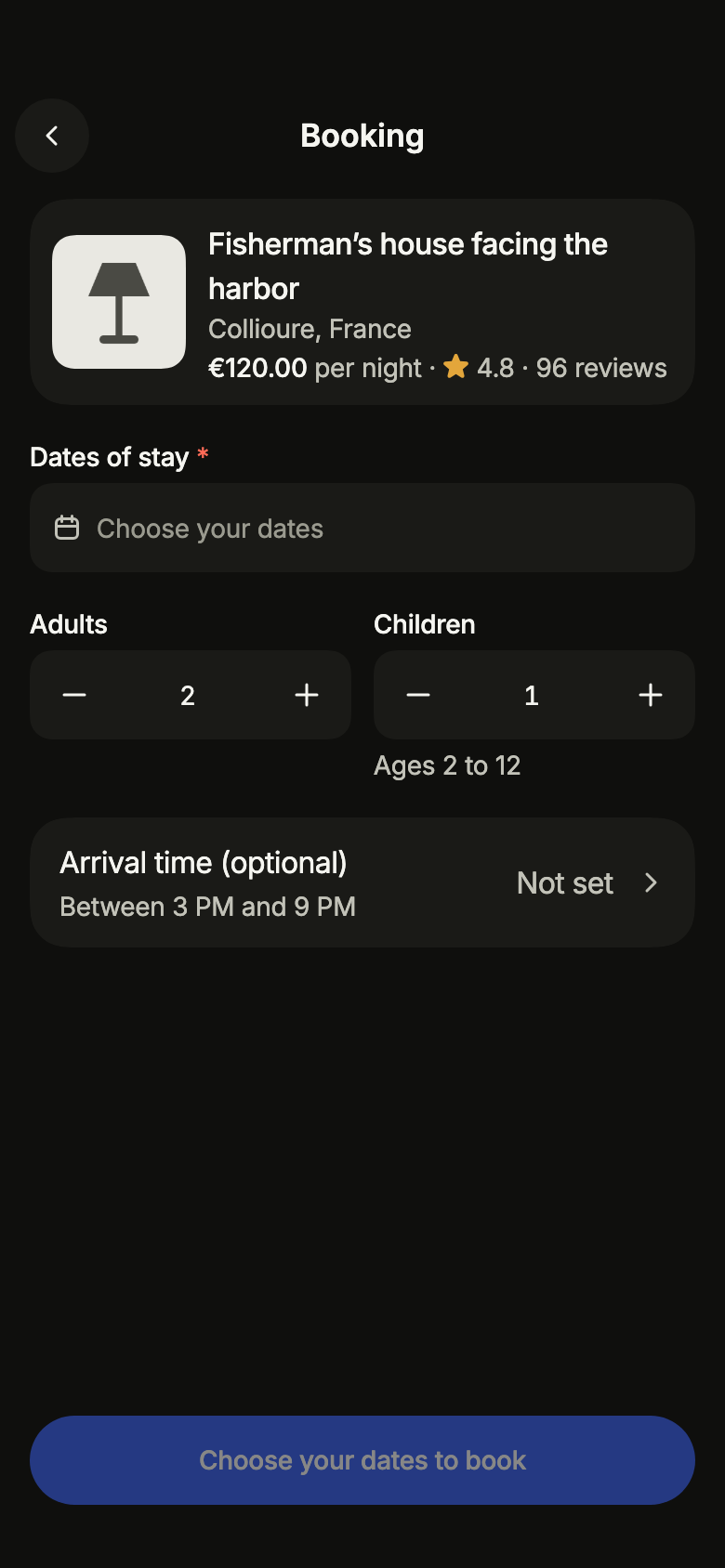
Stay booking Pro
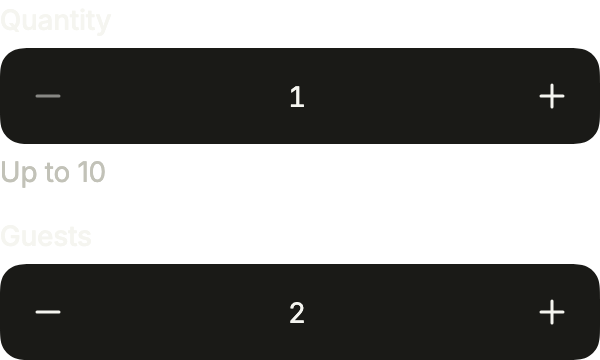
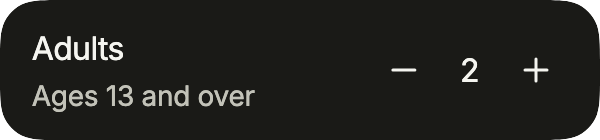
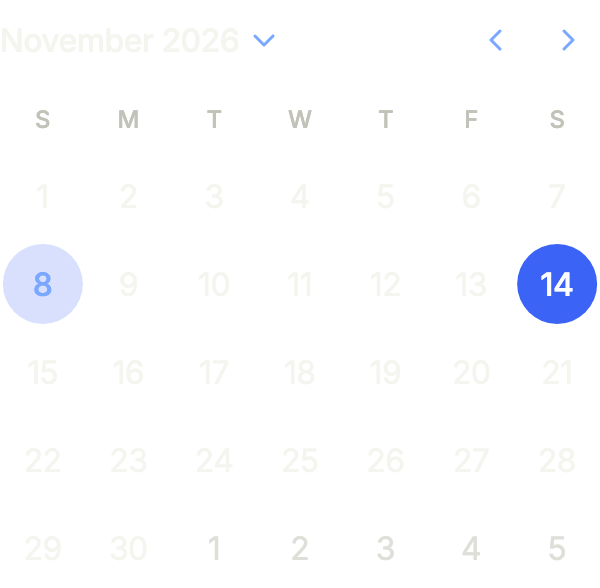
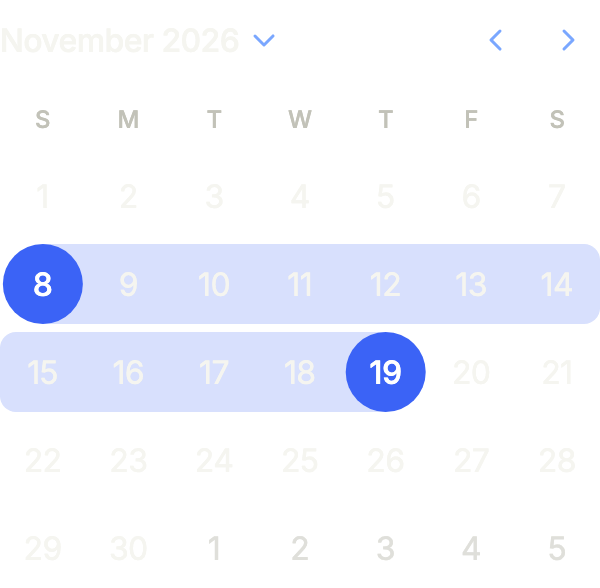
Books a stay in a holiday rental: check-in and check-out around nights already taken, adults and children, an optional arrival time, and the price details that follow the choice.
Open Stay booking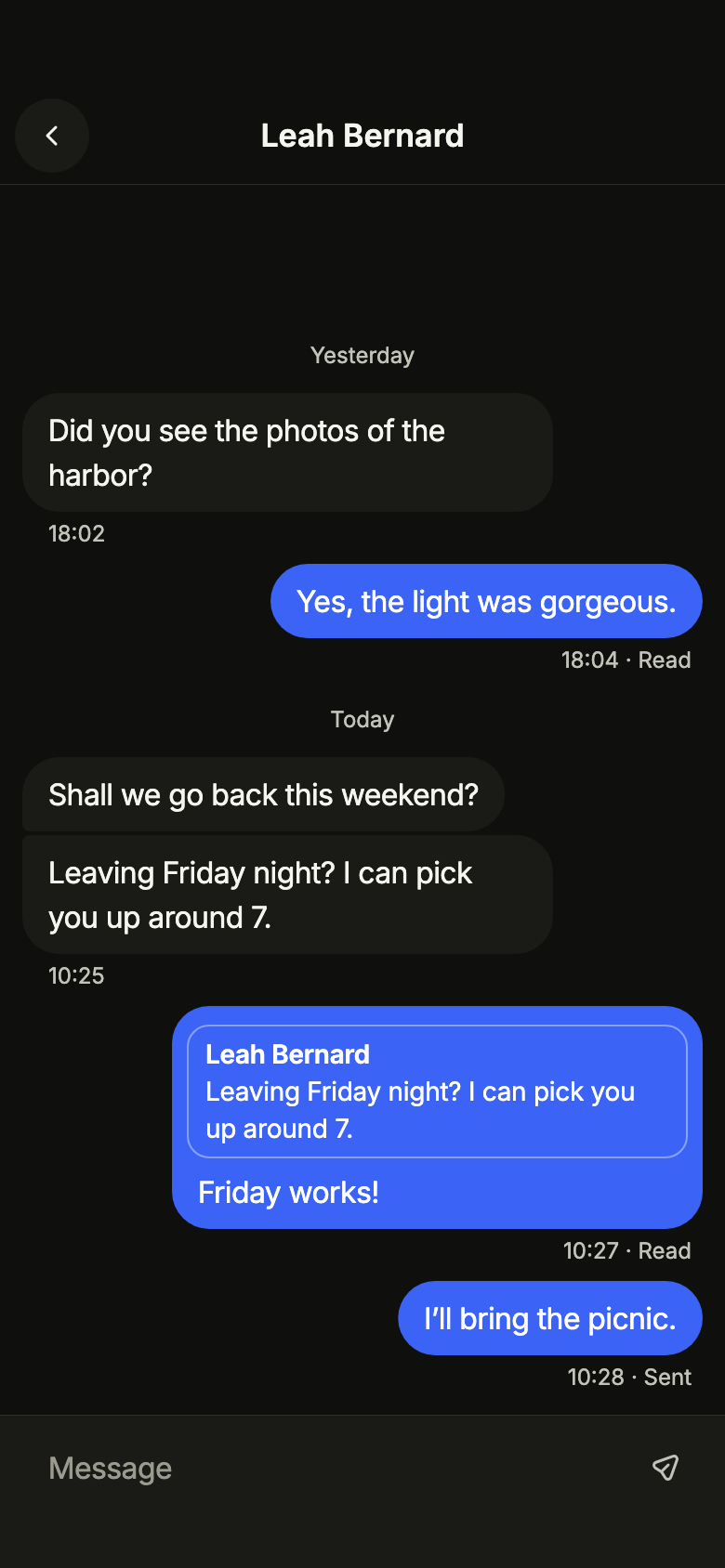
Chat thread Pro
Shows a conversation anchored at the bottom, grouped by author and day, with older messages loaded while scrolling up, optimistic sending with retry, typing, and copy, reply or delete.
Open Chat thread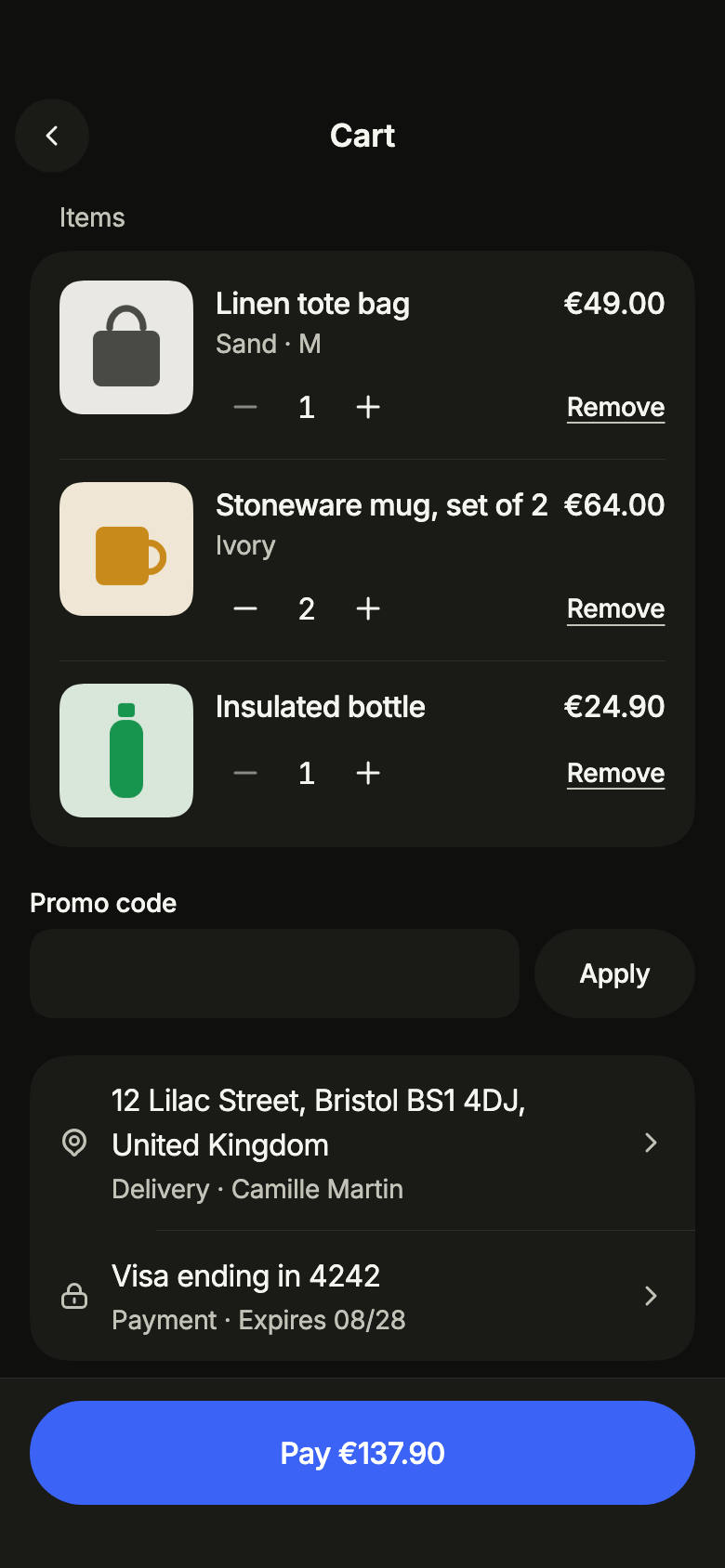
Cart and checkout Pro
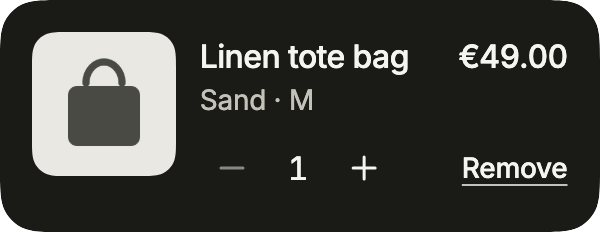
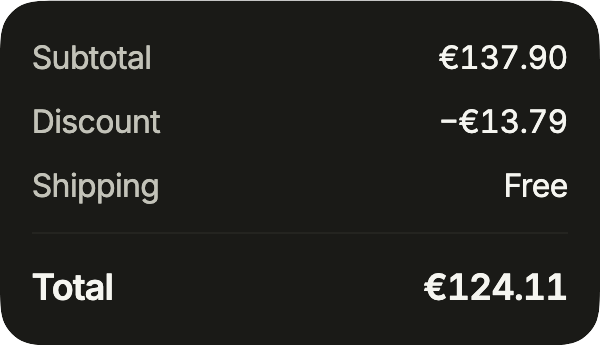
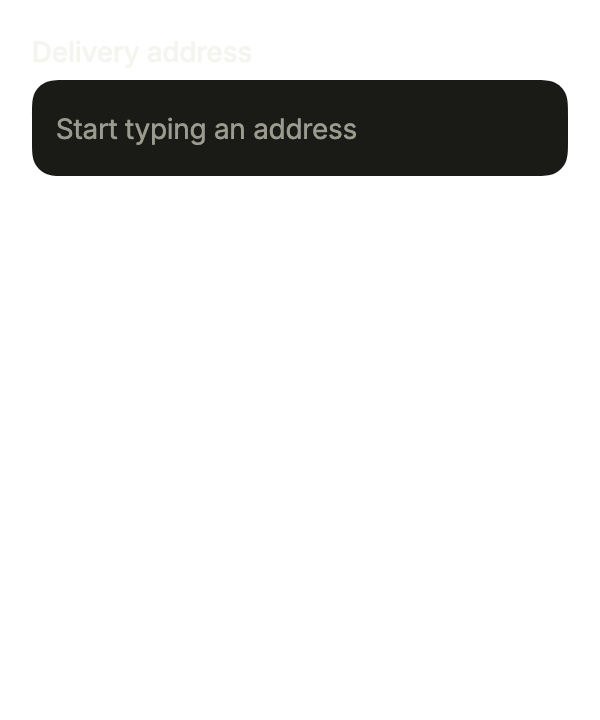
Shows the cart and pays for it: quantities, undoable removal, promo code, saved address and payment method in a sheet, the totals from the service and a single payment at a time.
Open Cart and checkout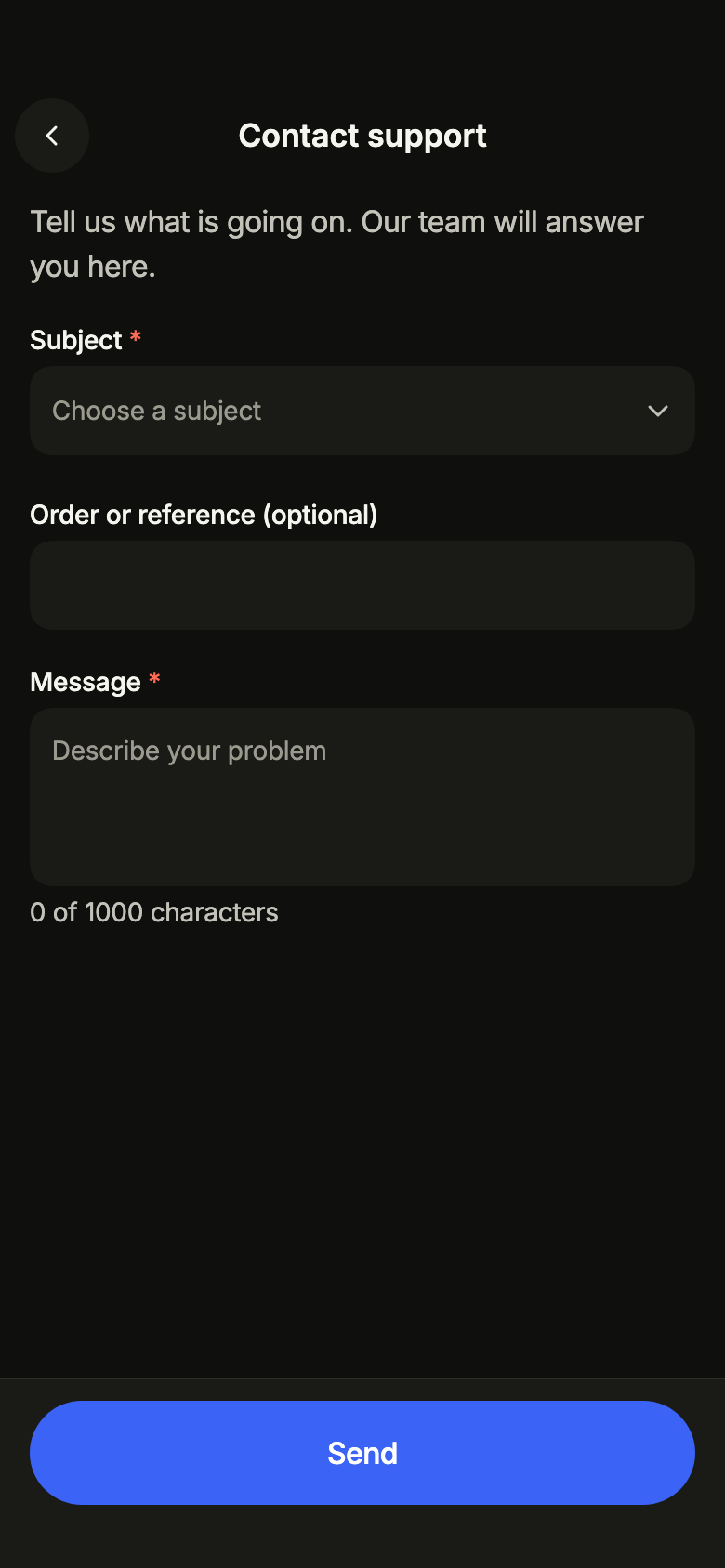
Contact support Pro
Lets people write to support with a subject, a reference, a bounded message and attachments, sent only once even without an answer, then follow the request and read the latest reply.
Open Contact support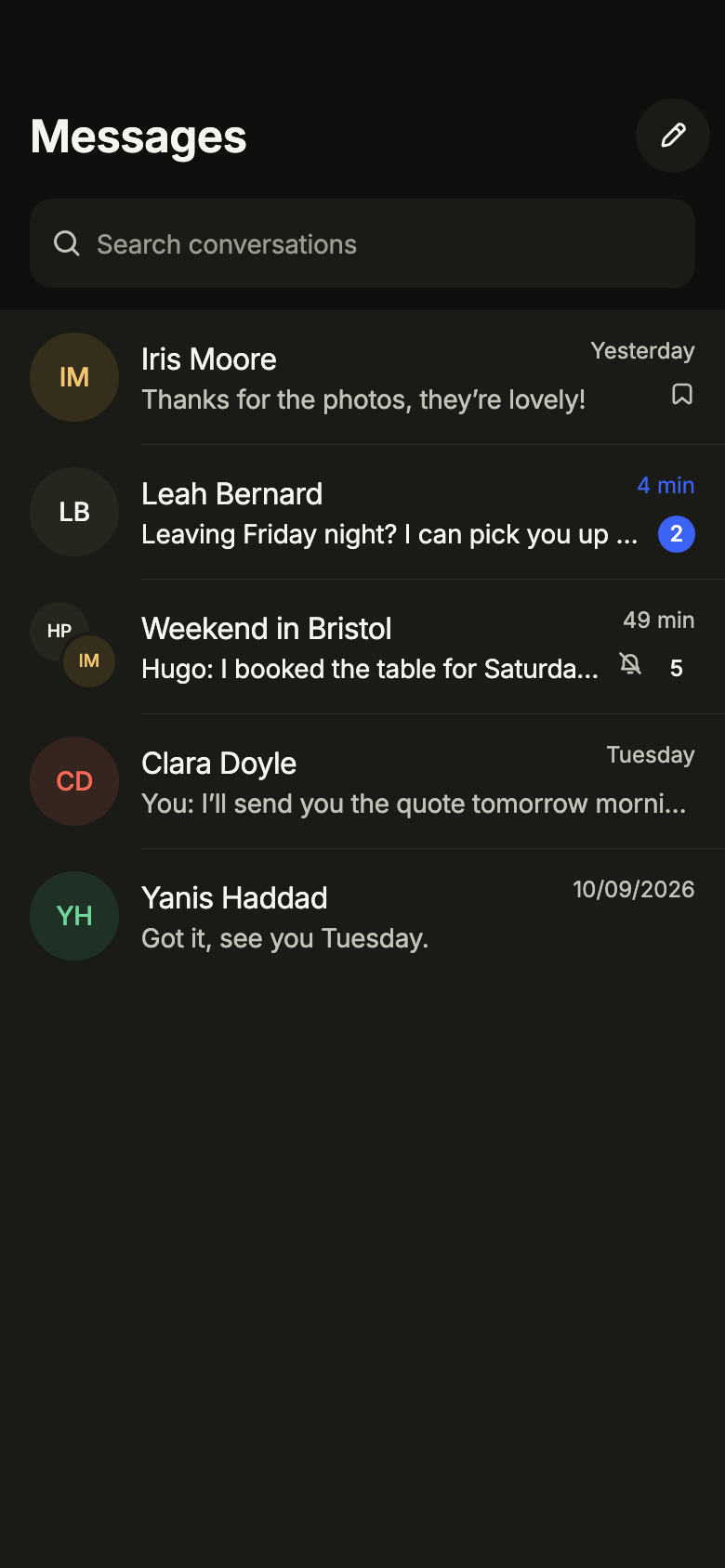
Conversations Pro
Lists the conversations of a messaging app, pinned first, with search, pull to refresh, a new conversation, archive, mute and delete, and its empty, loading, error and offline states.
Open Conversations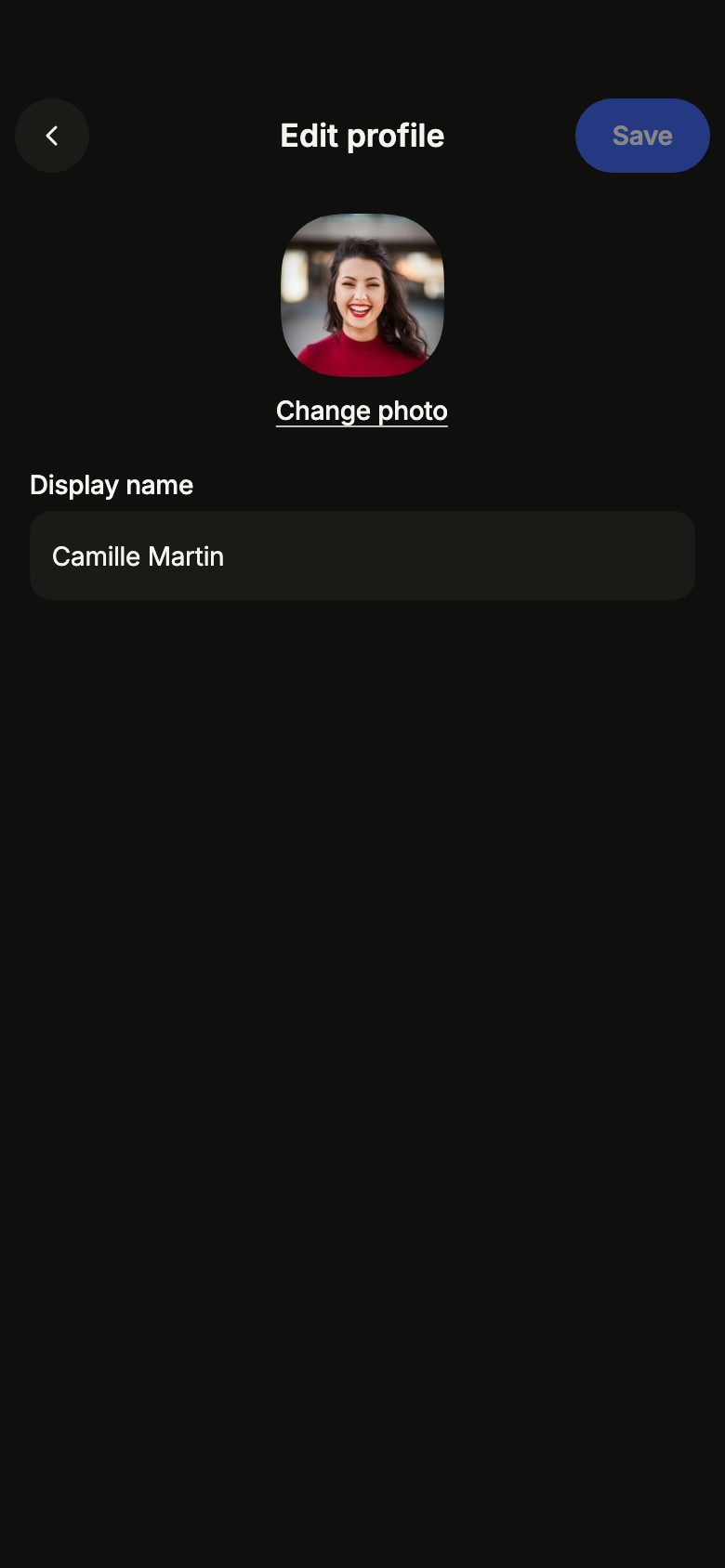
Edit profile Pro
Lets people change the photo, name, username checked while typing and bio of their profile, and asks before discarding unsaved changes.
Open Edit profile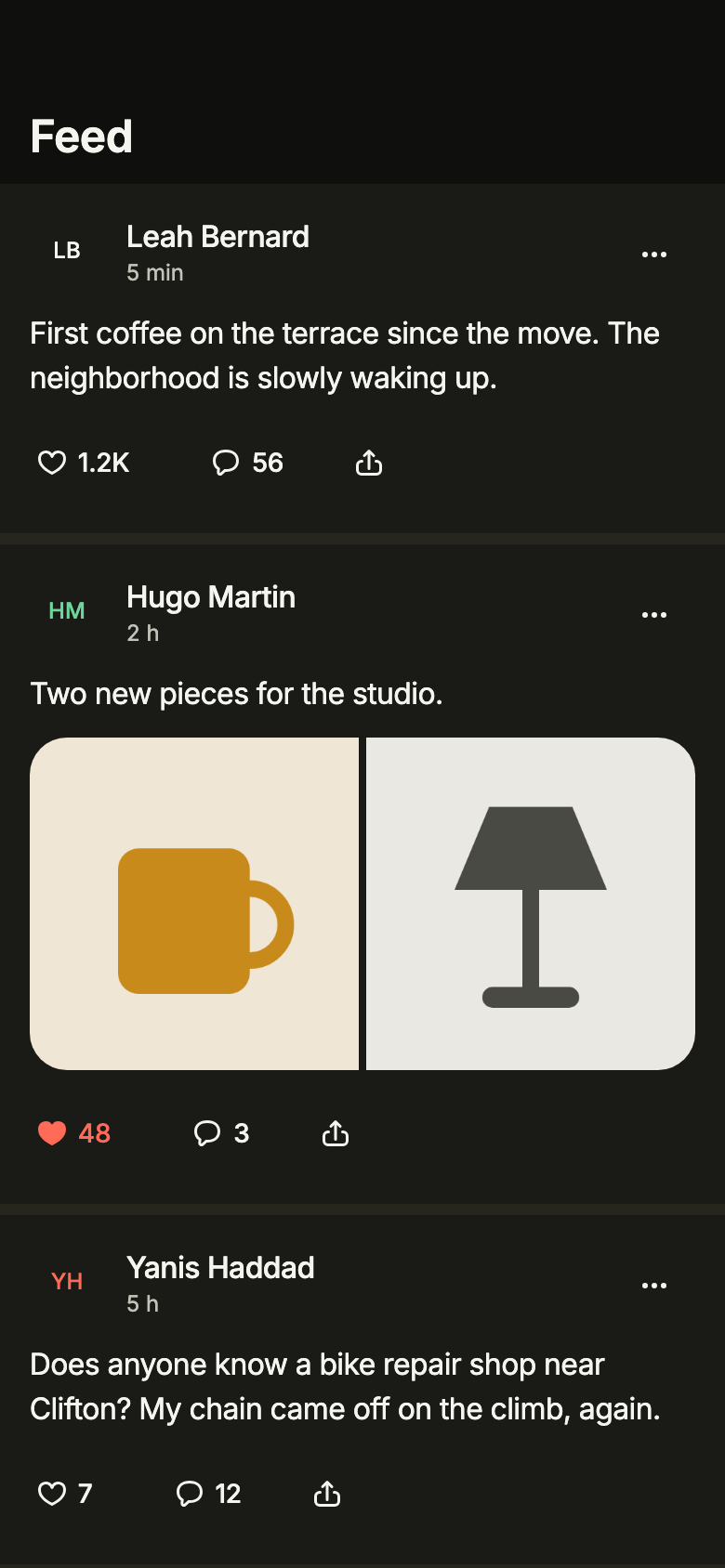
Social feed Pro
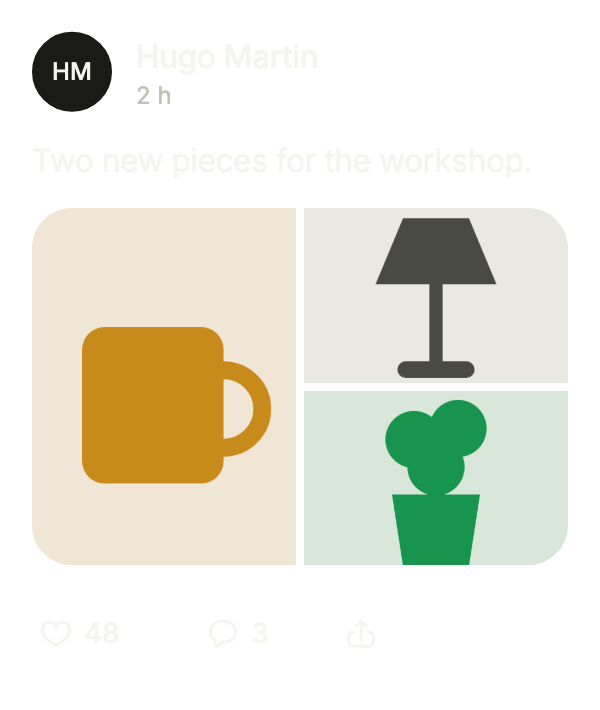
Shows the posts of followed people with their photos, optimistic likes, comments and share, hide or report with undo, older posts on scroll and new posts on demand without moving the reading.
Open Social feed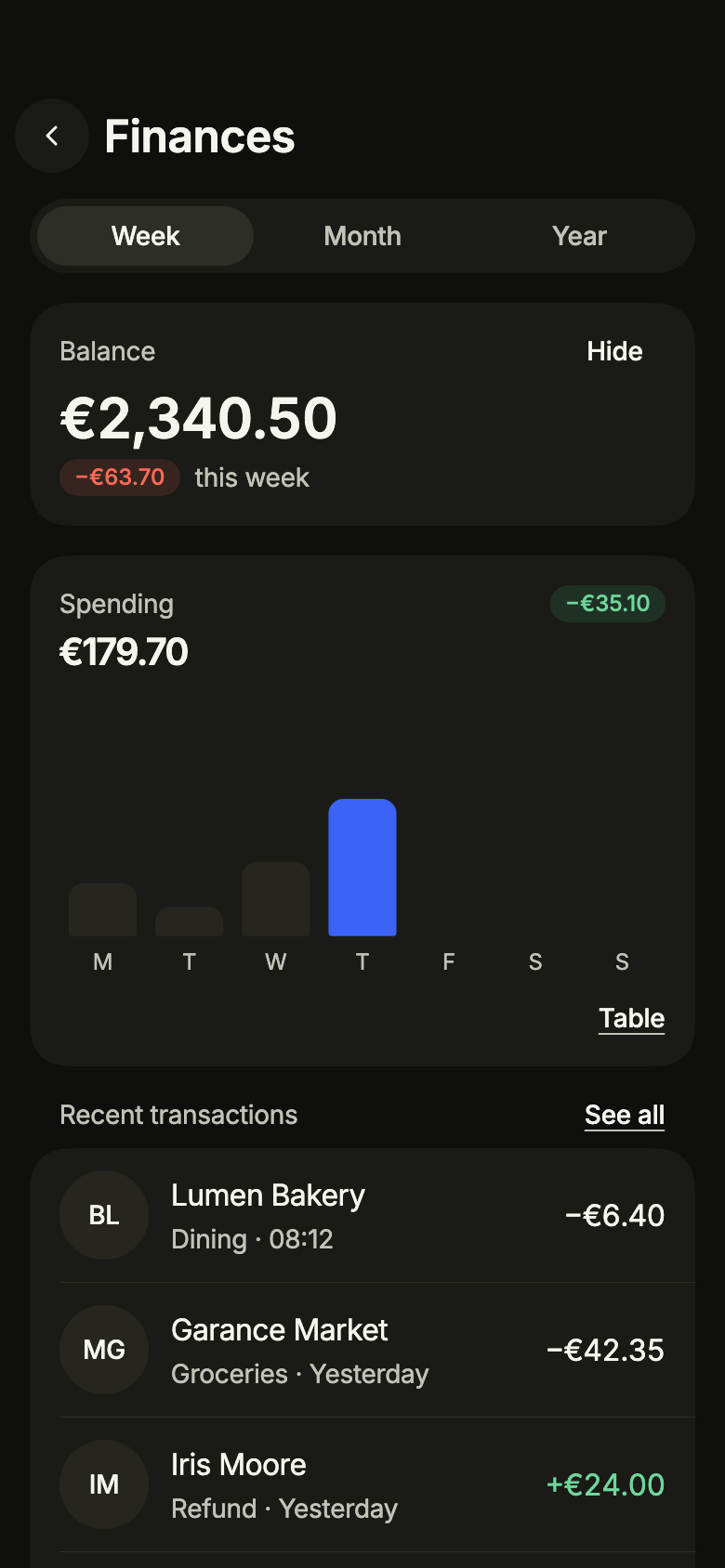
Finance dashboard Pro
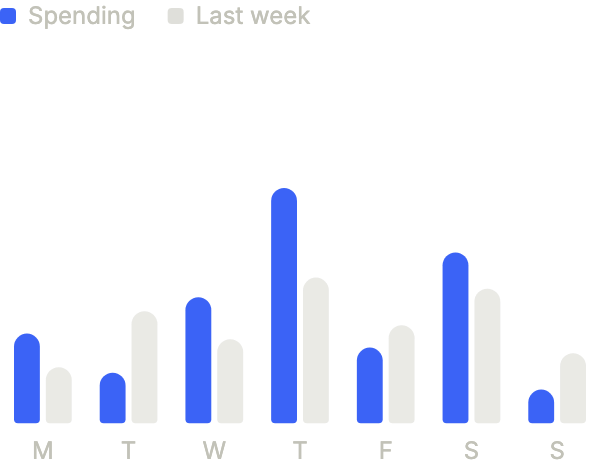
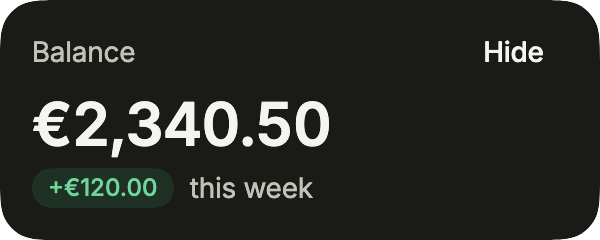
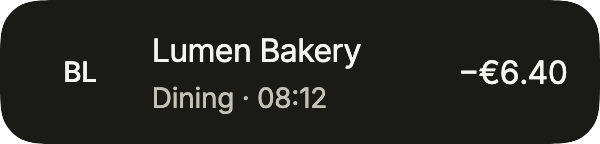
Shows the balance that can be hidden, spending for the week, month or year as a chart or a table, savings goals and the latest transactions by day, with loading, empty, error and offline states.
Open Finance dashboard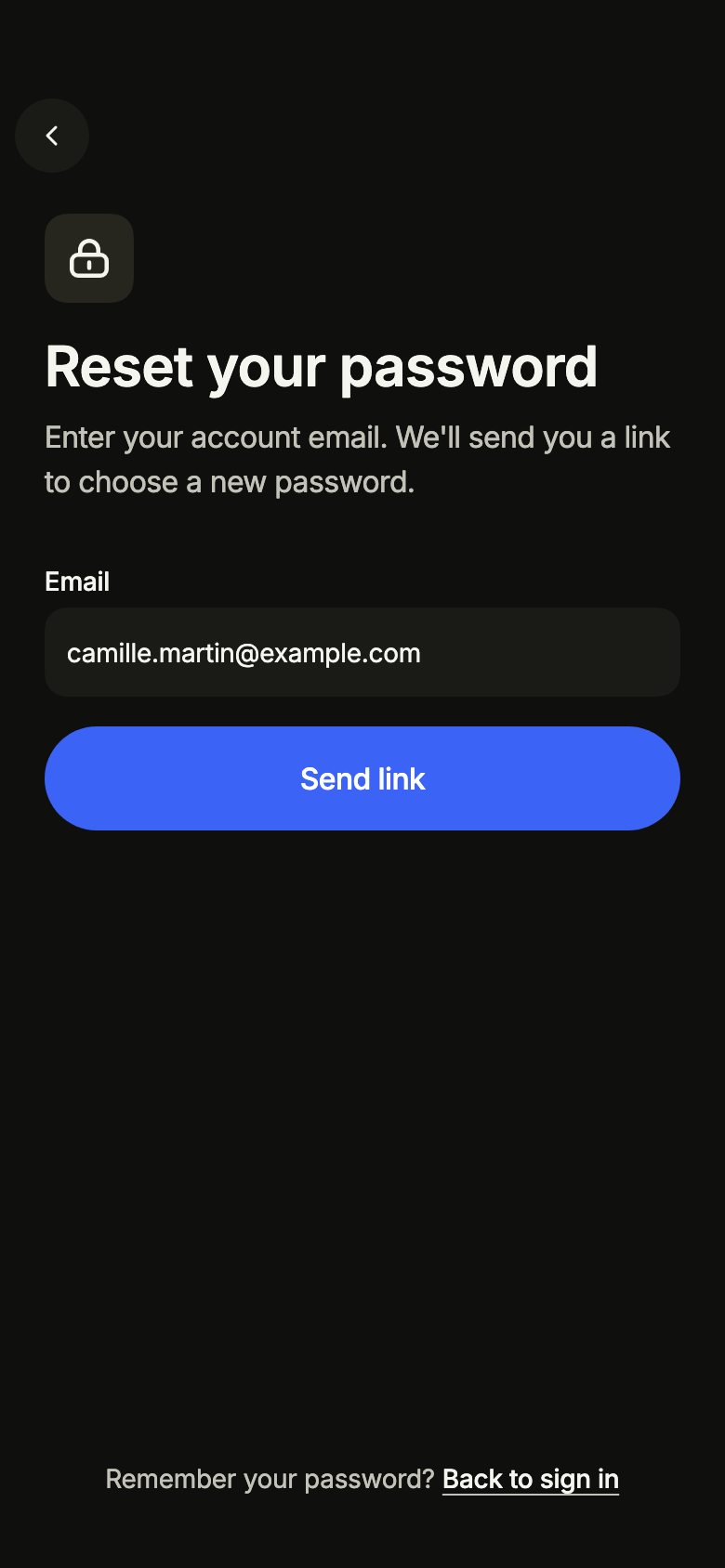
Forgot password Pro
Lets people get an email link to choose a new password, then check their inbox, resend the link or go back to sign in, offline included.
Open Forgot password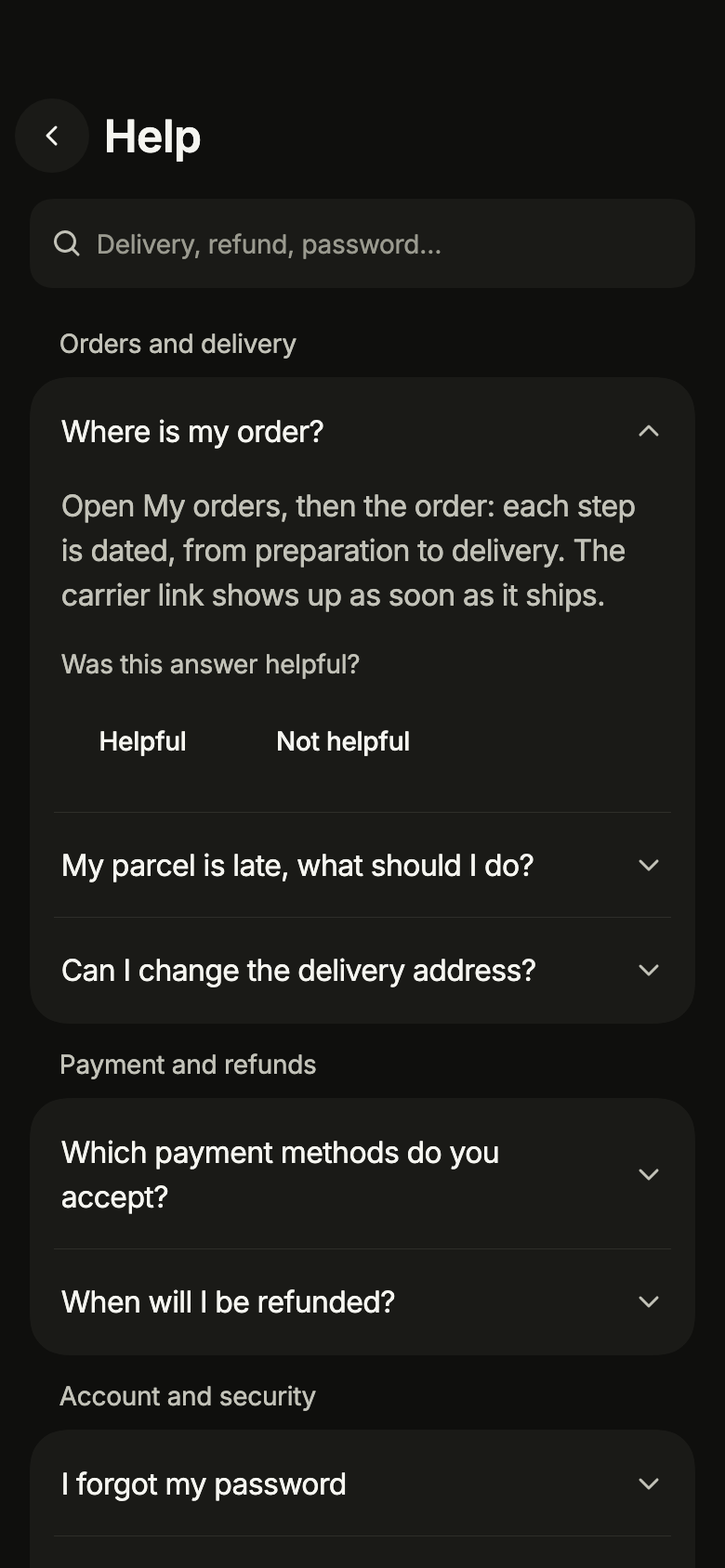
Help center Pro
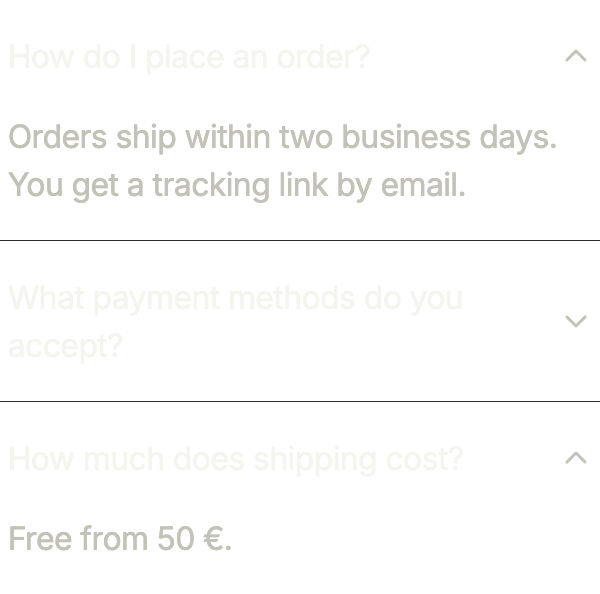
Shows frequently asked questions by topic in accordions, searchable without accents with the matching words in bold, a helpful or not vote on each answer, and readable offline.
Open Help center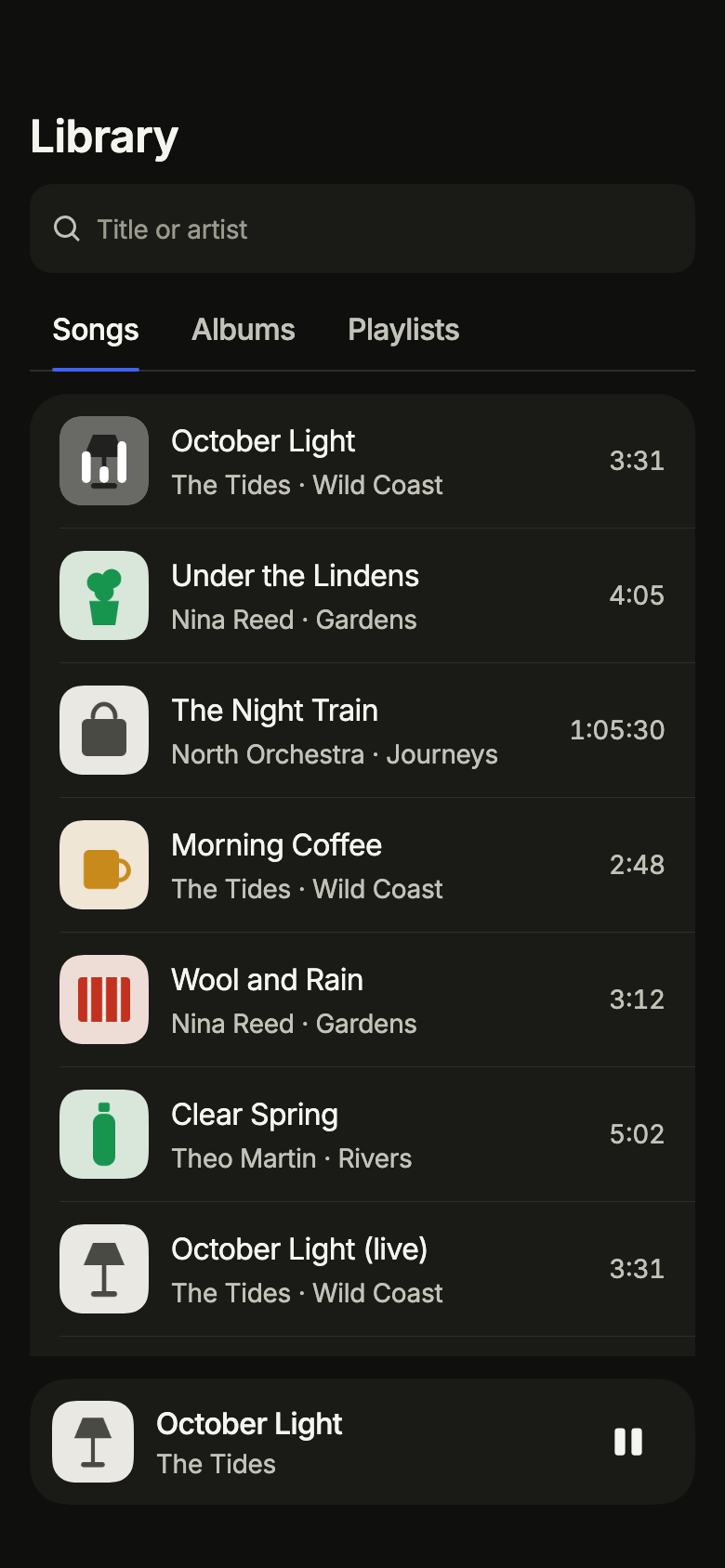
Music library Pro
Lists a listener's songs, albums as a grid of artwork and playlists in tabs, searchable by title or artist, loaded page by page, with a mini player for the song now playing.
Open Music library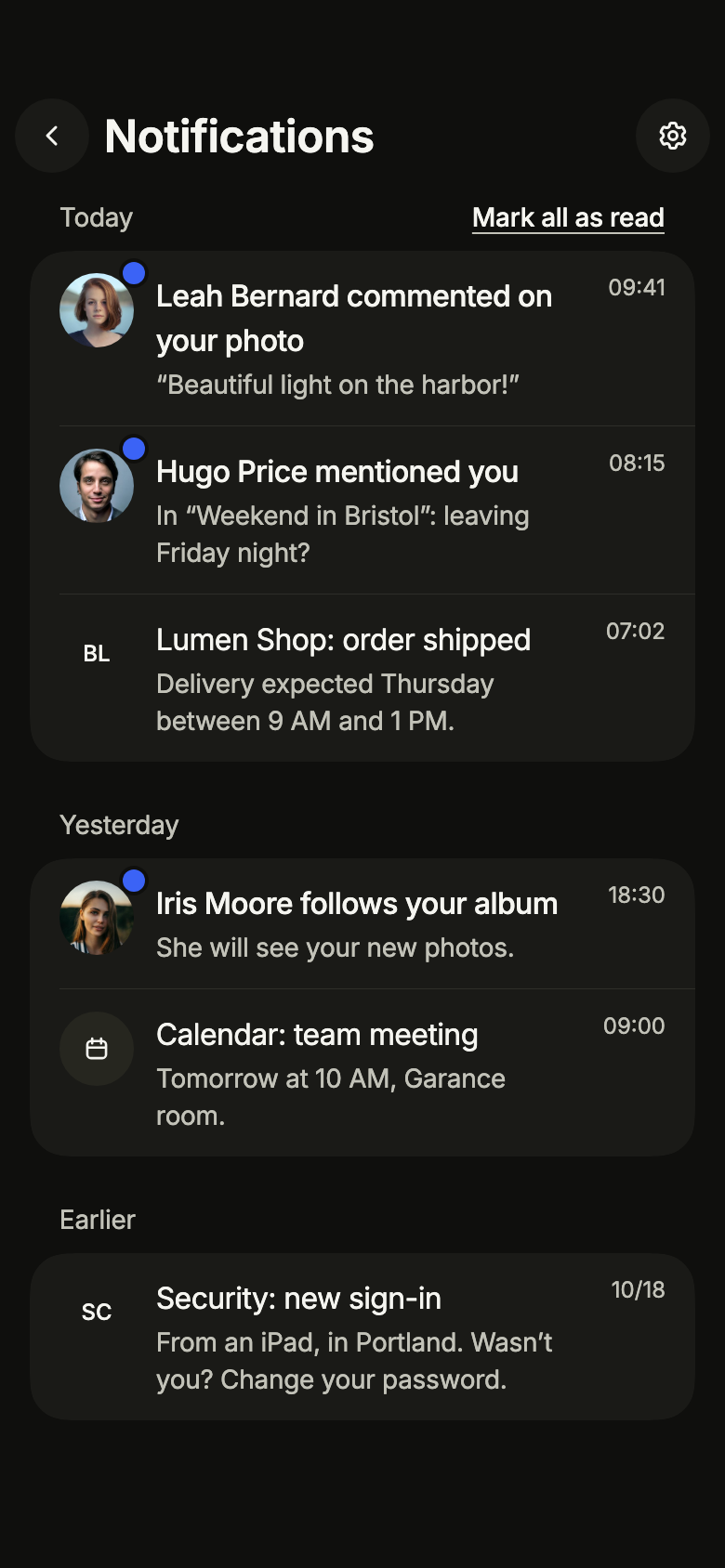
Notification center Pro
Groups received notifications by day, marks the unread ones and lets people mark all as read or refresh, with its empty, loading, error and offline states.
Open Notification center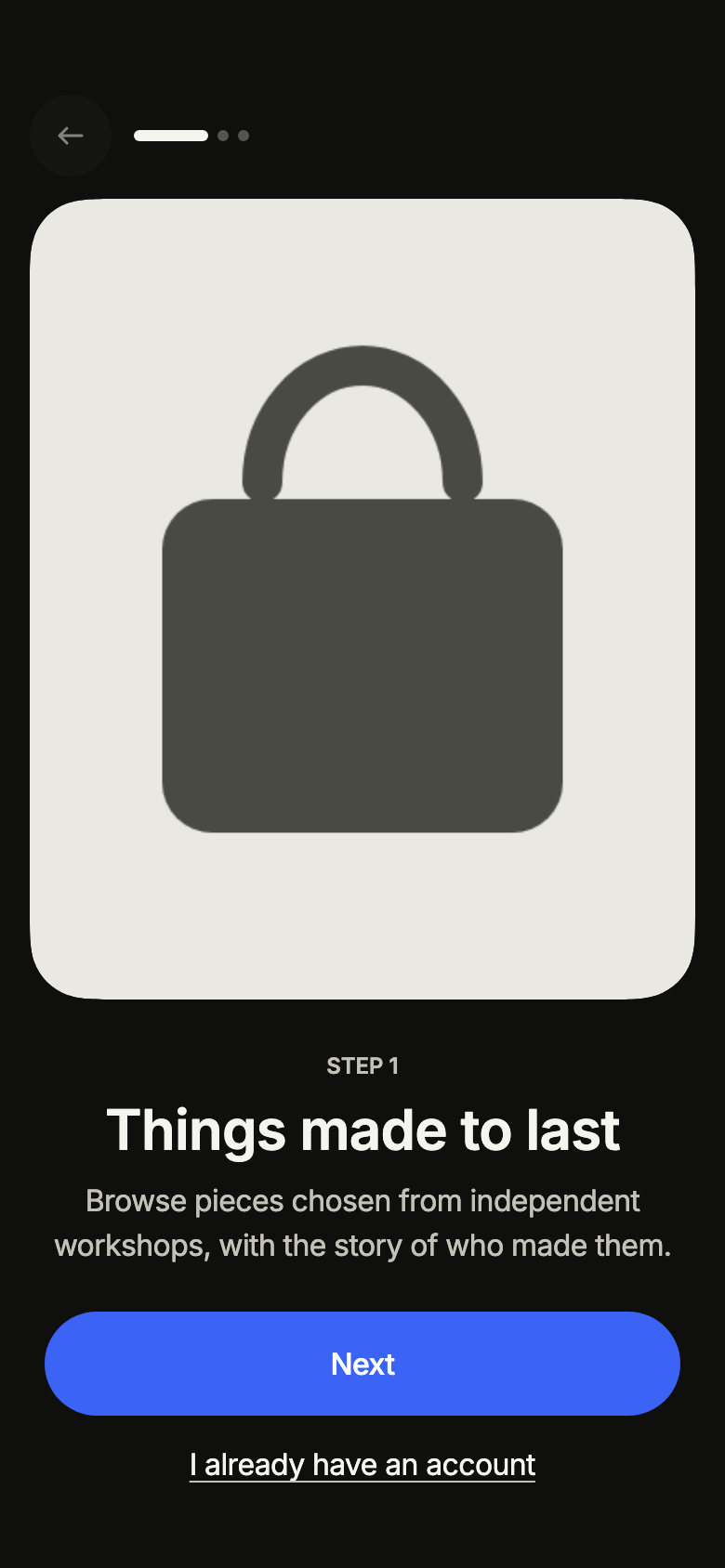
Onboarding Pro
Introduces the service on first launch in two to five illustrated pages that people swipe or skip, ending on a call to action and a link for people who already have an account.
Open Onboarding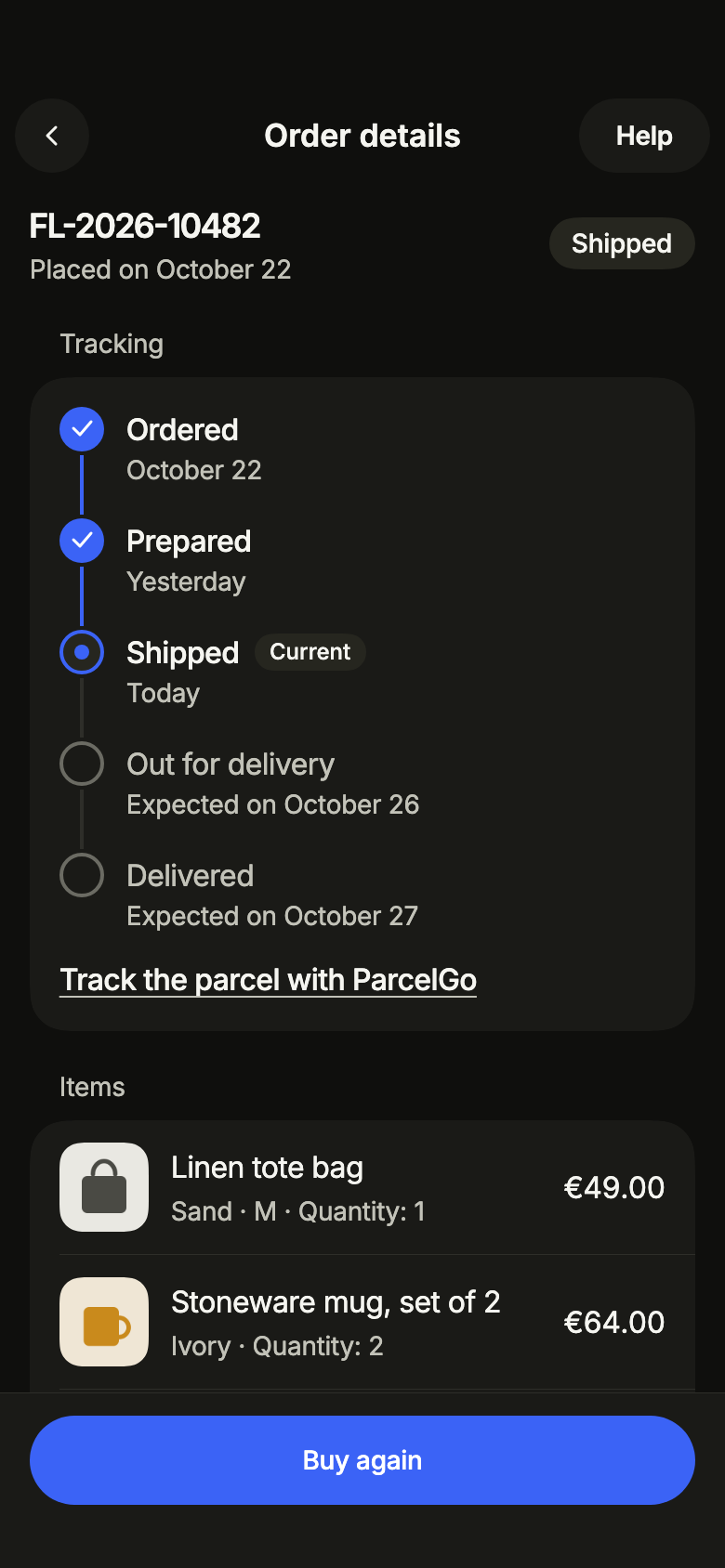
Order tracking Pro
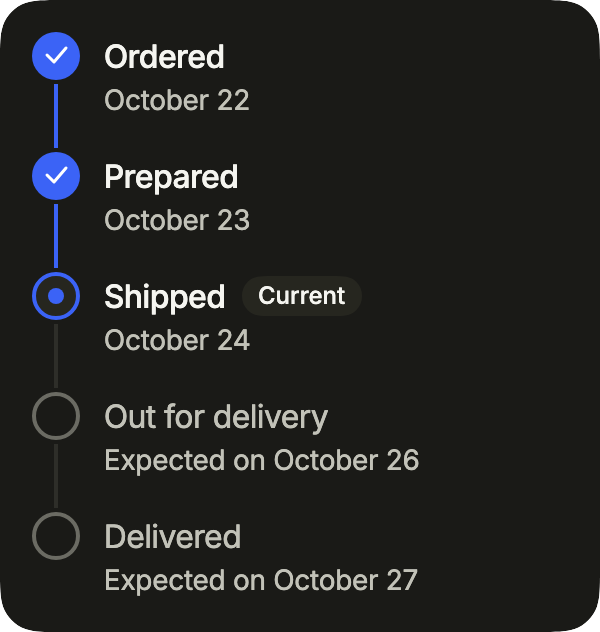
Shows an order with its dated delivery steps, items, amounts paid and address, with a confirmed cancellation sent only once, returns and support.
Open Order tracking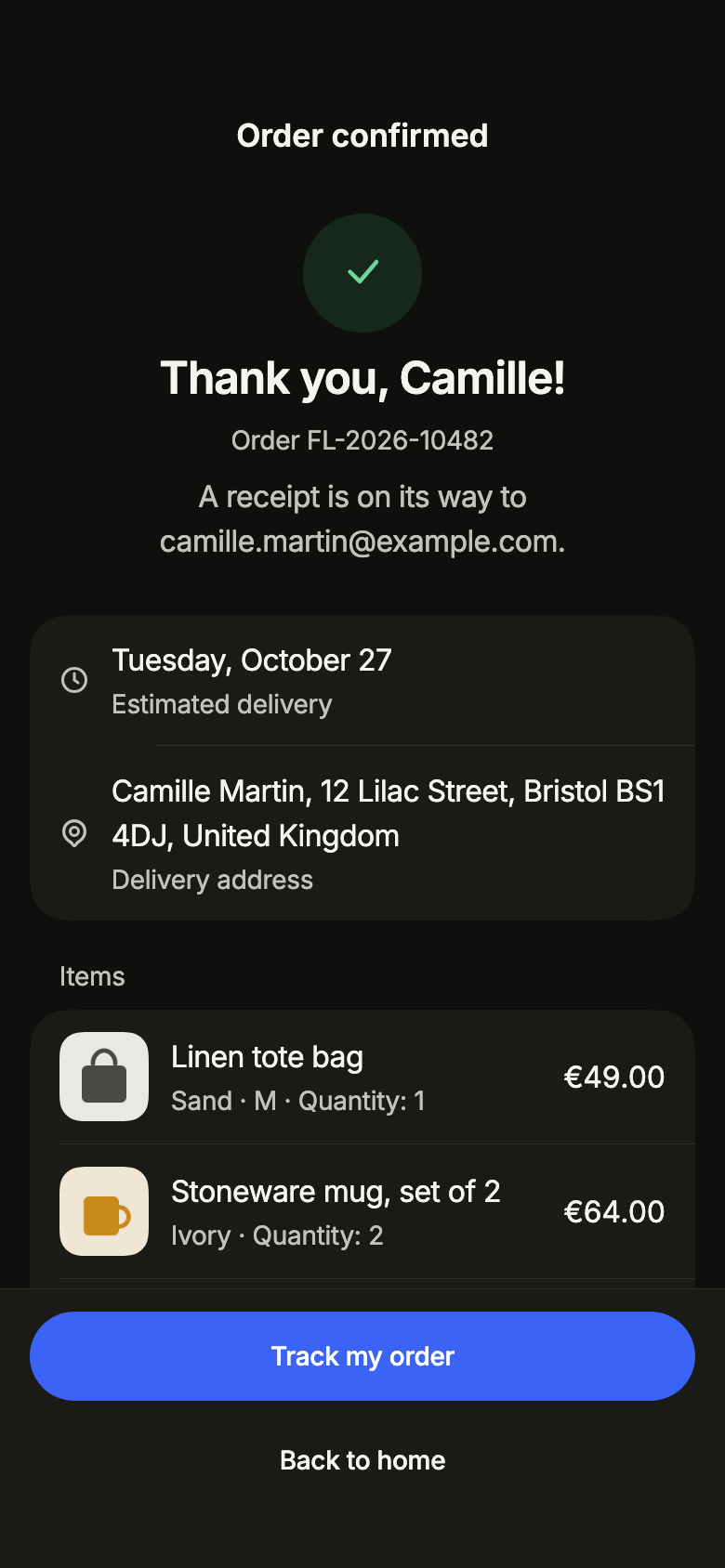
Order confirmation Pro
Confirms a paid order with its number, estimated delivery, address, items and amounts paid, then tracking or home, with no way back to the payment.
Open Order confirmation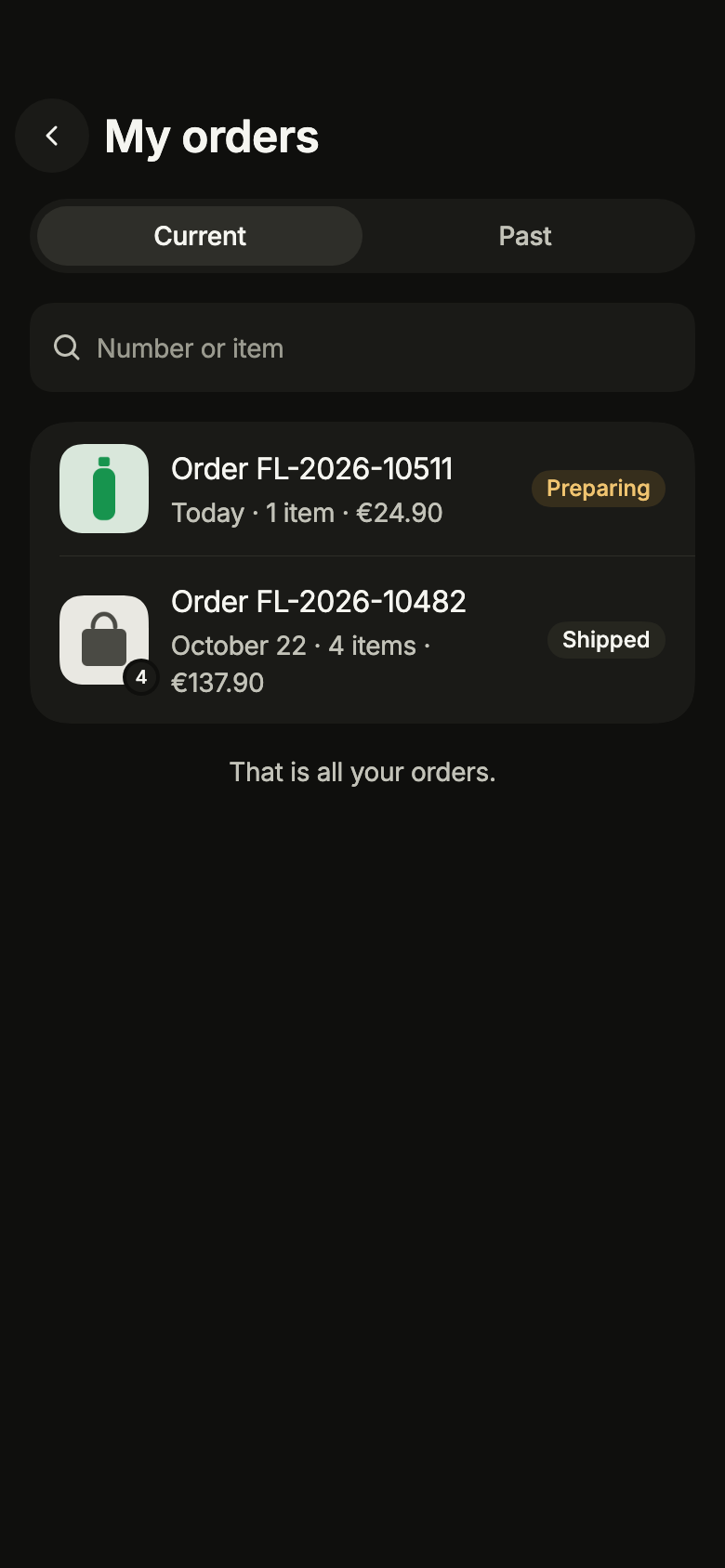
Order history Pro
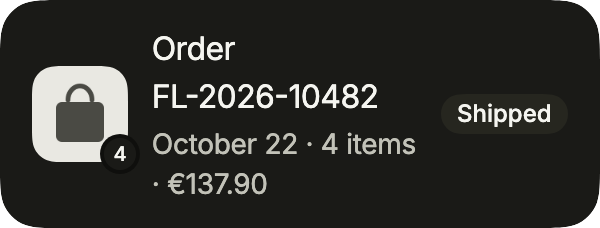
Lists a customer's orders in two tabs, current and past, searchable by number or item, loaded page by page and refreshed by pulling.
Open Order history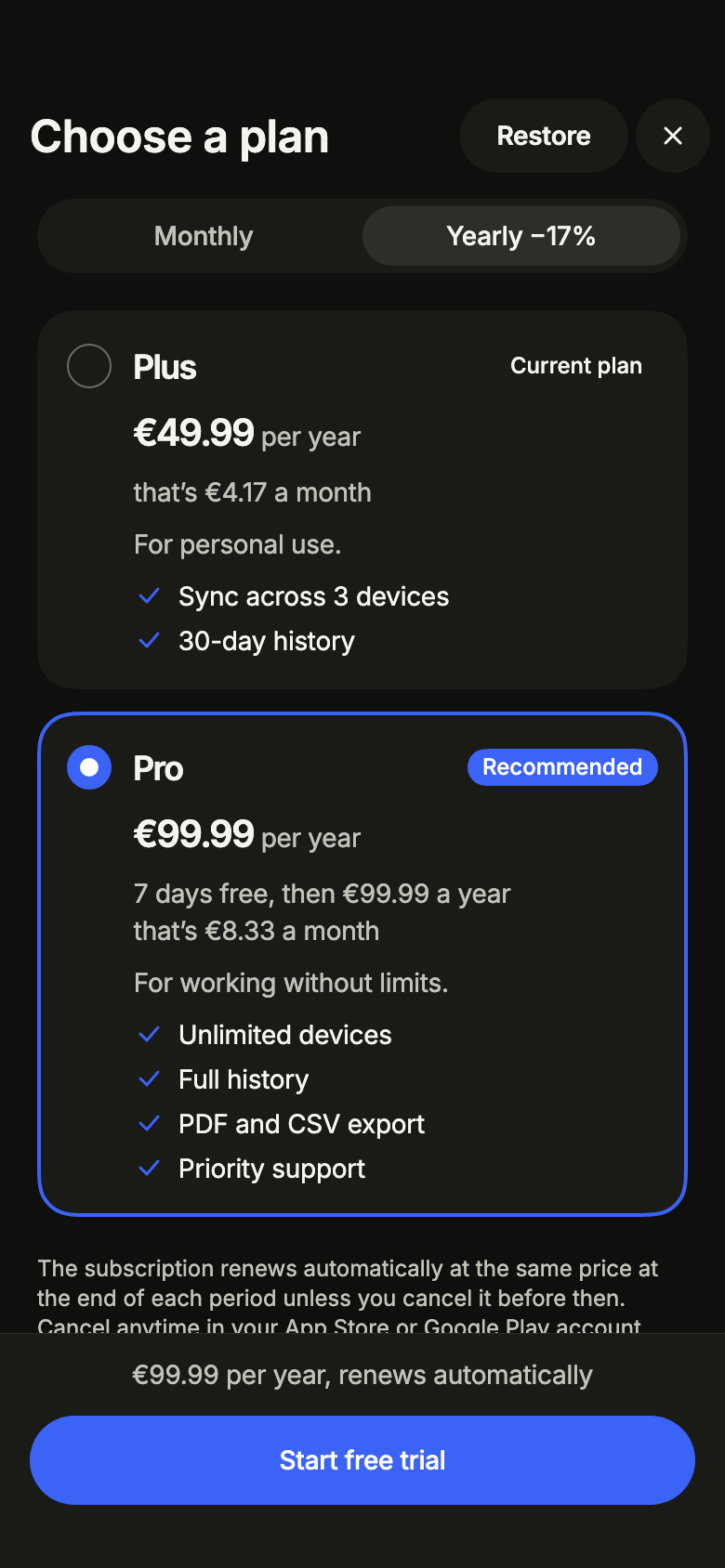
Plans and subscription Pro
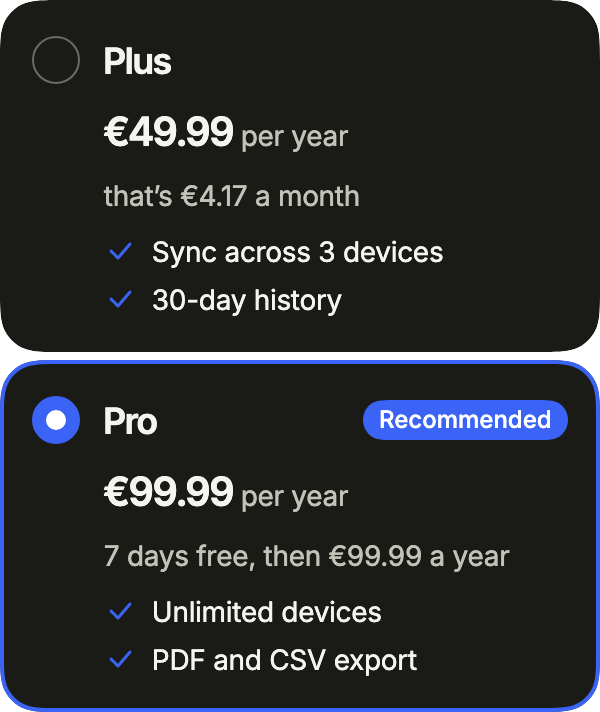
Offers subscription plans with a monthly or yearly switch, plan cards, the current plan, a free trial, in-app purchase through the store, restore purchases and the terms.
Open Plans and subscription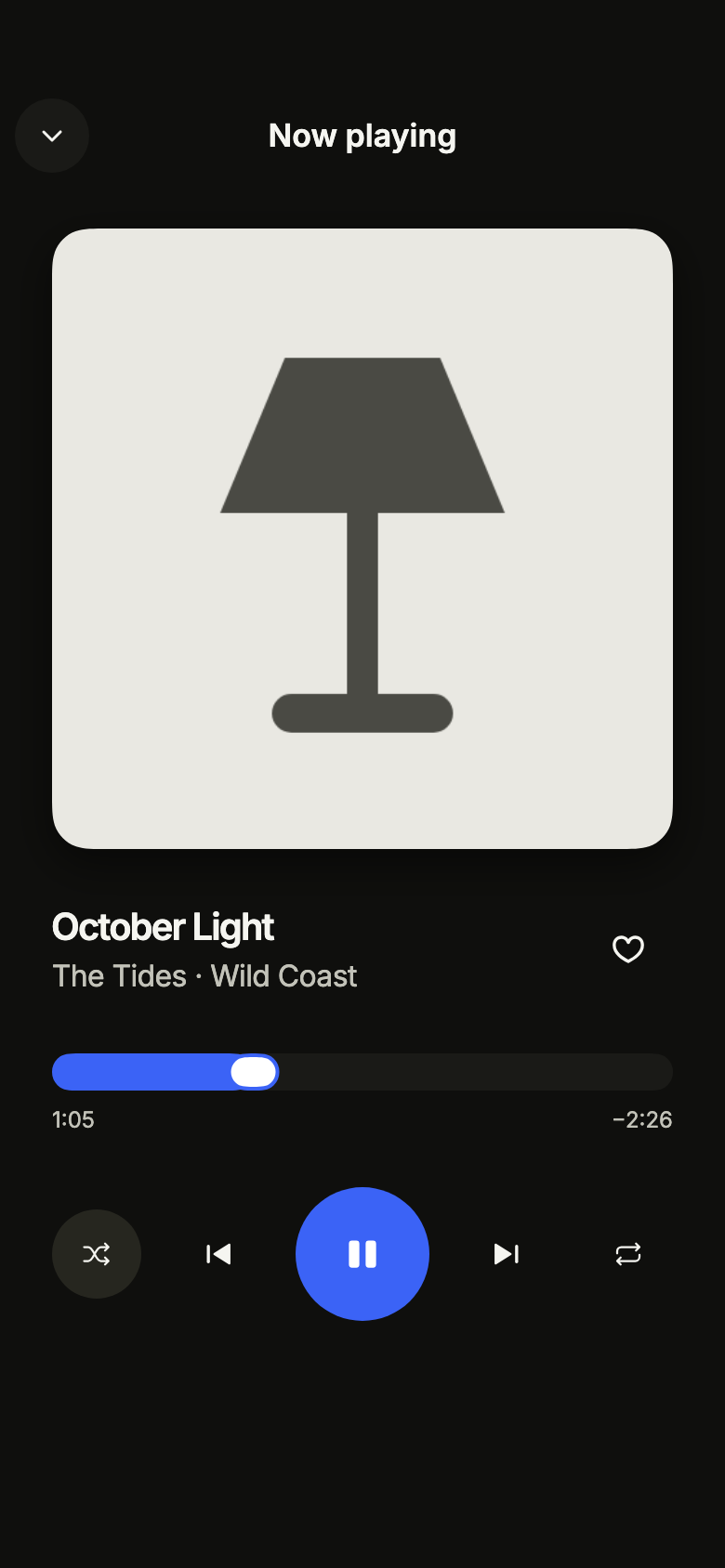
Music player Pro
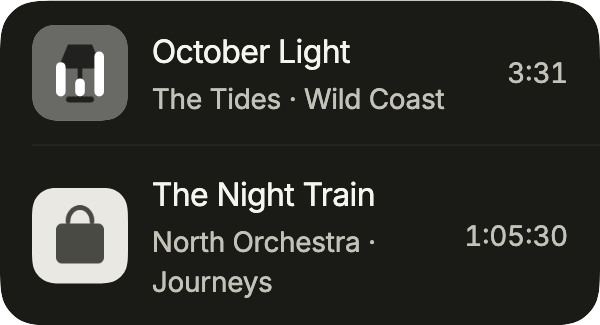
Plays a song from the app's audio player: artwork, title and artist, a position slider read in minutes and seconds, play and pause, next and previous, shuffle, repeat and favorite.
Open Music player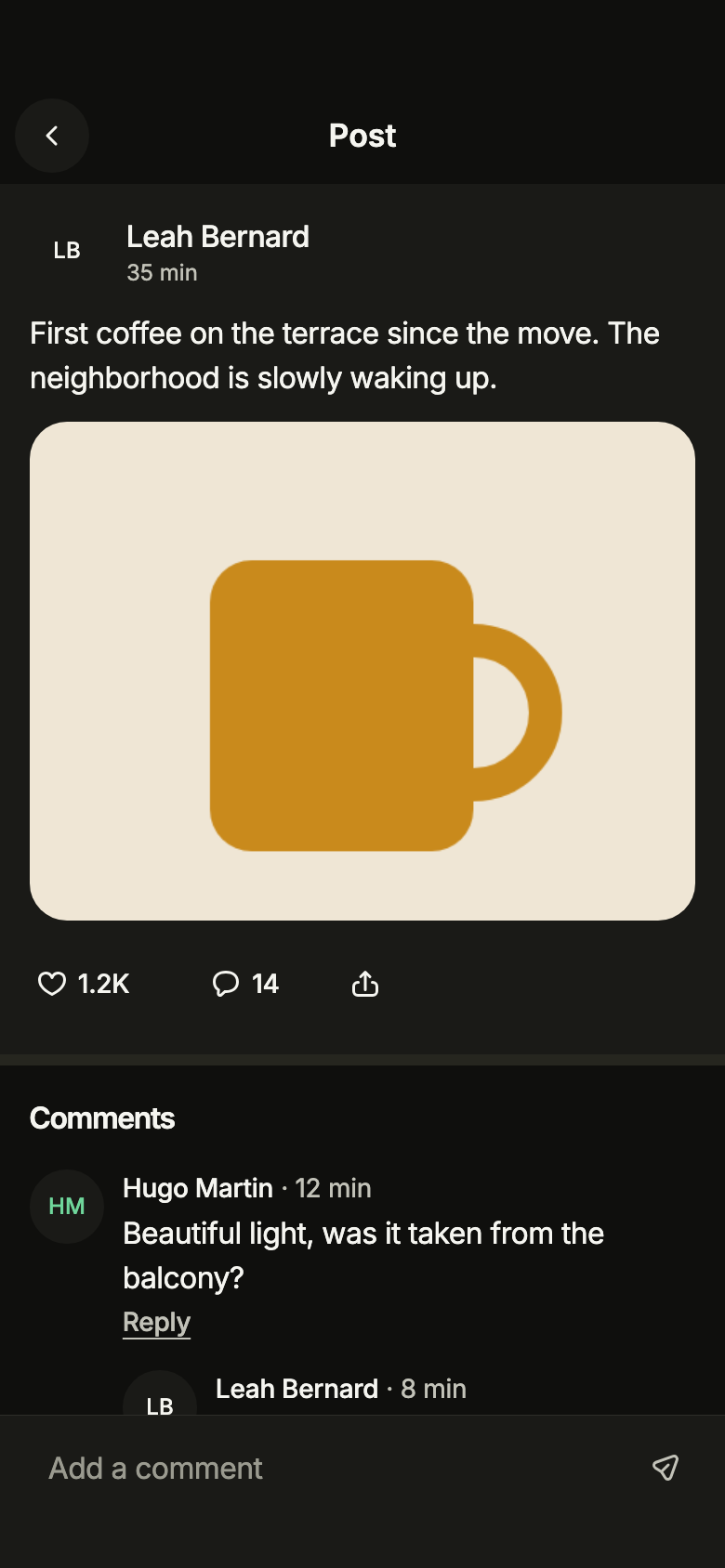
Post and comments Pro
Shows one post with its paged comments and one level of replies, a composer that posts in order without waiting, retry, and deleting your own comments after confirmation.
Open Post and comments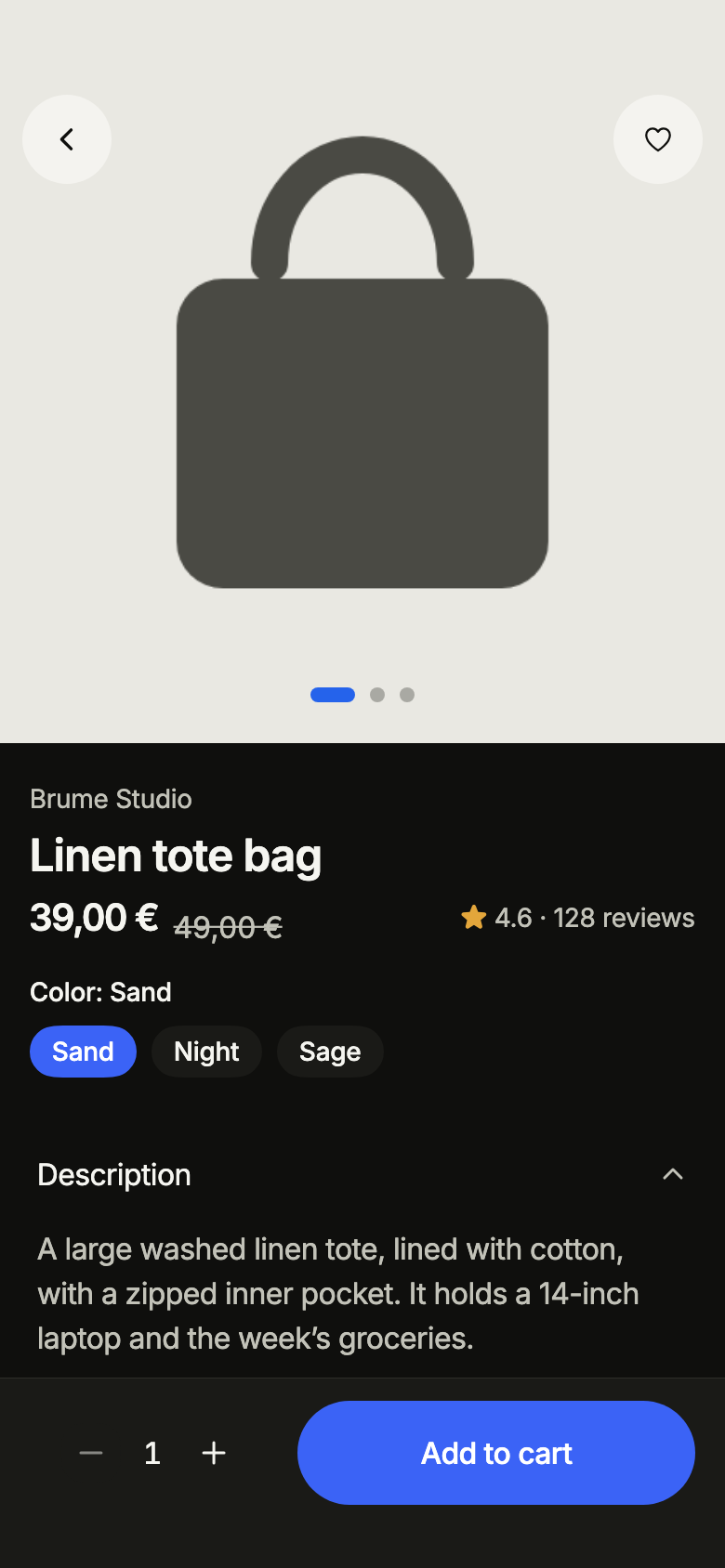
Product page Pro
Presents a product with its photo gallery, price, rating, color, size and quantity, a collapsible description and add to cart always in reach, with loading, sold out, error and offline states.
Open Product page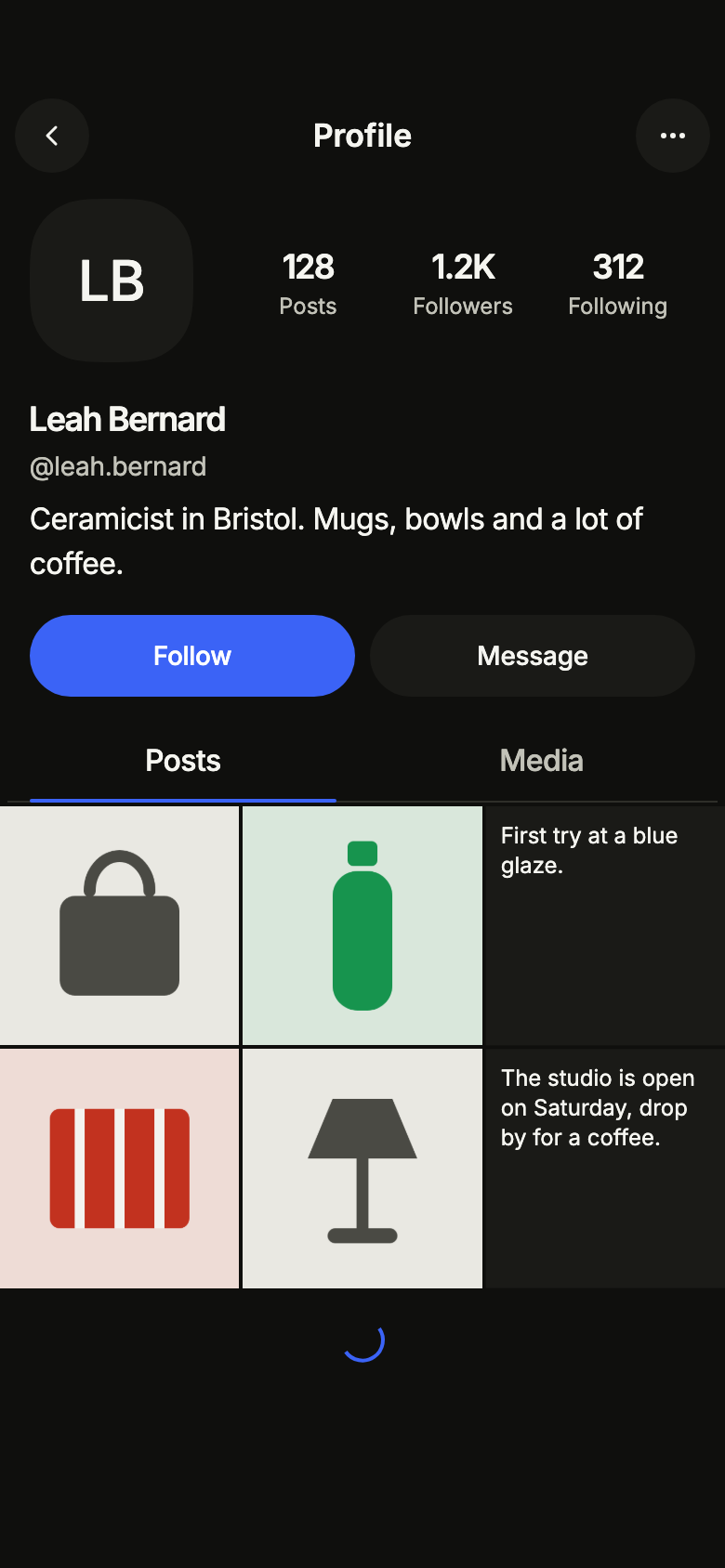
Public profile Pro
Shows someone’s public page: avatar, bio and short counters, an optimistic Follow toggle or Edit profile for yourself, then posts as a list and media as a grid.
Open Public profile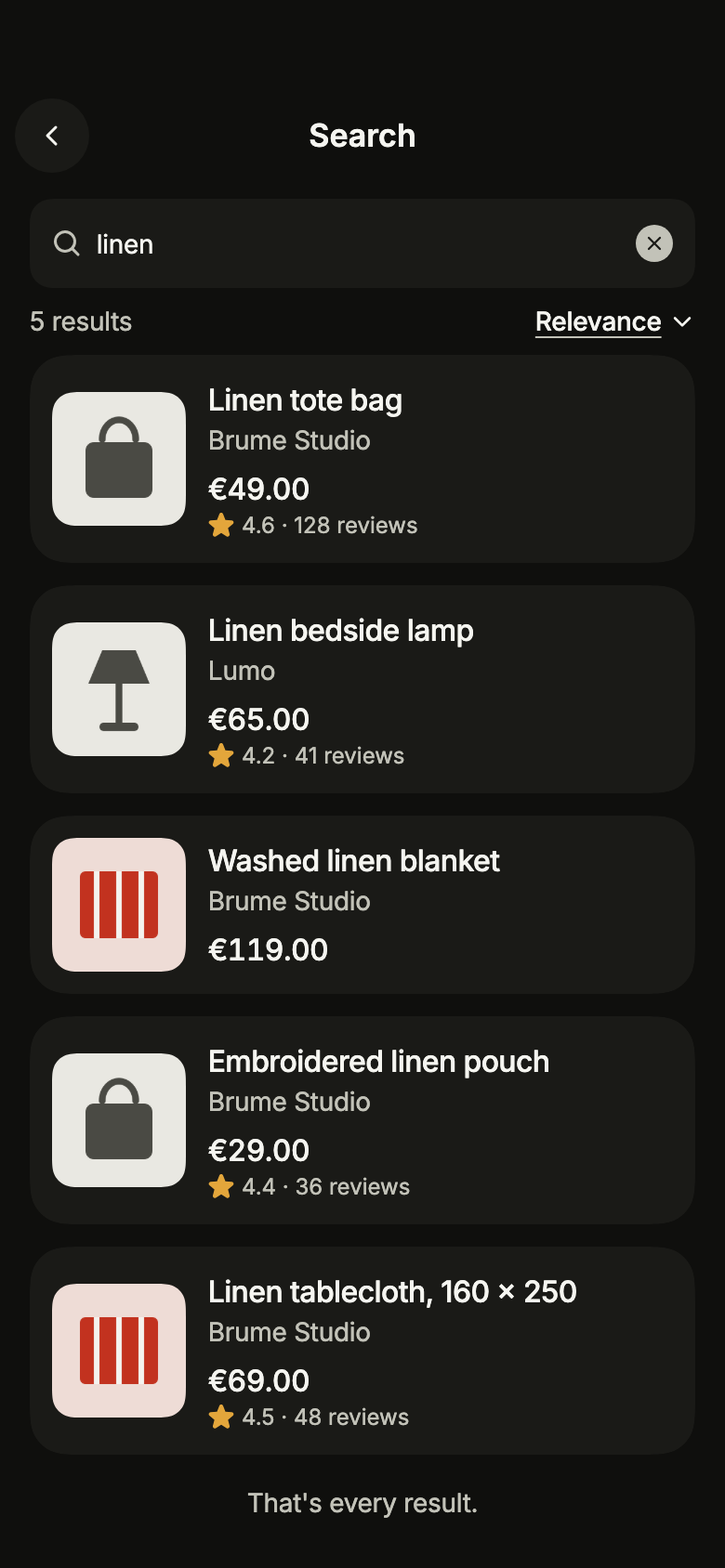
Filtered search Pro
Searches products while people type, with a row of categories, advanced filters in a sheet, recent searches, results that load more as you scroll, and its empty, no results, error and offline states.
Open Filtered search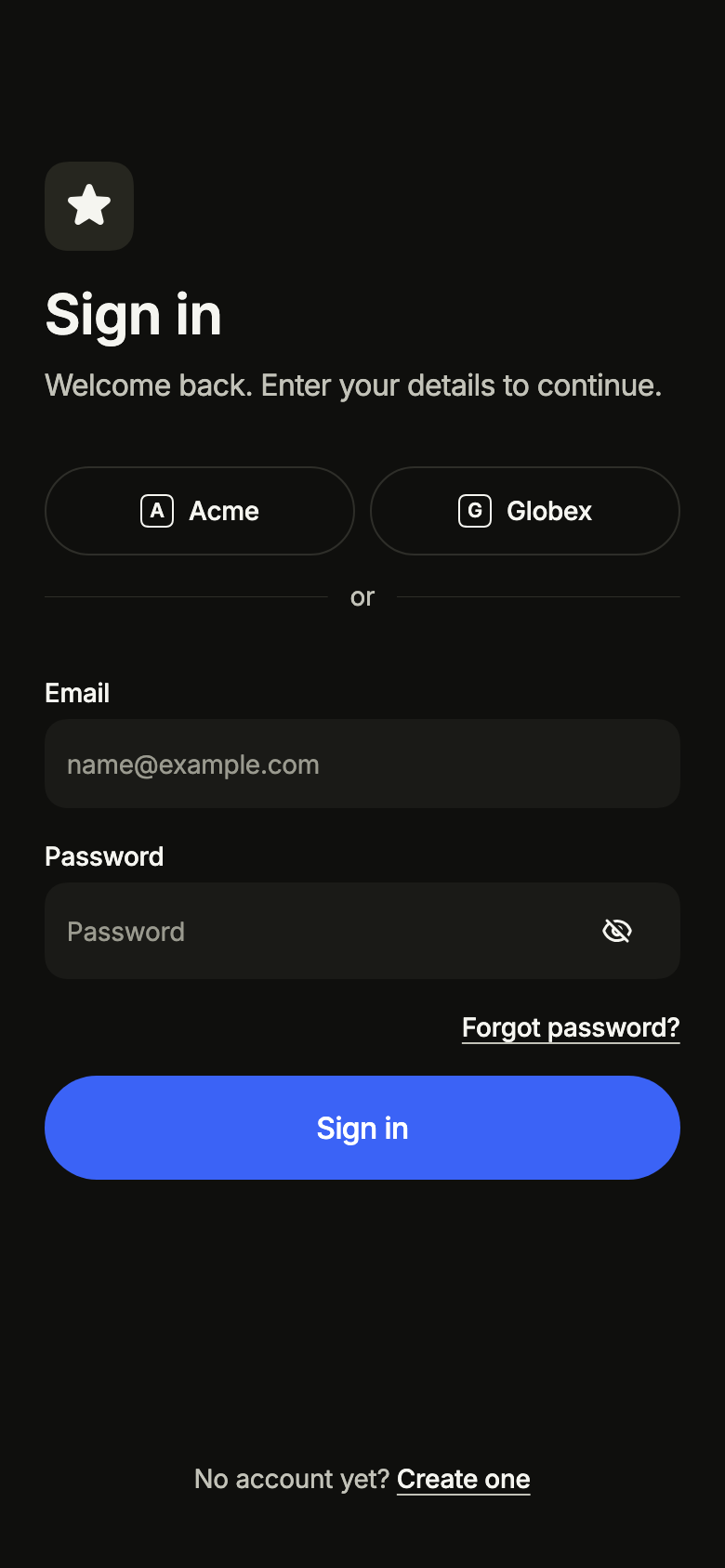
Sign in Pro
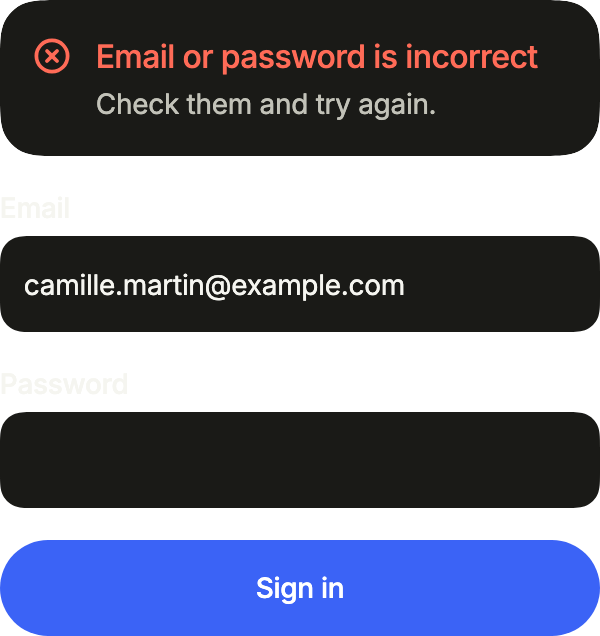
Lets people sign in with email and password or an identity provider, with forgotten password, rejected credentials, offline and the wait after too many attempts.
Open Sign in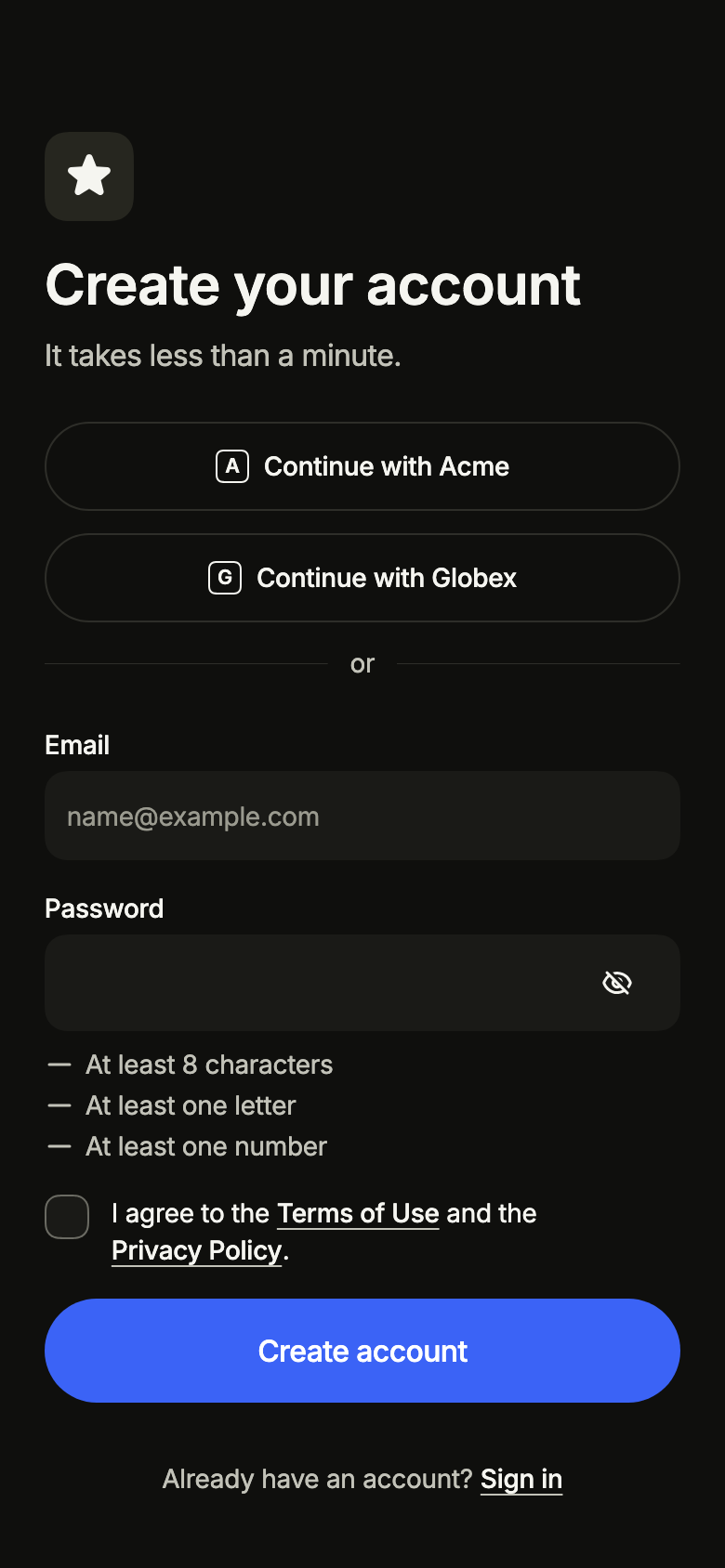
Sign up Pro
Lets people create an account with name, email and a password whose rules are checked while typing, accept the terms, or use a provider; email taken and offline included.
Open Sign up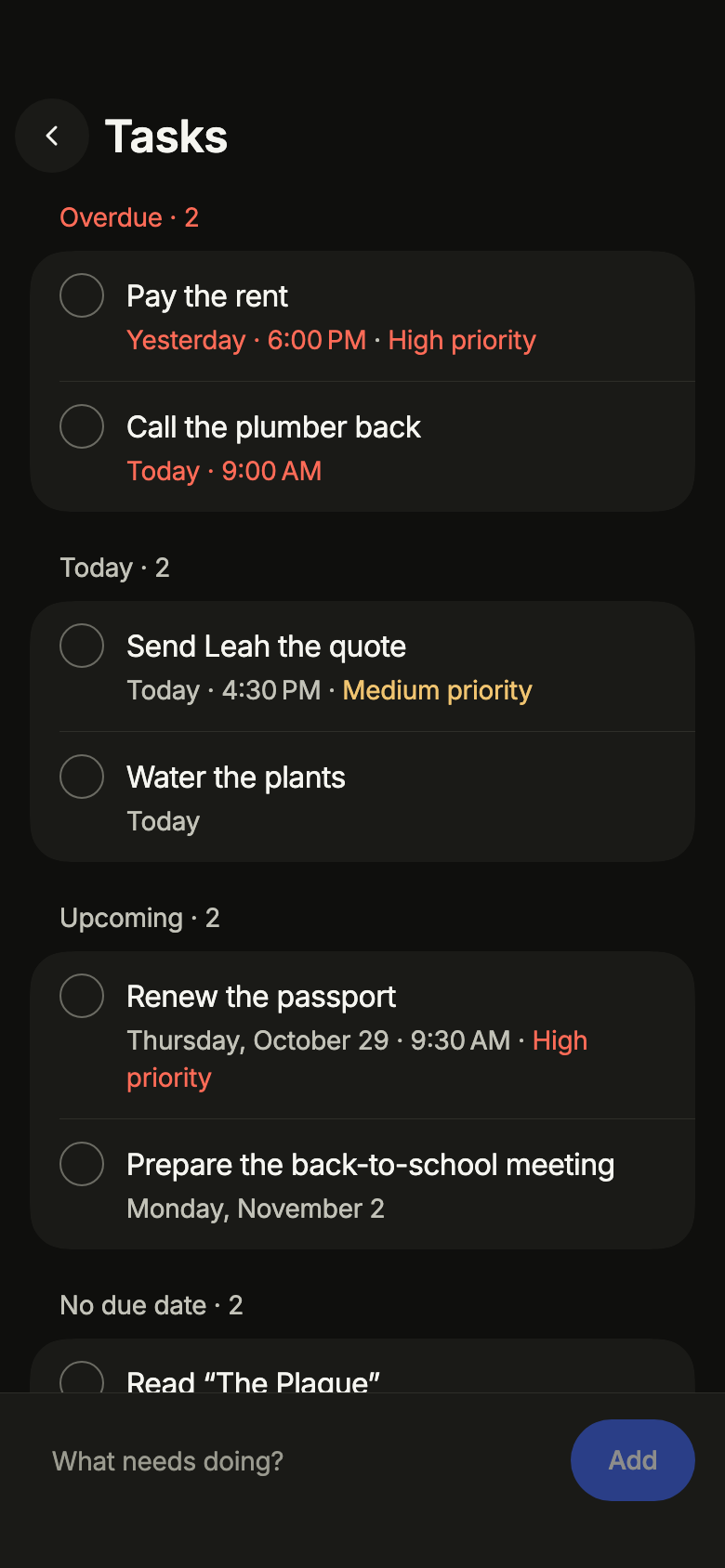
Tasks Pro
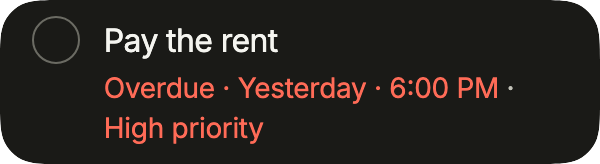
Groups tasks into overdue, today, upcoming, undated and done, each with its checkbox, with a quick add line and a sheet to edit the due day and priority.
Open Tasks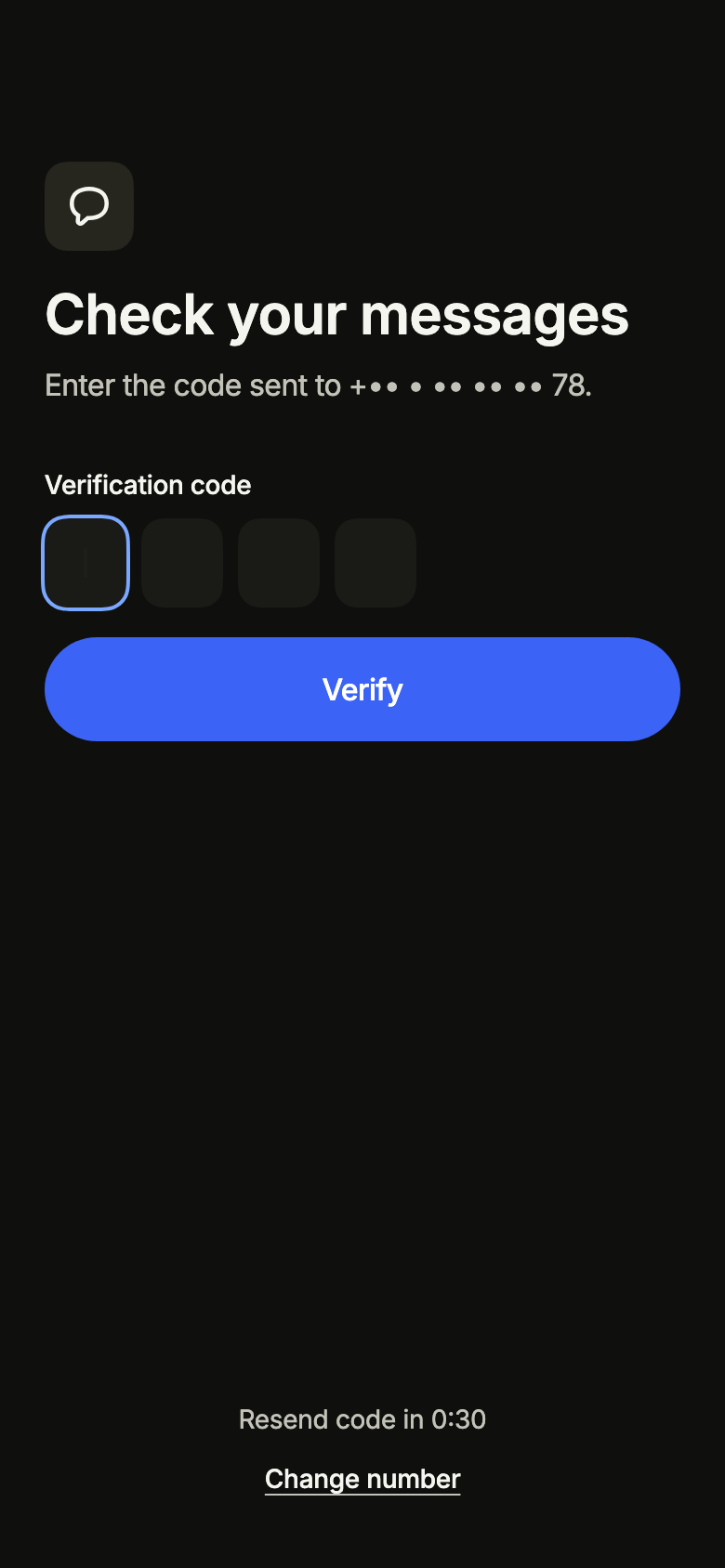
Verification code Pro
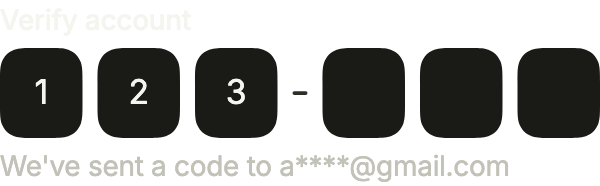
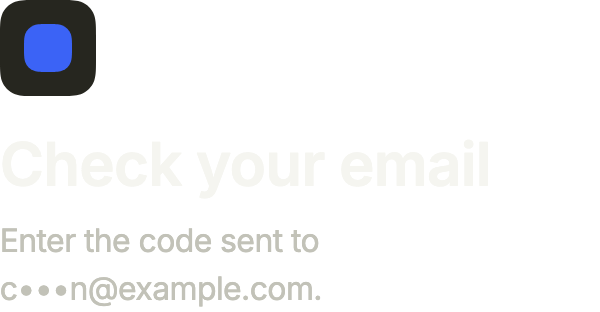
Lets people enter the six-digit code received by email or text message, with the masked destination, a resend countdown, a wrong or expired code and offline.
Open Verification code
Live components
All 98 items, running here in Flutter web.


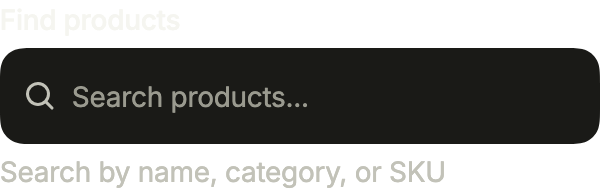
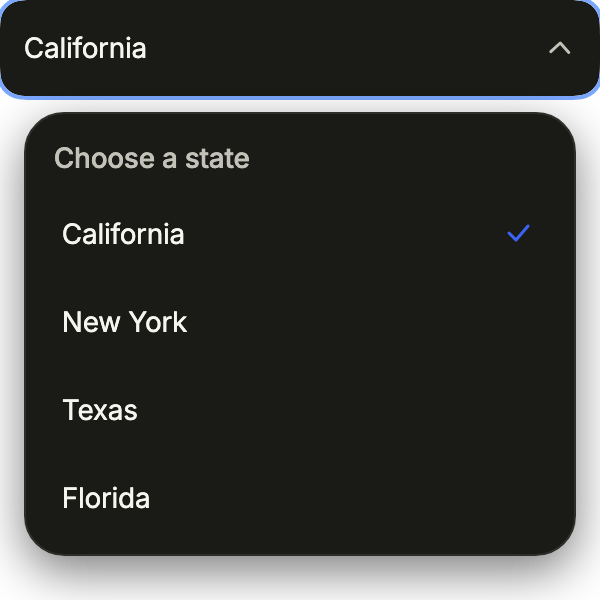
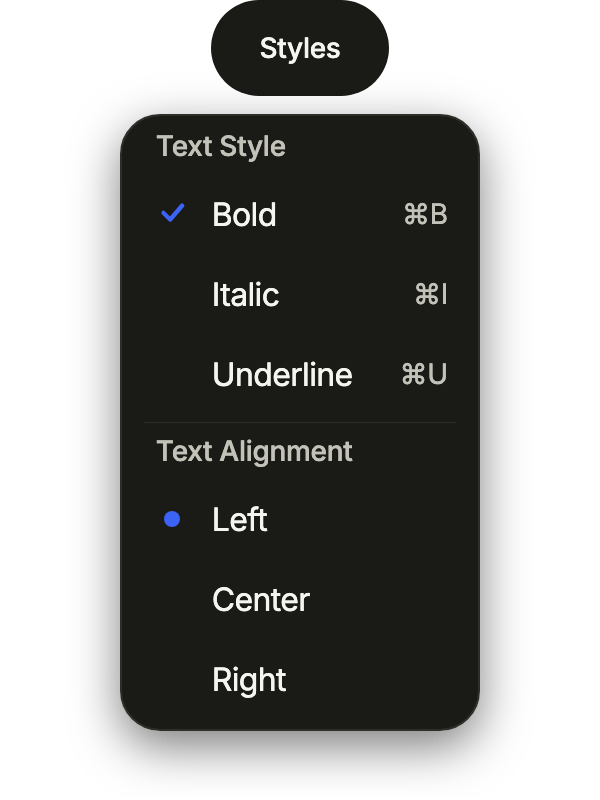
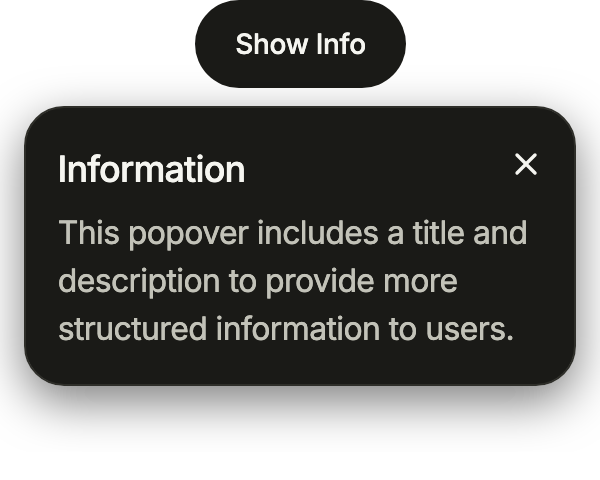

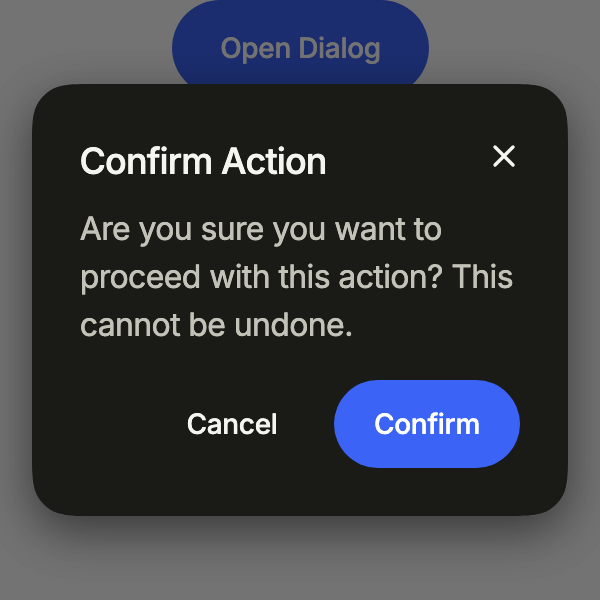
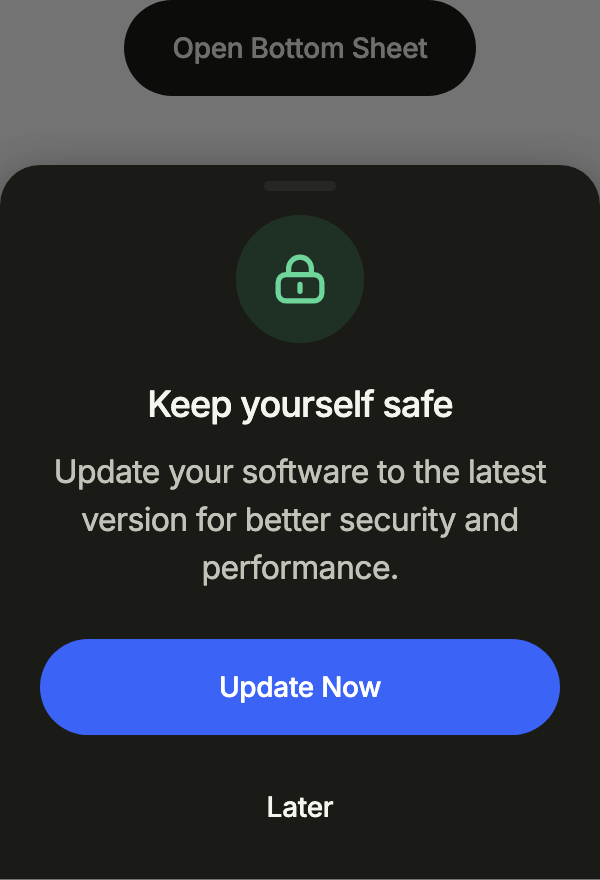

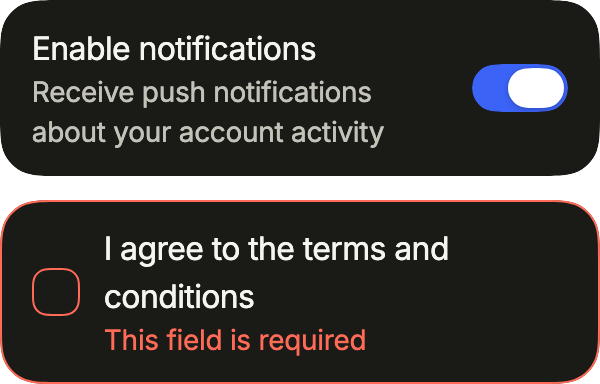
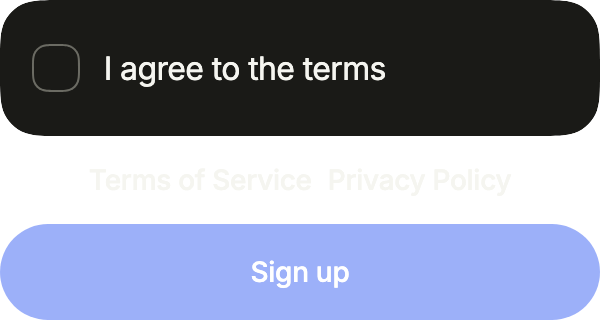

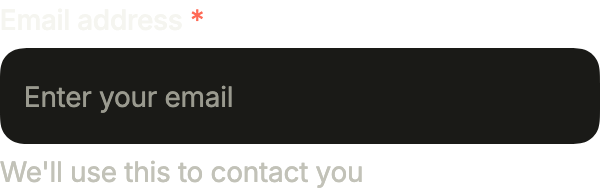

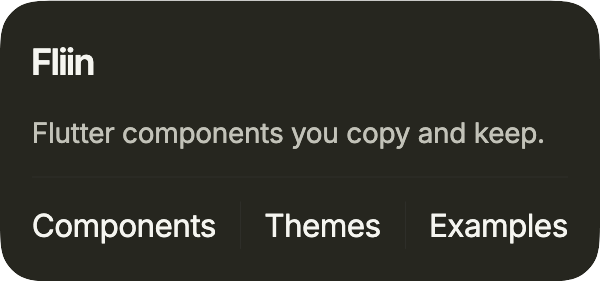
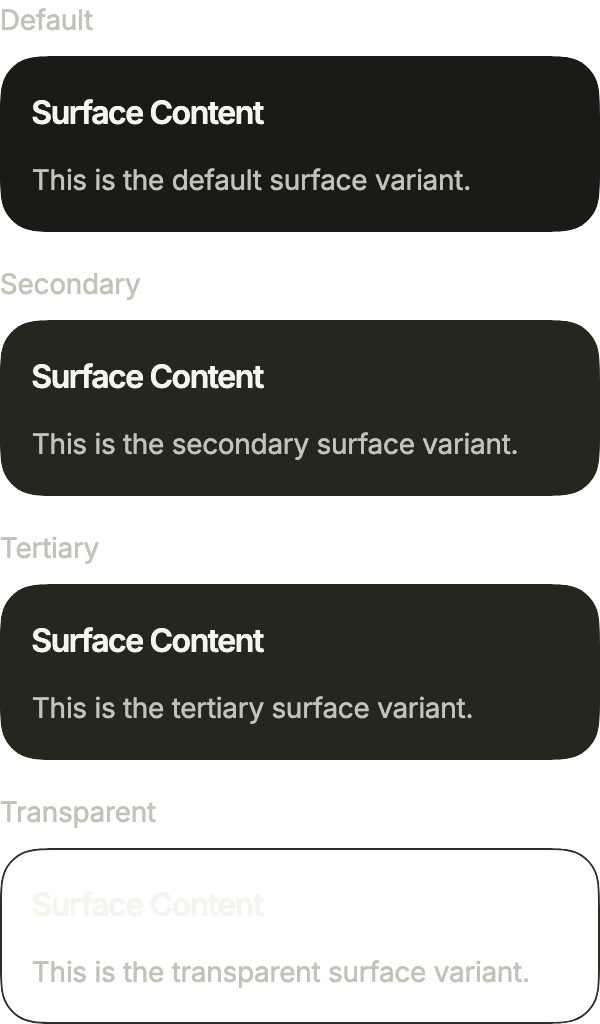

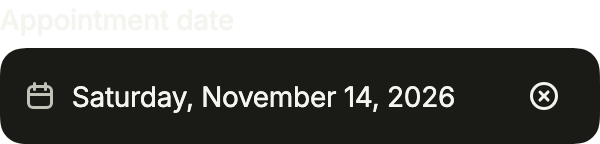
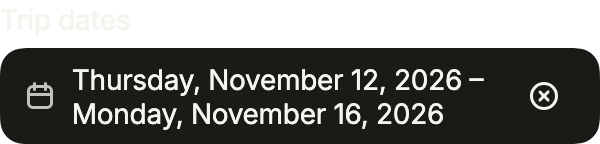
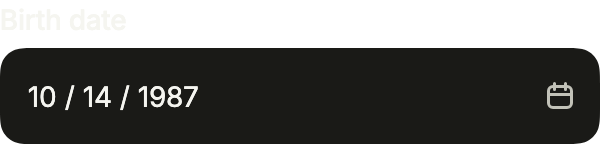
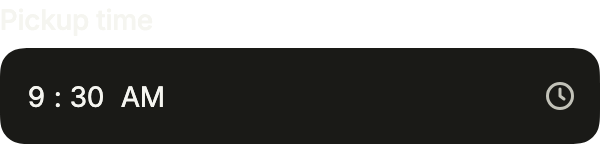
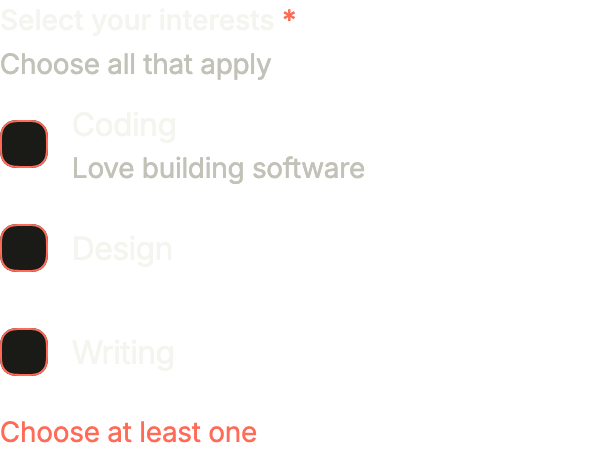
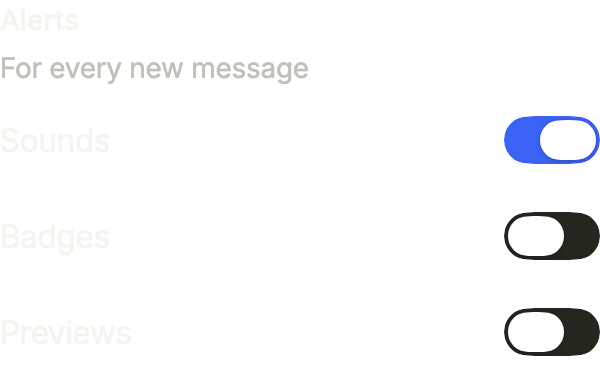
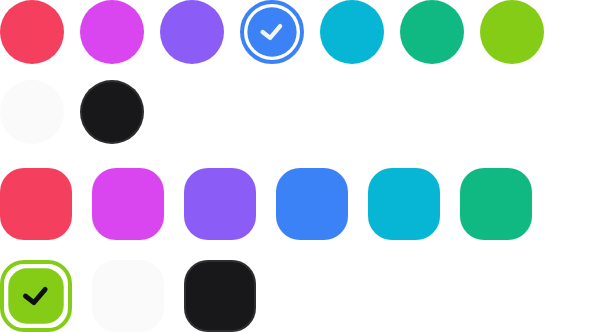
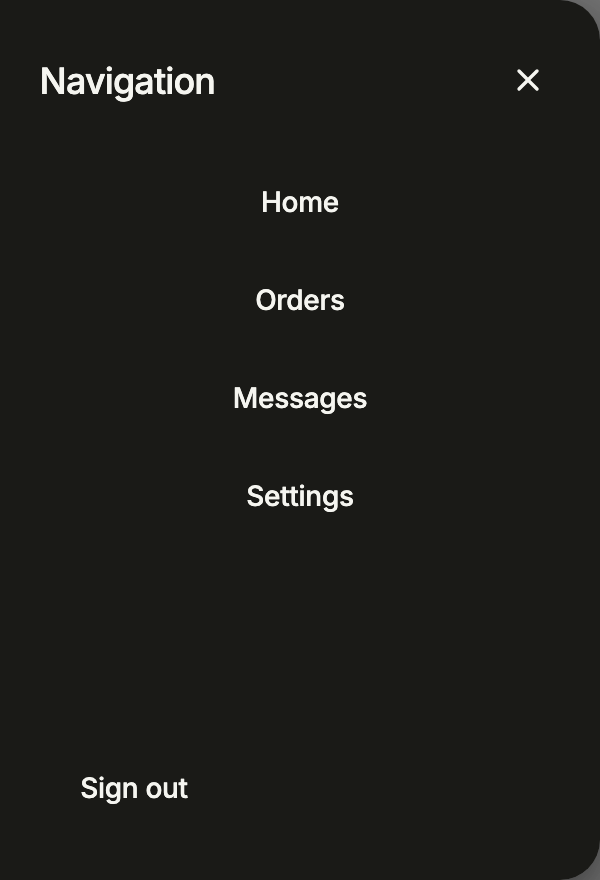








Checked on 16 variants
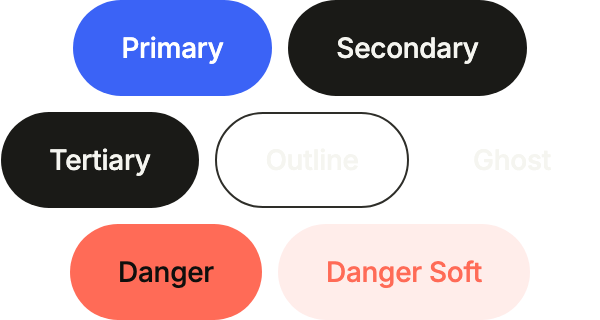
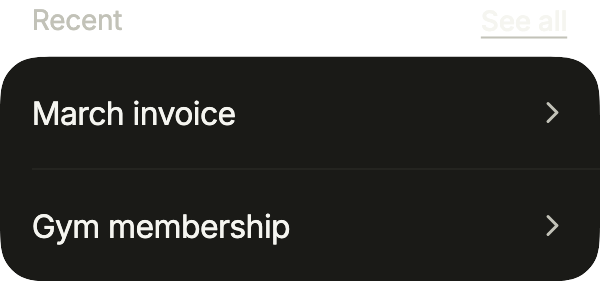
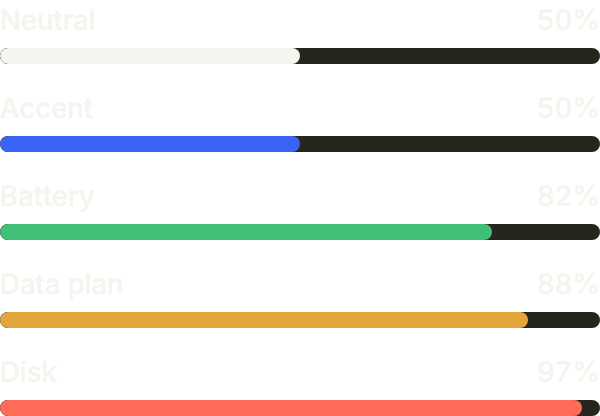
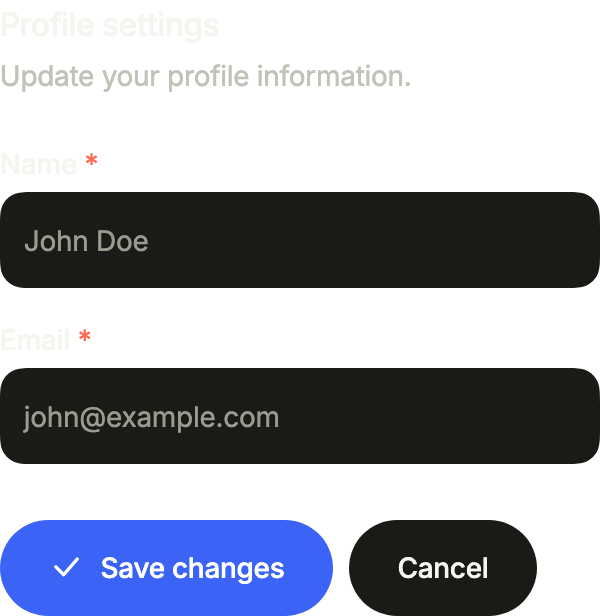
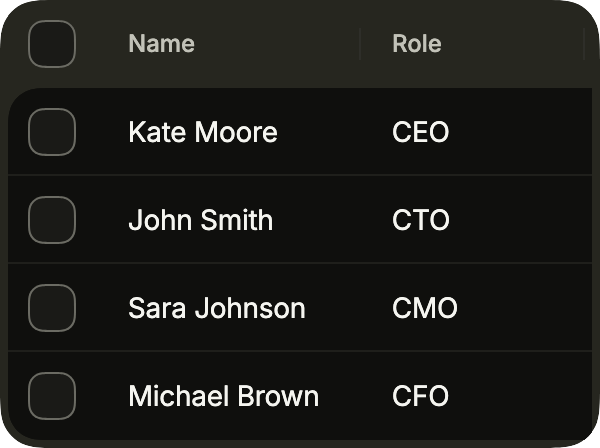
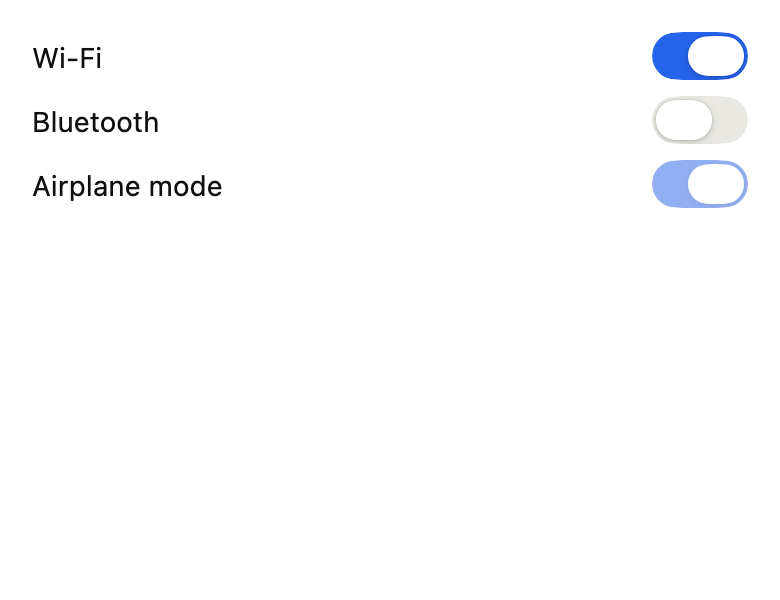
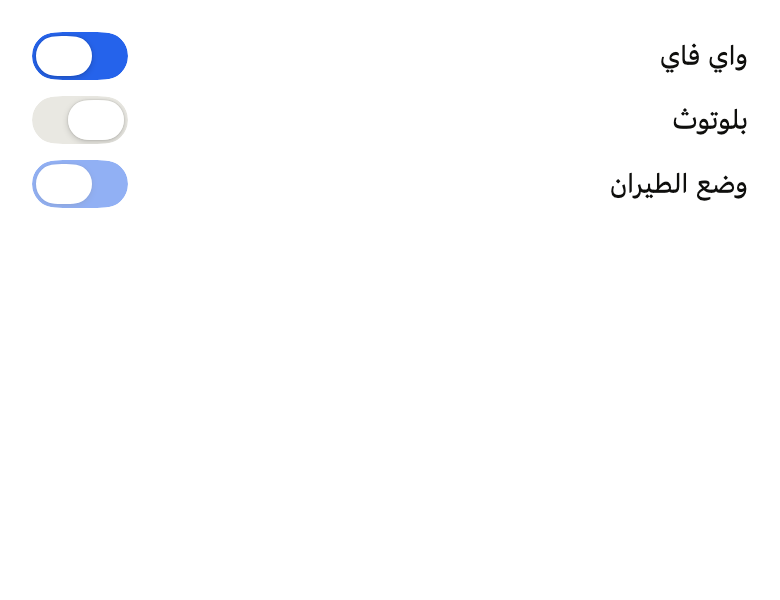
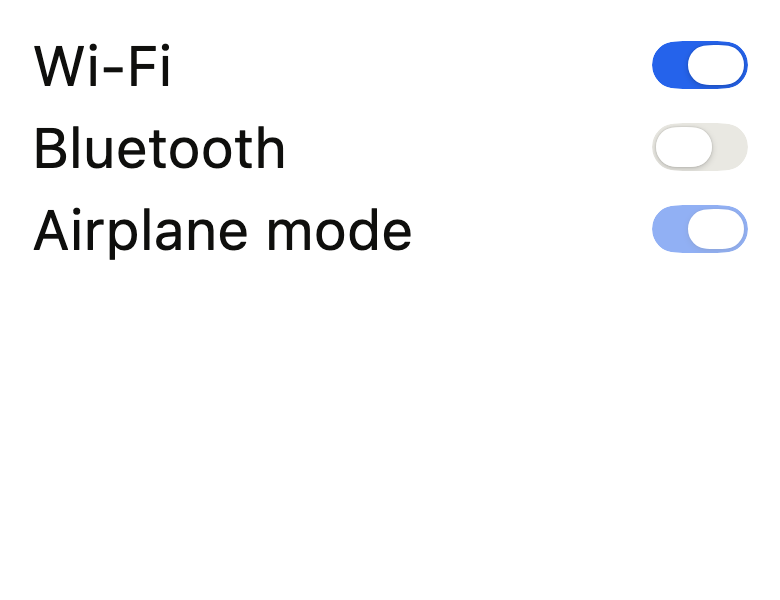
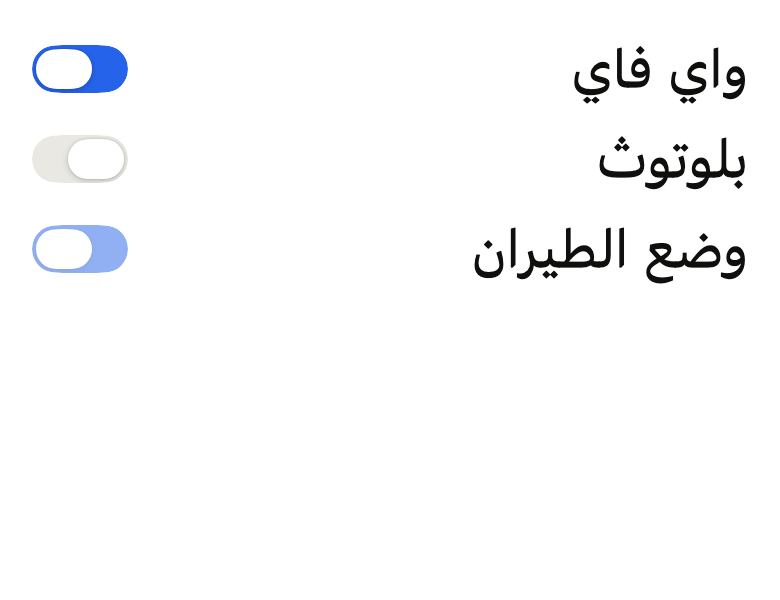
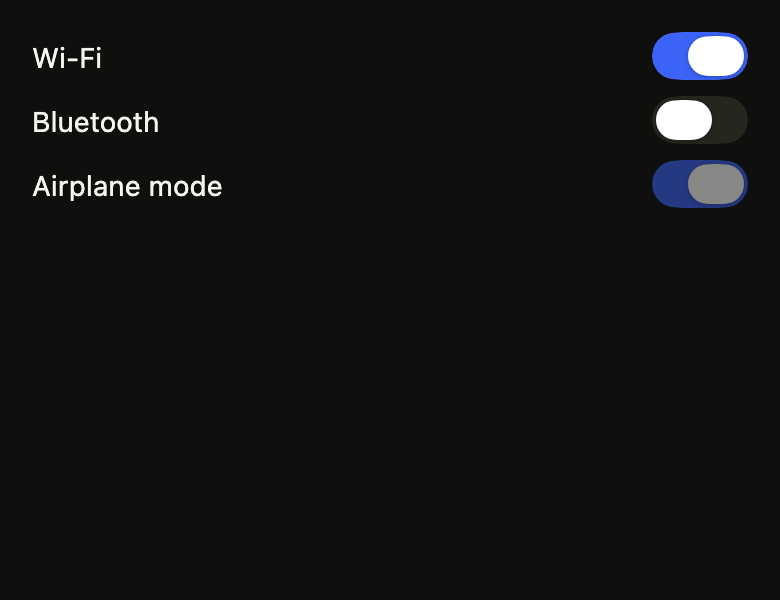
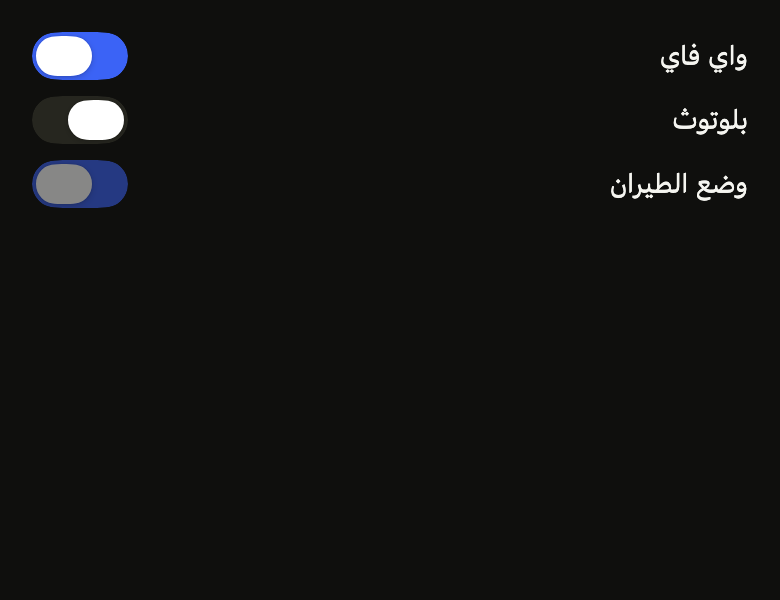
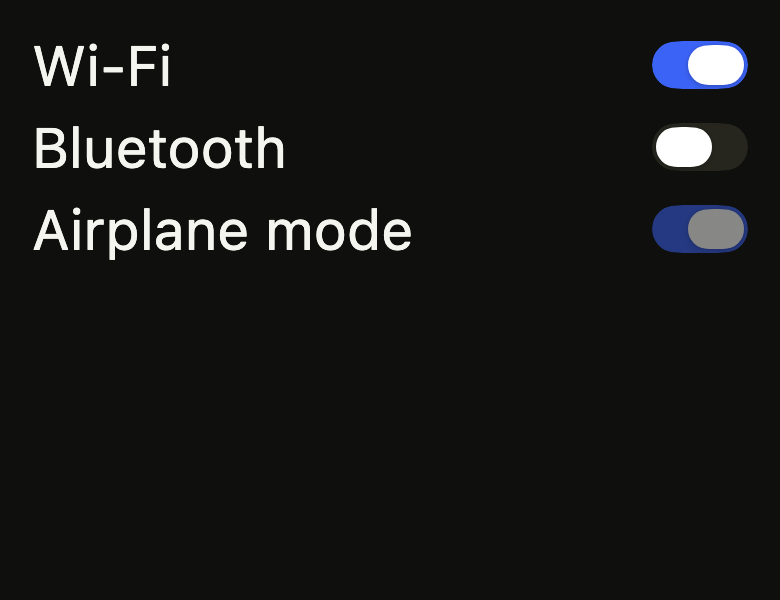
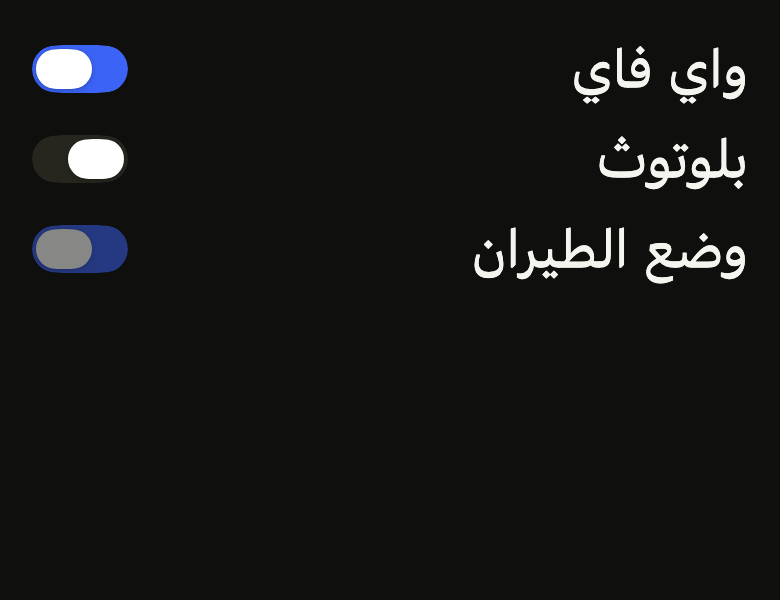
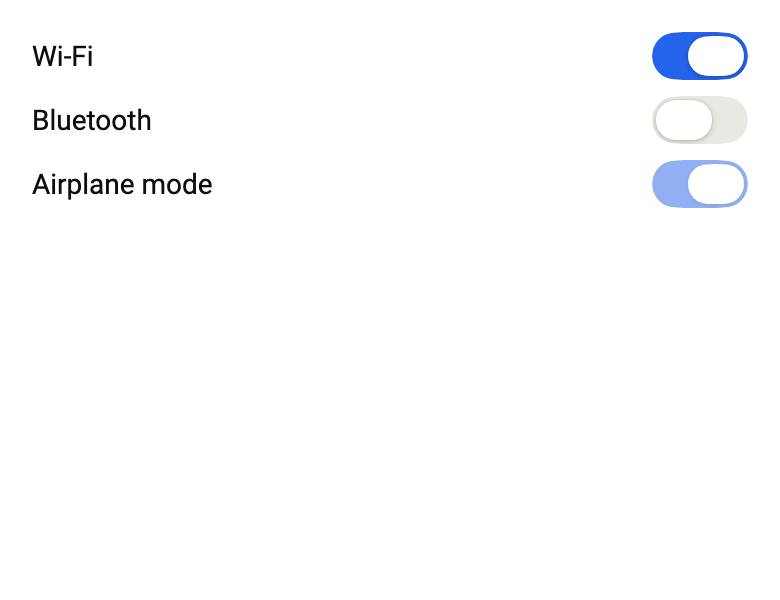
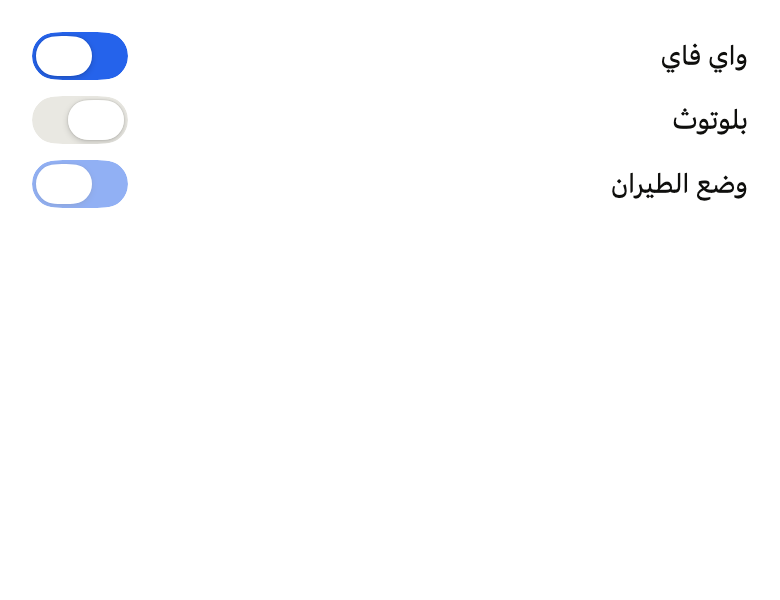
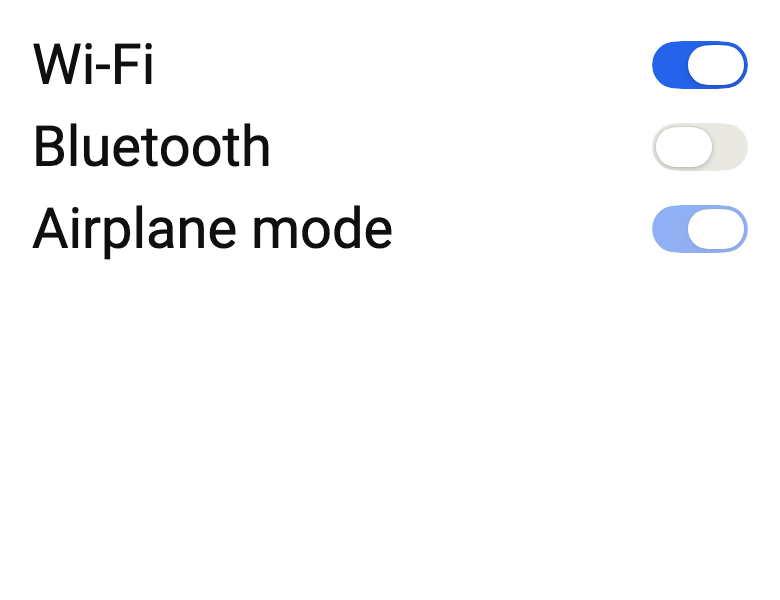
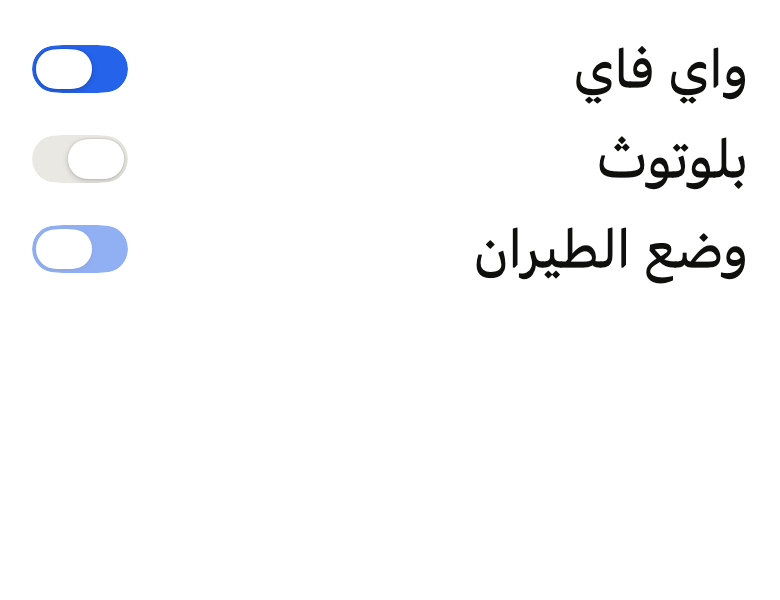
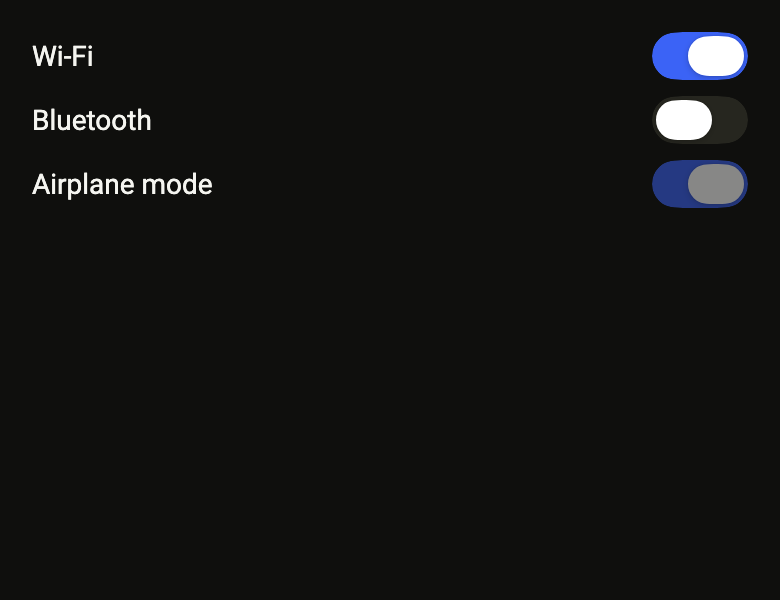
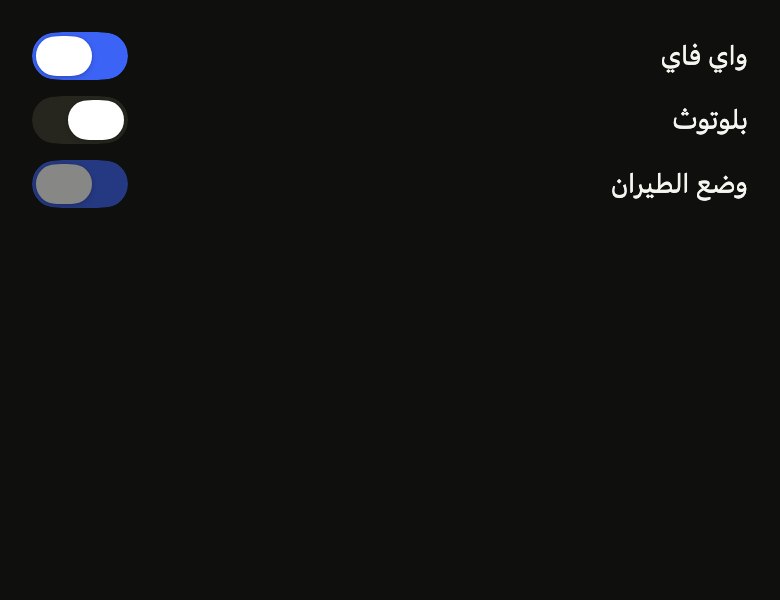
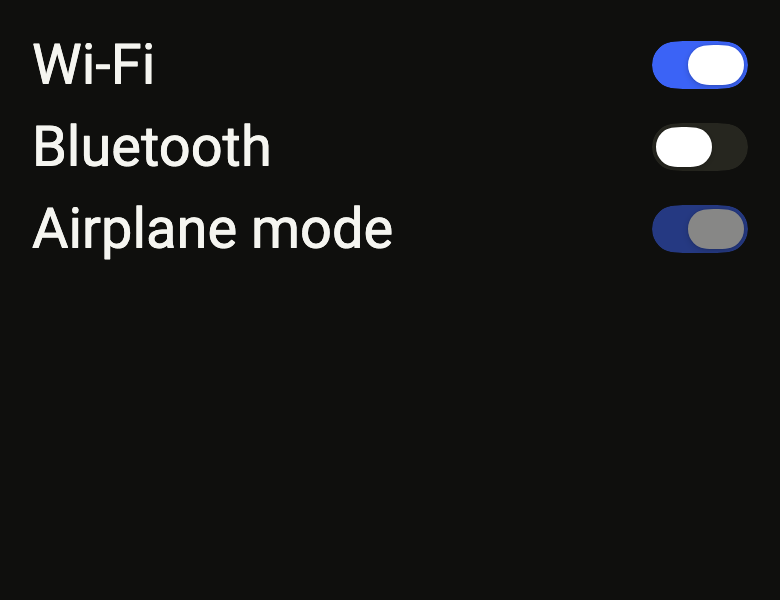
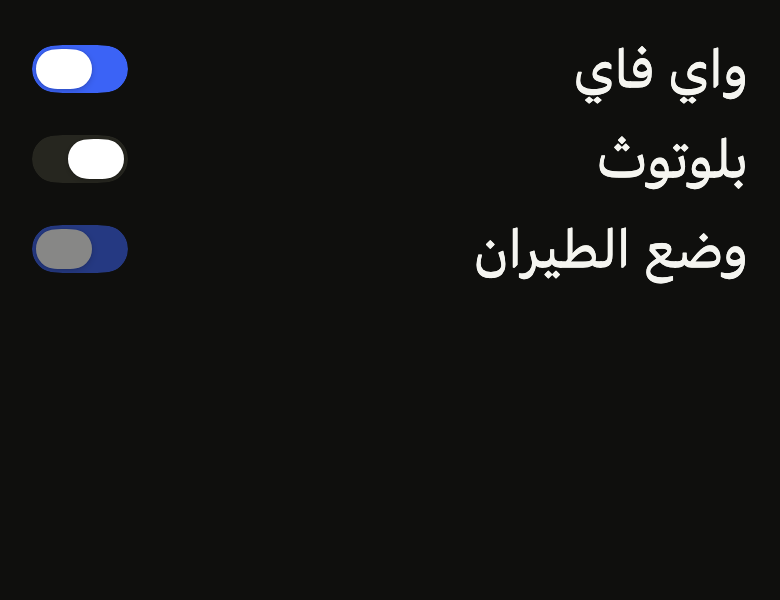
Every component is rendered on iOS and Android, in light and dark, with text at 1.0× and 2.0×, left to right and right to left, then on two torture themes. The reference images are published with each version, and fliin verify renders the same matrix inside your app.
Your code, still updated
fliin add copies the source into your project with your prefix and imports. When a new version ships, fliin update merges it three ways: your edits stay, upstream fixes come in, and a conflict goes to a side file instead of breaking the build.
fliin add button
fliin update --check
fliin update button --conflict=sidecar
Agents pick the right widget
fliin mcp starts a local MCP server with three tools: search by intent, read an item with its API, and ask you to choose between candidates on a local page. Your code never leaves your machine.
fliin mcp
  search_items
  get_item
  request_selection
A theme from one color
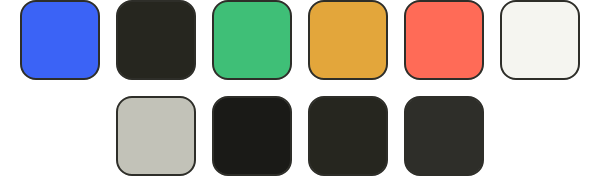
Give a brand color. The solver moves lightness in OKLCH until every text and control pair passes WCAG AA in light and dark, or names the nearest color that does.