Blocks / navigation
Mini player
Keeps the song now playing at the bottom of a screen with its artwork, title and artist, a play or pause button that acts in place, and opens the player when tapped.
Import
Mini player is part of Fliin Pro. With a license key, sign in once with fliin login, then add it in a Flutter app where fliin init has run:
fliin login
fliin add mini-playerExamples
Playing
The bar that follows the user across screens while a track plays. label reads the whole bar at once; tapping it opens the player.
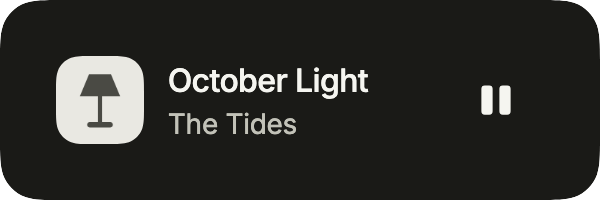
import 'package:your_app/ui/fliin/components/mini_player/fl_mini_player.dart';
import 'package:your_app/ui/fliin/components/result_card/fl_result_card.dart';
import 'package:your_app/ui/fliin/components/surface/fl_surface.dart';
import 'package:flutter/widgets.dart';

class MiniPlayerPlayingExample extends StatelessWidget {
  const MiniPlayerPlayingExample({super.key});

  @override
  Widget build(BuildContext context) {
    return FlSurface(
      child: FlMiniPlayer(
        title: 'October Light',
        subtitle: 'The Tides',
        label: 'Now playing: October Light, The Tides',
        playing: true,
        playLabel: 'Play',
        pauseLabel: 'Pause',
        artwork: const FlResultImage(image: FlSampleImage(FlSampleArt.lamp)),
        onOpen: () {},
        onPlayPause: () {},
      ),
    );
  }
}Paused
Paused: the button turns to play, and label says the track is paused.
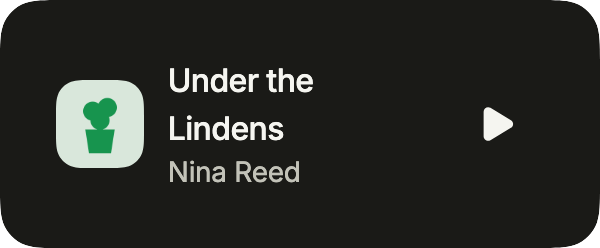
import 'package:your_app/ui/fliin/components/mini_player/fl_mini_player.dart';
import 'package:your_app/ui/fliin/components/result_card/fl_result_card.dart';
import 'package:your_app/ui/fliin/components/surface/fl_surface.dart';
import 'package:flutter/widgets.dart';

class MiniPlayerPausedExample extends StatelessWidget {
  const MiniPlayerPausedExample({super.key});

  @override
  Widget build(BuildContext context) {
    return FlSurface(
      child: FlMiniPlayer(
        title: 'Under the Lindens',
        subtitle: 'Nina Reed',
        label: 'Paused: Under the Lindens, Nina Reed',
        playing: false,
        playLabel: 'Play',
        pauseLabel: 'Pause',
        artwork: const FlResultImage(image: FlSampleImage(FlSampleArt.plant)),
        onOpen: () {},
        onPlayPause: () {},
      ),
    );
  }
}Buffering
While the track buffers, the subtitle says so; the bar keeps its place.
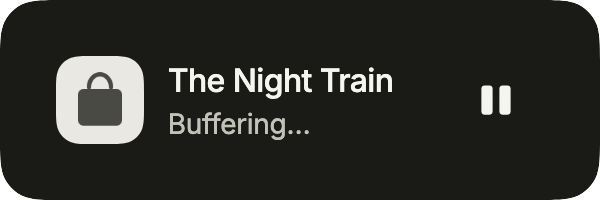
import 'package:your_app/ui/fliin/components/mini_player/fl_mini_player.dart';
import 'package:your_app/ui/fliin/components/result_card/fl_result_card.dart';
import 'package:your_app/ui/fliin/components/surface/fl_surface.dart';
import 'package:flutter/widgets.dart';

class MiniPlayerBufferingExample extends StatelessWidget {
  const MiniPlayerBufferingExample({super.key});

  @override
  Widget build(BuildContext context) {
    return FlSurface(
      child: FlMiniPlayer(
        title: 'The Night Train',
        subtitle: 'Buffering…',
        label: 'Now playing: The Night Train, Buffering…',
        playing: true,
        playLabel: 'Play',
        pauseLabel: 'Pause',
        artwork: const FlResultImage(image: FlSampleImage(FlSampleArt.bag)),
        onOpen: () {},
        onPlayPause: () {},
      ),
    );
  }
}Progress
The mini player with how far the track has played (progress, a line along its bottom edge) and a "Next" button after play (actions).
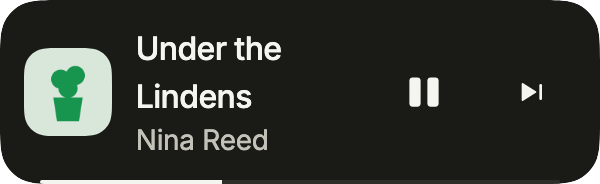
import 'package:your_app/ui/fliin/components/button/fl_button.dart';
import 'package:your_app/ui/fliin/components/mini_player/fl_mini_player.dart';
import 'package:your_app/ui/fliin/components/result_card/fl_result_card.dart';
import 'package:flutter/widgets.dart';

class MiniPlayerProgressExample extends StatelessWidget {
  const MiniPlayerProgressExample({super.key});

  @override
  Widget build(BuildContext context) {
    return FlMiniPlayer(
      title: 'Under the Lindens',
      subtitle: 'Nina Reed',
      label: 'Now playing: Under the Lindens, Nina Reed',
      playing: true,
      playLabel: 'Play',
      pauseLabel: 'Pause',
      artwork: const FlResultImage(image: FlSampleImage(FlSampleArt.plant)),
      progress: 0.35,
      actions: [
        FlButton.icon(
          label: 'Next',
          icon: const FlMediaIcon(FlMediaGlyph.next),
          variant: FlButtonVariant.ghost,
          size: FlButtonSize.sm,
          onPressed: () {},
        ),
      ],
      onOpen: () {},
      onPlayPause: () {},
    );
  }
}Usage
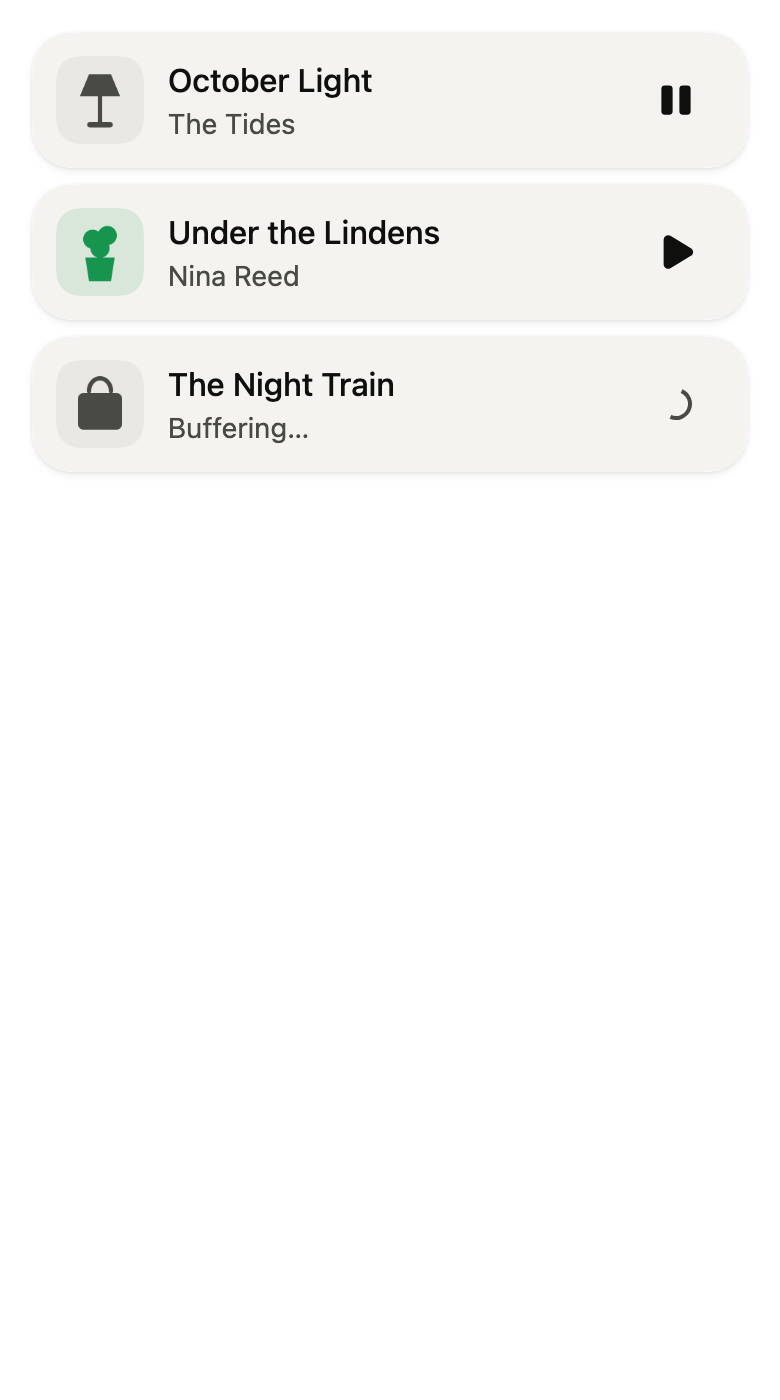
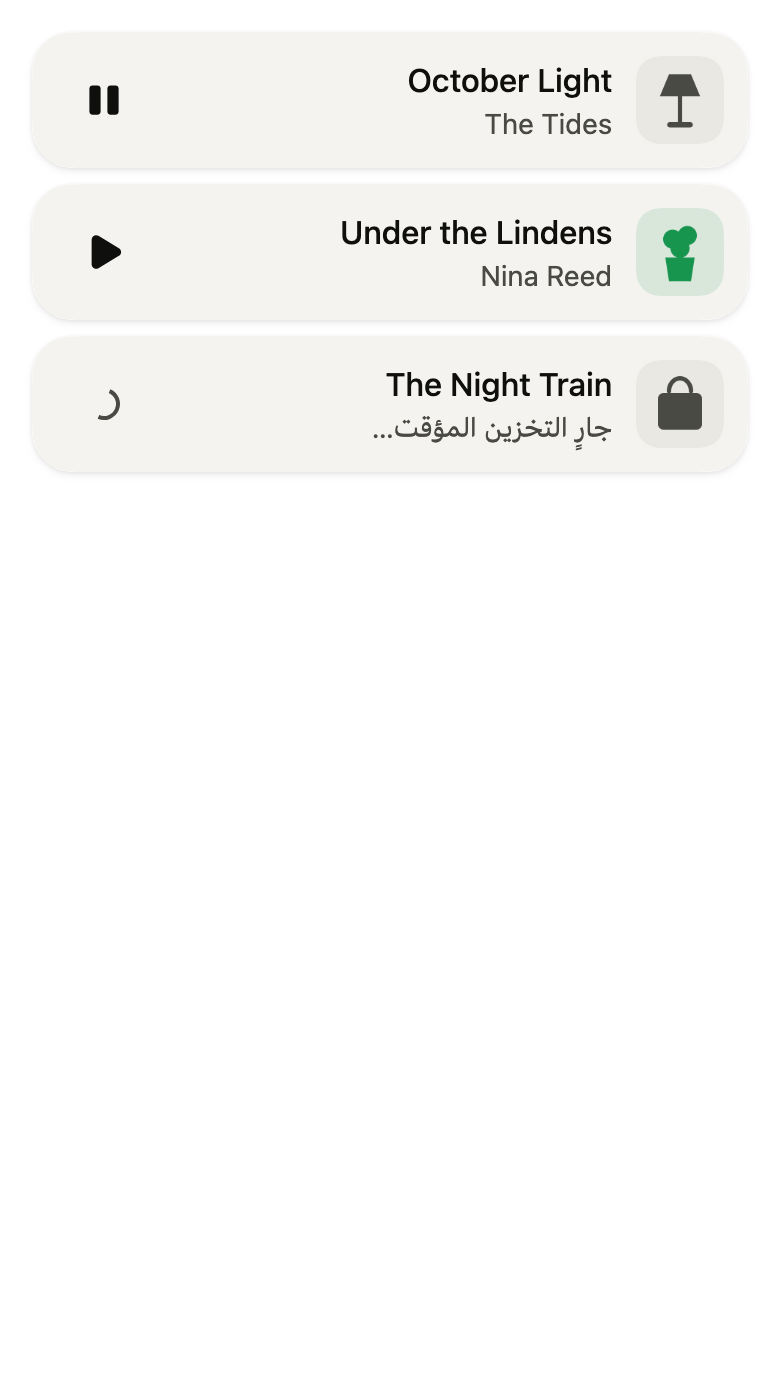
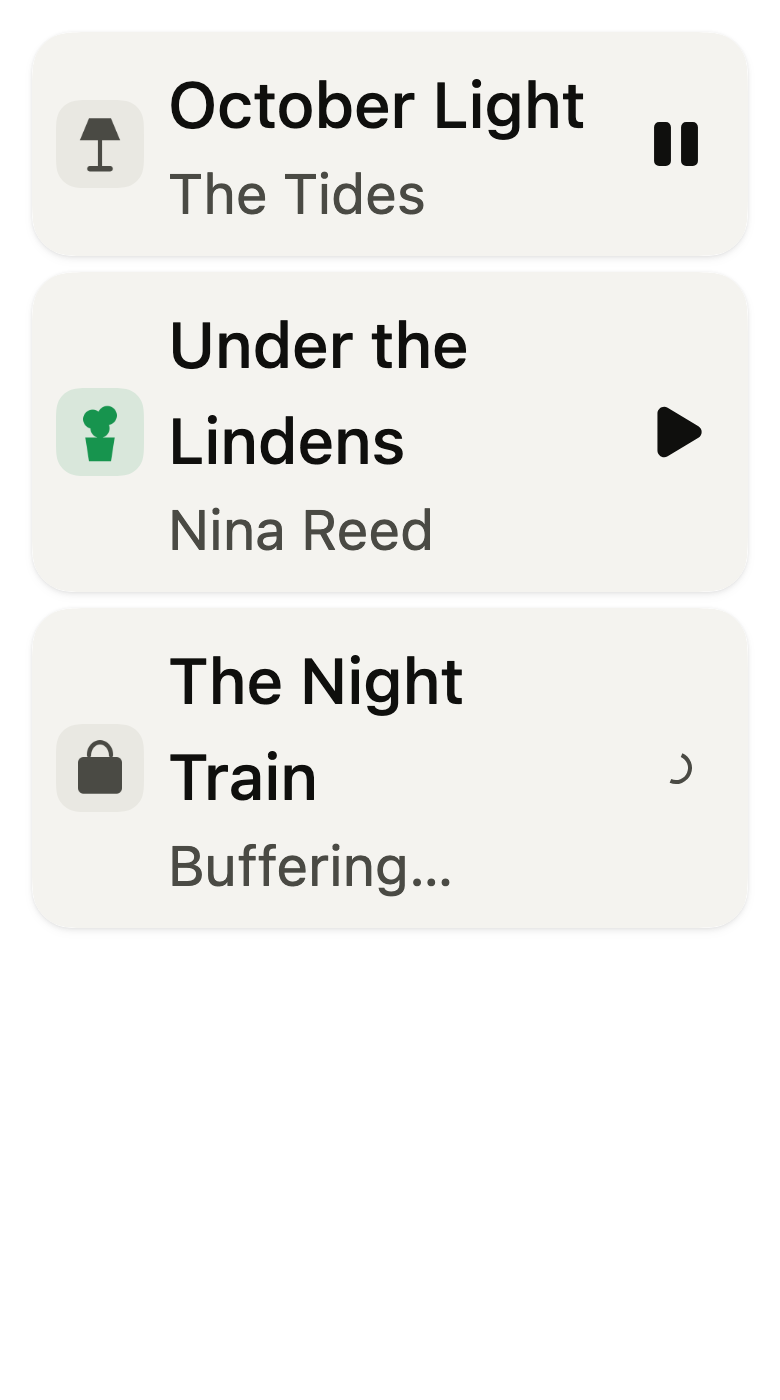
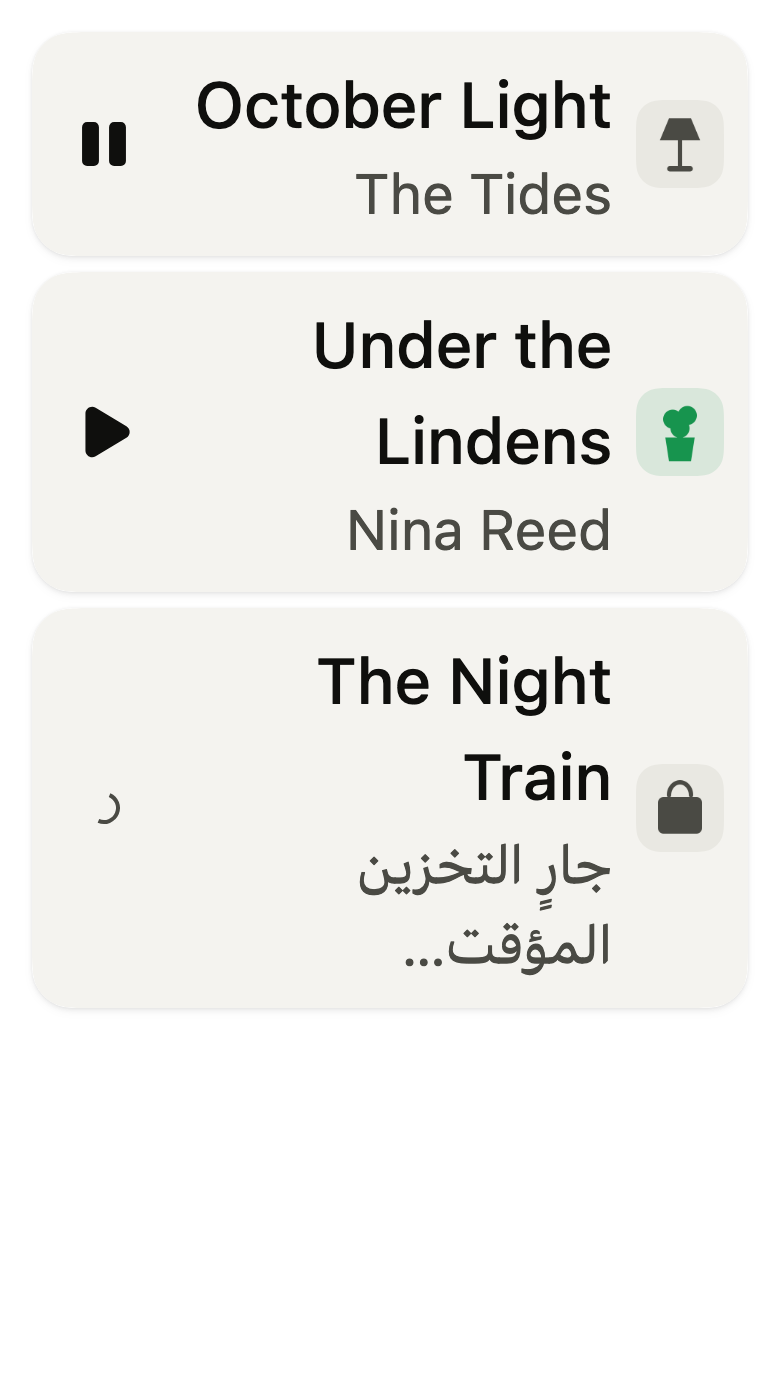
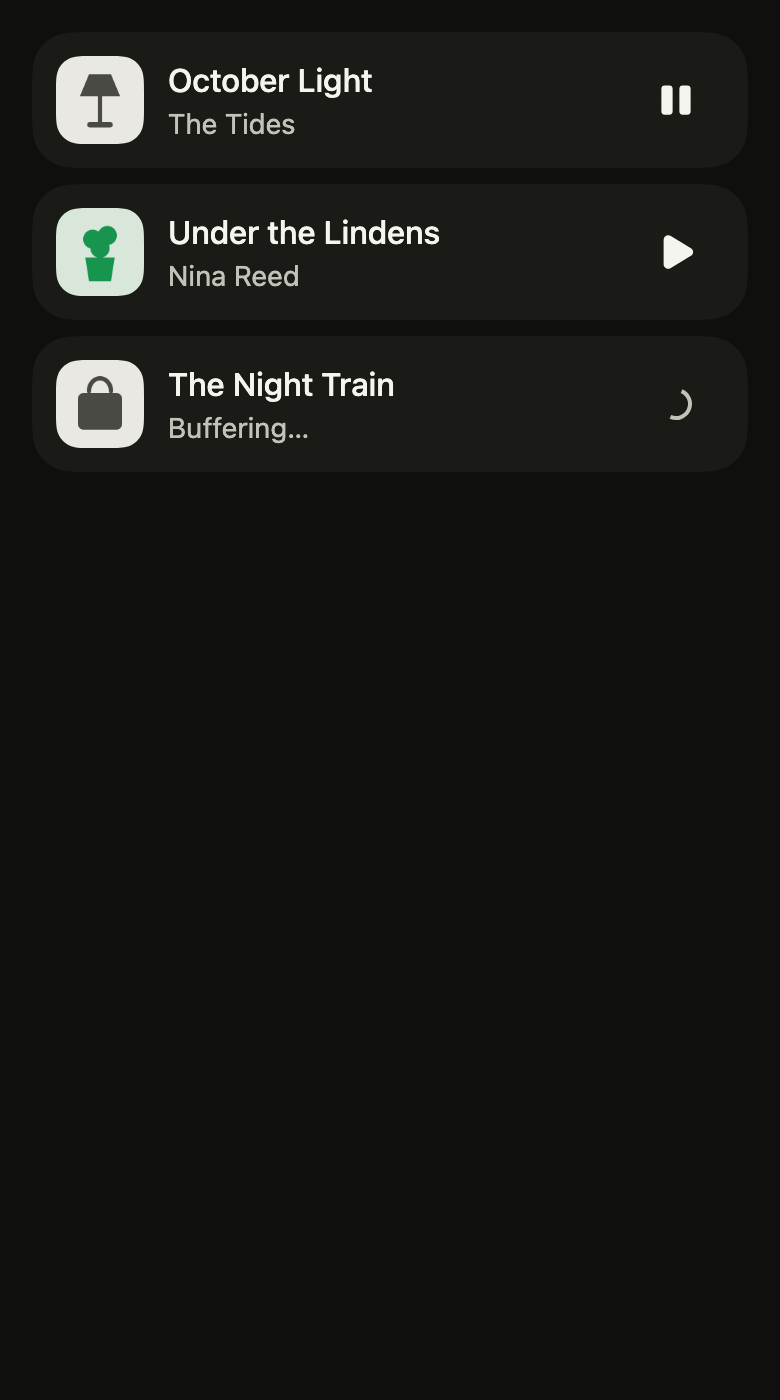
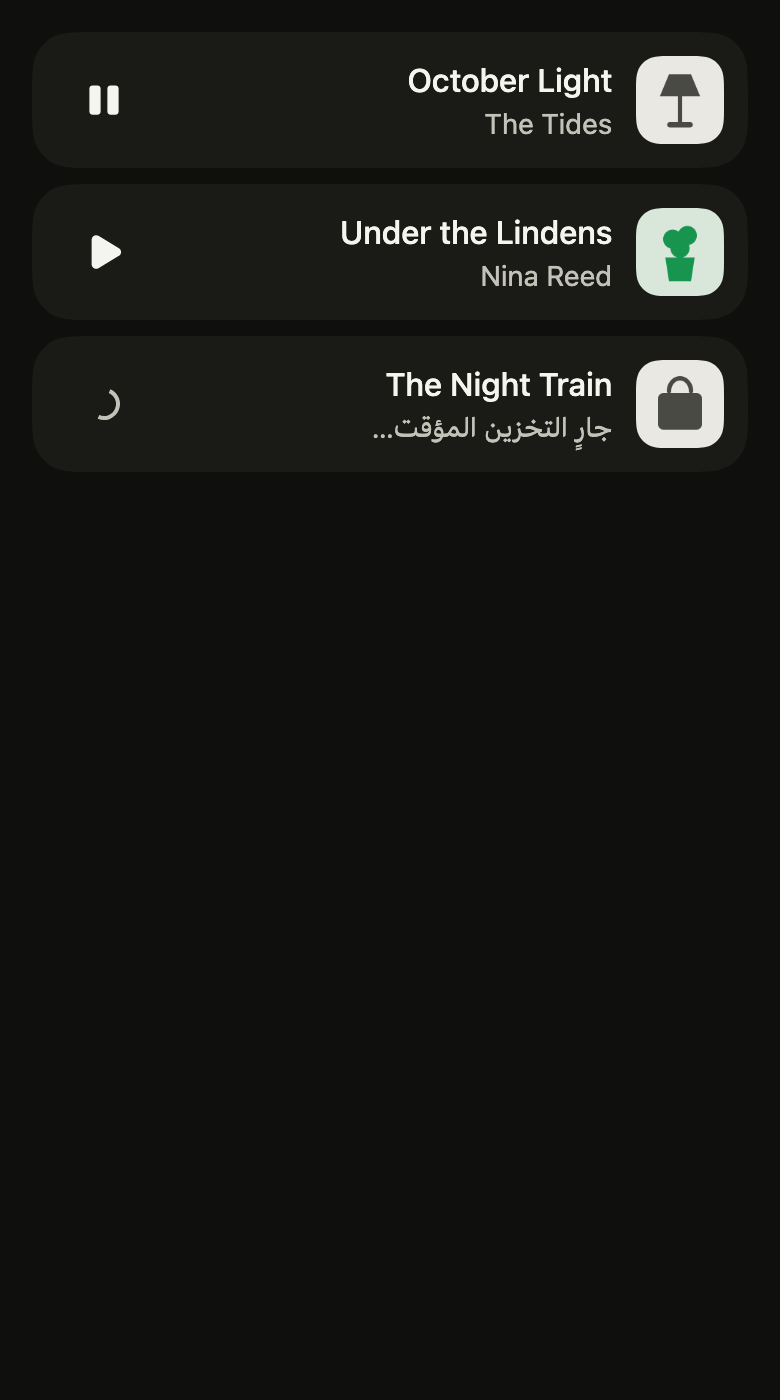
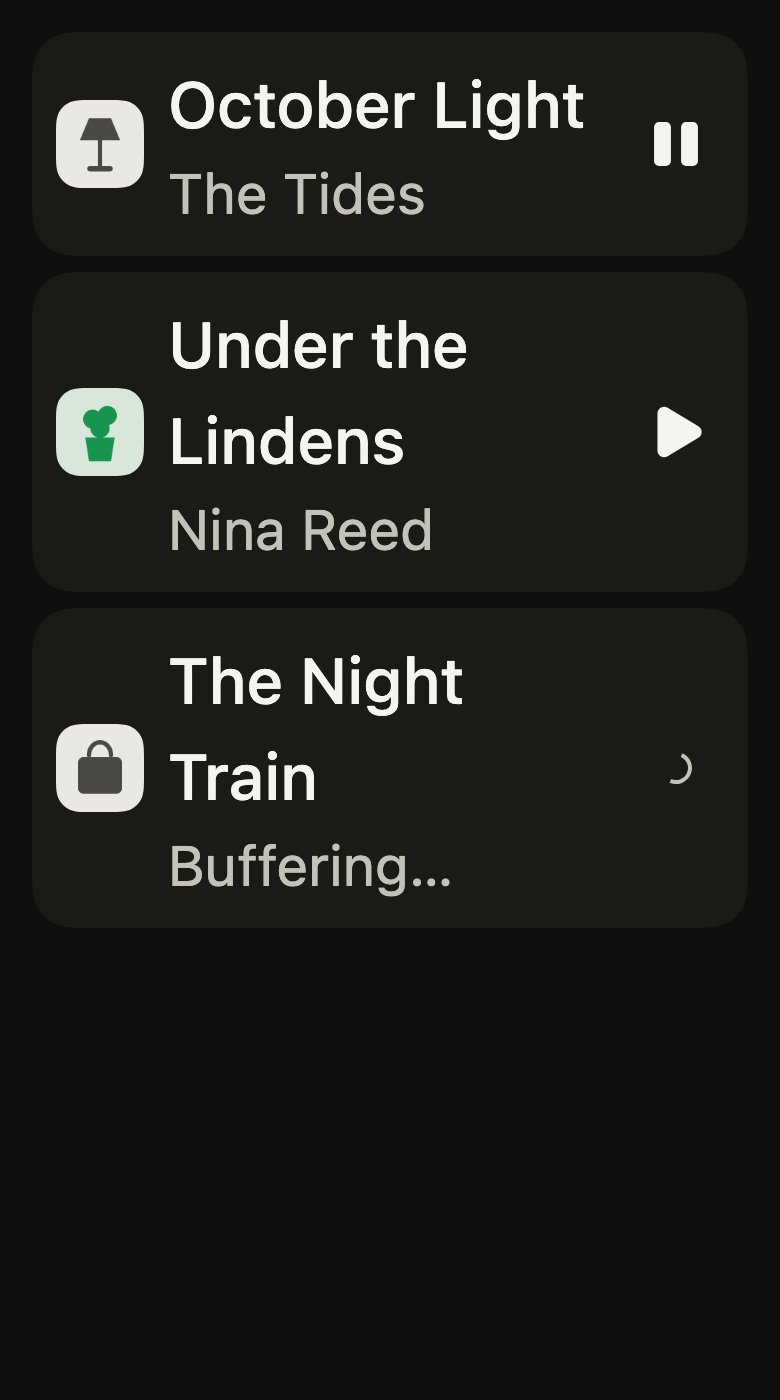
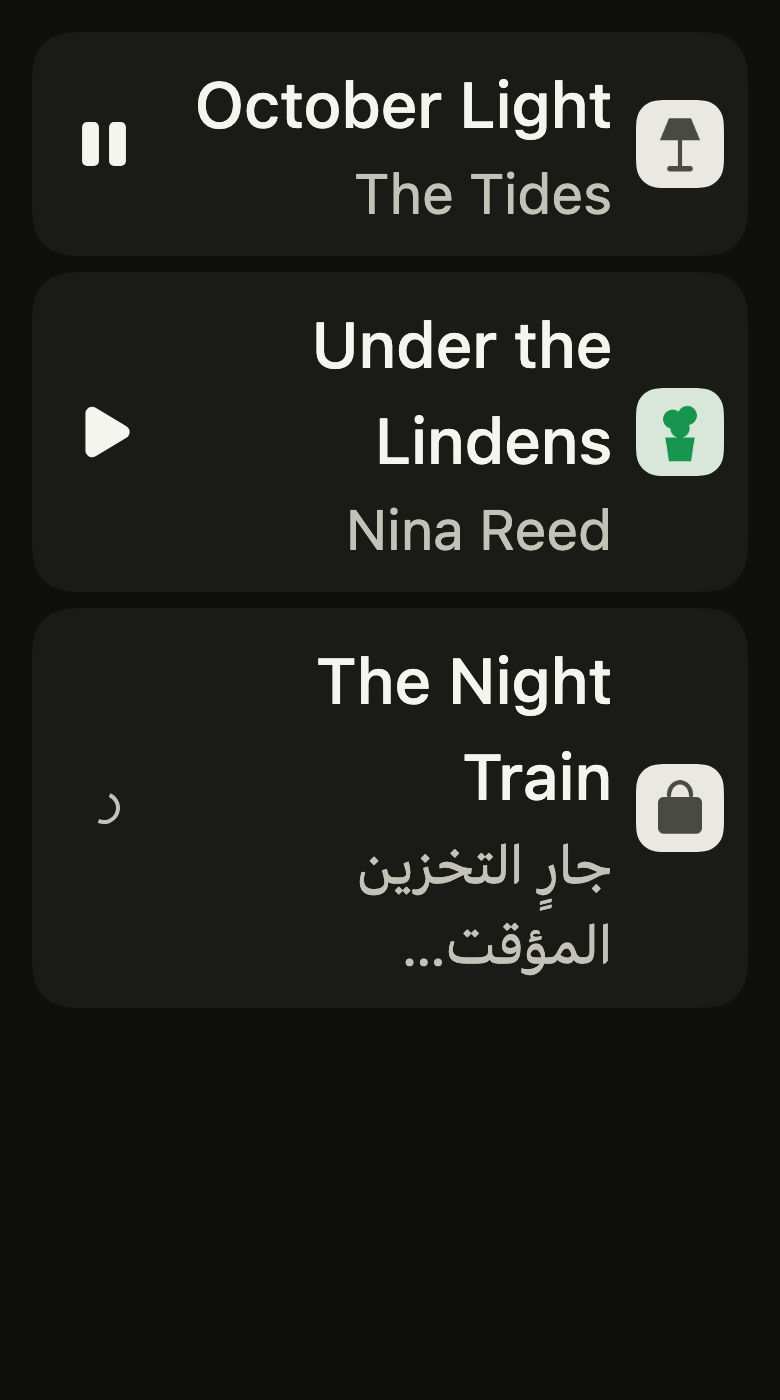
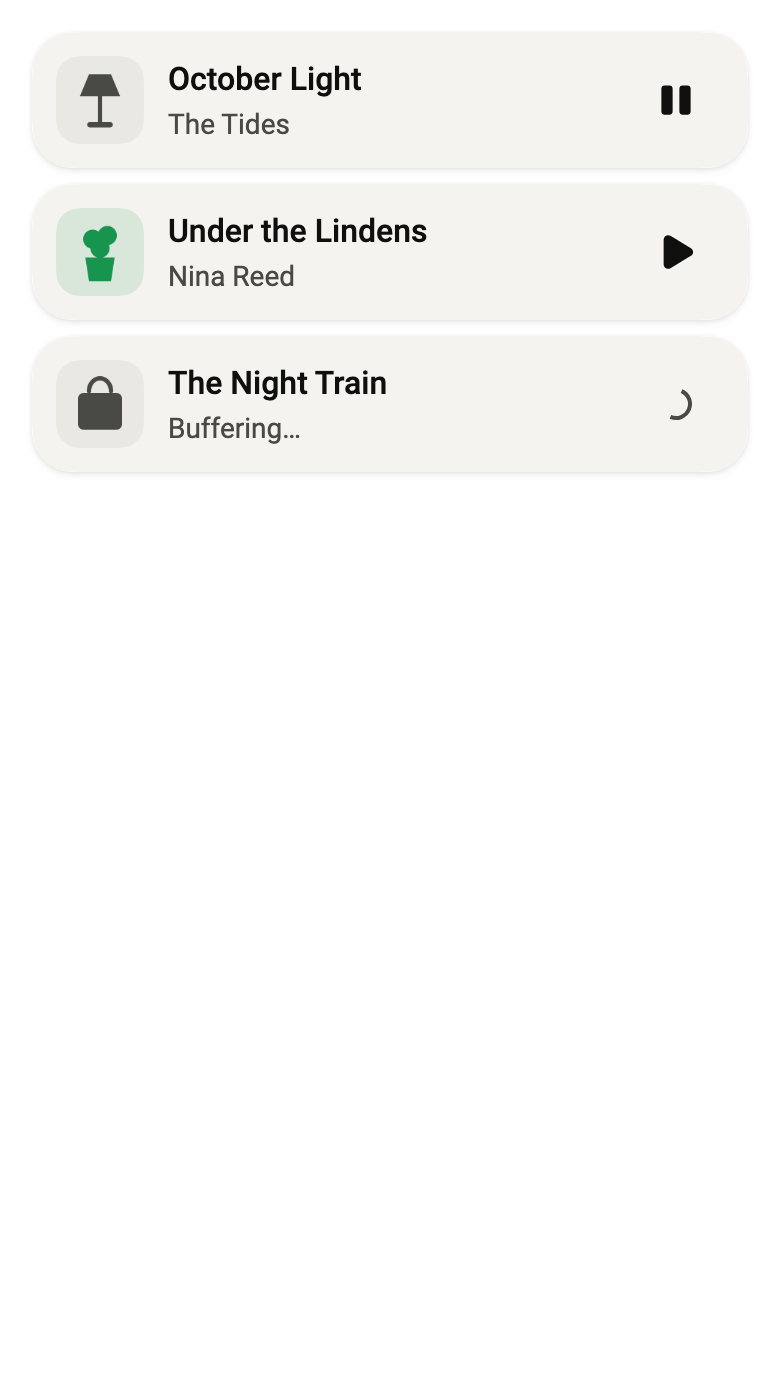
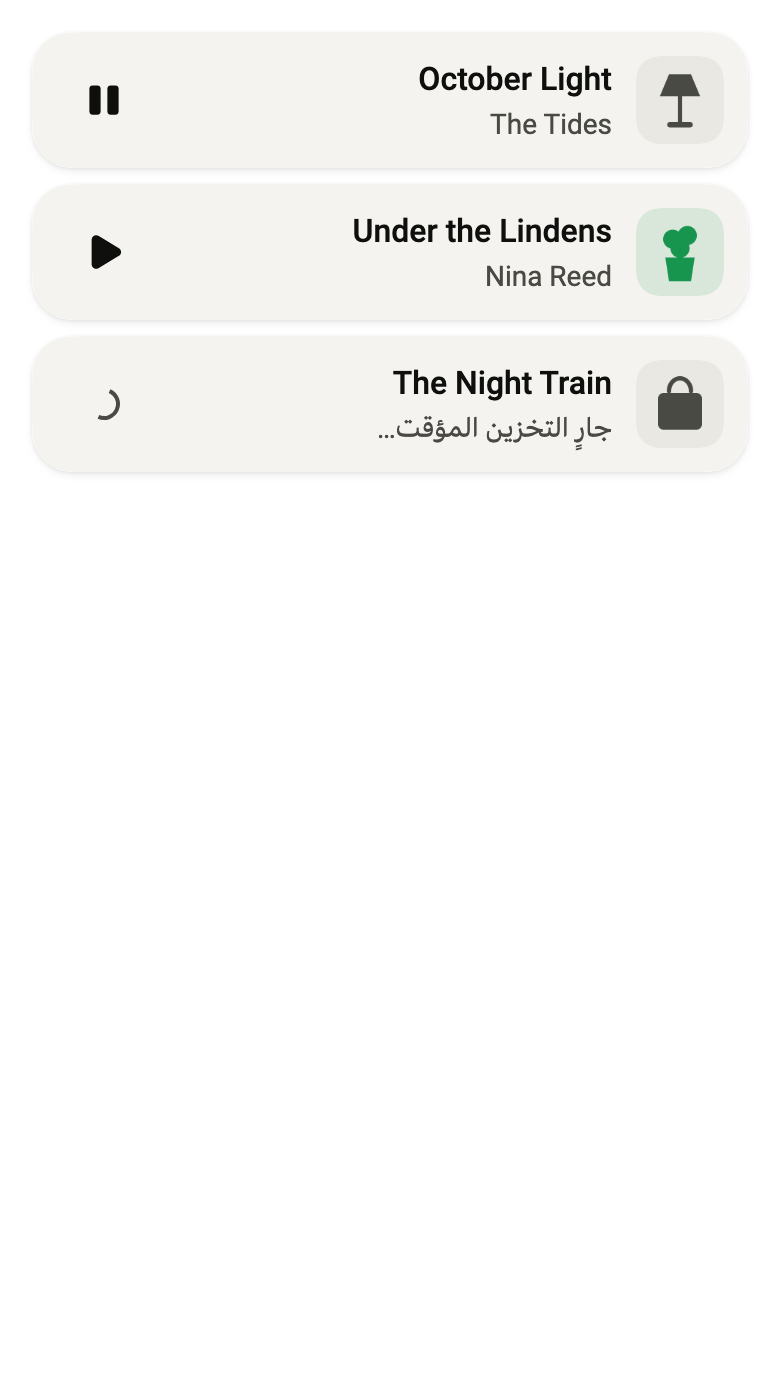
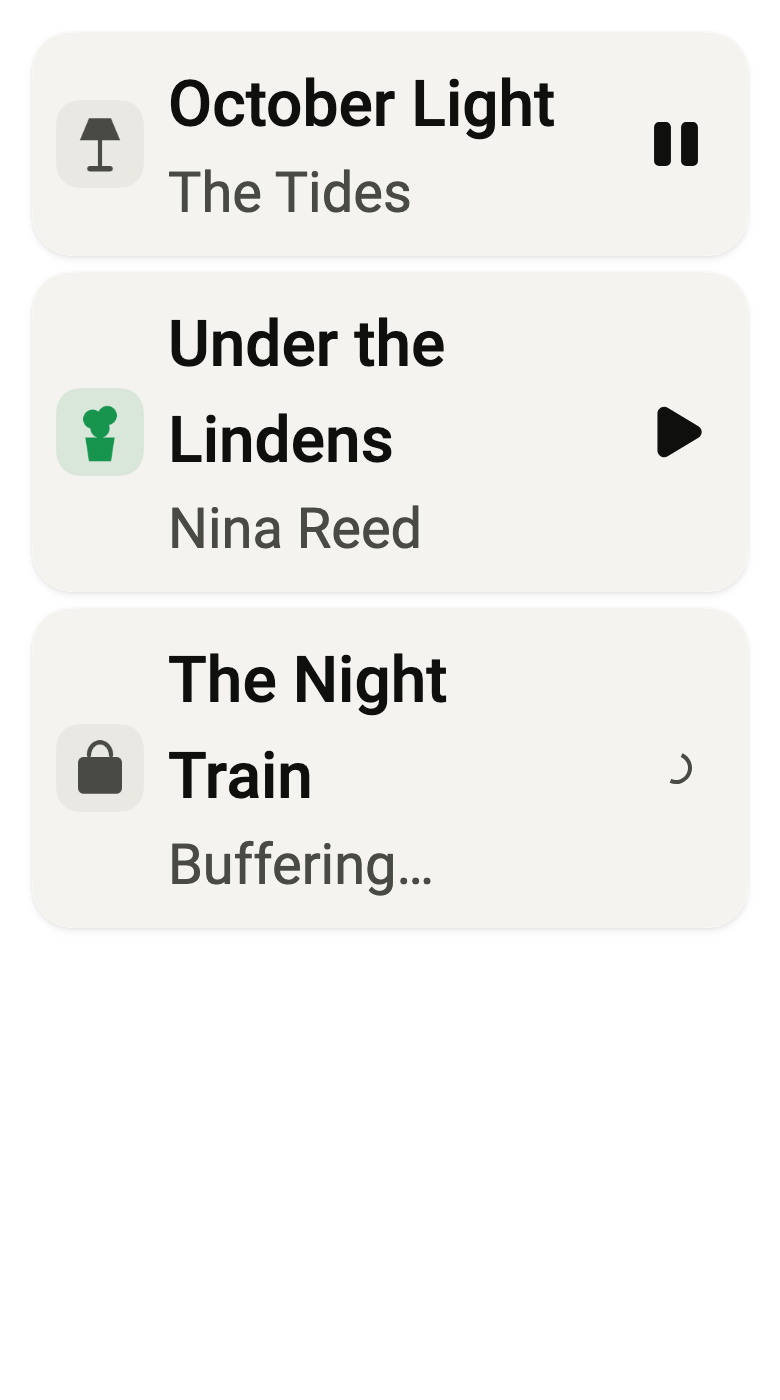
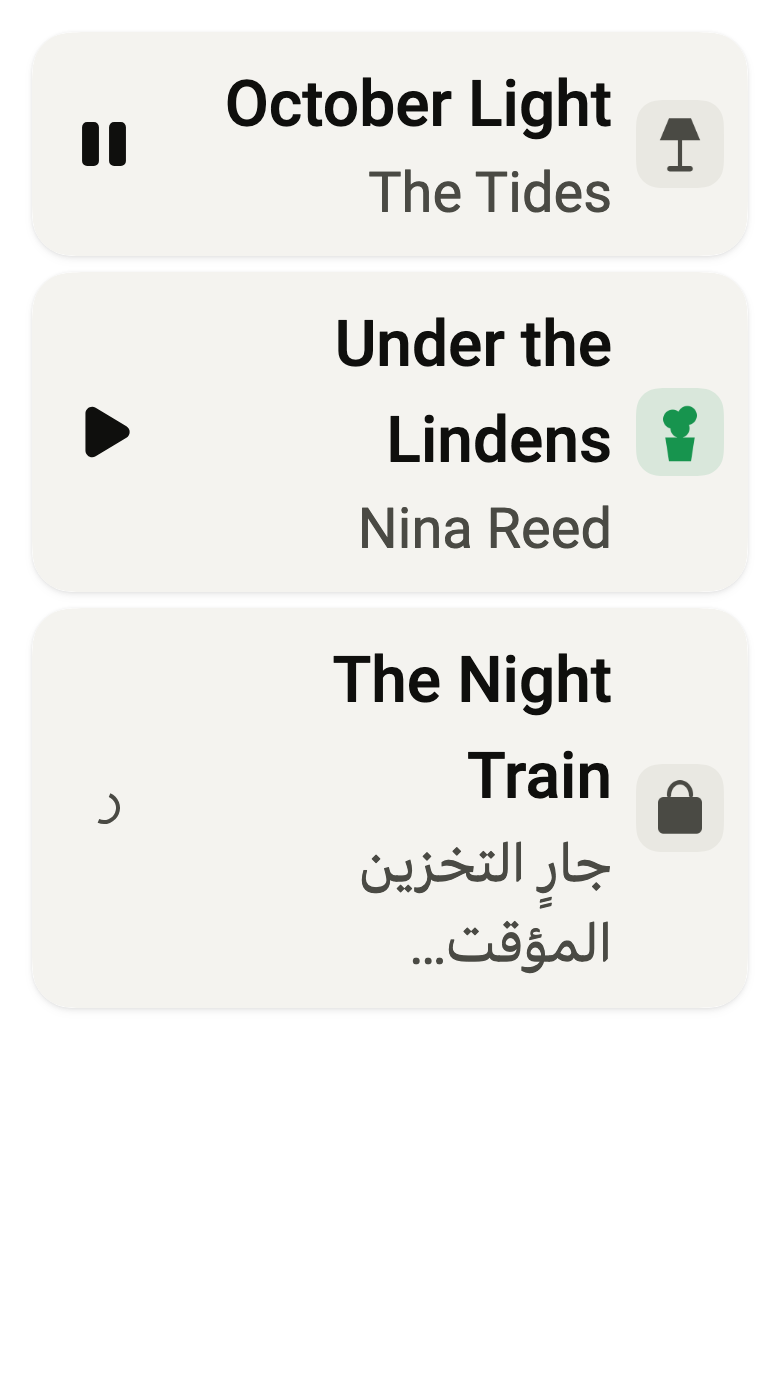
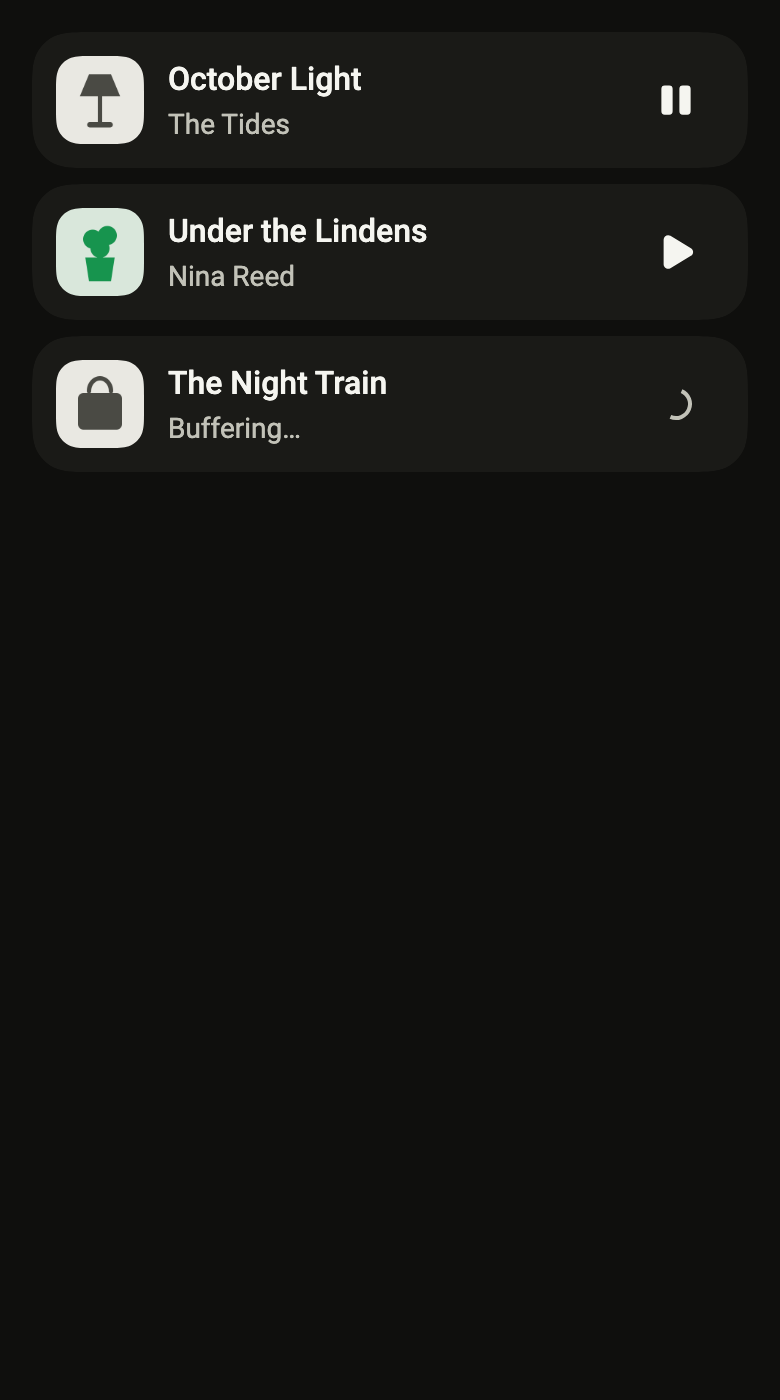
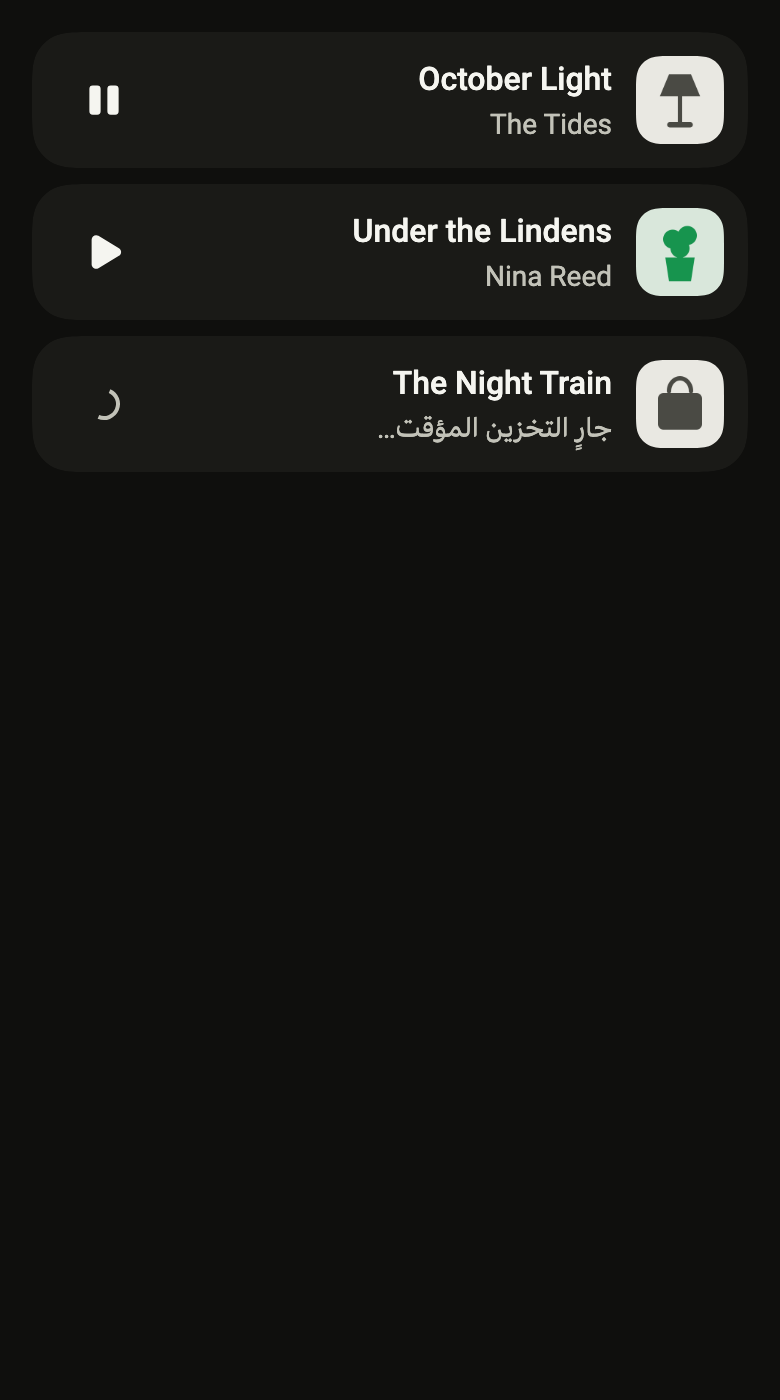
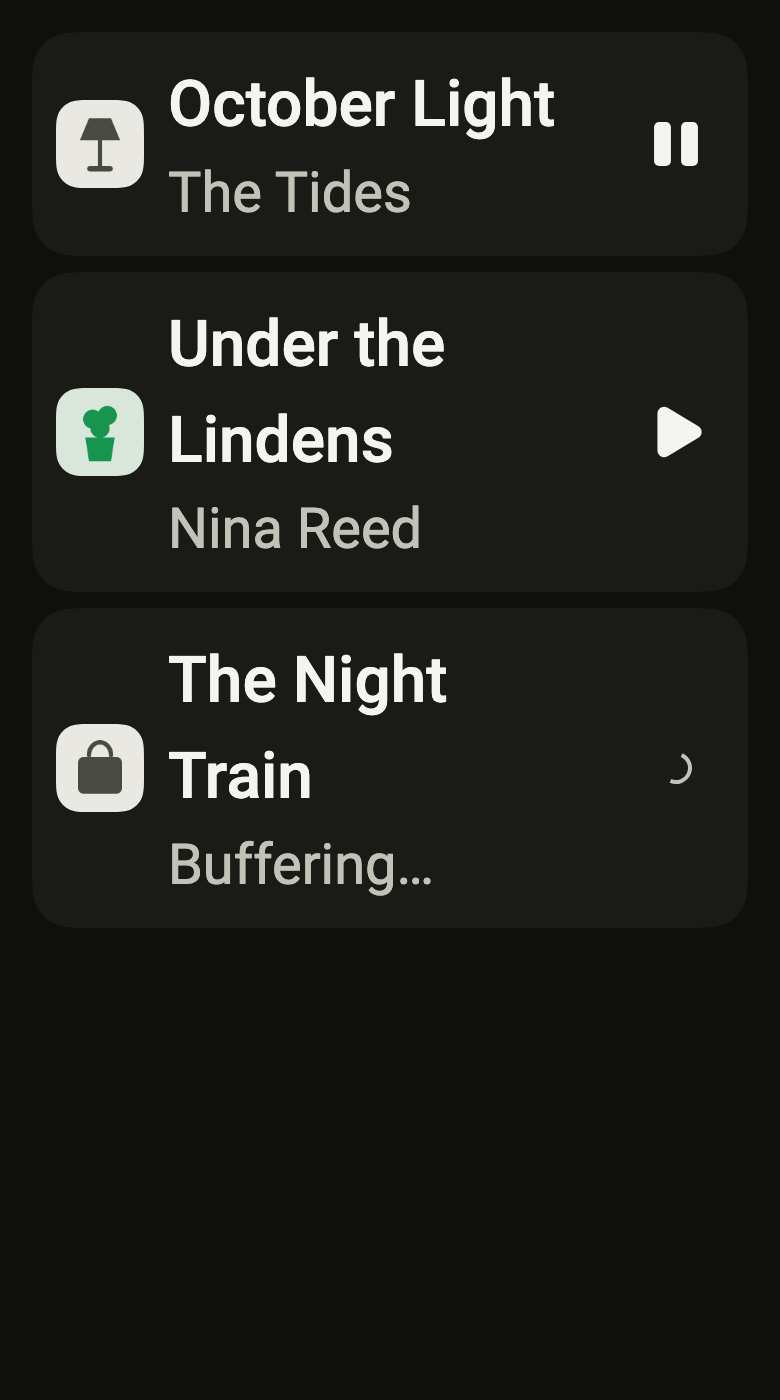
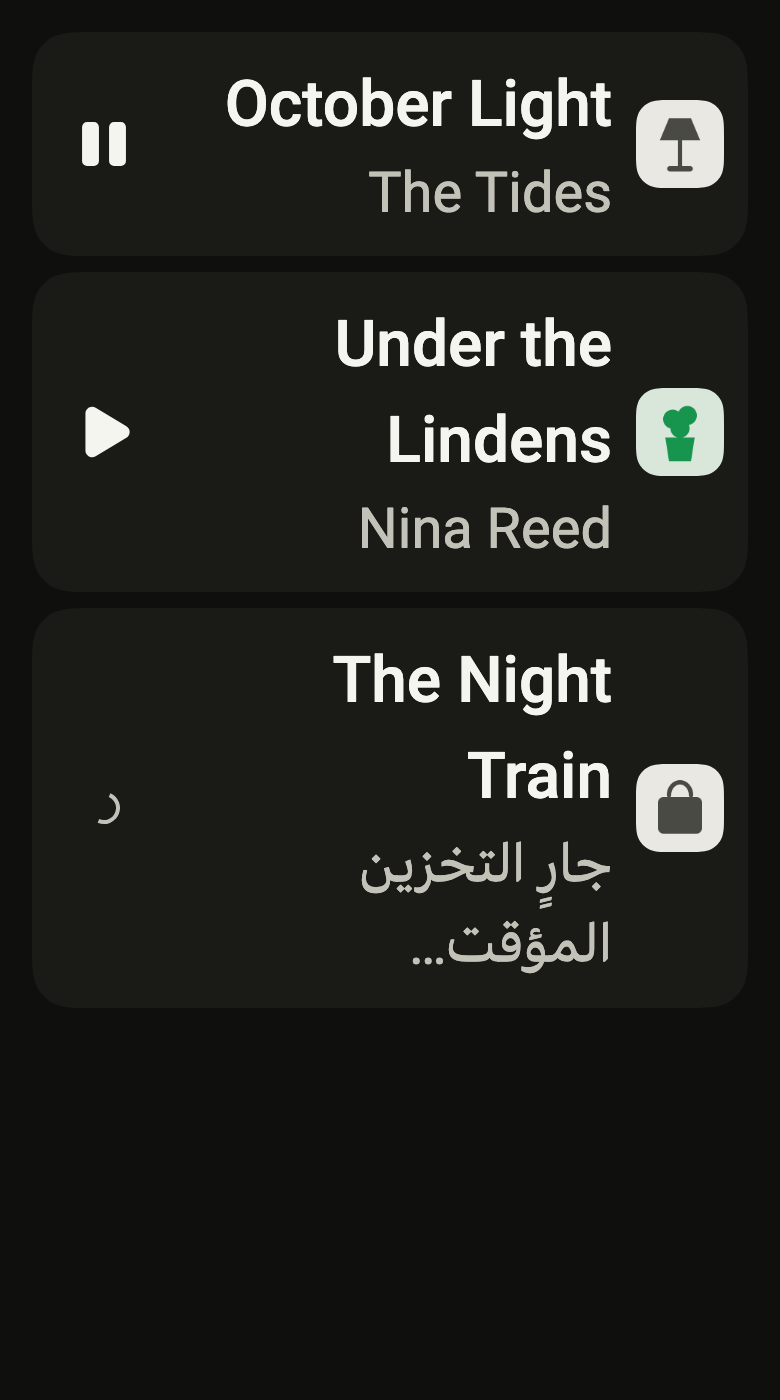
The code the reference images render:
final example = ColoredBox(
  color: FlScope.of(context).colors.surface,
  child: SingleChildScrollView(
    padding: EdgeInsetsDirectional.all(FlScope.of(context).space.lg),
    child: Column(
      crossAxisAlignment: CrossAxisAlignment.stretch,
      spacing: FlScope.of(context).space.sm,
      children: [
        FlMiniPlayer(
          title: "October Light",
          subtitle: (variant.dir == TextDirection.rtl
              ? "The Tides"
              : "The Tides"),
          label: (variant.dir == TextDirection.rtl
              ? "قيد التشغيل: October Light، The Tides"
              : "Lecture en cours\u00a0: October Light, The Tides"),
          playing: true,
          playLabel: (variant.dir == TextDirection.rtl ? "تشغيل" : "Play"),
          pauseLabel: (variant.dir == TextDirection.rtl
              ? "إيقاف مؤقت"
              : "Pause"),
          artwork: const FlResultImage(image: FlSampleImage(FlSampleArt.lamp)),
          onOpen: () {},
          onPlayPause: () {},
        ),
        FlMiniPlayer(
          title: "Under the Lindens",
          subtitle: (variant.dir == TextDirection.rtl
              ? "Nina Reed"
              : "Nina Reed"),
          label: (variant.dir == TextDirection.rtl
              ? "متوقف مؤقتًا: Under the Lindens، Nina Reed"
              : "En pause\u00a0: Under the Lindens, Nina Reed"),
          playing: false,
          playLabel: (variant.dir == TextDirection.rtl ? "تشغيل" : "Play"),
          pauseLabel: (variant.dir == TextDirection.rtl
              ? "إيقاف مؤقت"
              : "Pause"),
          artwork: const FlResultImage(image: FlSampleImage(FlSampleArt.plant)),
          onOpen: () {},
          onPlayPause: () {},
        ),
        FlMiniPlayer(
          title: "The Night Train",
          subtitle: (variant.dir == TextDirection.rtl
              ? "جارٍ التخزين المؤقت…"
              : "Buffering…"),
          label: (variant.dir == TextDirection.rtl
              ? "قيد التشغيل: The Night Train، جارٍ التخزين المؤقت…"
              : "Now playing: The Night Train, Buffering…"),
          playing: true,
          playLabel: (variant.dir == TextDirection.rtl ? "تشغيل" : "Play"),
          pauseLabel: (variant.dir == TextDirection.rtl
              ? "إيقاف مؤقت"
              : "Pause"),
          artwork: const FlResultImage(image: FlSampleImage(FlSampleArt.bag)),
          buffering: true,
          onOpen: () {},
          onPlayPause: () {},
        ),
      ],
    ),
  ),
);API
FlMediaGlyph: enum {play, pause, previous, next, shuffle, repeat, repeatOne, favorite, favoriteFilled}
FlMediaGlyph.play: static final FlMediaGlyph
FlMediaGlyph.pause: static final FlMediaGlyph
FlMediaGlyph.previous: static final FlMediaGlyph
FlMediaGlyph.next: static final FlMediaGlyph
FlMediaGlyph.shuffle: static final FlMediaGlyph
FlMediaGlyph.repeat: static final FlMediaGlyph
FlMediaGlyph.repeatOne: static final FlMediaGlyph
FlMediaGlyph.favorite: static final FlMediaGlyph
FlMediaGlyph.favoriteFilled: static final FlMediaGlyph
FlMediaIcon: class extends StatelessWidget
FlMediaIcon.new: const new(FlMediaGlyph glyph, {super.key, Color? color})
FlMediaIcon.glyph: get FlMediaGlyph
FlMediaIcon.color: get Color?
FlMediaIcon.build: Widget(BuildContext context)
FlMiniPlayer: class extends StatelessWidget
FlMiniPlayer.new: const new({super.key, required String title, required String subtitle, required String label, required bool playing, required String playLabel, required String pauseLabel, required VoidCallback? onOpen, required VoidCallback? onPlayPause, Widget? artwork, bool buffering, double? progress, List<Widget> actions})
FlMiniPlayer.buffering: get bool
FlMiniPlayer.title: get String
FlMiniPlayer.subtitle: get String
FlMiniPlayer.label: get String
FlMiniPlayer.playing: get bool
FlMiniPlayer.playLabel: get String
FlMiniPlayer.pauseLabel: get String
FlMiniPlayer.onOpen: get VoidCallback?
FlMiniPlayer.onPlayPause: get VoidCallback?
FlMiniPlayer.artwork: get Widget?
FlMiniPlayer.progress: get double?
FlMiniPlayer.actions: get List<Widget>
FlMiniPlayer.build: Widget(BuildContext context)Reference renders
The 16 images published with version 0.2.4, rendered by the shared harness on macOS with Flutter 3.47.7. fliin verify mini-player compares your copy to them.
Use it to
- keep the song now playing in view while moving through the app
- make the music pause without leaving the current screen
- open the full player by tapping the song now playing
- show a compact player bar on every screen
- use the play and pause icons in your own screens
- Not for
- the whole player screen: use the music player (player)
- States