Components / navigation
Page
Frames a whole mobile screen: safe areas, an app bar tied to scrolling, scrolling content, a tab bar, the keyboard and pull to refresh with each platform gesture.
Import
In a Flutter app where fliin init has run:
Examples
Demo
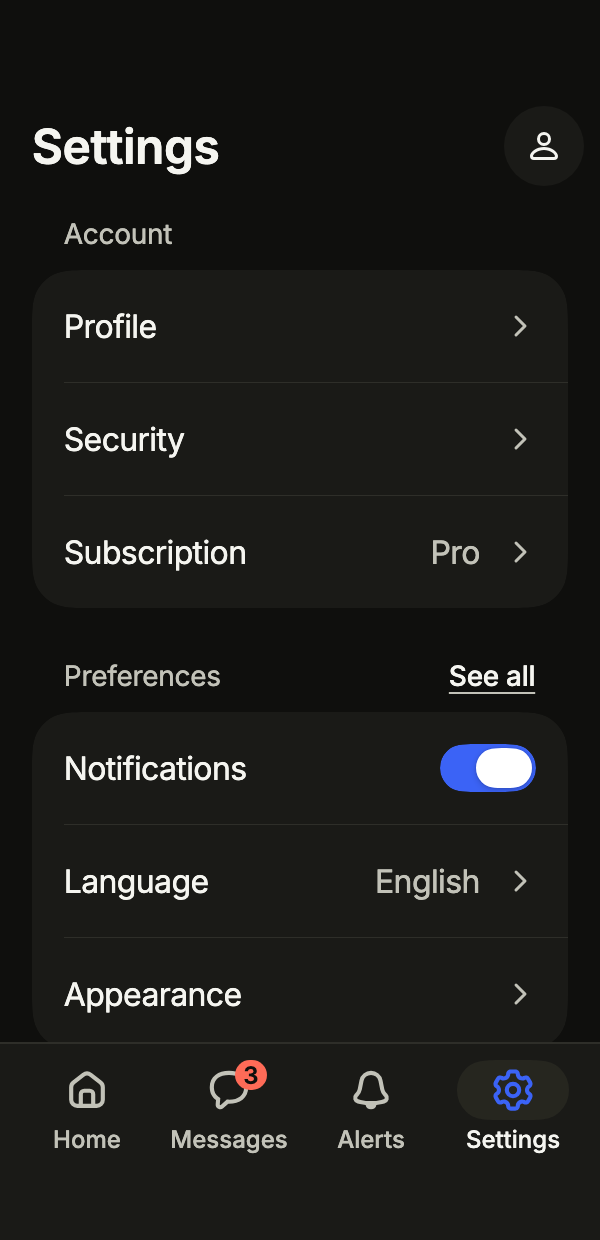
A whole screen built from the frame: a large title that collapses, sections of rows, pull to refresh with FlPageRefresh, and the bottom tab bar. Everything responds to touch.
import 'package:your_app/ui/fliin/components/app_bar/fl_app_bar.dart';
import 'package:your_app/ui/fliin/components/list_row/fl_list_row.dart';
import 'package:your_app/ui/fliin/components/page/fl_page.dart';
import 'package:your_app/ui/fliin/components/section_header/fl_section_header.dart';
import 'package:your_app/ui/fliin/components/switch/fl_switch.dart';
import 'package:your_app/ui/fliin/components/tab_bar/fl_tab_bar.dart';
import 'package:your_app/ui/fliin/components/text/fl_text.dart';
import 'package:your_app/ui/fliin/core/fliin.dart';
import 'package:your_app/ui/fliin/icons/fl_icons.dart';
import 'package:flutter/widgets.dart';

class PageDemoExample extends StatefulWidget {
  const PageDemoExample({super.key});

  @override
  State<PageDemoExample> createState() => _PageDemoExampleState();
}

class _PageDemoExampleState extends State<PageDemoExample> {
  var _tab = 3;
  var _notifications = true;
  var _refreshed = 0;

  @override
  Widget build(BuildContext context) {
    final theme = FlScope.of(context);
    return FlPage(
      appBar: FlAppBar(
        title: 'Settings',
        titleSize: FlAppBarTitleSize.large,
        actions: [FlAppBarAction(icon: FlIcon(FlIcons.person), label: 'Account', onPressed: () {})],
      ),
      refresh: FlPageRefresh(
        label: 'Refresh',
        onRefresh: () async {
          await Future<void>.delayed(const Duration(milliseconds: 1200));
          if (mounted) setState(() => _refreshed++);
        },
      ),
      tabBar: FlBottomTabBar(
        index: _tab,
        onSelected: (index) => setState(() => _tab = index),
        tabs: [
          FlBottomTab(icon: FlIcon(FlIcons.house), label: 'Home'),
          FlBottomTab(icon: FlIcon(FlIcons.comment), label: 'Messages', badge: const _Count('3 unread', '3')),
          FlBottomTab(icon: FlIcon(FlIcons.bell), label: 'Alerts'),
          FlBottomTab(icon: FlIcon(FlIcons.gear), label: 'Settings'),
        ],
      ),
      slivers: [
        SliverPadding(
          padding: EdgeInsetsDirectional.fromSTEB(theme.space.lg, theme.space.sm, theme.space.lg, theme.space.xl),
          sliver: SliverList.list(
            children: [
              const FlSectionHeader(title: 'Account'),
              FlListGroup(
                children: [
                  FlListRow(title: 'Profile', trailing: const FlListRowChevron(), onPressed: () {}),
                  FlListRow(title: 'Security', trailing: const FlListRowChevron(), onPressed: () {}),
                  FlListRow(title: 'Subscription', value: 'Pro', trailing: const FlListRowChevron(), onPressed: () {}),
                ],
              ),
              SizedBox(height: theme.space.xl),
              FlSectionHeader(
                title: 'Preferences',
                action: FlSectionHeaderAction(label: 'See all', onPressed: () {}),
              ),
              FlListGroup(
                children: [
                  FlListRow(
                    title: 'Notifications',
                    trailing: FlSwitch(
                      value: _notifications,
                      onChanged: (value) => setState(() => _notifications = value),
                      label: 'Notifications',
                    ),
                  ),
                  FlListRow(title: 'Language', value: 'English', trailing: const FlListRowChevron(), onPressed: () {}),
                  FlListRow(title: 'Appearance', trailing: const FlListRowChevron(), onPressed: () {}),
                ],
              ),
              SizedBox(height: theme.space.lg),
              Center(
                child: FlText('Refreshed $_refreshed times', type: FlTextType.bodySm, tone: FlTextTone.muted),
              ),
            ],
          ),
        ),
      ],
    );
  }
}

/// A count at the corner of a tab icon, named by [label].
class _Count extends StatelessWidget {
  const _Count(this.label, this.count);

  final String label;
  final String count;

  @override
  Widget build(BuildContext context) {
    final theme = FlScope.of(context);
    return Semantics(
      label: label,
      excludeSemantics: true,
      child: Container(
        constraints: BoxConstraints(minWidth: theme.space.lg),
        padding: EdgeInsetsDirectional.symmetric(horizontal: theme.space.xs),
        decoration: ShapeDecoration(color: theme.colors.dangerFill, shape: const StadiumBorder()),
        child: Text(
          count,
          textAlign: TextAlign.center,
          textScaler: TextScaler.noScaling,
          style: theme.typography
              .resolve(FlTextRole.caption)
              .copyWith(color: theme.colors.onDanger, fontWeight: theme.tokens.typography.weight.semibold),
        ),
      ),
    );
  }
}Default
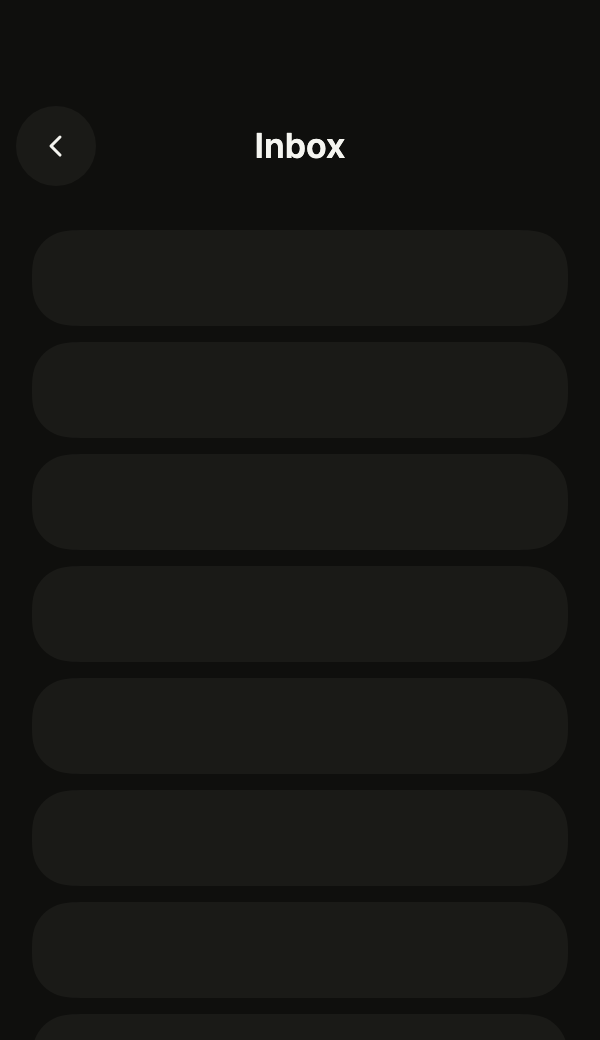
The frame of a screen: FlPage puts the bar on top, scrolls its slivers underneath and keeps the safe areas.
import 'package:your_app/ui/fliin/components/app_bar/fl_app_bar.dart';
import 'package:your_app/ui/fliin/components/page/fl_page.dart';
import 'package:your_app/ui/fliin/core/fliin.dart';
import 'package:flutter/widgets.dart';

class PageDefaultExample extends StatelessWidget {
  const PageDefaultExample({super.key});

  @override
  Widget build(BuildContext context) {
    return FlPage(
      appBar: FlAppBar(
        title: 'Inbox',
        back: FlAppBarBack(label: 'Back', onPressed: () {}),
      ),
      slivers: const [_Placeholder(12)],
    );
  }
}

/// Blank blocks standing in for the page's content.
class _Placeholder extends StatelessWidget {
  const _Placeholder(this.count);

  final int count;

  @override
  Widget build(BuildContext context) {
    final theme = FlScope.of(context);
    return SliverPadding(
      padding: EdgeInsetsDirectional.all(theme.space.lg),
      sliver: SliverList.list(
        children: [
          for (var i = 0; i < count; i++)
            Padding(
              padding: EdgeInsetsDirectional.only(bottom: theme.space.sm),
              child: SizedBox(
                height: 48,
                child: DecoratedBox(
                  decoration: ShapeDecoration(
                    color: theme.colors.surfaceRaised,
                    shape: FlContinuousBorder(radius: theme.shape.radiusCard),
                  ),
                ),
              ),
            ),
        ],
      ),
    );
  }
}Bar
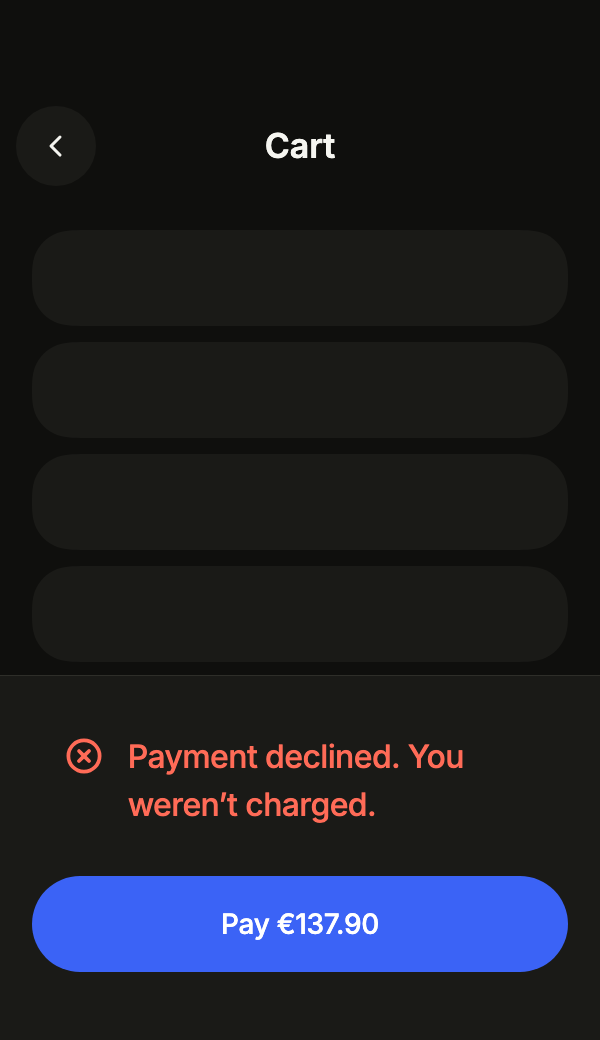
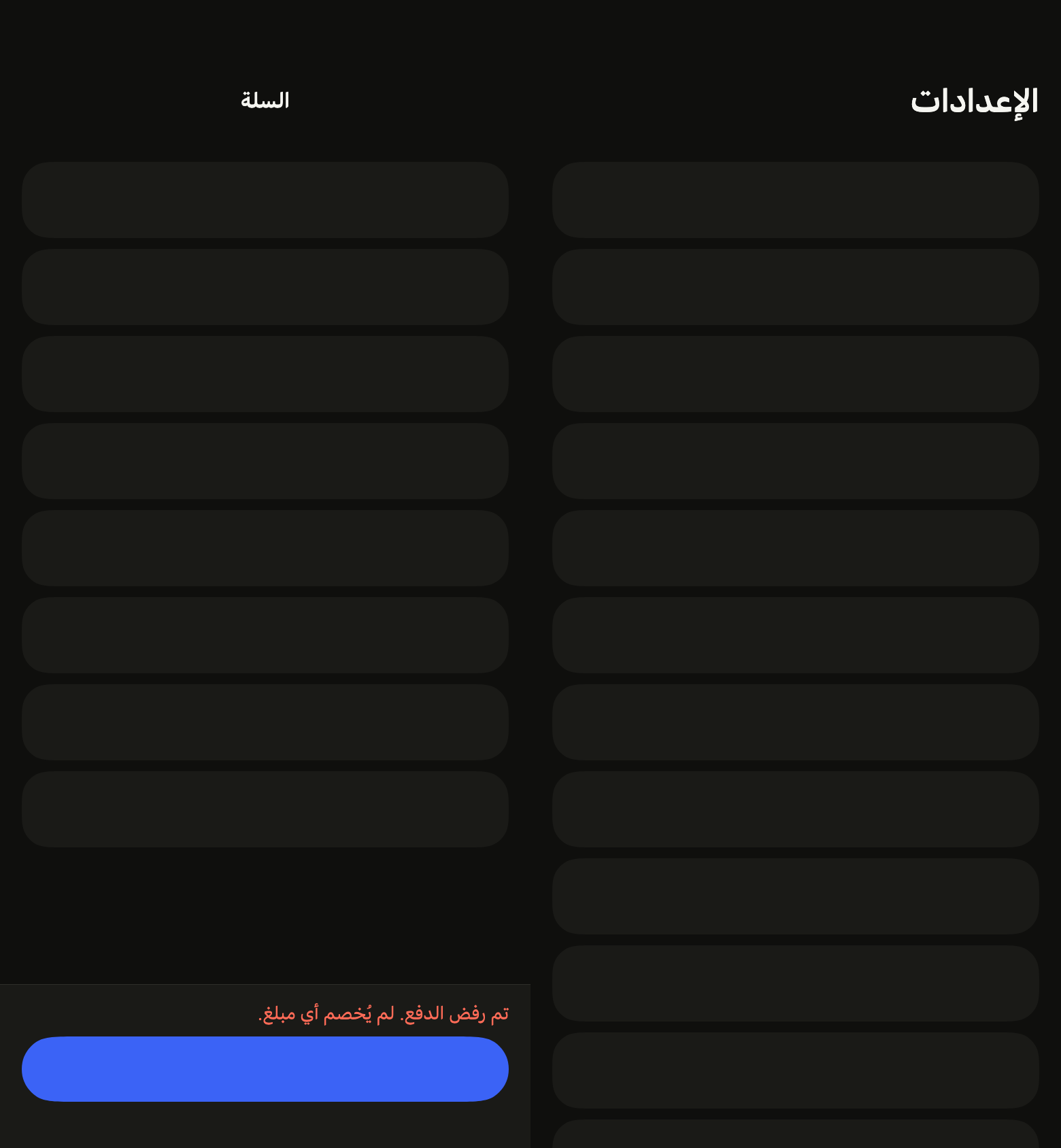
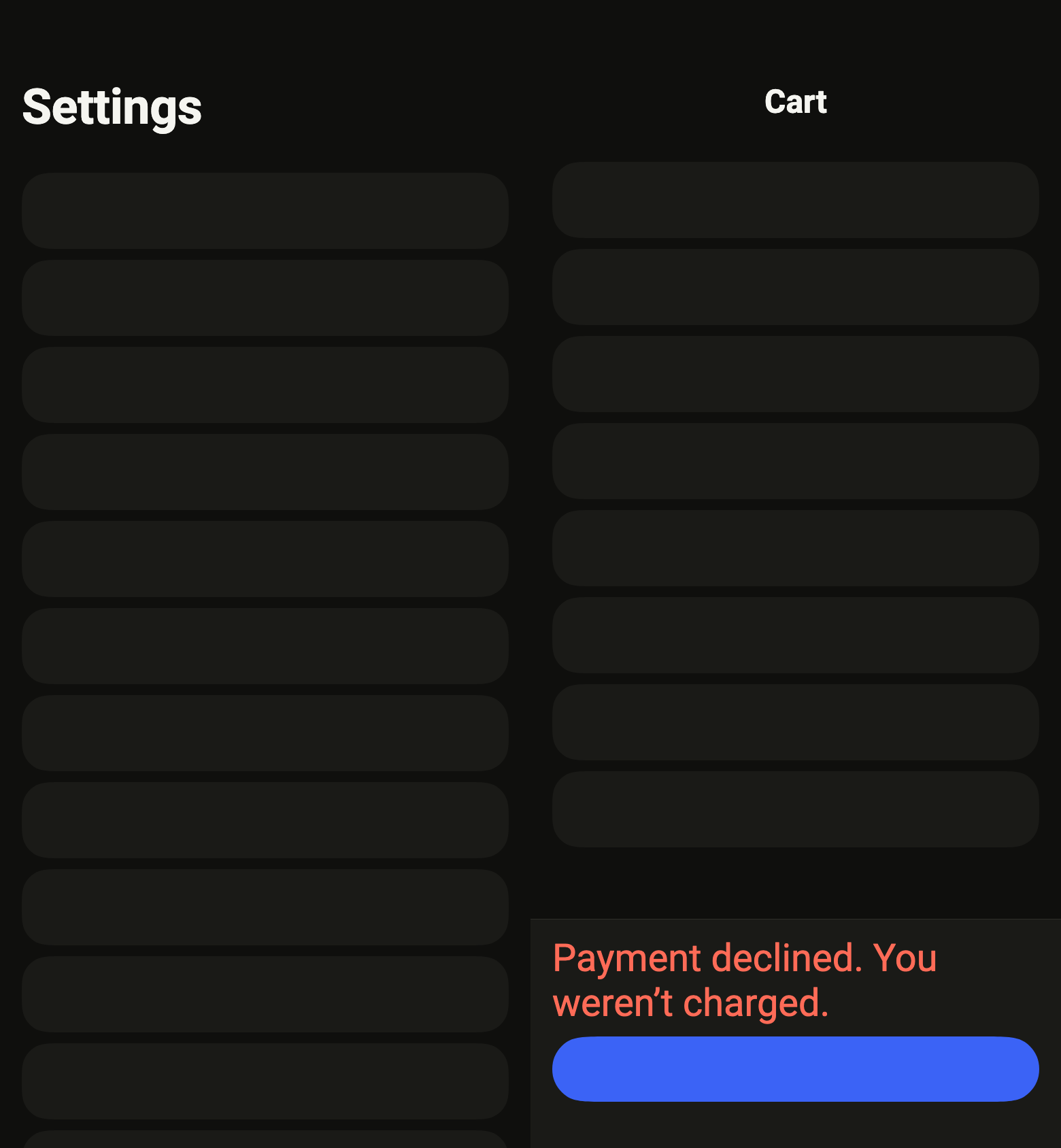
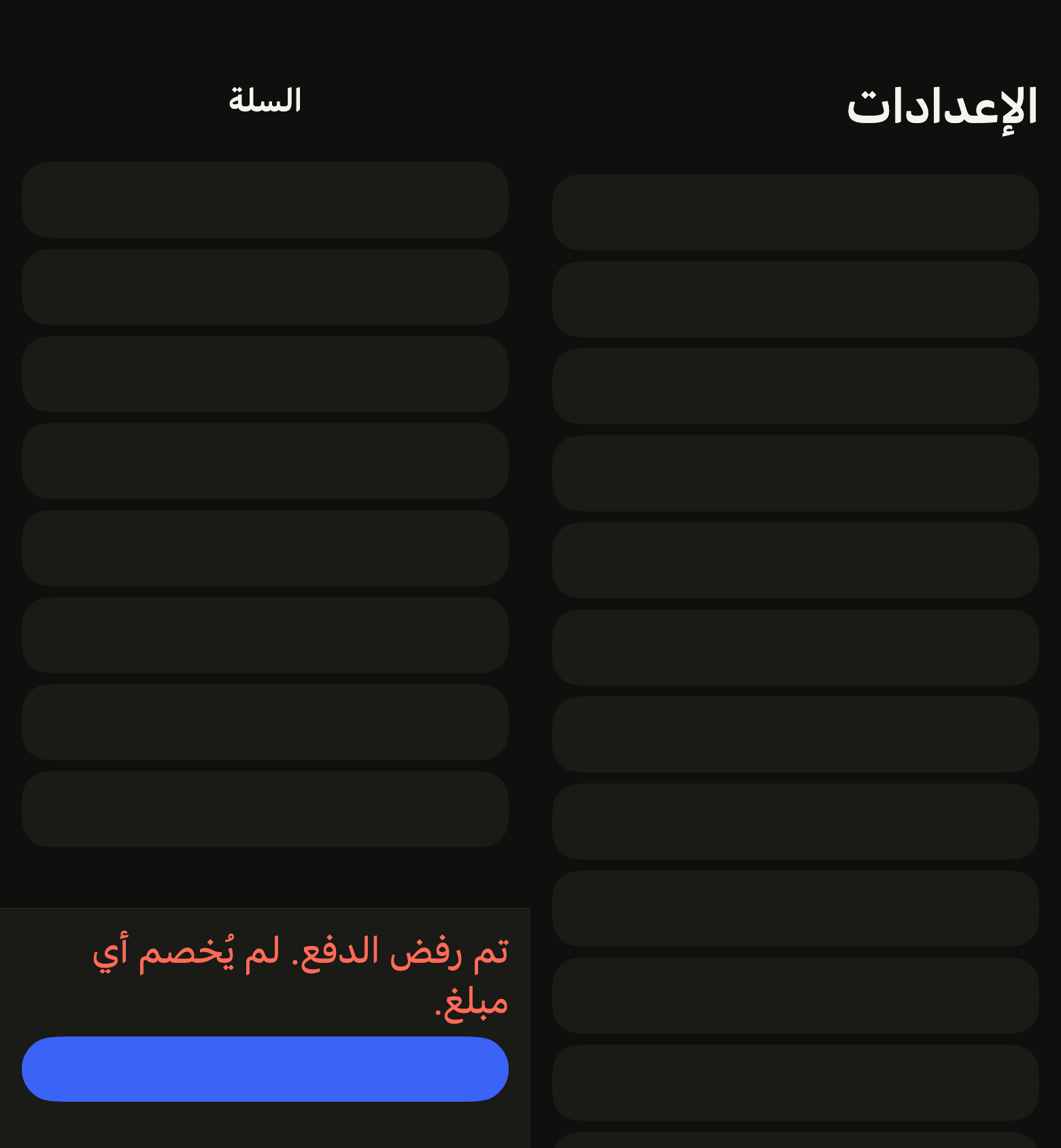
FlPageBar pins the main action to the bottom of the page, with what the user must read before it: here a refused payment above “Pay”.
import 'package:your_app/ui/fliin/components/alert/fl_alert.dart';
import 'package:your_app/ui/fliin/components/app_bar/fl_app_bar.dart';
import 'package:your_app/ui/fliin/components/button/fl_button.dart';
import 'package:your_app/ui/fliin/components/page/fl_page.dart';
import 'package:your_app/ui/fliin/core/fliin.dart';
import 'package:flutter/widgets.dart';

class PageBarExample extends StatelessWidget {
  const PageBarExample({super.key});

  @override
  Widget build(BuildContext context) {
    return FlPage(
      appBar: FlAppBar(
        title: 'Cart',
        back: FlAppBarBack(label: 'Back', onPressed: () {}),
      ),
      tabBar: FlPageBar(
        info: const [FlAlert(title: 'Payment declined. You weren’t charged.', status: FlAlertStatus.danger)],
        action: FlButton(label: 'Pay €137.90', onPressed: () {}),
      ),
      slivers: const [_Placeholder(12)],
    );
  }
}

/// Blank blocks standing in for the page's content.
class _Placeholder extends StatelessWidget {
  const _Placeholder(this.count);

  final int count;

  @override
  Widget build(BuildContext context) {
    final theme = FlScope.of(context);
    return SliverPadding(
      padding: EdgeInsetsDirectional.all(theme.space.lg),
      sliver: SliverList.list(
        children: [
          for (var i = 0; i < count; i++)
            Padding(
              padding: EdgeInsetsDirectional.only(bottom: theme.space.sm),
              child: SizedBox(
                height: 48,
                child: DecoratedBox(
                  decoration: ShapeDecoration(
                    color: theme.colors.surfaceRaised,
                    shape: FlContinuousBorder(radius: theme.shape.radiusCard),
                  ),
                ),
              ),
            ),
        ],
      ),
    );
  }
}Usage
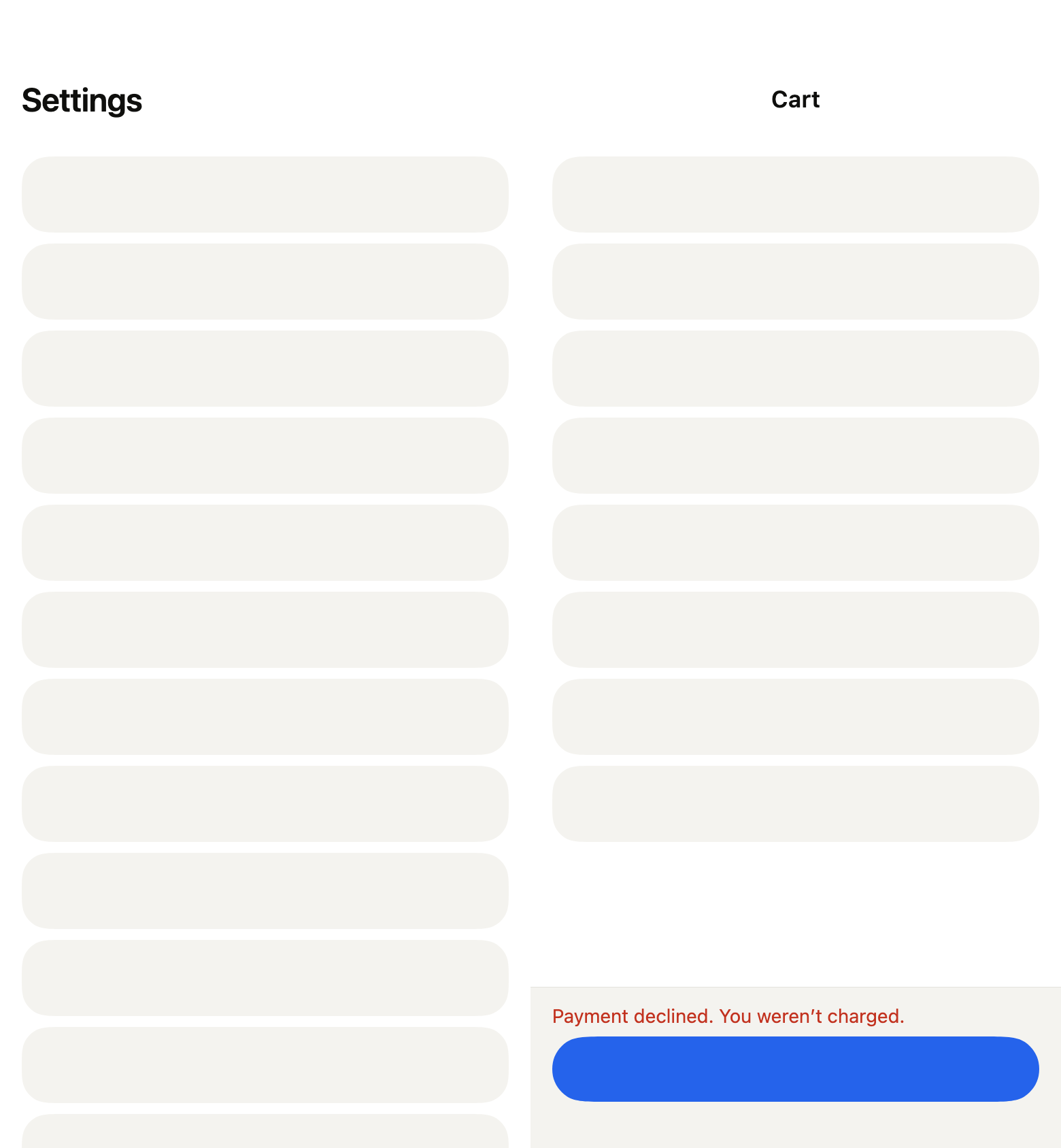
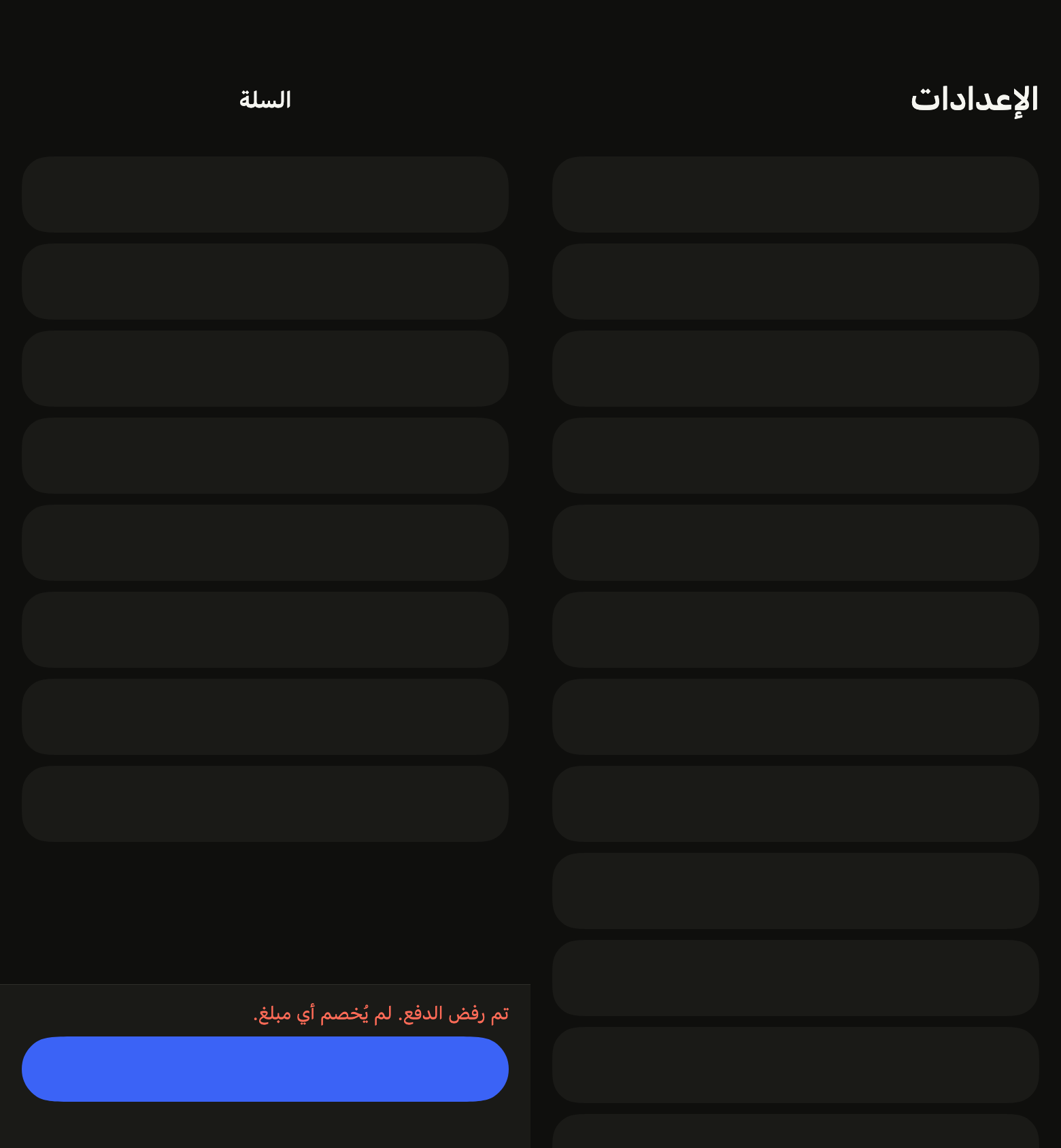
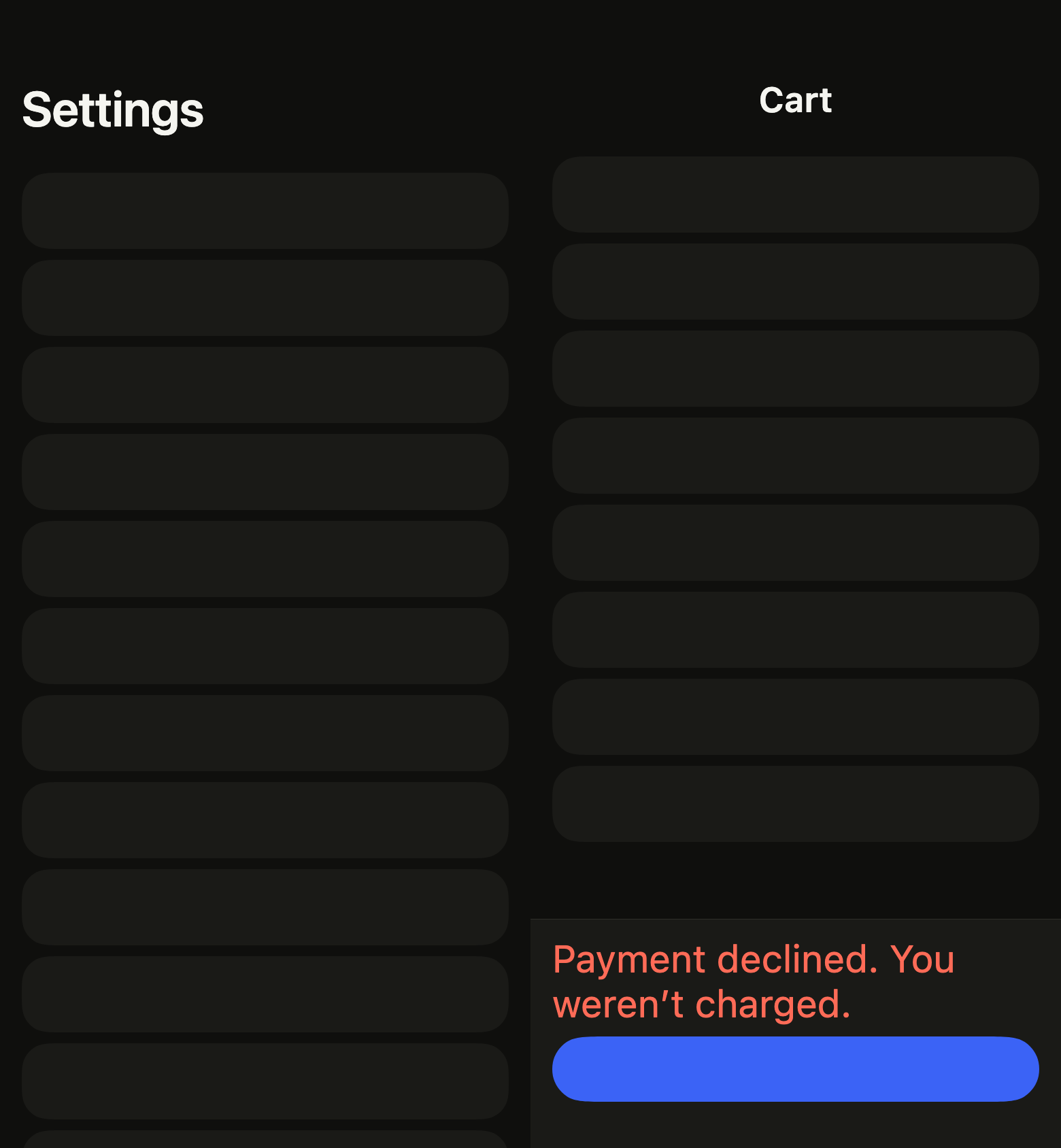
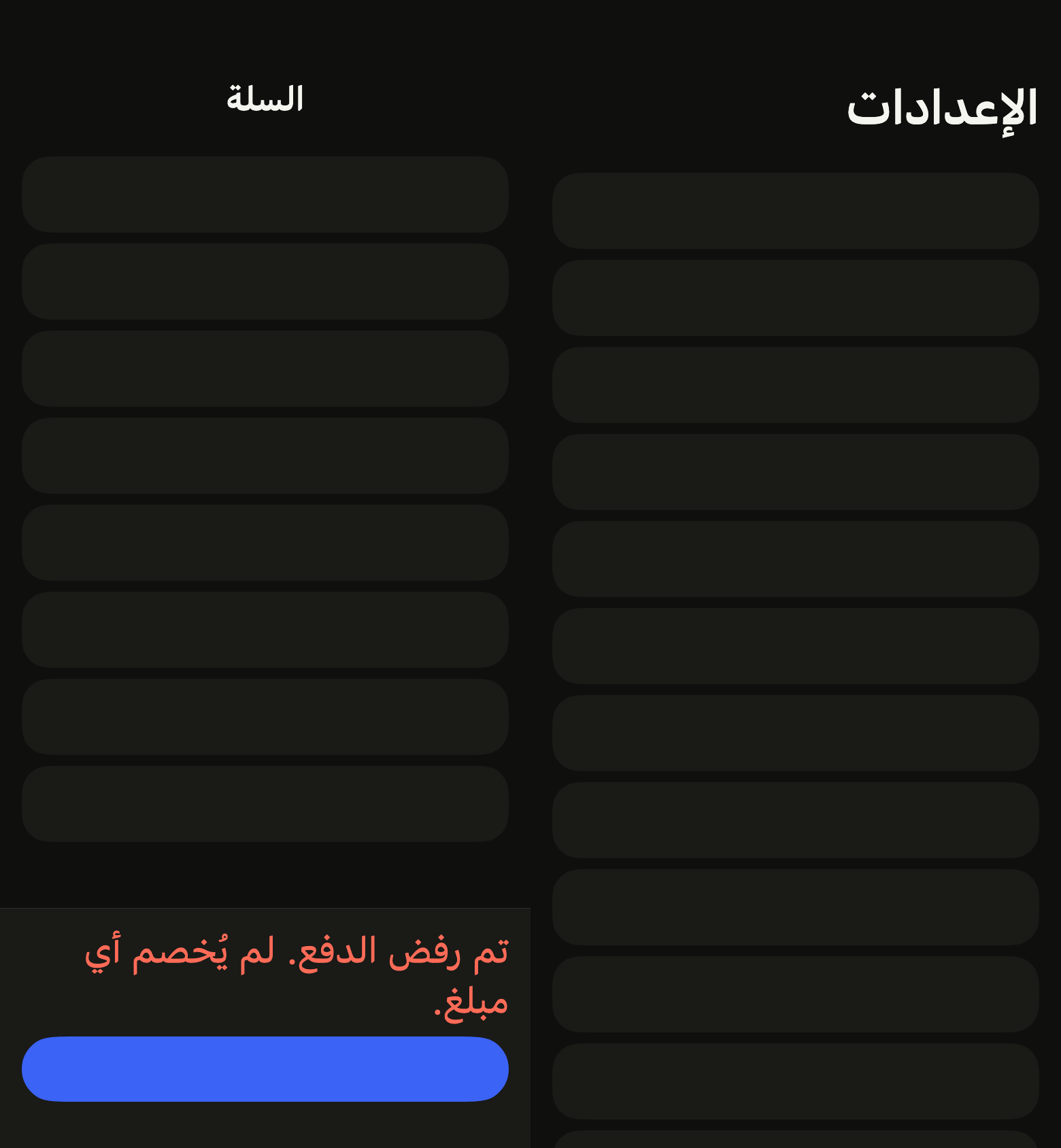
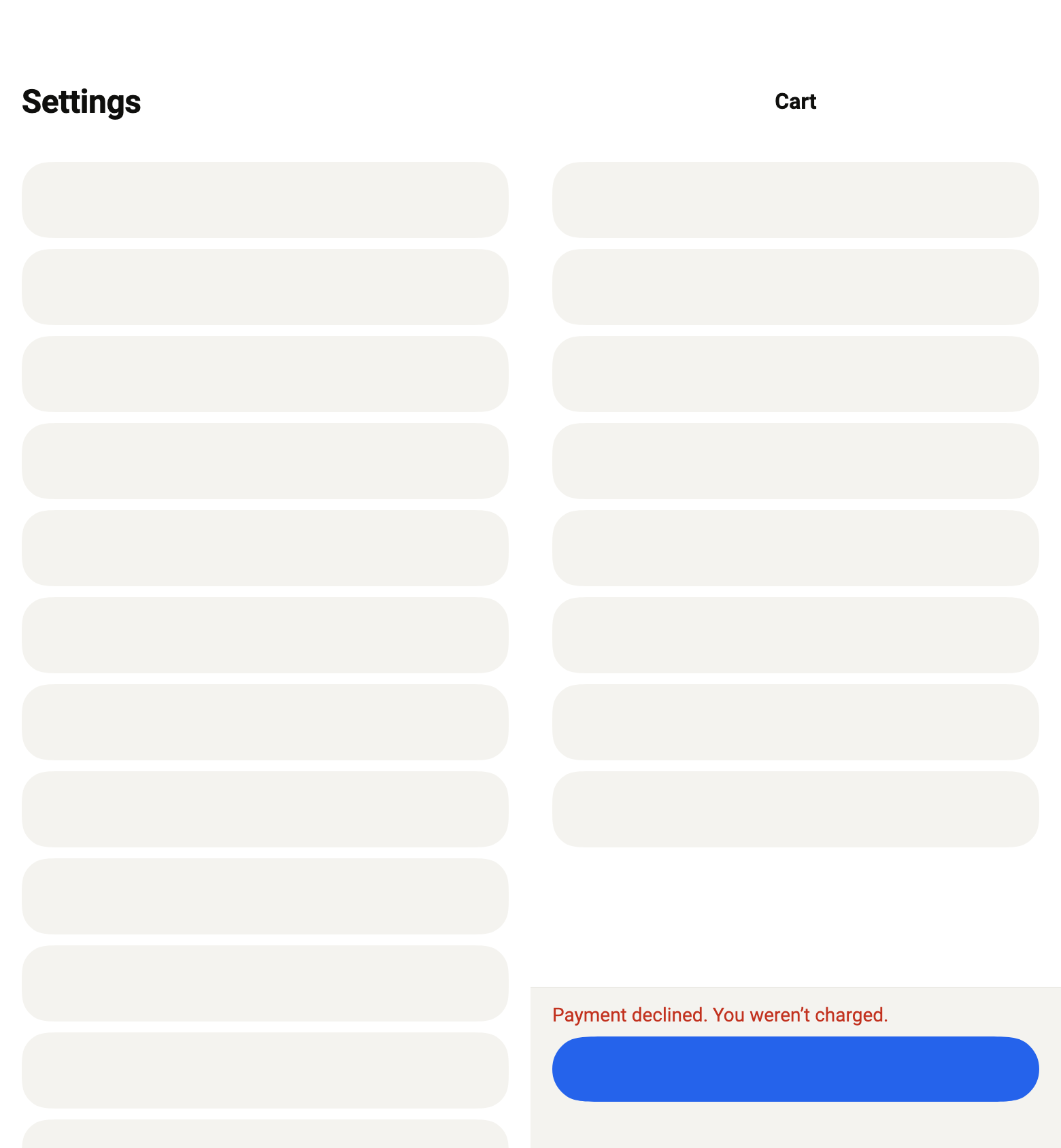
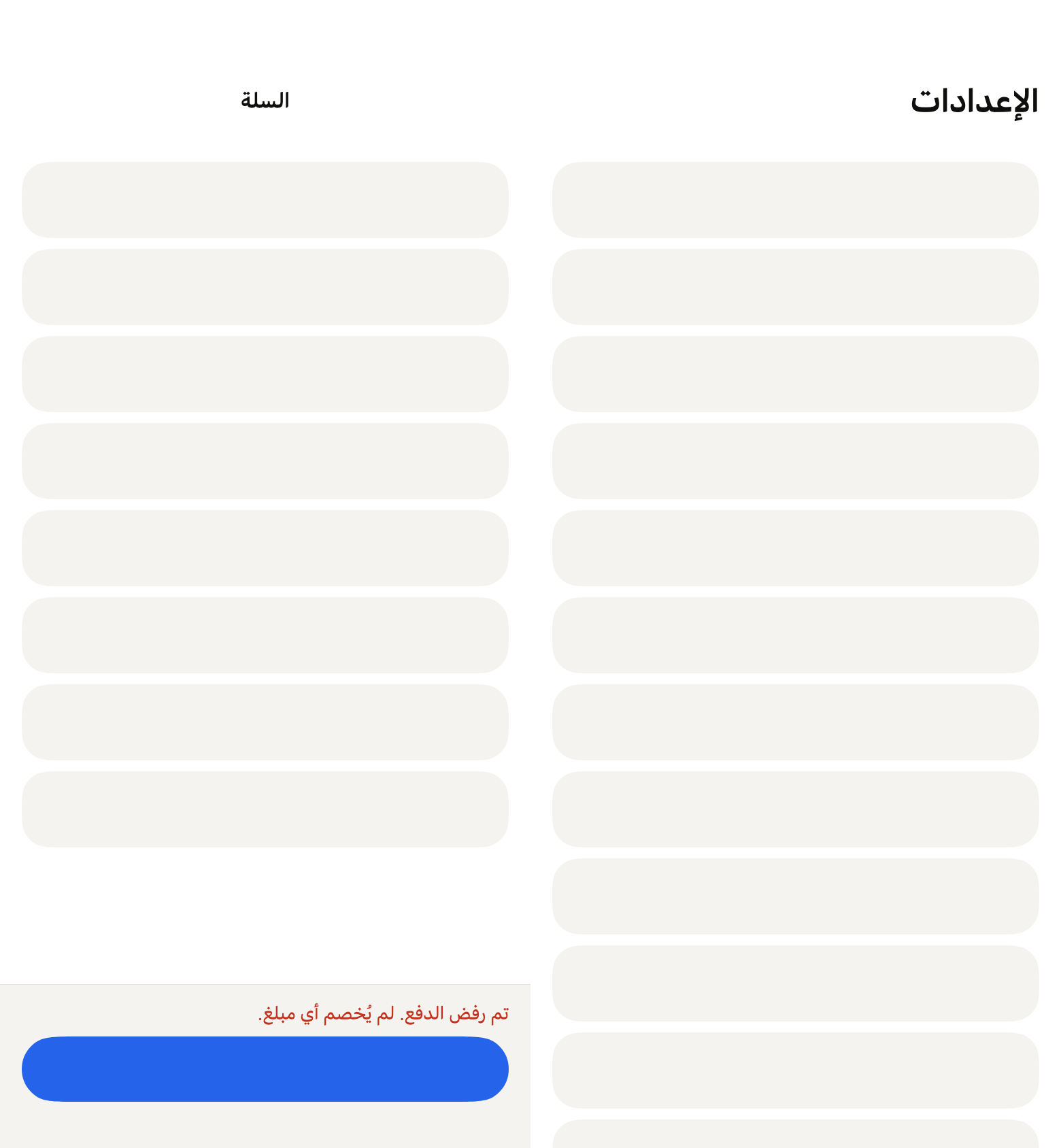
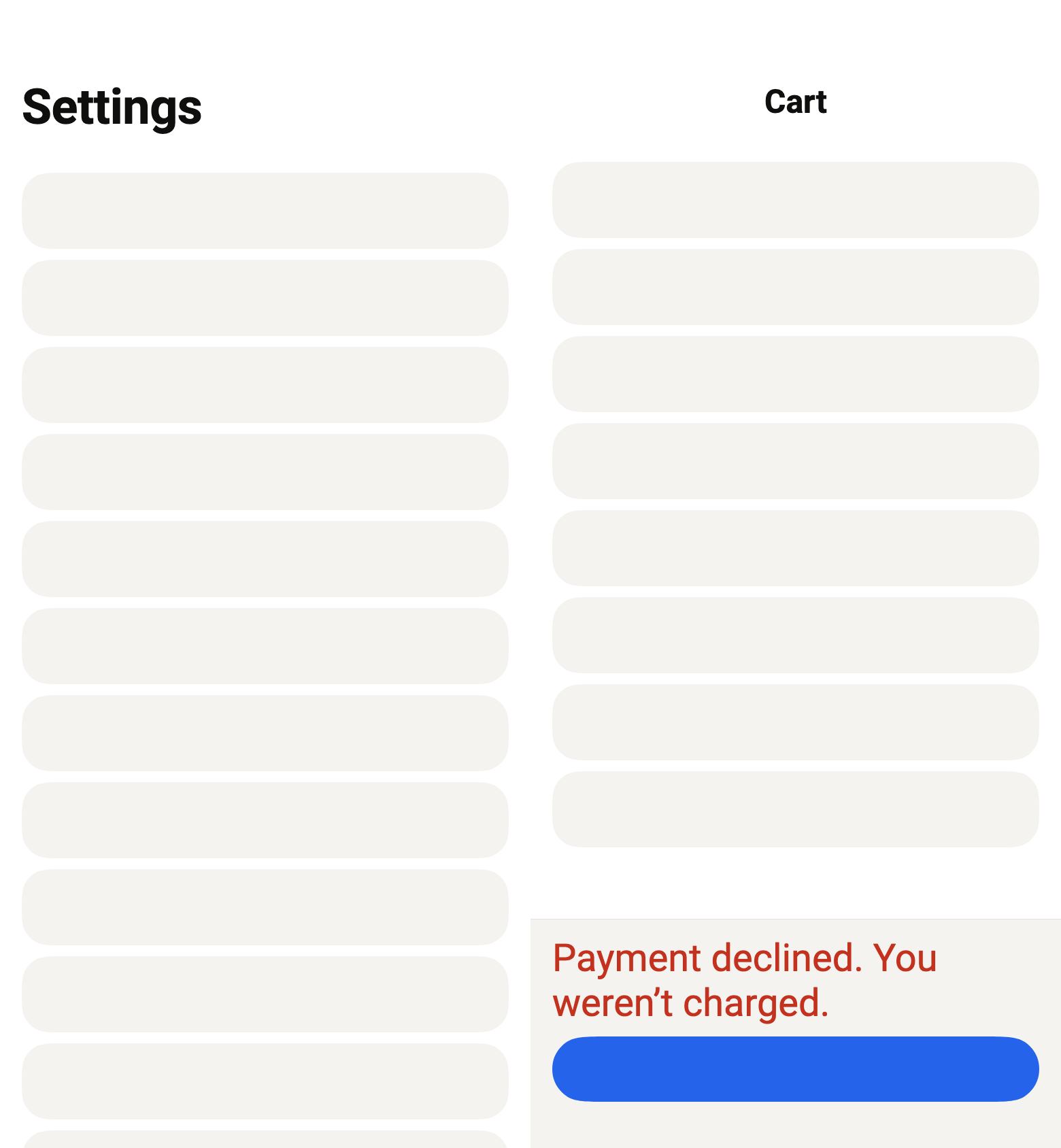
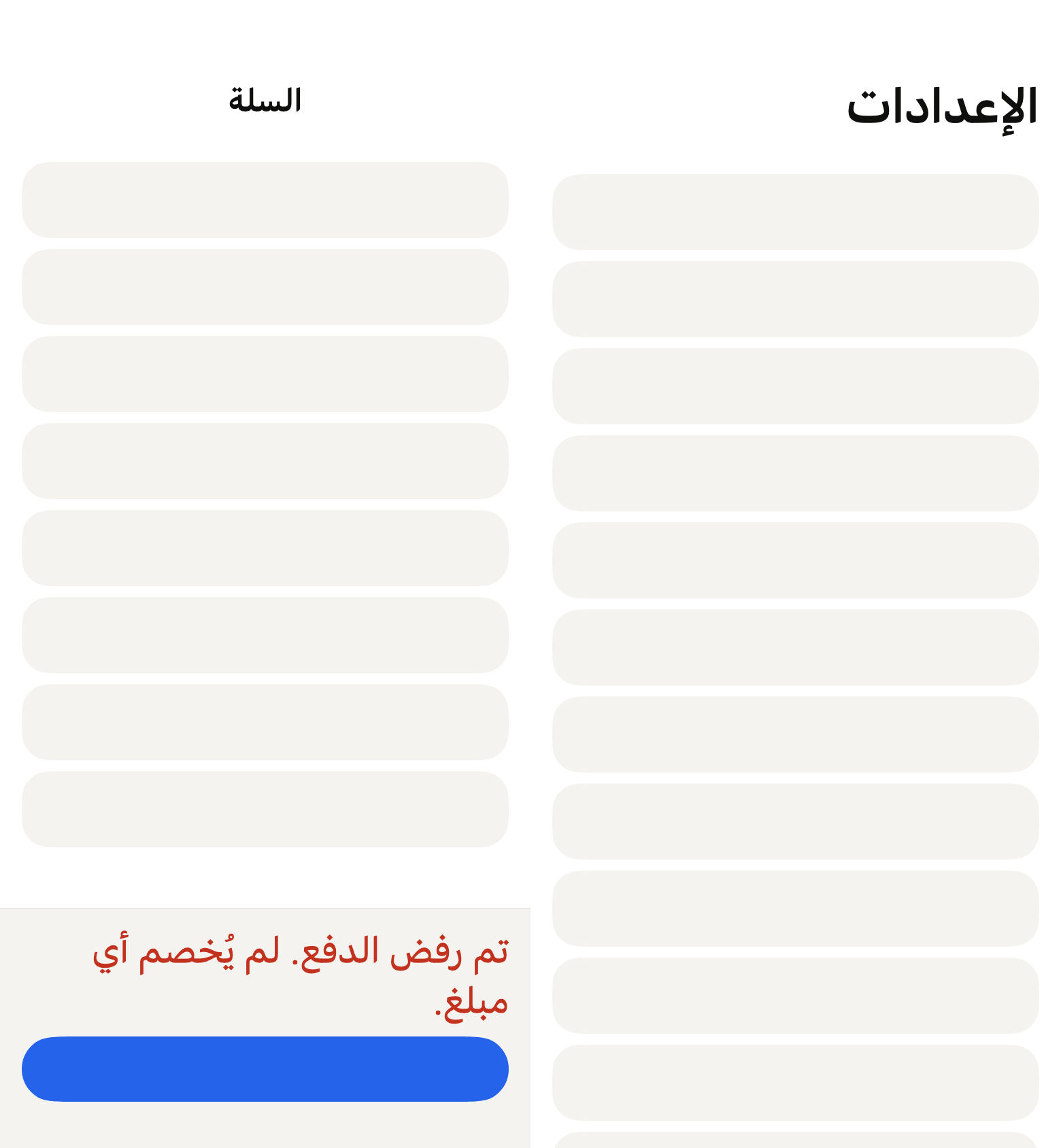
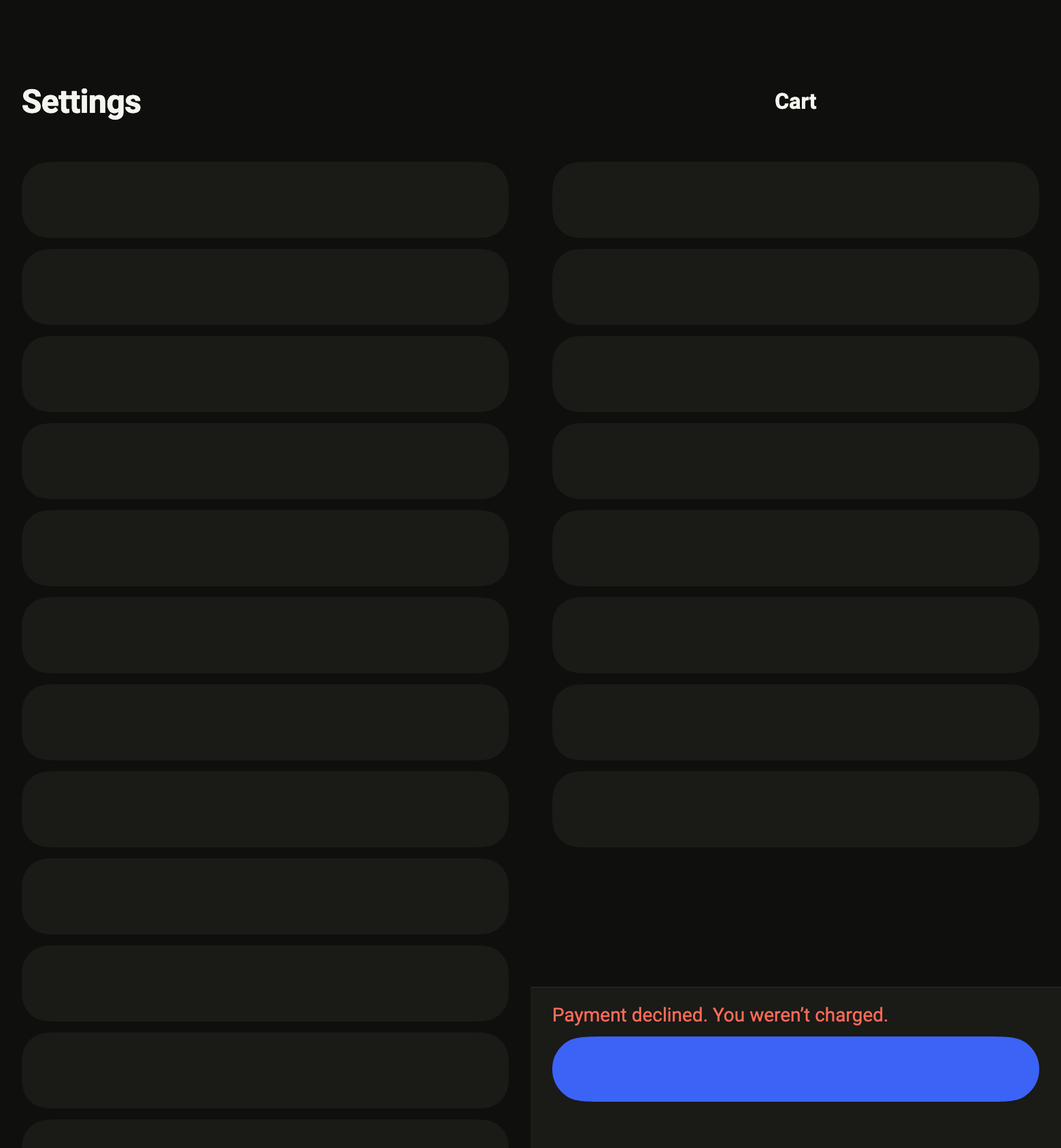
The code the reference images render:
final example = Row(
  crossAxisAlignment: CrossAxisAlignment.start,
  children: [
    SizedBox(
      width: MediaQuery.sizeOf(context).width / 2,
      height: MediaQuery.sizeOf(context).height,
      child: MediaQuery(
        data: MediaQuery.of(context).copyWith(
          size: Size(
            MediaQuery.sizeOf(context).width / 2,
            MediaQuery.sizeOf(context).height,
          ),
        ),
        child: Builder(
          builder: (context) => MediaQuery(
            data: MediaQuery.of(context)
                .copyWith(padding: const EdgeInsets.only(top: 47, bottom: 34)),
            child: FlPage(
              appBar: FlAppBar(
                title: 'Settings',
                titleSize: FlAppBarTitleSize.large,
              ),
              refresh: FlPageRefresh(label: 'Refresh', onRefresh: () async {}),
              slivers: [
                SliverPadding(
                  padding: EdgeInsetsDirectional.all(
                    FlScope.of(context).space.lg,
                  ),
                  sliver: SliverList.list(
                    children: [
                      for (var i = 0; i < 14; i++)
                        Padding(
                          padding: EdgeInsetsDirectional.only(
                            bottom: FlScope.of(context).space.sm,
                          ),
                          child: SizedBox(
                            height: 56,
                            child: DecoratedBox(
                              decoration: ShapeDecoration(
                                color: FlScope.of(context).colors.surfaceRaised,
                                shape: FlContinuousBorder(
                                  radius: FlScope.of(context).shape.radiusCard,
                                ),
                              ),
                            ),
                          ),
                        ),
                    ],
                  ),
                ),
              ],
            ),
          ),
        ),
      ),
    ),
    SizedBox(
      width: MediaQuery.sizeOf(context).width / 2,
      height: MediaQuery.sizeOf(context).height,
      child: MediaQuery(
        data: MediaQuery.of(context).copyWith(
          size: Size(
            MediaQuery.sizeOf(context).width / 2,
            MediaQuery.sizeOf(context).height,
          ),
        ),
        child: Builder(
          builder: (context) => MediaQuery(
            data: MediaQuery.of(context)
                .copyWith(padding: const EdgeInsets.only(top: 47, bottom: 34)),
            child: FlPage(
              appBar: FlAppBar(title: 'Cart'),
              tabBar: FlPageBar(
                info: [
                  Text(
                    'Payment declined. You weren’t charged.',
                    style: FlScope.of(context).typography
                        .resolve(FlTextRole.textSm)
                        .copyWith(color: FlScope.of(context).colors.danger),
                  ),
                ],
                action: SizedBox(
                  height: 48,
                  child: DecoratedBox(
                    decoration: ShapeDecoration(
                      color: FlScope.of(context).colors.accent,
                      shape: FlContinuousBorder(
                        radius: FlScope.of(context).shape.radiusButton,
                      ),
                    ),
                  ),
                ),
              ),
              slivers: [
                SliverPadding(
                  padding: EdgeInsetsDirectional.all(
                    FlScope.of(context).space.lg,
                  ),
                  sliver: SliverList.list(
                    children: [
                      for (var i = 0; i < 8; i++)
                        Padding(
                          padding: EdgeInsetsDirectional.only(
                            bottom: FlScope.of(context).space.sm,
                          ),
                          child: SizedBox(
                            height: 56,
                            child: DecoratedBox(
                              decoration: ShapeDecoration(
                                color: FlScope.of(context).colors.surfaceRaised,
                                shape: FlContinuousBorder(
                                  radius: FlScope.of(context).shape.radiusCard,
                                ),
                              ),
                            ),
                          ),
                        ),
                    ],
                  ),
                ),
              ],
            ),
          ),
        ),
      ),
    ),
  ],
);API
FlPageRefresh: final class
FlPageRefresh.new: const new({required String label, required Future<void> Function() onRefresh})
FlPageRefresh.label: get String
FlPageRefresh.onRefresh: get Future<void> Function()
FlPage: class extends StatefulWidget
FlPage.new: const new({super.key, FlAppBar? appBar, Widget? tabBar, FlPageRefresh? refresh, ScrollController? controller, required List<Widget> slivers})
FlPage.appBar: get FlAppBar?
FlPage.tabBar: get Widget?
FlPage.refresh: get FlPageRefresh?
FlPage.controller: get ScrollController?
FlPage.slivers: get List<Widget>
FlPage.createState: State<FlPage>()
FlPageBar: class extends StatelessWidget
FlPageBar.new: const new({super.key, List<Widget> info, Widget? action, bool plain})
FlPageBar.info: get List<Widget>
FlPageBar.action: get Widget?
FlPageBar.plain: get bool
FlPageBar.build: Widget(BuildContext context)Reference renders
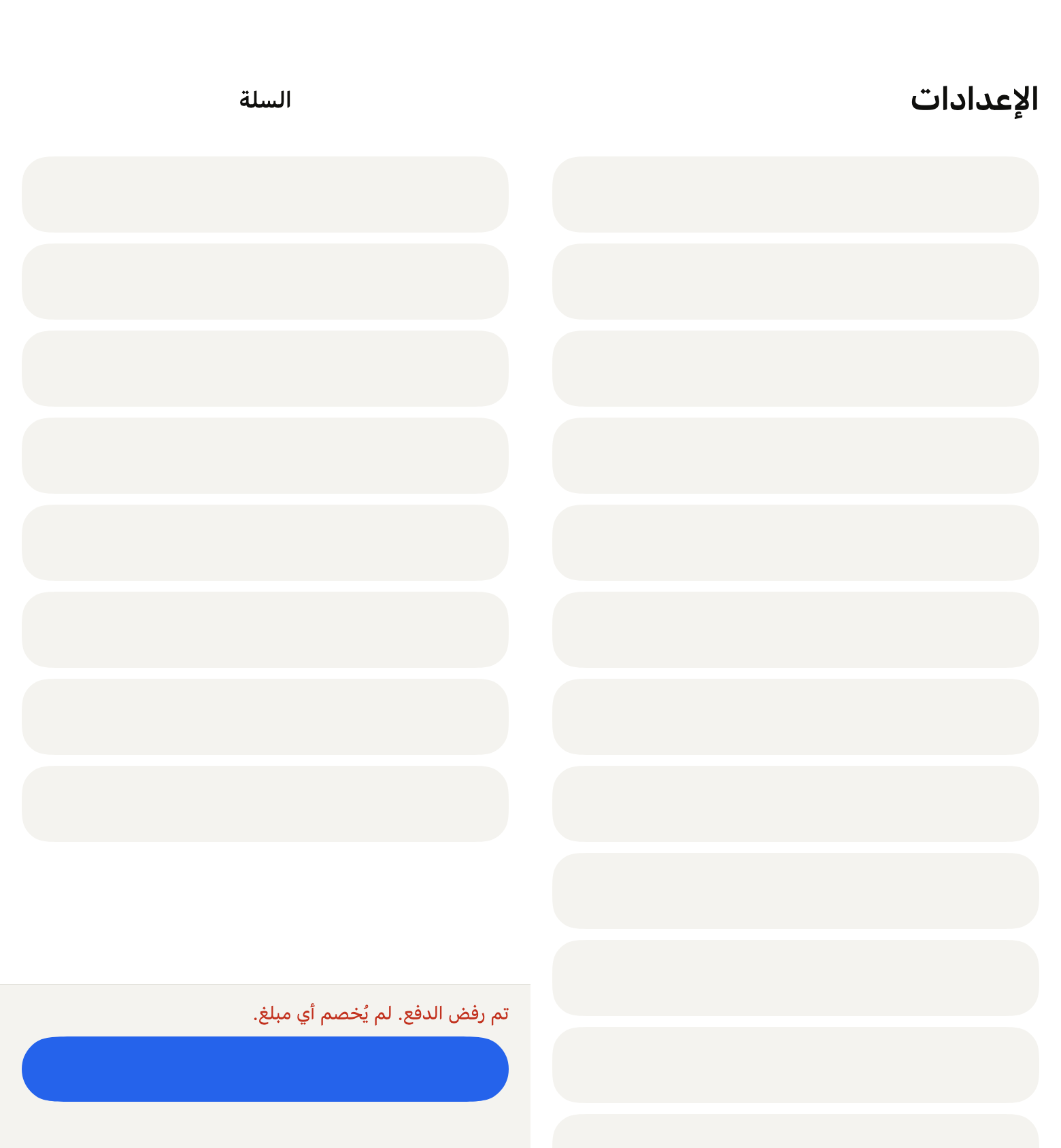
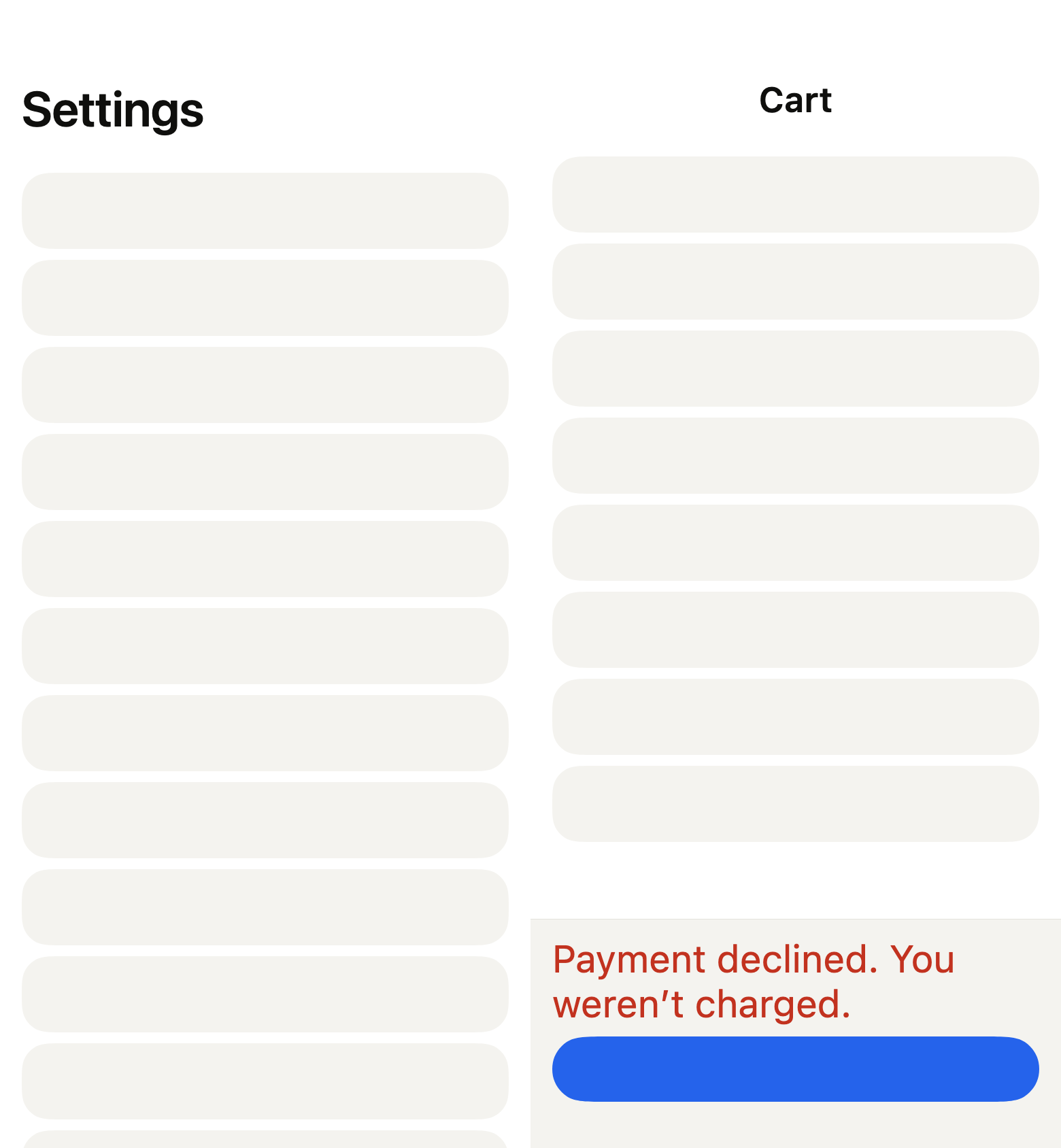
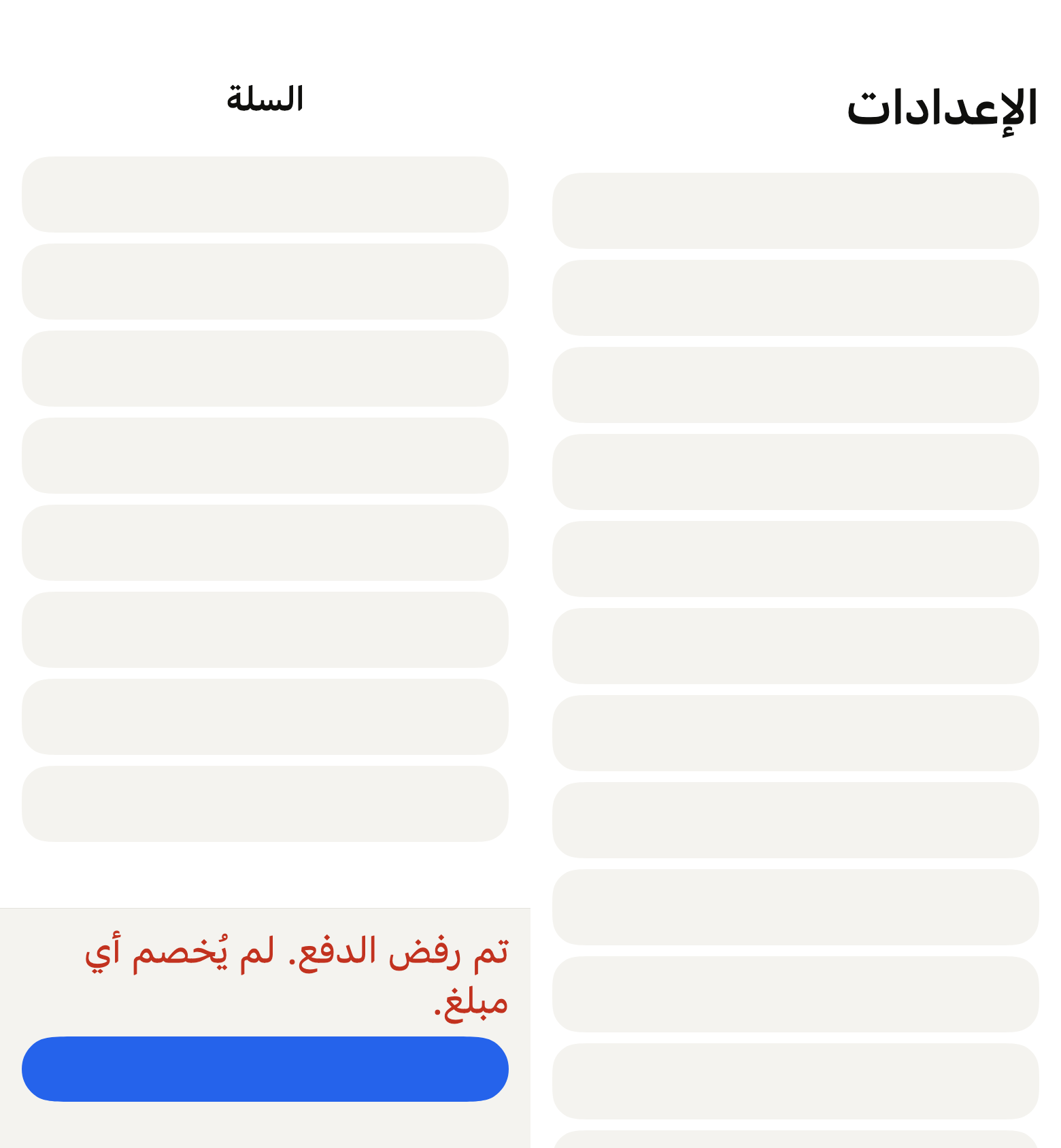
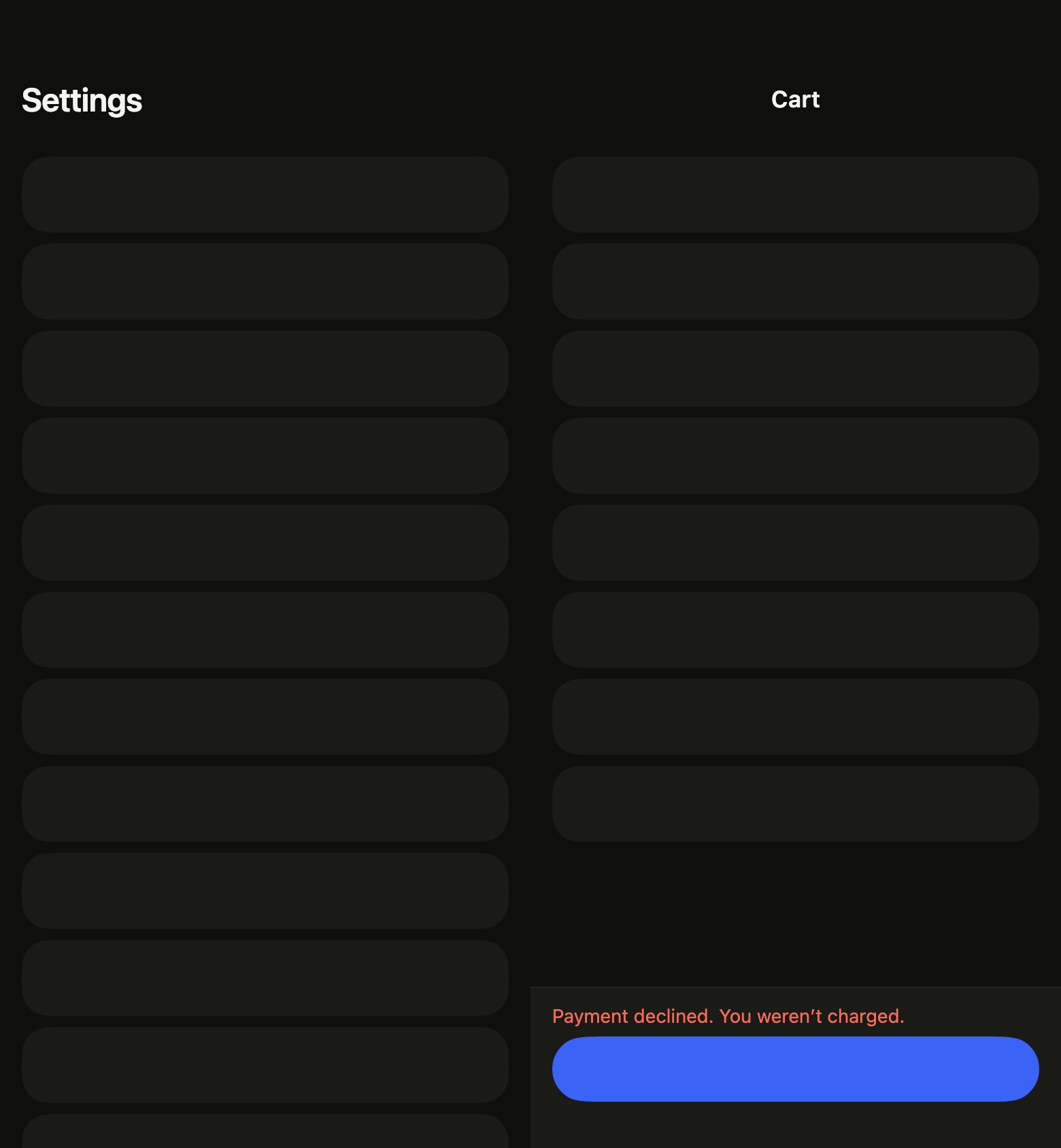
The 16 images published with version 0.2.3, rendered by the shared harness on macOS with Flutter 3.47.7. fliin verify page compares your copy to them.
Use it to
- create a full screen with a scrolling list
- let users reload a list by pulling it down
- keep a text field visible above the keyboard
- respect the notch and the home indicator
- keep the tabs under the content
- keep a pay action within reach under a long list
- Not for
- a window laid over the screen: use a bottom sheet (sheet)
- States
Source
The files fliin add page copies into your app, before your prefix and imports are applied.
page/fl_page.dart
import 'dart:async' show unawaited;
import 'dart:math' as math;

import 'package:flutter/rendering.dart';
import 'package:flutter/services.dart' show HapticFeedback;
import 'package:flutter/widgets.dart';
import 'package:fliin_ui/components/app_bar/fl_app_bar.dart';
import 'package:fliin_ui/components/scroll_shadow/fl_scroll_shadow.dart';
import 'package:fliin_ui/components/separator/fl_separator.dart';
import 'package:fliin_ui/components/spinner/fl_spinner.dart';
import 'package:fliin_ui/core/fliin.dart';

/// "Pull to refresh" on an [FlPage].
final class FlPageRefresh {
  /// A refresh named [label] ("Actualiser") that awaits [onRefresh].
  const FlPageRefresh({required this.label, required this.onRefresh});

  /// What the screen reader reads: the name of the indicator, and of the
  /// action that refreshes without a gesture.
  final String label;

  /// Reloads the content; the indicator spins until the future completes.
  final Future<void> Function() onRefresh;
}

/// The pull that triggers the refresh, and the height the indicator keeps
/// while it spins on iOS: those of the `UIRefreshControl` that
/// `CupertinoSliverRefreshControl` mirrors.
const _trigger = 100.0;
const _held = 60.0;

/// The indicator's disc on Android, and its travel: those of Material's
/// `RefreshIndicator`.
const _disc = 40.0;
const _discTravel = 50.0;

/// The refresh cycle. `done` waits for the gesture to end and the content
/// to settle back: a finger still pulling after the future completes
/// triggers nothing again, as with `UIRefreshControl`.
enum _Phase { idle, pulling, refreshing, done }

/// How the gesture shows: iOS pulls the content and reveals the indicator
/// above it; Android keeps the content and slides a disc down over it.
enum _Gesture { reveal, overlay }

/// The frame of a screen: the `surface` background, a pinned [appBar] that
/// follows the scroll, the content [slivers] in a `CustomScrollView`, a
/// [tabBar] at the bottom, and the safe area shared between them. The bottom
/// safe-area inset comes after the [slivers], which still read it from the
/// `MediaQuery`: no sliver adds it again.
///
/// Scrolling follows the theme's platform: it bounces on iOS and macOS, and
/// clamps elsewhere. The keyboard shrinks the content above it, without
/// lifting the [tabBar], which it covers: a focused field stays visible.
/// With [refresh], pulling the top of the content reloads the page, through
/// the platform's gesture, and the `FlSpinner` spins until it is done.
///
/// Transitions, back navigation and Android's predictive back are left to
/// the app's router: the page sets up none of them.
class FlPage extends StatefulWidget {
  /// A page of [slivers].
  const FlPage({super.key, this.appBar, this.tabBar, this.refresh, this.controller, required this.slivers});

  /// The top bar, pinned at the head of the scroll; when null, the content
  /// starts below the safe area.
  final FlAppBar? appBar;

  /// The bottom navigation, usually an `FlBottomTabBar`, which carries the
  /// bottom safe area; when null, the content keeps it as padding.
  final Widget? tabBar;

  /// "Pull to refresh"; when null, the top of the content reloads nothing.
  final FlPageRefresh? refresh;

  /// The scroll controller; when null, the page holds its own.
  final ScrollController? controller;

  /// The content, below the top bar.
  final List<Widget> slivers;

  @override
  State<FlPage> createState() => _FlPageState();
}

class _FlPageState extends State<FlPage> with SingleTickerProviderStateMixin {
  late final AnimationController _pull = AnimationController.unbounded(vsync: this);
  _Phase _phase = _Phase.idle;
  bool _dragging = false;
  ScrollController? _own;

  ScrollController get _scroll => widget.controller ?? (_own ??= ScrollController());

  _Gesture get _gesture => switch (FlScope.of(context).platform) {
    TargetPlatform.iOS || TargetPlatform.macOS => _Gesture.reveal,
    _ => _Gesture.overlay,
  };

  @override
  void dispose() {
    _pull.dispose();
    _own?.dispose();
    super.dispose();
  }

  /// Hands over to the next gesture, once the finger is lifted and the
  /// indicator is back to zero.
  void _rearm() {
    if (_phase == _Phase.done && !_dragging && _pull.value == 0) {
      _phase = _Phase.idle;
    }
  }

  /// Drives Android's disc to [target] with the `spatial` spring, or at once
  /// under reduced motion: its travel is a movement, not a fade.
  void _settle(double target) {
    final motion = FlMotion.of(context);
    if (motion.reduced) {
      _pull.value = target;
      _rearm();
    } else {
      unawaited(_pull.driveTo(target, FlSpringMotion(motion.tokens.spatial)).then((_) => _rearm()));
    }
  }

  /// Refreshes. Without a gesture (the screen reader's action), the scroll
  /// goes back to the top to reveal the indicator.
  Future<void> _start({bool gesture = true}) async {
    final refresh = widget.refresh;
    if (refresh == null || _phase == _Phase.refreshing) return;
    setState(() => _phase = _Phase.refreshing);
    switch (_gesture) {
      case _Gesture.reveal:
        if (gesture) unawaited(HapticFeedback.lightImpact());
      case _Gesture.overlay:
        _settle(_trigger);
    }
    if (!gesture) {
      WidgetsBinding.instance.addPostFrameCallback((_) => _reveal());
    }
    try {
      await refresh.onRefresh();
    } finally {
      if (mounted) {
        setState(() => _phase = _Phase.done);
        if (_gesture == _Gesture.overlay) {
          _settle(0);
        } else {
          _rearm();
        }
      }
    }
  }

  void _reveal() {
    if (!mounted || !_scroll.hasClients) return;
    final position = _scroll.position;
    final theme = FlScope.of(context);
    if (FlMotion.of(context).reduced) {
      position.jumpTo(position.minScrollExtent);
    } else {
      unawaited(
        position.animateTo(position.minScrollExtent, duration: theme.motion.short4, curve: theme.motion.standard),
      );
    }
  }

  bool _onScroll(ScrollNotification notification) {
    if (widget.refresh == null || notification.depth != 0 || notification.metrics.axis != Axis.vertical) {
      return false;
    }
    final metrics = notification.metrics;
    switch (notification) {
      case ScrollStartNotification(:final dragDetails) when dragDetails != null:
        _dragging = true;
      case ScrollEndNotification():
        _dragging = false;
      case _:
    }
    switch ((_gesture, notification)) {
      case (_Gesture.reveal, ScrollUpdateNotification(:final dragDetails)):
        _pull.value = math.max(0.0, metrics.minScrollExtent - metrics.pixels);
        if (_phase == _Phase.idle && dragDetails != null && _pull.value > 0) {
          _phase = _Phase.pulling;
        }
        if (_phase == _Phase.pulling && _pull.value >= _trigger) {
          unawaited(_start());
        }
        if (_phase == _Phase.pulling && dragDetails == null) {
          _phase = _Phase.idle;
        }
      case (_Gesture.overlay, OverscrollNotification(:final overscroll, :final dragDetails))
          when dragDetails != null && overscroll < 0 && (_phase == _Phase.idle || _phase == _Phase.pulling):
        _phase = _Phase.pulling;
        _pull.value -= overscroll;
      case (_Gesture.overlay, ScrollUpdateNotification(:final scrollDelta?)) when _phase == _Phase.pulling:
        _pull.value = math.max(0.0, _pull.value - scrollDelta);
      case (_Gesture.overlay, ScrollEndNotification()) when _phase == _Phase.pulling:
        if (_pull.value >= _trigger) {
          unawaited(_start());
        } else {
          _phase = _Phase.idle;
          _settle(0);
        }
      case _:
    }
    _rearm();
    return false;
  }

  @override
  Widget build(BuildContext context) {
    final theme = FlScope.of(context);
    final media = MediaQuery.of(context);
    final appBar = widget.appBar;
    final refresh = widget.refresh;
    final tabBar = widget.tabBar;
    final gesture = _gesture;
    final reveal = gesture == _Gesture.reveal;
    final physics = reveal
        ? const BouncingScrollPhysics(parent: AlwaysScrollableScrollPhysics())
        : const ClampingScrollPhysics(parent: AlwaysScrollableScrollPhysics());
    Widget body = NotificationListener<ScrollNotification>(
      onNotification: _onScroll,
      child: NotificationListener<OverscrollIndicatorNotification>(
        onNotification: (notification) {
          if (refresh != null && notification.leading) {
            notification.disallowIndicator();
          }
          return false;
        },
        child: CustomScrollView(
          controller: _scroll,
          physics: physics,
          slivers: [
            if (appBar != null)
              FlSliverAppBar(appBar: appBar)
            else
              SliverPadding(padding: EdgeInsets.only(top: media.padding.top)),
            if (refresh != null)
              _RefreshSliver(
                pull: _pull,
                held: reveal && _phase == _Phase.refreshing ? _held : 0,
                gesture: gesture,
                child: _Indicator(
                  pull: _pull,
                  gesture: gesture,
                  refreshing: _phase == _Phase.refreshing,
                  label: refresh.label,
                ),
              ),
            // The bottom inset stays readable by the slivers, so that an
            // empty state can derive its room: `SliverSafeArea` removed it.
            SliverSafeArea(top: false, bottom: false, sliver: SliverMainAxisGroup(slivers: widget.slivers)),
            SliverPadding(padding: EdgeInsets.only(bottom: media.padding.bottom)),
          ],
        ),
      ),
    );
    // Always there, even without [refresh]: a tree that changed shape when
    // refresh became null recreated the scroll view, and focus got lost.
    body = Semantics(
      container: refresh != null,
      explicitChildNodes: true,
      label: refresh?.label,
      customSemanticsActions: refresh == null
          ? null
          : {CustomSemanticsAction(label: refresh.label): () => _start(gesture: false)},
      child: body,
    );
    return ColoredBox(
      color: theme.colors.surface,
      child: CustomMultiChildLayout(
        delegate: _PageLayout(keyboard: media.viewInsets.bottom),
        children: [
          LayoutId(
            id: _Slot.body,
            child: MediaQuery(
              data: media
                  .removeViewInsets(removeBottom: true)
                  .removePadding(removeBottom: tabBar != null)
                  .removeViewPadding(removeBottom: tabBar != null),
              child: body,
            ),
          ),
          if (tabBar != null) LayoutId(id: _Slot.tabBar, child: tabBar),
        ],
      ),
    );
  }
}

enum _Slot { body, tabBar }

/// The tab bar at the bottom, at its own height; the content above it, or
/// above the keyboard when it covers the bar.
class _PageLayout extends MultiChildLayoutDelegate {
  _PageLayout({required this.keyboard});

  final double keyboard;

  @override
  void performLayout(Size size) {
    var bar = 0.0;
    if (hasChild(_Slot.tabBar)) {
      bar = layoutChild(_Slot.tabBar, BoxConstraints.tightFor(width: size.width)).height;
      positionChild(_Slot.tabBar, Offset(0, size.height - bar));
    }
    final height = math.max(0.0, size.height - math.max(bar, keyboard));
    layoutChild(_Slot.body, BoxConstraints.tightFor(width: size.width, height: height));
    positionChild(_Slot.body, Offset.zero);
  }

  @override
  bool shouldRelayout(_PageLayout oldDelegate) => keyboard != oldDelegate.keyboard;
}

/// The refresh `FlSpinner`: centered in the revealed space on iOS, in a
/// disc that slides down on Android. It appears as the user pulls, and only
/// announces itself while spinning.
class _Indicator extends StatelessWidget {
  const _Indicator({required this.pull, required this.gesture, required this.refreshing, required this.label});

  final Animation<double> pull;
  final _Gesture gesture;
  final bool refreshing;
  final String label;

  @override
  Widget build(BuildContext context) {
    final theme = FlScope.of(context);
    final spinner = FlSpinner(label: label, color: theme.colors.onSurfaceMuted);
    return AnimatedBuilder(
      animation: pull,
      child: ExcludeSemantics(excluding: !refreshing, child: spinner),
      builder: (context, spinner) {
        final shown = refreshing ? 1.0 : (pull.value / _trigger).clamp(0.0, 1.0);
        // When hidden, the spinner leaves the tree: it does not spin for nothing.
        if (shown == 0) return const SizedBox.shrink();
        return switch (gesture) {
          _Gesture.reveal => Opacity(
            opacity: shown,
            child: Center(child: spinner),
          ),
          _Gesture.overlay => Align(
            alignment: Alignment.topCenter,
            child: Transform.translate(
              offset: Offset(0, math.min(pull.value / _trigger, 1.0) * _discTravel - _disc),
              child: Opacity(
                opacity: shown,
                child: FlShadow(
                  layers: theme.shadows.overlay,
                  shape: const CircleBorder(),
                  child: SizedBox.square(
                    dimension: _disc,
                    child: DecoratedBox(
                      decoration: ShapeDecoration(color: theme.colors.surfaceRaised, shape: const CircleBorder()),
                      child: Center(child: spinner),
                    ),
                  ),
                ),
              ),
            ),
          ),
        };
      },
    );
  }
}

/// The indicator's sliver, just below the top bar. On iOS, it paints in the
/// space the overscroll opens above it, and keeps [held] of height during
/// the refresh; a scroll offset correction absorbs each change of [held] so
/// the content does not jump. On Android, it takes no room and paints the
/// disc over the content.
class _RefreshSliver extends SingleChildRenderObjectWidget {
  const _RefreshSliver({required this.pull, required this.held, required this.gesture, required Widget super.child});

  final Animation<double> pull;
  final double held;
  final _Gesture gesture;

  @override
  RenderObject createRenderObject(BuildContext context) => _RenderRefresh(pull, held, gesture);

  @override
  void updateRenderObject(BuildContext context, _RenderRefresh renderObject) => renderObject
    ..pull = pull
    ..held = held
    ..gesture = gesture;
}

class _RenderRefresh extends RenderSliver with RenderObjectWithChildMixin<RenderBox> {
  _RenderRefresh(this._pull, this._held, this._gesture);

  Animation<double> _pull;
  set pull(Animation<double> value) {
    if (value == _pull) return;
    if (attached) _pull.removeListener(markNeedsLayout);
    _pull = value;
    if (attached) _pull.addListener(markNeedsLayout);
    markNeedsLayout();
  }

  double _held;
  set held(double value) {
    if (value == _held) return;
    _held = value;
    markNeedsLayout();
  }

  _Gesture _gesture;
  set gesture(_Gesture value) {
    if (value == _gesture) return;
    _gesture = value;
    markNeedsLayout();
  }

  double _compensated = 0;

  @override
  void attach(PipelineOwner owner) {
    super.attach(owner);
    _pull.addListener(markNeedsLayout);
  }

  @override
  void detach() {
    _pull.removeListener(markNeedsLayout);
    super.detach();
  }

  @override
  void performLayout() {
    final box = child!;
    if (_held != _compensated) {
      geometry = SliverGeometry(scrollOffsetCorrection: _held - _compensated);
      _compensated = _held;
      return;
    }
    final scrolled = constraints.scrollOffset;
    switch (_gesture) {
      case _Gesture.reveal:
        final gap = math.max(0.0, _pull.value);
        final total = gap + _held;
        box.layout(BoxConstraints.tightFor(width: constraints.crossAxisExtent, height: total));
        final paint = (total - scrolled).clamp(0.0, constraints.remainingPaintExtent);
        geometry = SliverGeometry(
          scrollExtent: _held,
          paintOrigin: -gap,
          paintExtent: paint,
          layoutExtent: (_held - scrolled).clamp(0.0, paint),
          maxPaintExtent: total,
          hasVisualOverflow: true,
        );
      case _Gesture.overlay:
        box.layout(BoxConstraints.tightFor(width: constraints.crossAxisExtent, height: _discTravel));
        final visible = _pull.value > 0 && scrolled == 0;
        geometry = SliverGeometry(
          paintExtent: visible ? math.min(_discTravel, constraints.remainingPaintExtent) : 0,
          layoutExtent: 0,
          maxPaintExtent: _discTravel,
          hasVisualOverflow: true,
        );
    }
  }

  final LayerHandle<ClipRectLayer> _clip = LayerHandle<ClipRectLayer>();

  @override
  void dispose() {
    _clip.layer = null;
    super.dispose();
  }

  @override
  void paint(PaintingContext context, Offset offset) {
    final geometry = this.geometry!;
    if (geometry.paintExtent <= 0) {
      _clip.layer = null;
      return;
    }
    switch (_gesture) {
      case _Gesture.reveal:
        _clip.layer = null;
        context.paintChild(child!, offset + Offset(0, -constraints.scrollOffset));
      case _Gesture.overlay:
        // The disc comes out of the sliver's top edge, below the top bar,
        // without passing over it when the bar is transparent.
        _clip.layer = context.pushClipRect(
          needsCompositing,
          offset,
          Offset.zero & Size(constraints.crossAxisExtent, geometry.paintExtent),
          (context, offset) => context.paintChild(child!, offset),
          oldLayer: _clip.layer,
        );
    }
  }

  @override
  void applyPaintTransform(RenderBox child, Matrix4 transform) {
    if (_gesture == _Gesture.reveal) {
      transform.translateByDouble(0, -constraints.scrollOffset, 0, 1);
    }
  }

  @override
  bool hitTestChildren(
    SliverHitTestResult result, {
    required double mainAxisPosition,
    required double crossAxisPosition,
  }) => false;
}

/// The action bar at the bottom of a screen, to place in the `tabBar` slot of
/// an [FlPage]: a divider, what the screen says next to the action ([info]: a
/// notice, the billed amount), then the [action] ("Payer", "S'abonner"). The
/// background is `surfaceRaised`, and the bottom safe area is kept. With
/// [plain], neither background nor divider: the action seems to sit on the
/// page, and the content stops above it.
///
/// It takes at most half of the screen's height, and with the keyboard open,
/// half of the room above it. Beyond that (a much enlarged text, a long
/// notice), [info] scrolls within its share, with an edge shadow where text
/// is hidden, and the [action] stays at the bottom, always on screen: without
/// this cap, the bar could push the content and the top bar off the screen.
/// An action taller than the whole bar (an extreme text size) scrolls in
/// turn, its bottom on screen. With the keyboard open, the bar sits on it,
/// unlike a tab bar, which the keyboard covers: the primary button stays
/// visible while typing. [info] keeps its focus order, and the screen reader
/// scrolls through it.
class FlPageBar extends StatelessWidget {
  /// The bar of the [action], below [info].
  const FlPageBar({super.key, this.info = const [], this.action, this.plain = false});

  /// What is said above the action, top to bottom; when empty, the action
  /// alone.
  final List<Widget> info;

  /// The primary action, an `FlButton` or a row of buttons; when null, the
  /// bar only says [info] (a removed line that can be restored, in a cart
  /// that became empty).
  final Widget? action;

  /// True: no background nor divider, on the page's color.
  final bool plain;

  @override
  Widget build(BuildContext context) {
    final theme = FlScope.of(context);
    final space = theme.space;
    final colors = theme.colors;
    // With the keyboard open, the bar sits on it: the action stays visible,
    // and the content stops above it (`_PageLayout`). The cap includes the
    // bottom safe area: the bar never takes more than half of the room above
    // the keyboard.
    final keyboard = MediaQuery.viewInsetsOf(context).bottom;
    final line = 1 / MediaQuery.devicePixelRatioOf(context);
    // The bottom safe area replaces the bar's last `space.md` instead of
    // adding to it, as in the canvas's frames.
    final bottom = math.max(MediaQuery.paddingOf(context).bottom, space.md);
    final bar = ColoredBox(
      color: plain ? colors.surface : colors.surfaceRaised,
      child: ConstrainedBox(
        constraints: BoxConstraints(maxHeight: (MediaQuery.sizeOf(context).height - keyboard) / 2),
        child: SafeArea(
          top: false,
          bottom: false,
          // The action keeps its height as long as it fits; taller than the
          // whole bar (an extreme text size), it scrolls, its bottom on screen.
          child: LayoutBuilder(
            builder: (context, constraints) => Column(
              mainAxisSize: MainAxisSize.min,
              crossAxisAlignment: CrossAxisAlignment.stretch,
              children: [
                if (!plain) FlSeparator(thickness: line),
                if (info.isNotEmpty)
                  Flexible(
                    child: FlScrollShadow(
                      color: plain ? colors.surface : colors.surfaceRaised,
                      size: space.xl,
                      child: SingleChildScrollView(
                        padding: EdgeInsetsDirectional.fromSTEB(
                          space.lg,
                          space.md,
                          space.lg,
                          action == null ? bottom : 0,
                        ),
                        child: Column(
                          mainAxisSize: MainAxisSize.min,
                          crossAxisAlignment: CrossAxisAlignment.stretch,
                          // gap-2 of Izydesk's page bar.
                          spacing: space.sm,
                          children: info,
                        ),
                      ),
                    ),
                  ),
                if (action case final action?)
                  ConstrainedBox(
                    constraints: BoxConstraints(maxHeight: constraints.maxHeight - (plain ? 0 : line)),
                    child: SingleChildScrollView(
                      reverse: true,
                      child: Padding(
                        padding: EdgeInsetsDirectional.fromSTEB(
                          space.lg,
                          info.isEmpty ? space.md : space.sm,
                          space.lg,
                          bottom,
                        ),
                        child: action,
                      ),
                    ),
                  ),
              ],
            ),
          ),
        ),
      ),
    );
    return keyboard == 0
        ? bar
        : Padding(
            padding: EdgeInsets.only(bottom: keyboard),
            child: bar,
          );
  }
}